
1. Giriş
This manual provides essential information for setting up, operating, maintaining, and troubleshooting your OPPO A6 Pro 5G smartphone. Please read this guide thoroughly to ensure proper use and to maximize the device's capabilities.
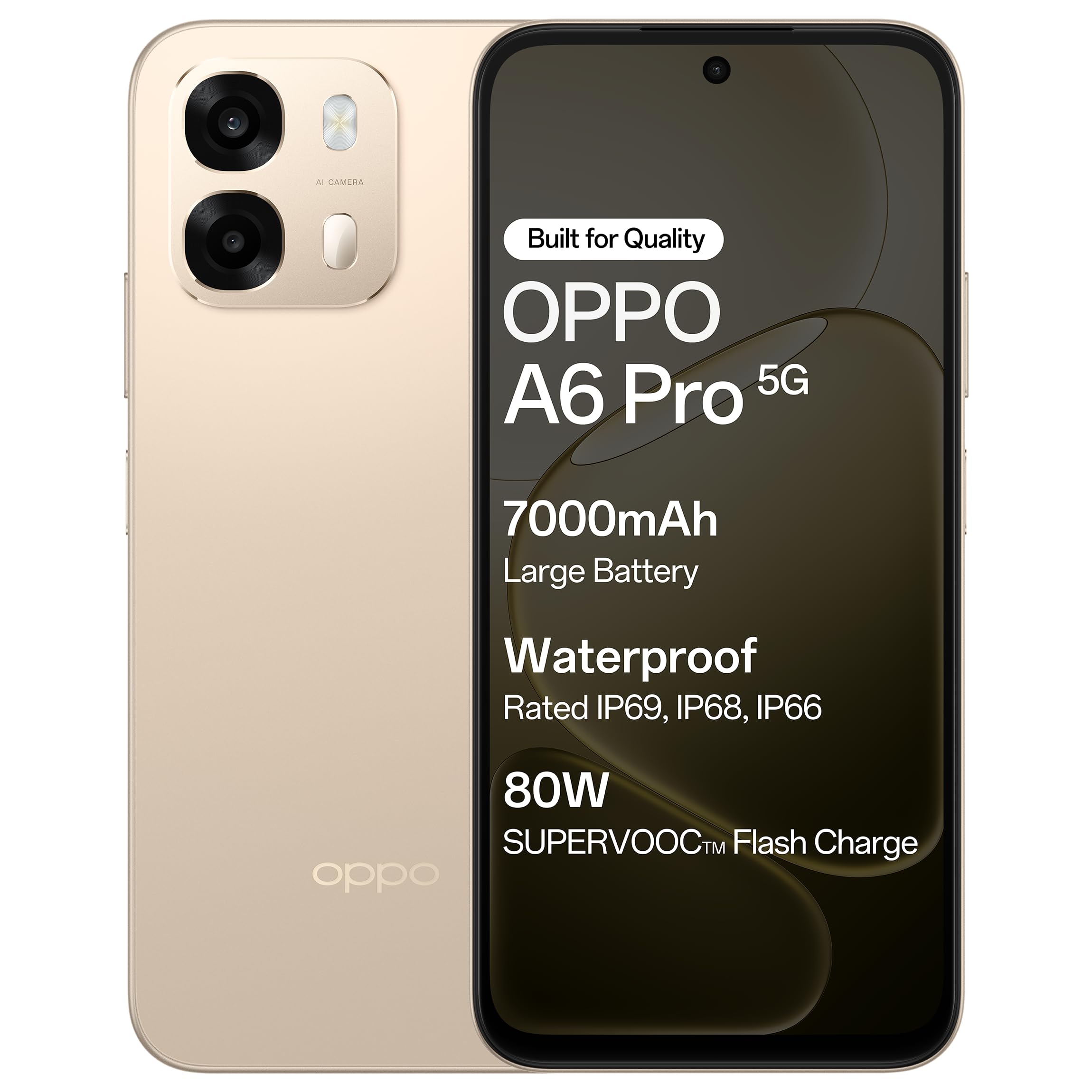
Şekil 1.1: Ön view of the OPPO A6 Pro 5G smartphone.
2. Paket İçeriği
Ürün paketinizde tüm öğelerin mevcut olduğunu doğrulayın:
- OPPO A6 Pro 5G Smartphone
- Güç Adaptörü
- USB kablosu
- Telefon Kılıfı
- SIM Tepsisi Çıkarıcı
3. Kurulum
3.1. Inserting SIM Card and SD Card
- Cihazın yan tarafında bulunan SIM kart tepsisini bulun.
- SIM kart tepsisi çıkarma aracını tepsinin yanındaki küçük deliğe yerleştirin ve tepsi dışarı çıkana kadar hafifçe bastırın.
- Nano-SIM kartınızı/kartlarınızı ve/veya microSD kartınızı tepsideki belirtilen yuvalara yerleştirin. Altın temas noktalarının aşağı baktığından emin olun.
- Tepsiyi yerine oturana kadar dikkatlice telefona yeniden yerleştirin.
3.2. İlk Şarj
Before first use, it is recommended to fully charge your device. Connect the USB cable to the power adapter and then to the phone's charging port. Plug the power adapter into a wall outlet.

Figure 3.1: The device screen displaying 80W SUPERVOOC Flash Charge status.
3.3. Güç Açma ve İlk Yapılandırma
- OPPO logosu görünene kadar Güç düğmesini (sağ tarafta bulunur) basılı tutun.
- Dilinizi, bölgenizi seçmek, bir Wi-Fi ağına bağlanmak ve Google hesabınızı kurmak için ekrandaki talimatları izleyin.
- Configure security features such as fingerprint unlock or face unlock as desired.
4. Kullanım Talimatları
4.1. Temel Gezinme
- Güç Düğmesi: Press and hold to power on/off or restart. Press briefly to lock/unlock the screen.
- Ses Düğmeleri: Medya sesini, arama sesini veya zil sesi seviyesini ayarlayın.
- Dokunma Hareketleri: Seçmek için dokunun, kaydırmak için kaydırın, yakınlaştırmak için sıkıştırın.
4.2. Arama Yapma ve Mesaj Gönderme
Tap the Phone icon to make calls. Tap the Messages icon to send and receive text messages.
4.3. Kamera Kullanımı
Open the Camera app to capture photos and videos. Tap the shutter button to take a picture. Swipe left or right to switch between modes like Photo, Video, Portrait, etc.

Figure 4.1: The 50MP Ultra-Clear Camera capturing a detailed landscape.
4.4. Bağlantı
Access Wi-Fi and Bluetooth settings from the Quick Settings panel (swipe down from the top of the screen) or through the Settings app.

Figure 4.2: AI LinkBoost 3.0 ensures stable online connectivity.
5. Temel Özellikler
5.1. Ekran
The OPPO A6 Pro 5G features a 17.14 cm (6.75-inch) HD+ IPS LCD Ultra Bright 1125 nits Display with a 120Hz high refresh rate, providing smooth visuals and enhanced outdoor visibility.

Figure 5.1: The 120Hz Ultra Bright Display offers fluid visuals.
5.2. Pil ve Şarj
Equipped with a massive 7000mAh battery, the device supports extended usage. The 80W SUPERVOOC Flash Charge technology allows for rapid charging. Additionally, the phone supports wired reverse charging, enabling it to charge other devices using a C-to-C data cable.
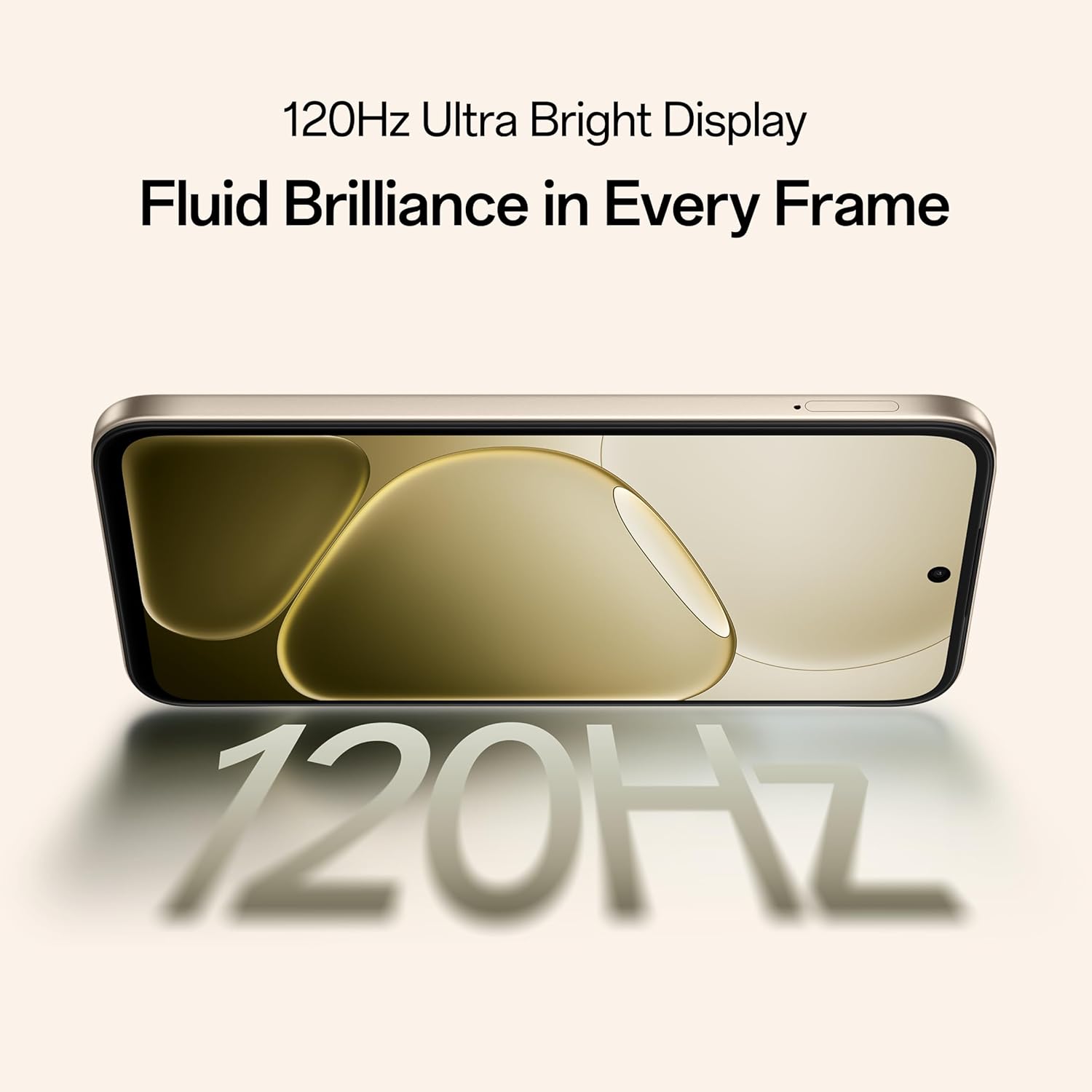
Figure 5.2: Internal representation of the 7000mAh large battery.

Figure 5.3: The device performing reverse wired charging to another gadget.
5.3. Dayanıklılık
The OPPO A6 Pro 5G features triple IP-rated durability (IP69, IP68, and IP66), providing protection against water jets, immersion, hot water, steam, and dust.

Figure 5.4: The device demonstrating IP69 water and dust resistance.
5.4. Performans
Powered by the 6nm MediaTek Dimensity 6300 chipset, the phone offers enhanced performance and power efficiency with reliable 5G connectivity. It is optimized for long-lasting smoothness, tested to deliver up to 60 months of fluency.

Figure 5.5: The MediaTek Dimensity 6300 mobile platform.

Figure 5.6: The device designed for 60-month fluency protection.
5.5. Soğutma Sistemi
An advanced cooling system, featuring a large vapor chamber and expanded graphite layers, helps maintain low temperatures during intensive use, ensuring stable performance.

Şekil 5.7: Patlatılmış view illustrating the SuperCool VC System.
5.6. Kamera
The 50MP AI camera includes intelligent features like AI Eraser, AI Recompose, and AI Perfect Shot for enhanced photography.
6. Bakım
6.1. Cihazın Temizlenmesi
Use a soft, lint-free cloth to clean the screen and body of the phone. Avoid using harsh chemicals or abrasive materials. For stubborn stains, slightly dampBezi suyla yıkayın.
6.2. Yazılım Güncellemeleri
En iyi performansı, güvenliği ve yeni özelliklere erişimi sağlamak için yazılım güncellemelerini düzenli olarak kontrol edin ve yükleyin. Ayarlar > Cihaz hakkında > Güncel güncellemeleri kontrol etmek için.
6.3. Pil Bakımı
To prolong battery life, avoid exposing the phone to extreme temperatures. It is recommended to keep the battery charge between 20% and 80% for daily use.
6.4. Depolama Yönetimi
Gereksiz olanları periyodik olarak temizleyin files, cache data, and uninstall unused applications to free up storage space and maintain device speed. You can manage storage in Ayarlar > Depolama.
7. Sorun Giderme
This section addresses common issues you might encounter with your OPPO A6 Pro 5G.
| Sorun | Çözüm |
|---|---|
| Cihaz açılmıyor | Ensure the battery is charged. Connect to the charger for at least 10 minutes, then try powering on again. If it still doesn't work, perform a force restart by holding the Power button and Volume Up button simultaneously for about 10 seconds. |
| Uygulamalar çöküyor veya donuyor | Clear the app's cache (Settings > Apps > [App Name] > Storage > Clear cache). If the issue persists, uninstall and reinstall the app. Ensure your device software is up to date. |
| Poor Wi-Fi or mobile data connection | Restart your phone. Check if Wi-Fi is enabled and you are within range of a known network. For mobile data, ensure your SIM card is properly inserted and mobile data is enabled in settings. Contact your service provider if the issue persists. |
| Pil çabuk bitiyor | Reduce screen brightness, disable unused features like Bluetooth/GPS, close background apps, and check battery usage in Settings to identify power-hungry applications. |
8. Özellikler
Key technical specifications for the OPPO A6 Pro 5G (Model CPH2827):
| Özellik | Detay |
|---|---|
| Model Numarası | CPH2827 |
| İşletim Sistemi | Android 15 |
| Görüntülemek | 17.14 cm (6.75") HD+ IPS LCD, 120Hz, 1125 nits |
| İşlemci | MediaTek Dimensity 6300 (6nm) |
| Veri deposu | 8 GB |
| Dahili Depolama | 256 GB |
| Arka Kamera | 50MP AI Kamera |
| Pil Kapasitesi | 7000 mAh |
| Şarj etme | 80W SUPERVOOC Flash Charge, Wired Reverse Charging |
| Bağlantı | 5G, Bluetooth, USB, Wi-Fi |
| Boyutlar (UxGxY) | 15.8x7.5x0.7 cm |
| Ağırlık | 198 gr |
| Dayanıklılık Derecesi | IP69, IP68, IP66 |
9. Garanti ve Destek
9.1. Üretici Bilgileri
Üretici: OPPO MOBILES HİNDİSTAN PVT LTD.
Adres: 5th FLOOR, Tower B, BUILDING, N-8, DLF Cyber City, DLF Phase 2, Gurugram, Haryana 122002, India
9.2. Müşteri Hizmetleri
For technical support, warranty claims, or service inquiries, please contact OPPO customer service at 18001032777 or visit the official OPPO webdaha fazla bilgi için site.


