
1. Giriş
The RiVOG Portable PT-260 is a compact, ink-less thermal label printer designed for various labeling needs. It features Bluetooth 4.0 connectivity, allowing wireless operation with iOS, Android, and Windows devices. This manual provides essential information for setting up, operating, and maintaining your PT-260 printer.
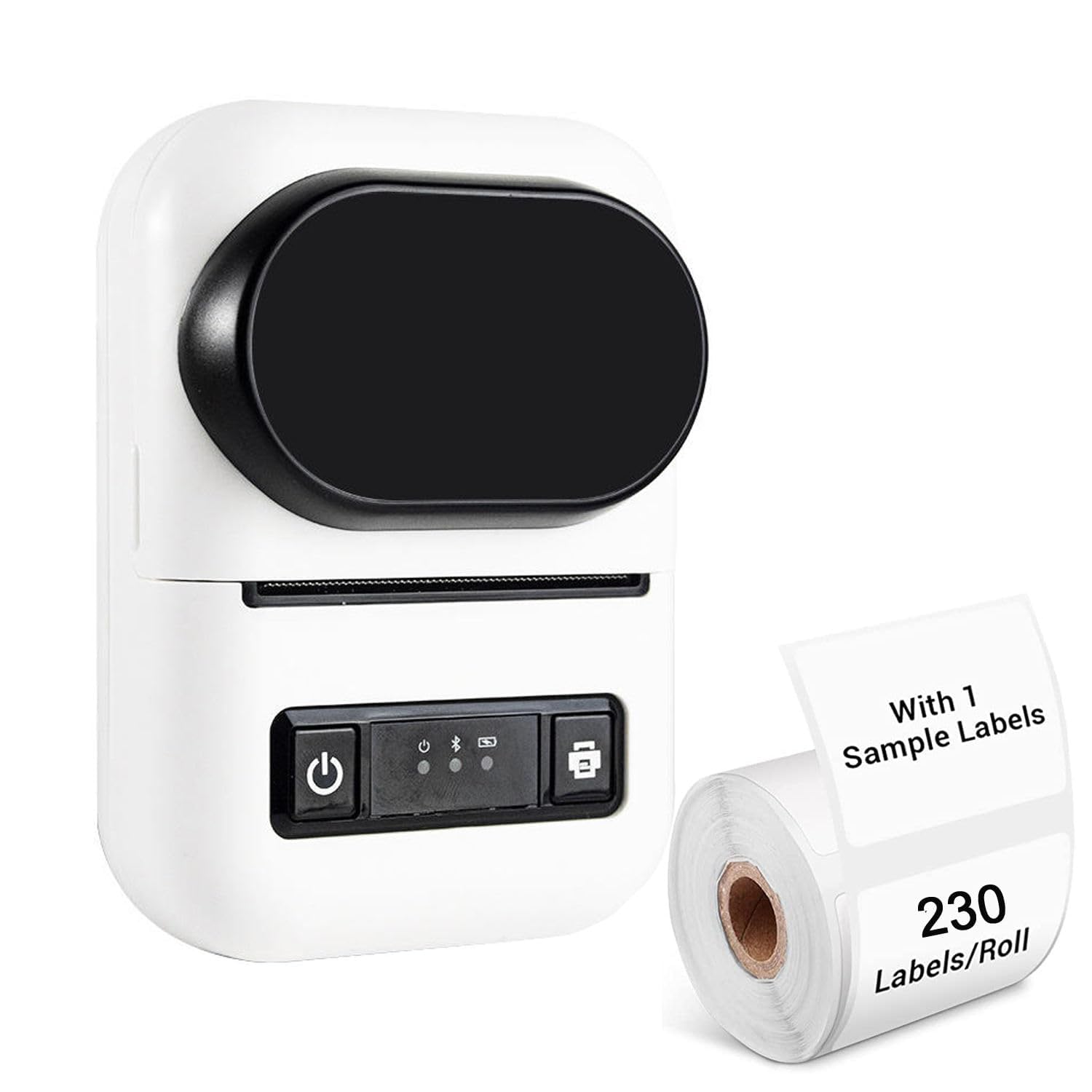
Image 1.1: RiVOG Portable PT-260 Thermal Label Printer overview.
2. Paket İçeriği
Paketin içinde tüm öğelerin mevcut olduğundan emin olun:
- 1N Thermal Printer
- 1N Pole (for paper roll)
- 1N Adaptör
- 1N Charging Cable (Type-C USB)
- 1N Kullanıcı Kılavuzu

Image 2.1: Contents of the RiVOG PT-260 package, including the printer, adapter, charging cable, paper roll pole, and a sample paper roll.
3. Cihaz Düzeni
Familiarize yourself with the main components of the PT-260 printer:
- HD Ekran: Yazıcının durumunu ve bilgilerini gösterir.
- Güç Düğmesi: Yazıcıyı açar/kapatır.
- Cover Opening and Closing Key: Kağıt yükleme için üst kapağı açar.
- USB Tip-C Bağlantı Noktası: Şarj ve kablolu bağlantı için.
- Paper Exit Slot: Basılı etiketlerin ortaya çıktığı yer.

Resim 3.1: Ön ve yan görünüm view of the PT-260, highlighting the HD display and the cover opening mechanism.

Image 3.2: The translucent material allows for easy monitoring of the remaining paper roll.
4. İlk Kurulum
4.1 Yazıcıyı Şarj Etme
Before first use, fully charge the printer. Connect the provided Type-C USB cable to the printer and the adapter to a power outlet. The 1500mAh battery typically takes 2-4 hours to fully charge.

Image 4.1: The PT-260 is powered by a 1500mAh rechargeable battery, offering extended use.
4.2 Termal Kağıdın Yüklenmesi
- Press the cover opening key to open the top cover of the printer.
- Insert a thermal paper roll (max 57mm width) into the paper compartment, ensuring the printing side faces the print head.
- Pull a small length of paper out of the paper exit slot.
- Üst kapağı yerine oturana kadar sıkıca kapatın.
4.3 Uygulama Kurulumu ve Bluetooth Eşleştirme
- İndir DLabel app from your device's app store (available for iOS and Android). For Windows, ensure Bluetooth is enabled.
- Turn on the PT-260 printer by pressing and holding the power button.
- Akıllı telefonunuzda, tabletinizde veya bilgisayarınızda Bluetooth'u etkinleştirin.
- Open the DLabel app (or your device's Bluetooth settings) and search for available devices. Select "PT-260" to pair.
- Once paired, the printer status on the HD display or within the app will indicate a successful connection.
5. Temel İşlem
5.1 Etiket Yazdırma
The DLabel app provides a user-friendly interface for creating and printing labels.
- Open the DLabel app on your connected device.
- Choose from over 500 preloaded templates or create a custom label design.
- Enter or import your label data. The app supports Excel batch printing for efficiency.
- Önview the label to ensure accuracy.
- Tap the print button in the app to send the label data to the PT-260 printer.
5.2 OCR Metin Tanıma
The PT-260 supports OCR (Optical Character Recognition) technology through the DLabel app, allowing you to convert text from images into editable formats.
- Within the DLabel app, select the OCR function.
- Use your device's camera to capture an image containing text, or select an existing image from your gallery.
- The app will process the image and convert the recognized text into an editable format.
- You can then edit, save, or print the recognized text as a label.
6. Bakım
6.1 Yazıcıyı Temizleme
As a thermal printer, the PT-260 does not use ink or ribbons, simplifying maintenance. However, regular cleaning of the print head and paper path is recommended to ensure optimal print quality.
- Yazıcıyı kapatın ve güç kaynağıyla bağlantısını kesin.
- Üst kapağı açın.
- Gently wipe the print head (the dark strip inside the printer) with a lint-free cloth lightly dampİzopropil alkol ile yıkandı.
- Clean any paper dust or debris from the paper path.
- Allow the printer to dry completely before closing the cover and turning it on.
6.2 Pil Bakımı
Pil ömrünü uzatmak için:
- Pilin sık sık tamamen boşaltılmasından kaçının.
- Yazıcıyı uzun süre kullanılmayacaksa serin ve kuru bir yerde saklayın.
- Uzun süre saklanmışsa, aşırı deşarjı önlemek için pili düzenli olarak şarj edin.
7. Sorun Giderme
If you encounter issues with your PT-260 printer, refer to the following common problems and solutions:
- Printer does not turn on: Ensure the battery is charged. Connect the printer to the charger and try again.
- Bluetooth üzerinden bağlanılamıyor:
- Ensure Bluetooth is enabled on both the printer and your device.
- Make sure the printer is within range (typically 10 meters).
- Hem yazıcınızı hem de cihazınızı yeniden başlatın.
- Bluetooth ayarlarınızdan cihazı unutun ve yeniden eşleştirin.
- Baskı kalitesinin düşük olması veya boş baskılar:
- Check if the thermal paper is loaded correctly with the printing side facing the print head.
- Ensure you are using thermal paper, as regular paper will not print.
- Bakım bölümünde açıklandığı gibi yazıcı kafasını temizleyin.
- Replace the paper roll if it is old or damaged.
- Yazıcı yazdırma komutlarına yanıt vermiyor:
- Verify that the printer is connected to your device via Bluetooth.
- Check the DLabel app for any error messages.
- Ensure there is enough paper in the printer.
8. Teknik Özellikler
| Örnek | PT-260 |
| Baskı Tipi | Ink-less Thermal Printing (Black & White) |
| Bağlantı | Bluetooth 4.0, Type-C USB |
| Pil | 1500mAh Şarj Edilebilir Lityum İyon Pil |
| Şarj Süresi | 2-4 saat |
| Sürekli Çalışma Süresi | 24 saat |
| Bekleme Süresi | 7 days (100 hours) |
| Baskı Hızı | 60-150mm/s |
| Maksimum Baskı Genişliği | 57mm |
| Çözünürlük | 203dpi |
| Boyutlar (UxGxY) | 120 mm x 85 mm x 60 mm (12 x 6 x 8.5 cm) |
| Ağırlık | 230g (excluding paper rolls) |
| Kağıt Türü | Thermal Paper (Roll) |
| Desteklenen Sistemler | iOS, Android, Windows |
| Uygulama | DLabel |
| OCR Support | Evet |

Image 8.1: Physical dimensions of the PT-260 printer.

Image 8.2: The compact size and light weight of the PT-260 make it highly portable.
9. Garanti ve Destek
Garanti bilgileri ve teknik destek için lütfen satın alma sırasında verilen belgelere bakın veya satıcınızla iletişime geçin. Garanti talepleri için satın alma fişinizi satın alma belgesi olarak saklayın.