
GNCC GP6
GNCC GP6 2K Indoor Pan/Tilt Security Camera User Manual
Model: GP6 | Brand: GNCC
giriiş
Thank you for choosing the GNCC GP6 2K Indoor Pan/Tilt Security Camera. This manual provides essential information for setting up, operating, and maintaining your camera. Please read it thoroughly before use to ensure proper functionality and safety. This camera is designed for indoor use, offering advanced monitoring capabilities for your home, children, or pets.
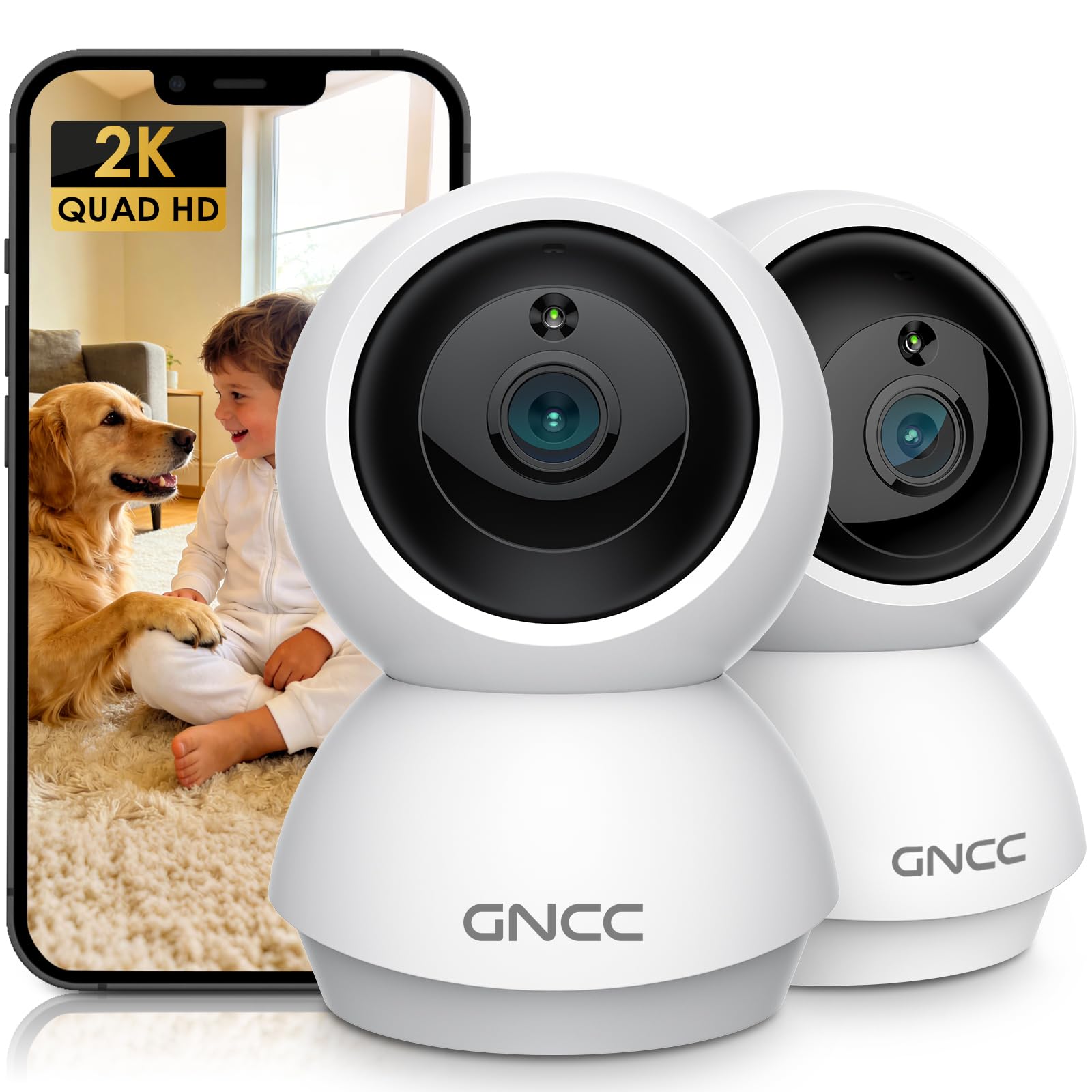
Image: GNCC GP6 2K Indoor Pan/Tilt Security Camera
Kutuda Neler Var?
Please check the package contents carefully. If any items are missing or damaged, contact GNCC support.
- GNCC Indoor Camera (x2)
- Güç Adaptörü
- Şarj kablosu
- Montaj Vidası
- Kullanım Kılavuzu

Image: GNCC GP6 2K Indoor Pan/Tilt Security Camera box contents
Temel Özellikler
2K Ultra HD & 10m Night Vision
Equipped with 2K Full HD resolution, this indoor security camera delivers sharp, detailed live video for baby/pet monitoring and home security. It features 10-meter clear night vision, allowing you to monitor what matters most anytime, anywhere, even in low light conditions.

Image: 2K Quality Video
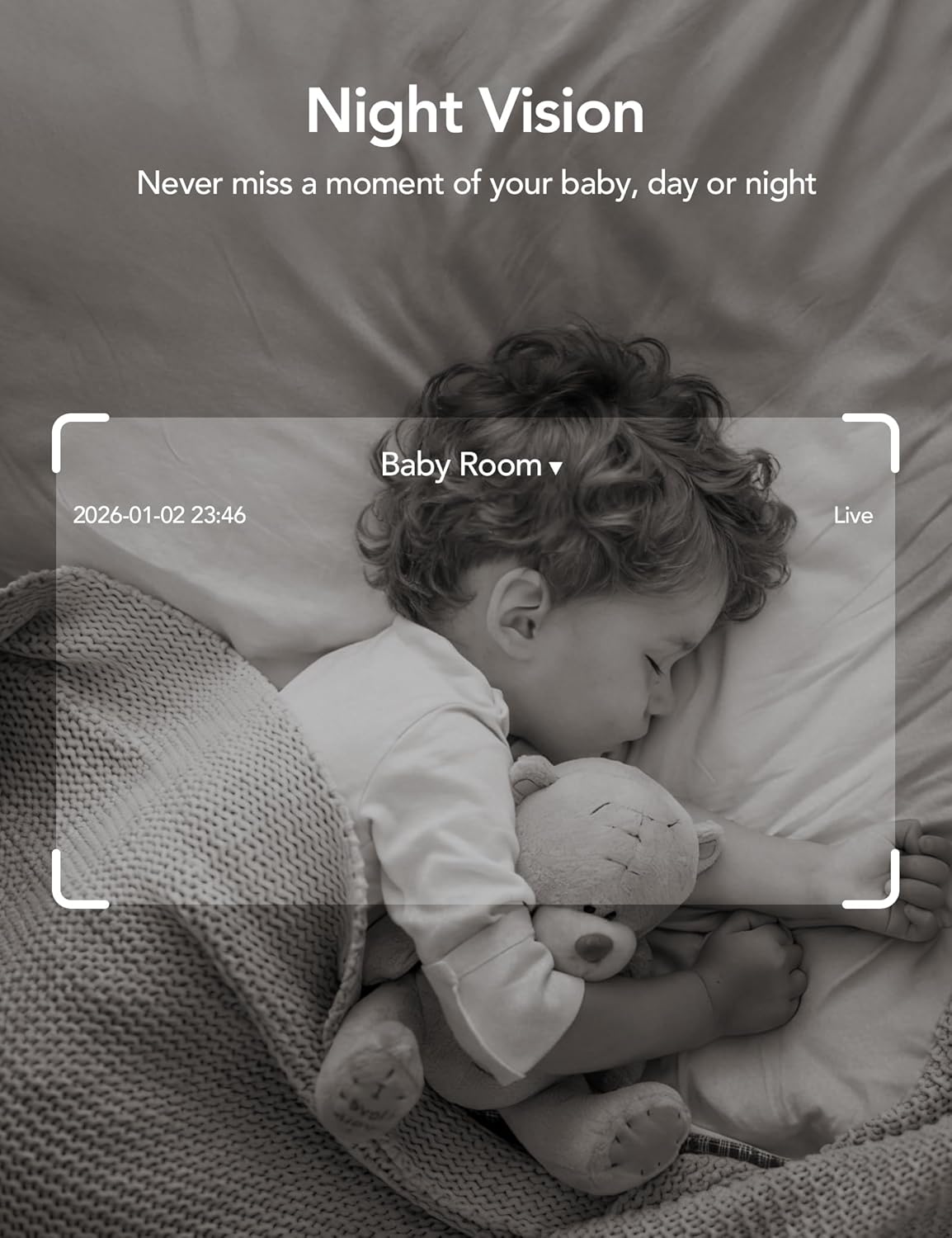
Image: Night Vision
Dual-Band 2.4G/5GHz WiFi & Bluetooth Pairing
Effortlessly connect based on dual WiFi signals (2.4GHz and 5GHz) for more stable signals and smooth live viewing. Setup takes just minutes with Bluetooth pairing, requiring no complicated configurations.

Image: Dual-Band 2.4GHz/5GHz Wi-Fi
AI Motion Tracking & Wide-Angle View
With 340° horizontal and 80° vertical pan/tilt rotation, the indoor camera features advanced AI motion tracking. It covers every corner of your room, monitoring your home security comprehensively and capturing all key moments.

Image: 360° Coverage

Image: Smart AI Motion Tracking
Smart Motion Detection & Customizable Zones
This security camera can detect motion or sounds. On the Osaio app, you can customize monitoring zones to target key areas, ensuring you receive alerts about what matters most, providing reliable peace of mind.
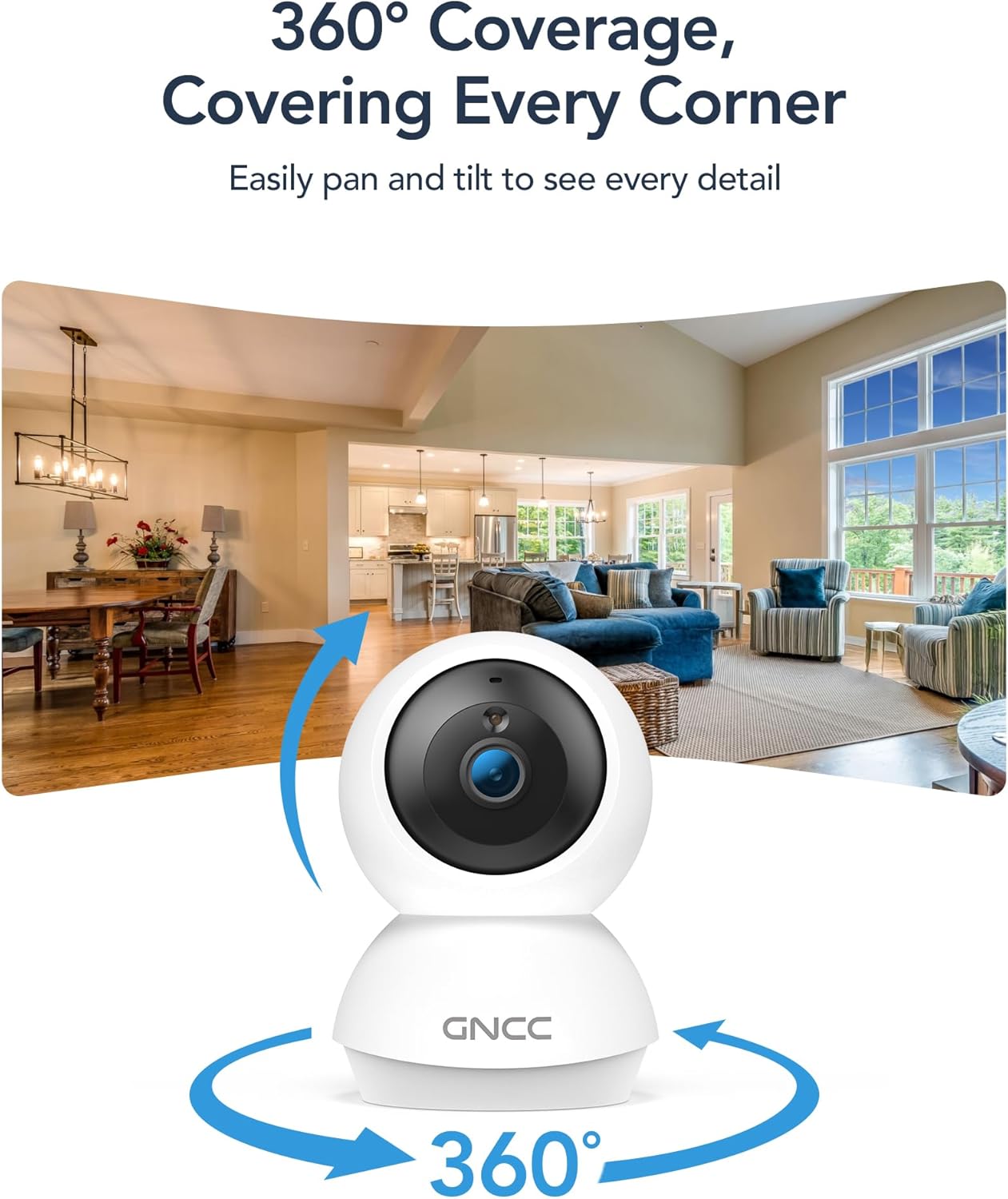
Image: Smart Detection & Instant Alerts
Two-Way Audio & Alexa Compatibility
A built-in high-fidelity microphone and speaker enable real-time communication. Comfort your crying baby, soothe your pet, or greet family members from anywhere. The camera works with Alexa/Google Assistant to view live feeds with voice control.

Image: Two-Way Audio

Image: Alexa/Google Assistant Compatibility
Flexible Options for Cloud/SD Card Storage
The GNCC indoor camera supports both Cloud storage (with a 14-day free trial) and Local storage (SD card not included, up to 128GB) to keep your footage safe. It supports 24/7 continuous recording on an SD card, while Cloud storage offers convenient access to footage herhangi bir yerden.

Image: Flexible Optional Storage
All-in-Osaio App & One-Tap Simplicity
Designed with universal compatibility, the Osaio app works seamlessly with all GNCC home camera models, building a home security ecosystem for you. Packed with integrated functions, it offers easy setup, control, and monitoring of your home security in minutes.
Kurulum Kılavuzu
Follow these steps to set up your GNCC GP6 camera:
- Fotoğraf makinesinin kutusundan çıkarılması: Carefully remove all components from the packaging. Ensure you have both cameras, power adapters, charging cables, mounting screws, and the user manual.
- Güç Açık: Connect the camera to a power source using the provided power adapter and charging cable. The camera will power on and indicate readiness for pairing.
- Download the Osaio App: Scan the QR code in the manual or search for "Osaio" in your smartphone's app store (iOS or Android). Download and install the app.
- Hesap Oluşturun: Open the Osaio app and follow the on-screen instructions to register a new account or log in if you already have one.
- Cihaz Ekle: In the Osaio app, tap the "+" icon to add a new device. Select your camera model (GP6) and follow the in-app instructions for Bluetooth pairing. Ensure your phone's Bluetooth is enabled and close to the camera.
- Wi-Fi'ye bağlanın: During the pairing process, you will be prompted to connect the camera to your home Wi-Fi network. The camera supports both 2.4GHz and 5GHz bands for a stable connection.
- Cihazınıza bir isim verin: Assign a recognizable name to your camera (e.g., "Living Room Camera," "Baby's Room").
- Kamerayı monte edin (İsteğe bağlı): Use the included mounting screws to securely attach the camera to a wall or ceiling if desired. The camera can also be placed on a flat surface.

Image: Osaio App Setup Steps
Kurulum Videosu
Video: Unboxing and Easy Setup Guide for GNCC Indoor Cameras (3:40)
Kullanım Talimatları
Canlı View ve Pan/Tilt Kontrolü
Access the live feed of your camera through the Osaio app. Use the on-screen joystick or swipe gestures to remotely control the camera's pan (340° horizontal) and tilt (80° vertical) functions to view Odanızın farklı alanları.
Çift Yönlü Ses
Tap the microphone icon in the app to speak through the camera's built-in speaker. Tap the speaker icon to listen to audio from the camera's environment. This allows for real-time communication.
Hareket Algılama ve Takip
The camera automatically detects motion and sounds. Enable AI Motion Tracking in the app settings to have the camera automatically follow detected movement. You will receive instant notifications on your phone when motion or sound is detected.
Özelleştirilebilir Aktivite Bölgeleri
In the Osaio app settings, you can define specific areas within the camera's view as activity zones. This helps reduce unnecessary alerts by focusing detection on critical areas.
Kayıt ve Depolama
The camera supports continuous recording to a local Micro SD card (up to 128GB, not included) or event-based recording to optional cloud storage. Access recorded footage via the Osaio app.
Gece Görüşü
The camera automatically switches to night vision mode in low-light conditions, providing clear black-and-white video up to 10 meters.
Gizlilik Modu
Activate Privacy Mode via the Osaio app to temporarily disable monitoring and recording, ensuring your privacy when needed.
Bakım
- Temizlik: Fotoğraf makinesinin objektifini ve gövdesini temizlemek için yumuşak, kuru bir bez kullanın. Sert kimyasallardan veya aşındırıcı malzemelerden kaçının.
- Donanım Yazılımı Güncellemeleri: Regularly check the Osaio app for firmware updates. Keeping your camera's firmware up-to-date ensures optimal performance and security.
- Atama: Kameranın sabit bir yere, doğrudan güneş ışığından, ısı kaynaklarından ve nemden uzak bir konumda yerleştirildiğinden emin olun.
- SD Kart Yönetimi: If using an SD card, periodically check its status in the app and consider formatting it every few months to maintain performance.
Sorun giderme
- Kamera Çevrimdışı: Check your Wi-Fi connection and ensure the camera is powered on. Restart the camera and your router if necessary. Verify Wi-Fi signal strength in the camera's location.
- Uygulamaya bağlanılamıyor: Ensure Bluetooth is enabled on your phone during initial setup. Confirm you are connecting to the correct Wi-Fi network. Try resetting the camera and repeating the setup process.
- Kötü Video Kalitesi: Check your internet speed. A stable and fast internet connection is crucial for 2K streaming. Ensure the camera lens is clean.
- Hareket Algılama Çalışmıyor: Verify that motion detection is enabled in the Osaio app settings. Adjust sensitivity levels and check activity zone configurations.
- No Sound/Two-Way Audio Issues: Check the volume settings on your phone and in the Osaio app. Ensure the camera's microphone and speaker are not obstructed.
- SD Kart Kayıt Yapmıyor: Ensure the SD card is inserted correctly and is not full. Format the SD card via the app if issues persist. Use a compatible SD card (Class 10 or higher, up to 128GB).
Özellikler
| Özellik | Detay |
|---|---|
| Model Adı | Indoor Camera (GP6) |
| Video Yakalama Çözünürlüğü | 2K (1920p) |
| Bağlantı Teknolojisi | Wireless (Bluetooth, Wi-Fi 2.4G/5GHz) |
| Özel Özellikler | 2-Way Audio, HD Resolution, Image Sensor, Night Vision, PTZ Technology, AI Motion Tracking, Customizable Zones |
| İç Mekan Dış Mekan Kullanımı | Kapalı |
| Uyumlu Cihazlar | Smartphone (Osaio App), Amazon Alexa, Apple HomeKit |
| Montaj Tipi | Duvara Monte, Serbest Duran |
| Uyarı Tipi | Ses ve Hareket |
| ViewAçı | 340 Derece (Pan), 80 Derece (Eğme) |
| Gece Görüş Aralığı | 10 Metre |
| Desteklenen Flash Bellek Boyutu Maksimum | 128 GB (Micro SD Card) |
| Güç Kaynağı | Kablolu Elektrik |
| Ürün Boyutları | 2.95 x 2.95 x 4.77 inç |
Garanti ve Destek
Garanti Bilgileri
Your GNCC GP6 camera comes with a 12 ay garanti Satın alma tarihinden itibaren geçerlidir. Bu garanti, üretim hatalarını kapsar ve ürününüzün normal kullanımda amaçlandığı gibi çalışmasını sağlar. Garanti talepleri için lütfen satın alma belgenizi saklayın.
Müşteri Desteği
For technical assistance, troubleshooting, or warranty inquiries, please contact GNCC customer support:
- E-posta: destek@gncchome.com
- Çevrimiçi destek: Visit the official GNCC webSSS ve ek kaynaklar için site.
Destek ekibimiz, hızlı ve yardımcı destek sağlamaya kendini adamıştır.
Ask a question about this manual
Ask about setup, troubleshooting, compatibility, parts, safety, or missing instructions. Manuals+ will review the question and use this page’s manual context to help answer it.