
1. Giriş
Thank you for choosing the Majority D100X Active Bookshelf Speakers. These speakers are designed to deliver high-quality audio for various applications, including home studios, offices, and living rooms. Featuring a powerful 2.2 stereo system, multiple connectivity options, and adjustable sound controls, the D100X provides a versatile and immersive listening experience.
2. Güvenlik Talimatları
Please read these safety instructions carefully before using your speakers and retain them for future reference. Incorrect use may result in electric shock, fire, or other hazards.
- Cihazı yağmura, neme veya doğrudan güneş ışığına maruz bırakmayın.
- Ensure proper ventilation around the speakers. Do not block any ventilation openings.
- Do not place the speakers near heat sources such as radiators, heat registers, stoves, or other apparatus (including amp(ısı üreten)
- Yalnızca üretici tarafından belirtilen aparatları/aksesuarları kullanın.
- Yıldırımlı havalarda veya uzun süre kullanılmayacaksa cihazınızın fişini çekin.
- Tüm servisleri kalifiye servis personeline yaptırın. Cihaz herhangi bir şekilde hasar gördüğünde, örneğin güç kaynağı kablosu veya fişi hasar gördüğünde, cihaza sıvı döküldüğünde veya içine nesneler düştüğünde, cihaz yağmura veya neme maruz kaldığında, normal şekilde çalışmadığında veya düşürüldüğünde servis gereklidir.
- Do not open the speaker enclosures. There are no user-serviceable parts inside.
3. Paket İçeriği
Carefully unpack your D100X speakers and ensure all items are present and in good condition. If any items are missing or damaged, please contact customer support.

Güç Adaptörü

Uzaktan kumanda
3.5m Speaker Connection Cable
Kullanıcı Kılavuzu
- Majority D100X Speakers (2 units)
- Güç Adaptörü
- 3.5m Speaker Connection Cable
- Uzaktan kumanda
- Kullanıcı Kılavuzu
4. Kurulum
Follow these steps to set up your Majority D100X speakers:
- Atama: Position the speakers on a stable, flat surface, such as a bookshelf or desk. For optimal stereo imaging, place them equidistant from your listening position.
- Hoparlörleri Bağlayın: Use the provided 3.5m speaker connection cable to link the two D100X speaker units. Ensure a secure connection.
- Güç Bağlantısı: Connect the power adaptor to the main speaker unit and then plug it into a wall outlet.
- İlk Güç Açma: Turn on the main speaker unit using the power switch located on the rear panel.
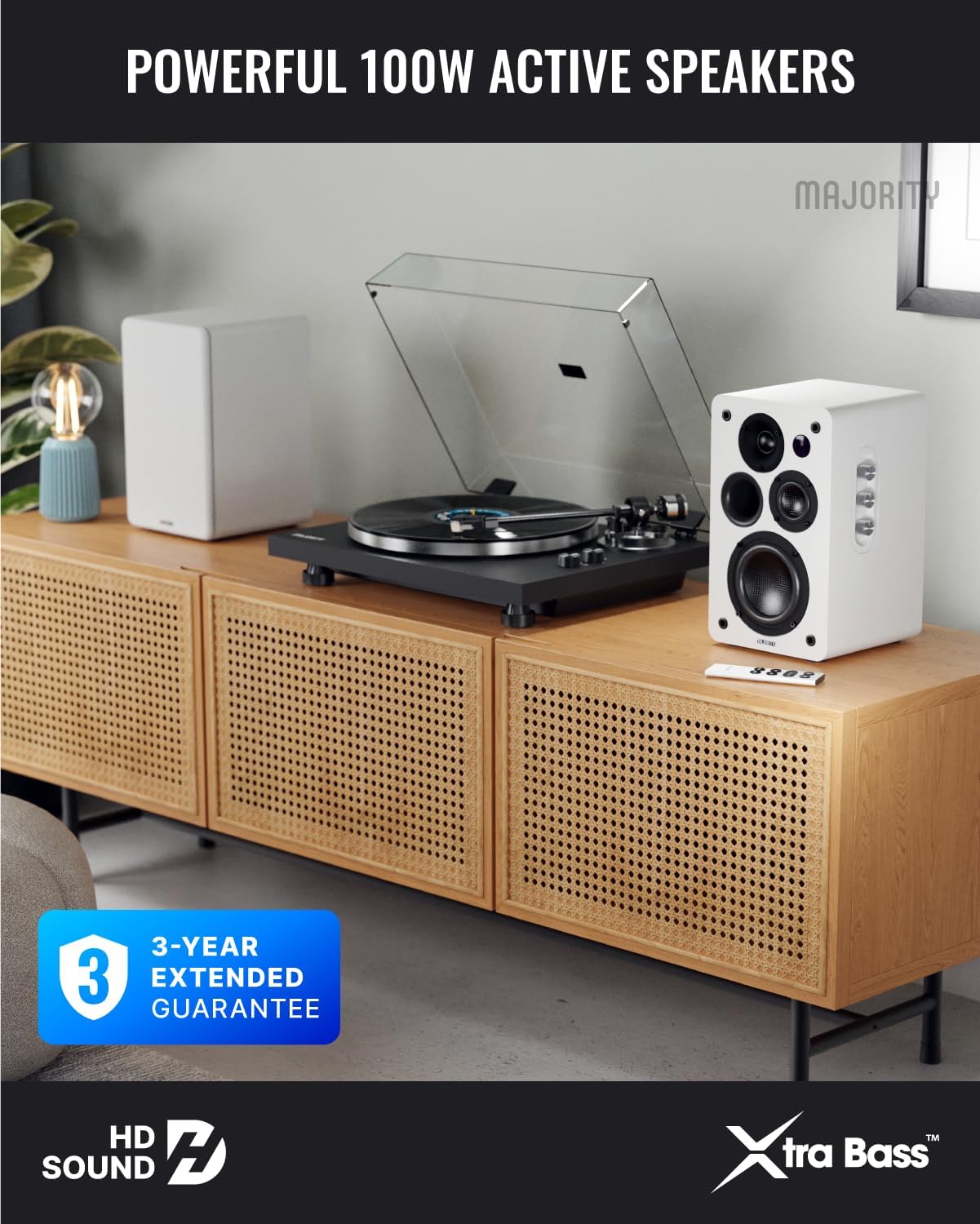
Image: Majority D100X speakers positioned on a wooden cabinet, ready for use.
5. Kullanım Talimatları
The D100X speakers can be controlled via the intuitive front panel controls or the included remote control.
Ön Panel Kontrolleri:
- Ses Düğmesi: Genel ses seviyesini ayarlamak için döndürün.
- Tiz Düğme: Yüksek frekans tepkisini ayarlar.
- Bas Düğmesi: Düşük frekans tepkisini ayarlar.
- Giriş Seçici: Press to cycle through available input sources (Bluetooth, USB, AUX, HDMI ARC, Optical, Phono).
Uzaktan kumanda:
The remote control provides full functionality, including power, volume, input selection, and EQ modes.
- Güç Düğmesi: Turns the speakers on or off.
- Sesi Aç/Kapat: Ses seviyesini ayarlar.
- Giriş Düğmeleri: Dedicated buttons for selecting specific input sources.
- EQ Modes (1-3): Available when connected via HDMI ARC or Optical. These modes are designed to enhance clarity, depth, and balance for movies, music, and games.
Resim: Ön view of a D100X speaker with its remote control, highlighting the adjustable bass and treble controls.
6. Bağlantı
The D100X offers a wide range of connectivity options to suit various audio sources.

Image: Rear panel of the D100X speaker, displaying various input ports including USB, Optical, HDMI ARC, Phono, and AUX.
6.1. Bluetooth 5.3
For wireless audio streaming from smartphones, tablets, or laptops.
- Select Bluetooth input on the speakers. The indicator light will flash.
- Enable Bluetooth on your device and search for "Majority D100X".
- Select the speaker to pair. Once connected, the indicator light will be solid.
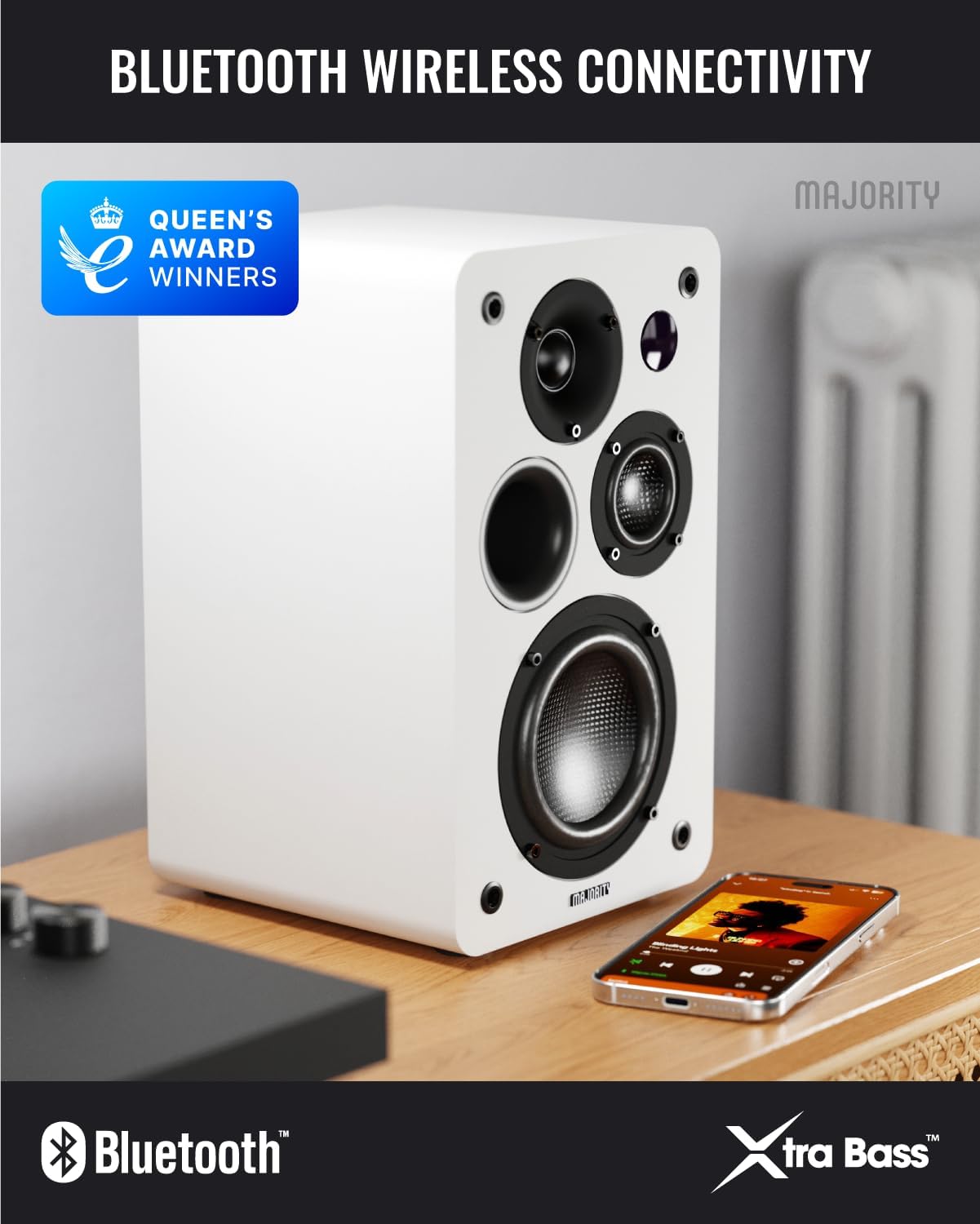
Image: D100X speaker wirelessly connected to a smartphone via Bluetooth.
6.2. HDMI ARK
Connect your TV for enhanced audio. This connection supports the EQ modes (1-3).
- Connect an HDMI cable from your TV's HDMI ARC port to the speaker's HDMI ARC port.
- Select HDMI ARC input on the speakers.
- Ensure your TV's audio output is set to HDMI ARC.
6.3. Optik
For high-quality digital audio connection from TVs or other devices. This connection also supports the EQ modes (1-3).
- Connect an optical cable from your device's optical output to the speaker's optical input.
- Select Optical input on the speakers.
6.4. Phono (RCA)
Direct connection for turntables with a built-in pre-ampcankurtaran.
- Connect RCA cables from your turntable's output to the speaker's Phono (R-PHONO-L) input.
- Select Phono input on the speakers.
- Not: If your turntable's output is higher than 100 RMS, use the AUX input instead of Phono.
6.5. AUX (3.5mm)
For connecting devices with a 3.5mm audio output, such as PCs or older audio players.
- Connect a 3.5mm audio cable from your device's headphone jack or audio out to the speaker's AUX (AUDIO IN) input.
- Select AUX input on the speakers.
6.6. USB Playback & Charging
The USB port allows for direct music playback from storage devices and charging of external devices.
- Insert a USB storage device (e.g., USB flash drive) into the USB port for music playback.
- USB bağlantı noktası, uyumlu cihazları şarj etmek için de kullanılabilir.
7. Bakım
Proper care will ensure the longevity and performance of your D100X speakers.
- Temizlik: Use a soft, dry cloth to clean the speaker surfaces. Do not use abrasive cleaners, waxes, or solvents.
- Toz: Regularly dust the speakers to prevent accumulation, which can affect sound quality and internal components.
- Çevre: Avoid placing speakers in areas with extreme temperatures, high humidity, or direct sunlight.
8. Sorun Giderme
If you encounter issues with your D100X speakers, refer to the following common problems and solutions:
| Sorun | Olası Neden / Çözüm |
|---|---|
| Güç yok |
|
| Ses yok |
|
| Kötü ses kalitesi / Bozulma |
|
| Uzaktan kumanda çalışmıyor |
|
9. Özellikler
Detailed technical specifications for the Majority D100X Active Bookshelf Speakers.
| Marka | Çoğunluk |
| Model Numarası | D100X |
| Boyutlar (U x G x Y) | 18 x 16.8 x 27.5 cm (hoparlör başına) |
| Ağırlık | 7.16 kg (toplam) |
| Maksimum Hoparlör Çıkış Gücü | 100 Watt |
| Frekans Tepkisi | 20000 Hz |
| Bağlantı Teknolojisi | Bluetooth, Optical, HDMI, Phono, Auxiliary, RCA |
| Bluetooth Menzili | 10 Metre |
| Ses Çıkışı Modu | Stereo (2.2 channels) |
| Giriş Voltage | 240 Volt |
| Montaj Tipi | Raf Montajı |
| Malzeme | Odun |
| Woofer Çapı | 4 inç |
| Tweeter Çapı | 1 inç |
| Sinyal-Gürültü Oranı | 80 dB |
| Empedans | 4 Ohm |
| Kontrol Yöntemi | Uzaktan kumanda |
| Önerilen Kullanımlar | Gaming Console, Computer, Television, Home Cinema, Studio |

Resim: Ayrıntılı view of the D100X speaker's carbon fiber drivers, designed for high-quality audio.
10. Garanti ve Destek
The Majority D100X speakers come with a 3-year extended guarantee, ensuring peace of mind and reliable performance. For any technical support, warranty claims, or further assistance, please contact Majority customer service.
- Çevrimiçi destek: Visit the official Majority webSSS'ler, sorun giderme kılavuzları ve iletişim bilgileri için site.
- E-posta Desteği: Reach out to our support team via email for detailed assistance.
- Telefon Desteği: Contact our dedicated support line during business hours.
Lütfen garanti amaçlı satın alma belgenizi saklayın.

Image: Majority D100X speakers highlighting the 3-year extended guarantee.


