
1. Giriş
The FOREVER KW-530 Kids Boost AI 4G Smartwatch is designed for children, integrating safety, communication, and daily assistance into a compact and robust wearable device. This smartwatch features GPS, Wi-Fi, and 4G connectivity, a nano-SIM slot, a 2.0-inch IPS touch display, and a 2 MP camera. It supports video and voice calls, real-time location tracking, and an SOS emergency call function. Additionally, it offers practical features such as a pedometer, sleep and health monitoring, reminders (e.g., for drinking water or movement), an alarm, and a timer. With an IP67 water resistance rating and durable Panda Glass, the KW-530 is suitable for daily use, school activities, and playtime.
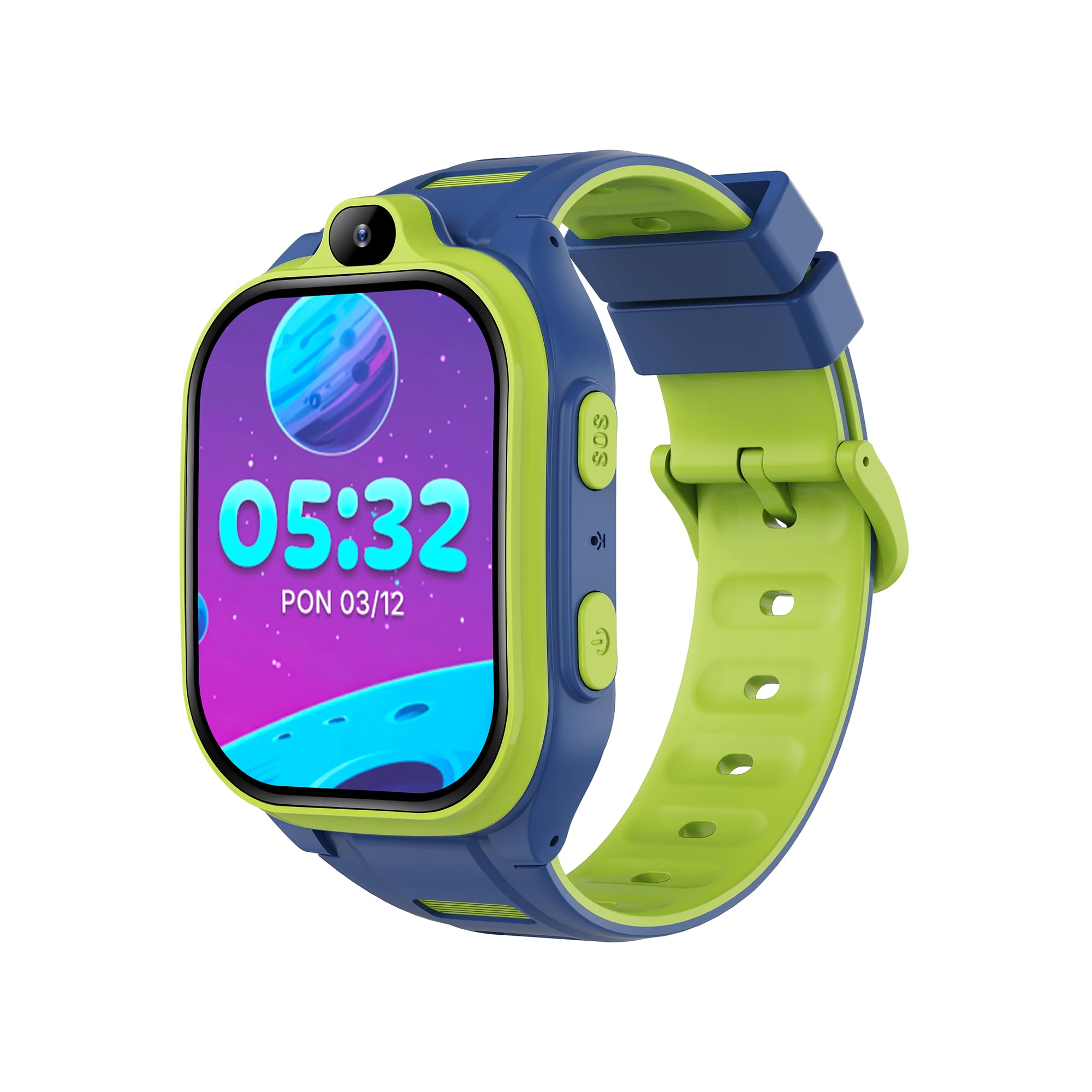
Image 1.1: The FOREVER KW-530 Smartwatch, displaying the time and date on its screen.
2. Kutuda Neler Var?
Lütfen paket içeriğini kontrol ederek tüm öğelerin mevcut olduğundan emin olun:
- FOREVER KW-530 Smartwatch
- Şarj kablosu
- Kullanıcı Kılavuzu

Image 2.1: Product packaging for the FOREVER KW-530 Smartwatch, illustrating key features and contents.
3. Kurulum
3.1. Akıllı Saati Şarj Etme
Before first use, fully charge the smartwatch. Connect the provided charging cable to the charging port on the watch and plug the other end into a USB power adapter (not included) or a computer's USB port. The battery indicator on the screen will show charging progress.
3.2. SIM Kart Kurulumu
The KW-530 requires a nano-SIM card for 4G connectivity, calls, and GPS tracking. Ensure the SIM card is active and has a data plan.
- Akıllı saatin yan tarafında bulunan SIM kart yuvasını bulun.
- Verilen aleti veya küçük bir iğneyi kullanarak SIM kart tepsisini dikkatlice açın.
- Insert the nano-SIM card into the tray with the gold contacts facing down and the cut corner aligned correctly.
- Tepsiyi yerine oturana kadar yavaşça itin.
3.3. Açma/Kapama
- Açmak İçin: Ekran ışığı yanana kadar güç düğmesini (genellikle yan tarafta bulunur) basılı tutun.
- Kapatmak İçin: Güç düğmesine basılı tutun, ardından ekranda 'Gücü Kapat' seçeneğini seçin.
3.4. Pairing with the Companion App
To utilize all features, the smartwatch must be paired with the FOREVER Kids Boost companion application on a parent's smartphone. Download the app from your device's app store.
- Create an account in the app and log in.
- On the smartwatch, navigate to the 'QR Code' or 'Bind Device' section to display a unique QR code.
- In the companion app, select 'Add Device' and use your smartphone's camera to scan the QR code displayed on the smartwatch.
- Follow the on-screen prompts in the app to complete the pairing process and set up parental controls, contacts, and safety zones.
4. Kullanım Talimatları
4.1. Temel Gezinme
The smartwatch features a 2.0-inch IPS touch display. Swipe left, right, up, or down to navigate through menus and applications. Tap to select an item or open an app. Use the physical buttons for quick actions like returning to the home screen or activating the SOS function.
4.2. İletişim Özellikleri
- Sesli aramalar: Access the 'Phone' app to make and receive calls from pre-approved contacts.
- Görüntülü Görüşmeler: Use the 'Video Call' app to initiate video calls with approved contacts. The smartwatch features a 2 MP camera for this purpose.
- SMS/Chat: Send and receive text messages or use the chat function with approved contacts.
- Blocking Unknown Numbers: Parents can configure the app to block calls from numbers not in the smartwatch's contact list, ensuring child safety.

Image 4.1: Illustration of video call capabilities on the FOREVER KW-530 Smartwatch.
4.3. Güvenlik ve Takip
- SOS Butonu: In an emergency, pressing and holding the SOS button will automatically dial pre-set emergency contacts and send location alerts.
- Real-time Location Tracking: Parents can monitor the child's location in real-time via GPS, Wi-Fi, and LBS (Location Based Service) through the companion app.
- Rota Geçmişi: The app allows reviewing the child's past routes and locations.
- Rahatsız Etmeyin Modu: Configure specific times when the smartwatch will not receive calls or notifications, such as during school hours.
- Remote Voice and Camera Monitoring: The companion app may offer features for remote monitoring, allowing parents to listen to the surroundings or take a picture from the watch's camera.

Image 4.2: Safety features including the SOS button and route history tracking.
4.4. Health and Daily Functions
- Pedometre: Tracks daily steps taken.
- Uyku İzleme: Uyku düzenini ve kalitesini izler.
- Calorie Monitoring: Yapılan aktiviteye göre yakılan kalori miktarını tahmin eder.
- Hatırlatmalar: Set reminders for various activities, such as drinking water or movement.
- Alarm, Zamanlayıcı, Kronometre: Standard timekeeping and alert functions.
- Zaman Çizelgesi: Helps organize daily schedules.
- Yüz Tanıma Kilidi: Provides a convenient way to unlock the device.

Resim 4.3: Üzeriview of health and organizational features available on the smartwatch.
4.5. AI and Smart Features
- AI Apps: The smartwatch supports over 17 AI applications, enhancing functionality and user experience.
- Jarvis App: Integration with the Jarvis app for smart assistance.
- Sesli Komutlar: Interact with the smartwatch using voice commands.
- Safety Filters: Utilize safety filters for content and communication management.
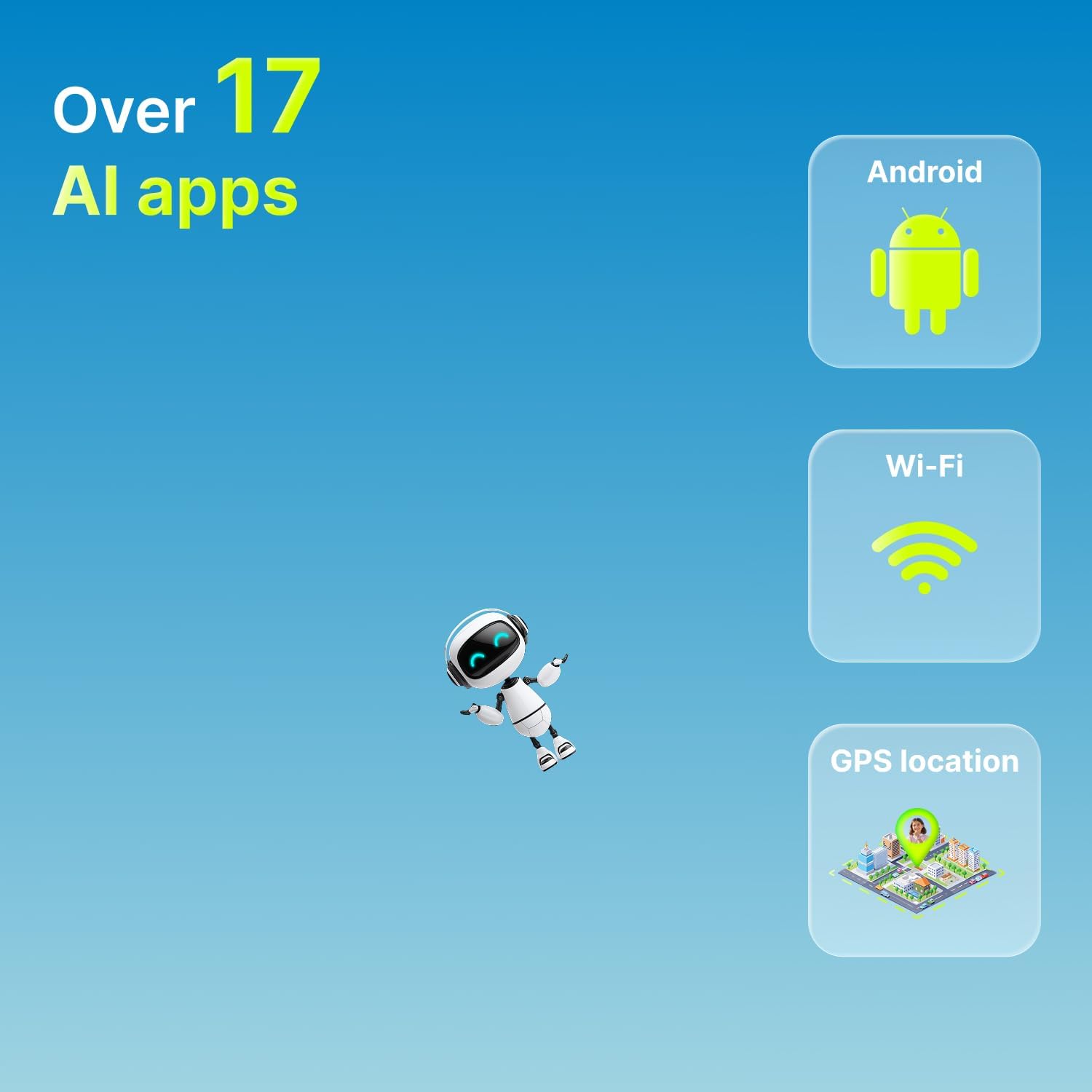
Image 4.4: Key AI and connectivity features of the smartwatch.

Image 4.5: Advanced features including the Jarvis app, safety filters, and voice commands.
5. Bakım
5.1. Temizlik
To clean the smartwatch, gently wipe the screen and body with a soft, dry, lint-free cloth. For stubborn smudges, slightly dampen the cloth with water. Avoid using harsh chemicals, abrasive materials, or aerosol sprays, as these can damage the device.
5.2. Suya Dayanıklılık (IP67)
The KW-530 is rated IP67, meaning it is resistant to splashes and rain. It can withstand immersion in up to 1 meter of fresh water for up to 30 minutes. However, it is not recommended for swimming, showering, or prolonged submersion in water. Ensure the SIM card slot cover is securely closed to maintain water resistance.

Image 5.1: Durability features including IP67 water resistance and Panda Glass 7H.
5.3. Pil Bakımı
The smartwatch is equipped with an 800 mAh Lithium-Ion battery, providing an average battery life of 1-2 days. To prolong battery life:
- Aşırı sıcaklıklardan kaçının.
- Cihazı düzenli olarak şarj edin, ancak uzun süre tamamen şarjlı veya tamamen boşalmış halde bırakmaktan kaçının.
- Sağlanan şarj kablosunu kullanın.
6. Sorun Giderme
If you encounter issues with your FOREVER KW-530 Smartwatch, please refer to the following common solutions:
| Sorun | Olası Neden | Çözüm |
|---|---|---|
| Smartwatch does not power on. | Pil zayıf veya cihaz arızası. | Charge the smartwatch for at least 30 minutes. If it still doesn't turn on, contact support. |
| Arama yapılamıyor/alınamıyor. | No SIM card, inactive SIM, poor network signal, or unknown number blocking. | Ensure SIM card is correctly inserted and active. Check network signal strength. Verify parental settings in the app regarding call restrictions. |
| GPS konumu hatalı. | Poor GPS signal (indoors/dense areas), Wi-Fi/LBS not available. | Move to an open outdoor area. Ensure Wi-Fi is enabled on the watch if available. Location accuracy can vary based on environment. |
| Pil çabuk bitiyor. | Frequent use of 4G/GPS, high screen brightness, or background apps. | Reduce screen brightness. Limit continuous GPS tracking. Close unused applications. Enable 'Do Not Disturb' mode when not needed. |
| Cannot pair with the app. | Incorrect QR code, app issues, or network problems. | Ensure the smartwatch has a stable internet connection. Restart both the smartwatch and the smartphone. Try rescanning the QR code. Update the app to the latest version. |
7. Özellikler
| Özellik | Şartname |
|---|---|
| Örnek | KW-530 |
| Ekran Boyutu | 2.0 inç |
| Görüntü Türü | IPS Dokunmatik Ekran |
| Bağlantı Teknolojisi | Wi-Fi, 4G |
| Küresel Konumlama Sistemi | Entegre GPS |
| Pil Kapasitesi | 800 mAh (Lityum İyon) |
| Ortalama Pil Ömrü | 2 Güne Kadar |
| Dahili Depolama | 16 GB |
| Özel Özellikler | Calendar, Camera, GPS, SOS Button, Pedometer, Sleep Monitor, Reminders |
| Suya Dayanıklılık | IP67 (Resistant to splashes and rain) |
| Ekran Malzemesi | Panda Glass 7H |
| Bant Malzemesi | Silikon |
| Renk | Blue/Green (as per product variant) |
| Hedef Kitle | Children/Teenagers |
| Üretici | TelForceOne S.A |
8. Garanti Bilgileri
This FOREVER KW-530 Smartwatch comes with a standard manufacturer's warranty. Please refer to the warranty card included in your product packaging or contact your retailer for specific details regarding warranty duration and terms. The warranty typically covers manufacturing defects under normal use conditions.
9. Destek
For technical assistance, troubleshooting beyond this manual, or inquiries about your FOREVER KW-530 Smartwatch, please contact the retailer where you purchased the product or visit the official FOREVER website for support resources. Keep your purchase receipt and product serial number handy when seeking support.