
1. Giriş
This manual provides essential information for setting up, operating, maintaining, and troubleshooting your HP Pavilion 16-inch 2K Laptop. Please read this guide thoroughly to ensure optimal performance and longevity of your device.
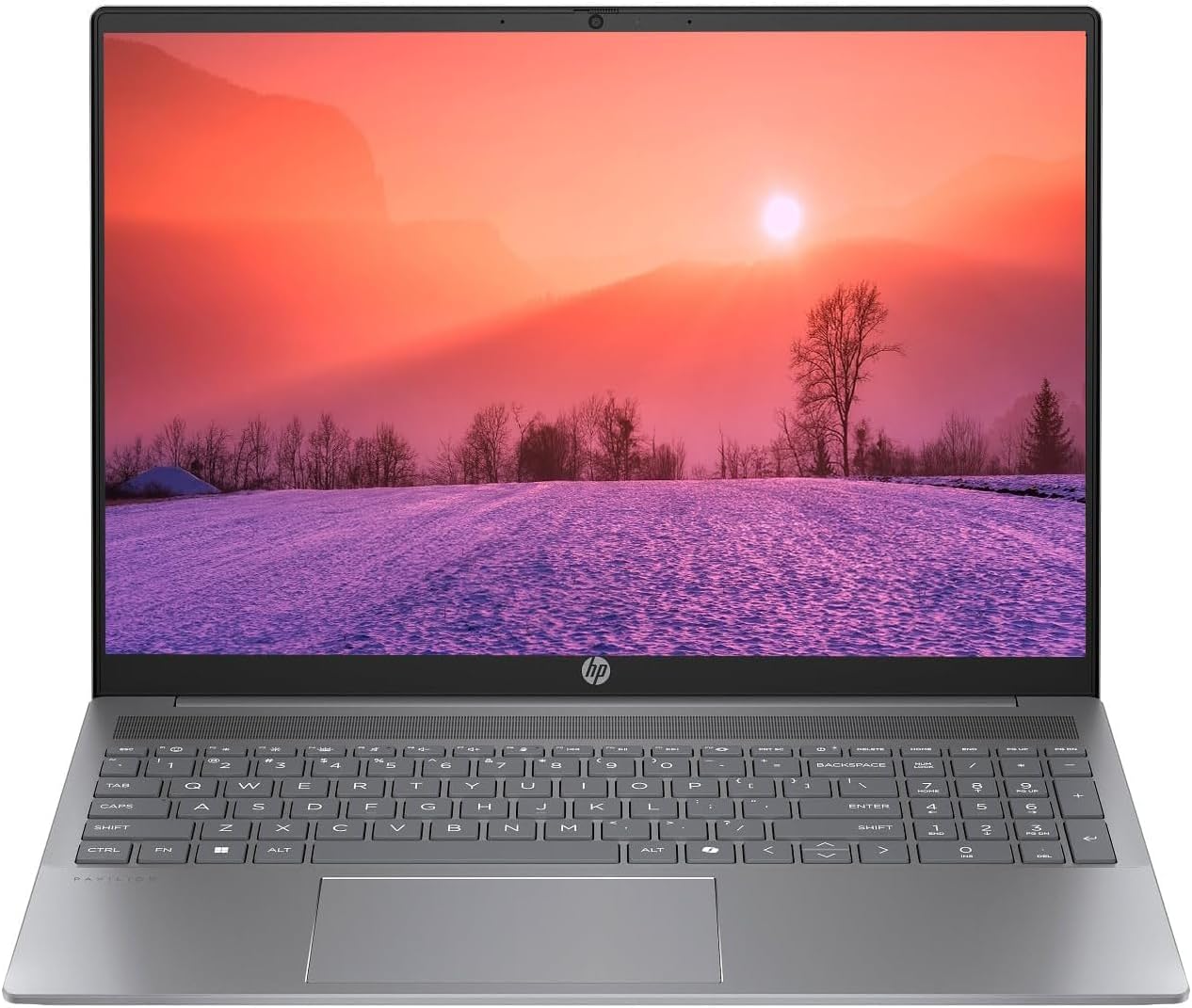
Figure 1.1: HP Pavilion 16-inch Laptop (Angled View)
This image displays the HP Pavilion 16-inch laptop in an open, angled position, highlighting its display and keyboard layout.
2. Kurulum
2.1 Paketin Açılması ve İlk Muayene
Carefully remove the laptop and all accessories from the packaging. Inspect for any signs of damage. If any components are missing or damaged, contact your retailer or HP support immediately.
2.2 Gücün Bağlanması
- Connect the AC adapter to the power connector on the side of your laptop.
- Güç kablosunu elektrik prizine takın.
- Özellikle pil tamamen boşalmışsa, dizüstü bilgisayarı ilk kullanımdan önce en az 30 dakika şarj edin.
2.3 İlk Önyükleme ve Windows 11 Kurulumu
Press the power button to turn on your laptop. Follow the on-screen instructions to complete the Windows 11 Home OS setup, including language selection, network connection, and user account creation.
2.4 Çevre Birimlerini Bağlama
Dizüstü bilgisayarınızda harici cihazları bağlamak için çeşitli bağlantı noktaları bulunmaktadır:
- USB Type-C Ports (2): For data transfer, charging compatible devices, and video output.
- USB Type-A Ports (2): Fare, klavye veya harici sürücüler gibi standart USB aygıtlarını bağlamak için.
- HDMI Port (1): Harici ekranlara veya projektörlere bağlanmak için.
- Headphone/Microphone Combo Jack (1): Kulaklık, harici hoparlör veya mikrofonlu bir kulaklık bağlamak için kullanılır.
3. Kullanım Talimatları
3.1 Açma/Kapama ve Uyku Modu
- Güç Açık: Klavye üzerinde bulunan güç tuşuna basın.
- Kapat: Windows'ta Başlat düğmesine tıklayın, ardından Güç > Kapat'ı seçin.
- Uyku modu: Dizüstü bilgisayarın kapağını kapatın veya Başlat düğmesine tıklayın, ardından Güç > Uyku modunu seçin.
3.2 Klavye ve Dokunmatik Yüzeyin Kullanımı
The laptop features a full-size keyboard and a precision touchpad.
- Arkadan Aydınlatmalı Klavye: To activate or adjust the keyboard backlight, use the dedicated function key (usually F5 or F4, look for a keyboard icon).
- Dokunmatik Yüzey Hareketleri: Refer to Windows 11 settings for customizable touchpad gestures (e.g., two-finger scroll, pinch-to-zoom).
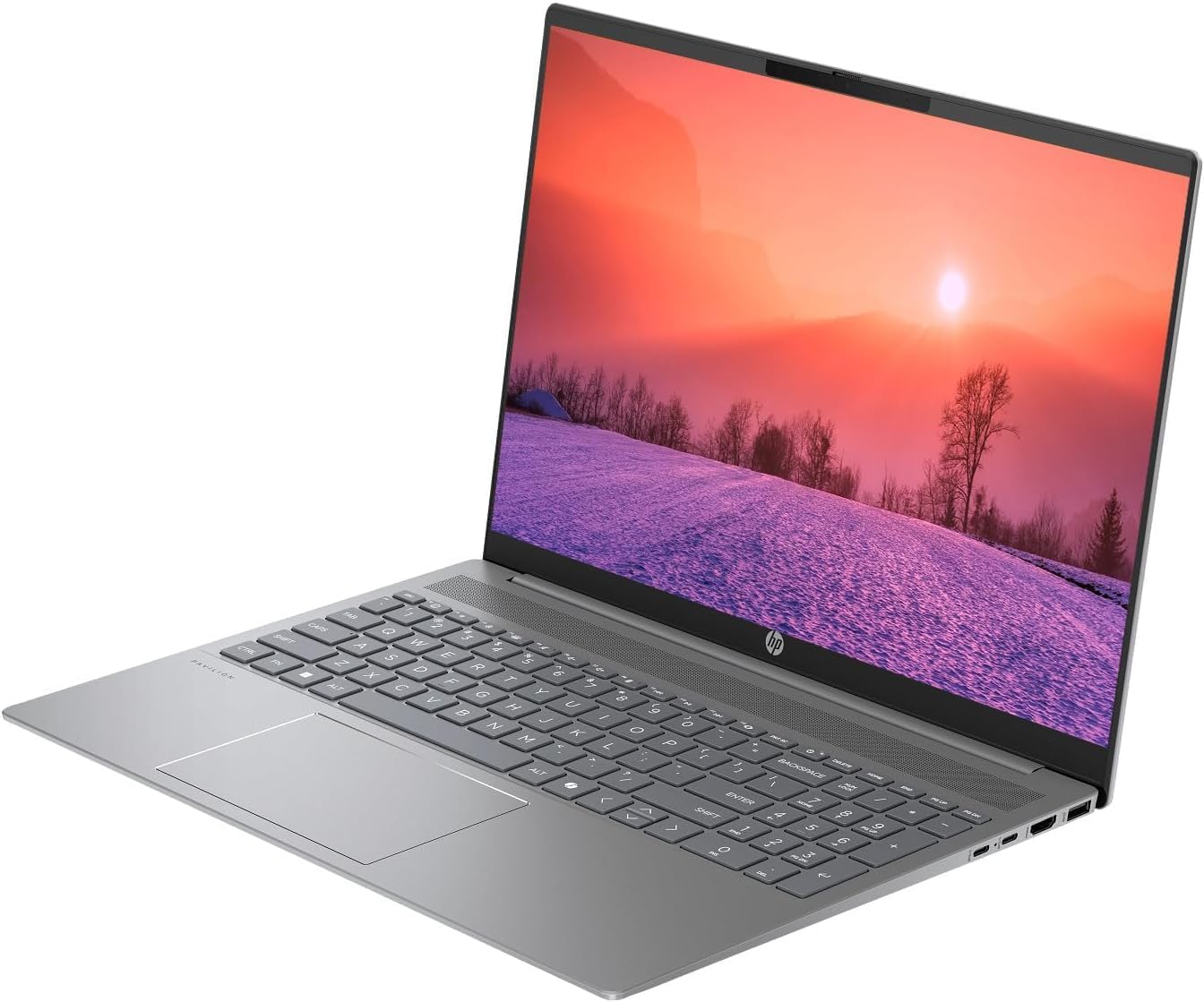
Figure 3.1: HP Pavilion 16-inch Laptop (Front View)
This image shows the HP Pavilion 16-inch laptop from a direct front view, highlighting the screen and keyboard.
3.3 Kablosuz Bağlantı
- Kablosuz 6: To connect to a wireless network, click the Wi-Fi icon in the taskbar, select your network, and enter the password.
- Bluetooth: To pair Bluetooth devices, go to Windows Settings > Bluetooth & devices, and turn on Bluetooth.
3.4 Webkam
Entegre HD webcam can be used for video calls and conferences. Access it through applications like Camera, Microsoft Teams, or Zoom.
4. Bakım
4.1 Dizüstü Bilgisayarı Temizleme
- Yumuşak, tiftiksiz bir bez kullanın ve hafifçe kurulayın.ampEkranınızı su veya ekran temizleyicisi ile temizleyin.
- Klavye ve kasa için yumuşak bir bez kullanın. Sert kimyasallardan kaçının.
- Use compressed air to clear dust from vents periodically.
4.2 Pil Bakımı
- Pilin sık sık tamamen bitmesini önleyin.
- Uzun süre kullanılmayacaksa dizüstü bilgisayarınızı serin ve kuru bir yerde saklayın.
- Pilinizin en iyi durumda kalması için, uzun süre %100 şarj seviyesinde sürekli şarj etmekten kaçının.
4.3 Yazılım Güncellemeleri
Regularly check for and install Windows updates to ensure system stability, security, and performance. Go to Windows Settings > Windows Update.
4.4 Depolama Yönetimi
Gereksiz olanları periyodik olarak temizleyin files and applications to maintain optimal performance of the 512GB SSD. Use Windows built-in tools like Disk Cleanup or Storage Sense.
5. Sorun Giderme
This section addresses common issues you might encounter with your HP Pavilion laptop.
5.1 Dizüstü Bilgisayar Açılmıyor
- AC adaptörünün hem dizüstü bilgisayara hem de çalışan bir elektrik prizine güvenli bir şekilde bağlandığından emin olun.
- Başka bir cihazı takarak elektrik prizinin çalışır durumda olduğunu doğrulayın.
- Pil tamamen boşalmışsa, açmayı denemeden önce en az 30 dakika şarj olmasını bekleyin.
5.2 Wi-Fi Bağlantı Sorunları
- Windows ayarlarında Wi-Fi'nin etkin olup olmadığını kontrol edin.
- Yönlendiricinizi ve modeminizi yeniden başlatın.
- Wi-Fi ağının kapsama alanında olduğunuzdan emin olun.
- Ağı unutup yeniden bağlanmayı deneyin.
5.3 Keyboard Backlight Not Working
- Press the dedicated keyboard backlight function key (e.g., F5 or F4) to toggle or adjust the brightness.
- Check Windows Mobility Center settings (search for it in the Start menu) for backlight options.
5.4 Yavaş Performans
- Arka planda çalışan gereksiz uygulamaları kapatın.
- Windows'un güncel olduğundan emin olun.
- Run a disk cleanup and check for malware.
- Verify that the laptop is not overheating.
6. Özellikler
| Özellik | Şartname |
|---|---|
| Model Adı | HP 16" Laptop |
| İşlemci | AMD Ryzen 5 8540U (Up to 4.89GHz) |
| Veri deposu | 8GB LPDDR5 |
| Depolamak | 512 GB SSD |
| Görüntülemek | 16-inch WUXGA 2K (1920 x 1200 pixels) LED |
| Grafikler | AMD Radeon Graphics (Dedicated) |
| İşletim Sistemi | Windows 11 Home OS |
| Limanlar | 2x USB Type-C, 2x USB Type-A, 1x HDMI, 1x Headphone/Microphone Combo Jack |
| Kablosuz Bağlantı | Wi-Fi 6 (802.11ax), Bluetooth |
| Klavye | Arkadan aydınlatmalı |
| Webkam | Evet |
| Ölçüler (Uzunluk x Genişlik x Kalınlık) | 14.17" x 9.2" x 0.7" |
| Pil | Lithium Ion, 4 Watt Hours |
| UPC | 197961359091 |
7. Garanti ve Destek
7.1 Garanti Bilgileri
This HP Pavilion laptop comes with a 30 Gün Garanti. Please retain your proof of purchase for any warranty claims. The warranty covers manufacturing defects under normal use conditions.
7.2 Müşteri Desteği
Daha fazla yardım, teknik destek veya garanti soruları için lütfen resmi HP destek sayfasını ziyaret edin. website or contact their customer service. You can typically find contact information and support resources by searching for "HP Support" online.