
Ürün Bittiview
The EWEADN C98 Wired Keyboard and Mouse Combo is designed for comfortable and efficient use with various computer systems. This set includes a wired keyboard with a detachable wrist rest, RGB backlighting, double-shot keycaps, and a multimedia knob, along with a wired mouse featuring adjustable DPI settings.
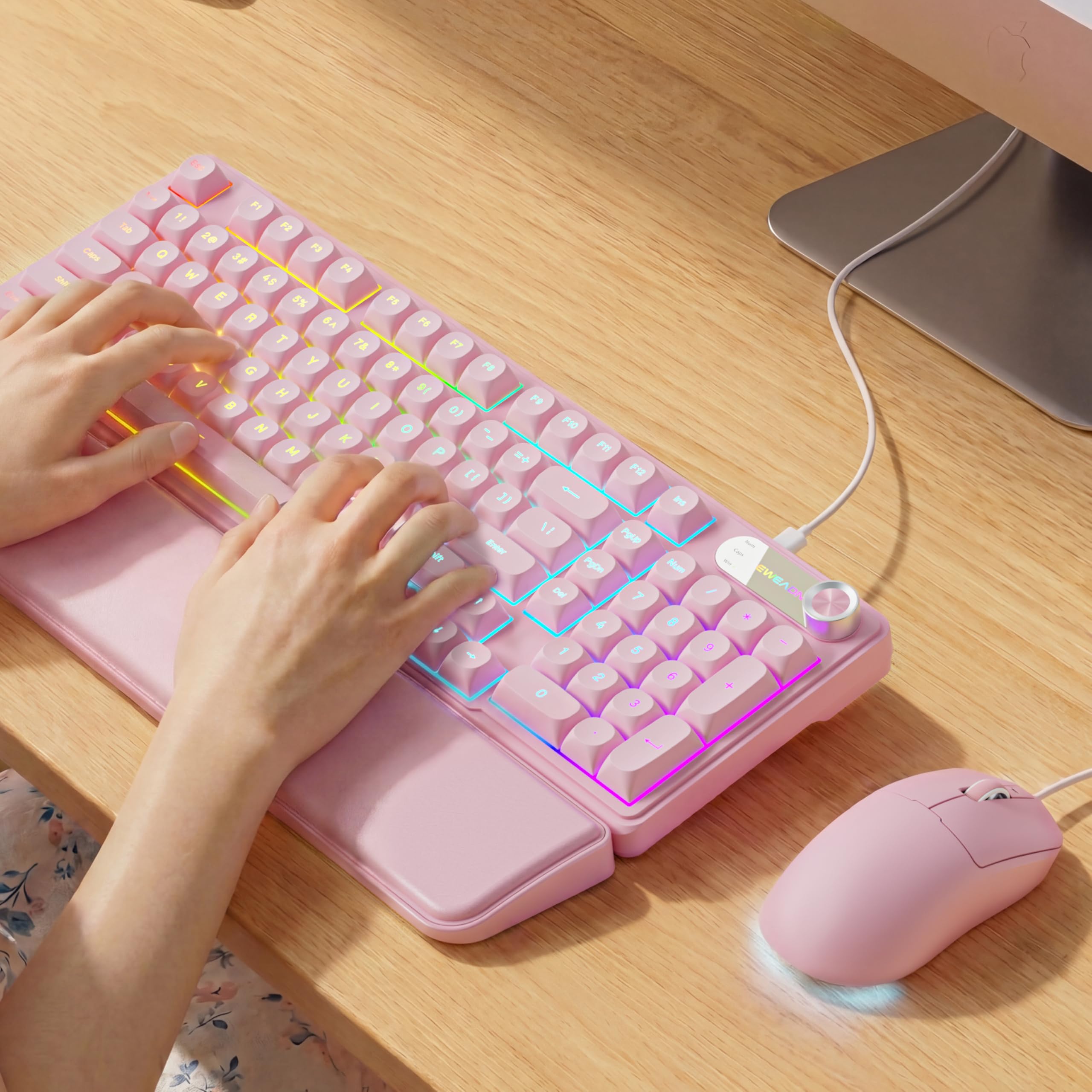
Image: EWEADN C98 Wired Keyboard and Mouse Combo in Pink. This image displays the full keyboard and mouse set, highlighting its ergonomic design and color.
Paket İçeriği
Paketin içinde tüm öğelerin mevcut olduğundan emin olun:
- EWEADN C98 Wired Keyboard
- Kablolu Fare
- Çıkarılabilir Bilek Desteği
- USB Kablosu (entegre)
- Kullanım Kılavuzu (bu belge)
Kurulum Talimatları
Follow these steps to set up your EWEADN C98 Keyboard and Mouse Combo:
- Klavyeyi Bağlayın: Locate an available USB-A port on your computer (Laptop, PC, Desktop, Gaming Console). Insert the USB-A connector from the keyboard into the port.
- Fareyi Bağlayın: The mouse is typically connected via the same USB cable as the keyboard or has its own integrated USB-A connector. Insert the mouse's USB-A connector into another available USB-A port on your computer.
- Bilek desteğini takın: Align the detachable wrist rest with the front edge of the keyboard and gently attach it.
- Sistem Tanıma: Your operating system (Windows, Linux, macOS) should automatically detect and install the necessary drivers. No additional software installation is typically required for basic functionality.
- Mac Compatibility Note: For macOS devices, a USB-A to Type-C adapter is required if your Mac only has Type-C ports. This adapter is not included with the product.

Image: Close-up of the keyboard's USB connection and the detachable wrist rest. This illustrates how the keyboard connects and the wrist rest attaches for ergonomic support.

Image: Diagram showing dual-system compatibility. The image indicates how to switch between Windows (FN + A) and Mac (FN + S) layouts for optimal functionality.
Kullanım Talimatları
Klavye İşlevleri
- RGB Arka Aydınlatma: The keyboard features 12 active RGB lighting modes.
- Işık Rengini Değiştir: Basmak FN + İNS to cycle through different lighting colors.
- Parlaklığı Ayarla: Basmak FN + PGUP parlaklığı artırmak ve FN + PGDN parlaklığı azaltmak için.
- Multimedya Düğmesi: The 2-in-1 rotary knob provides quick control over media and lighting.
- Ses Kontrolü: Rotate the knob to adjust system volume.
- Sessiz İşlevi: Press the knob once to mute/unmute audio.
- Anahtar Modu: Press and hold the knob for 3 seconds to switch between volume control mode and lighting adjustment mode. In lighting mode, rotate to adjust brightness or press to switch light effects.
- Ergonomik Tasarım: The keyboard includes a detachable PU leather wrist rest for comfortable typing posture and foldable stands to adjust the typing angle (up to 8 degrees).
- Sessiz Yazma: The membrane keys are designed for low-noise operation, suitable for quiet environments.
- Çift Vuruşlu Tuş Takımları: Characters are injection molded for durability and fade resistance, allowing backlighting to shine through clearly.

Image: Illustration of RGB backlight controls. This image shows the FN + INS and FN + PGUP/PGDN key combinations for adjusting keyboard lighting.

Image: Diagram detailing the 2-in-1 multimedia knob functions. It shows how to adjust volume, mute, and switch between lighting and volume modes.
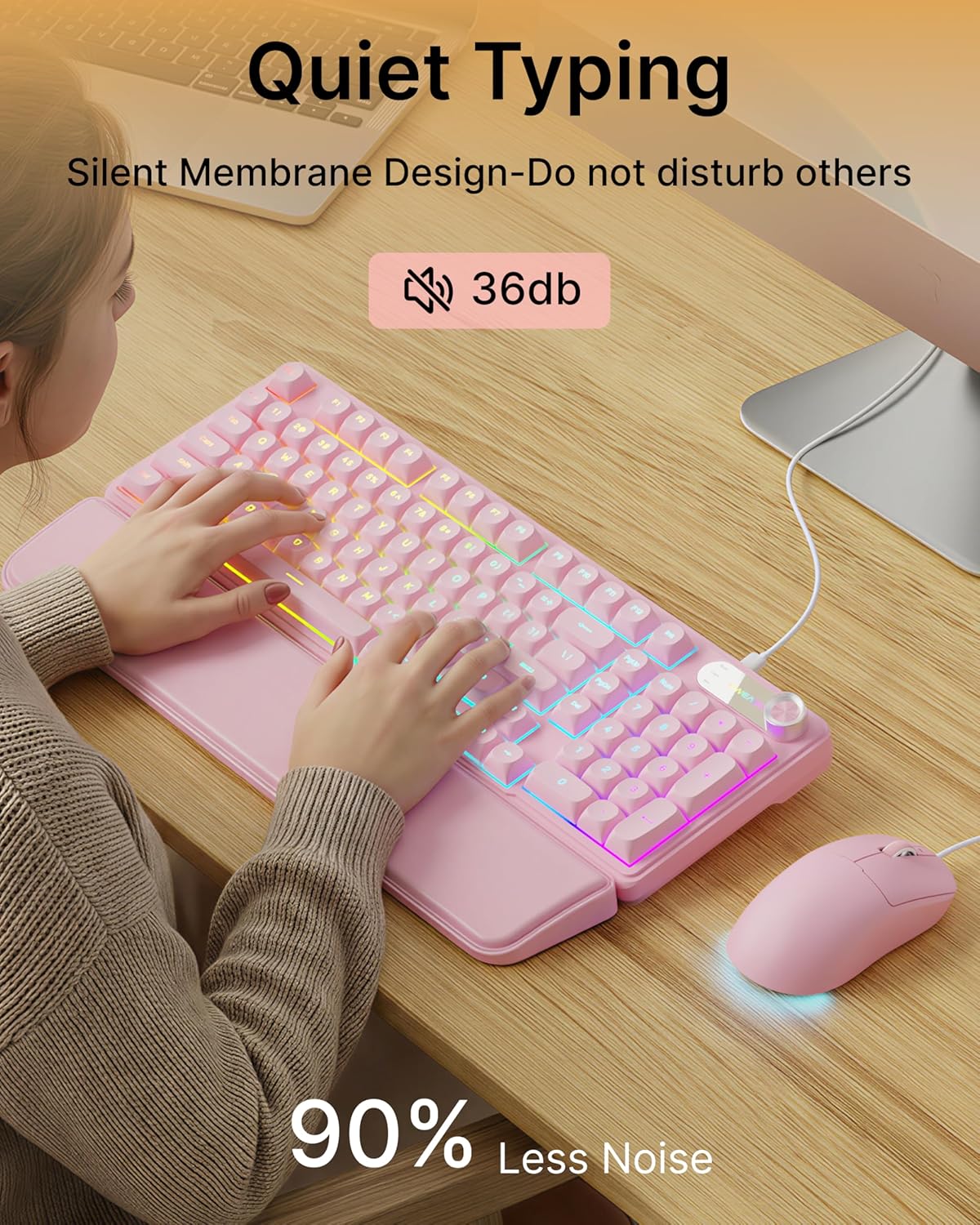
Image: Visual representation of the quiet typing feature. This image highlights the low noise level (36dB) of the keyboard during use.
Fare İşlevleri
- Ayarlanabilir DPI: The mouse offers 4 adjustable DPI levels for precision control.
- DPI levels typically range from 800 to 4800.
- Press the DPI button (usually located behind the scroll wheel) to cycle through the available sensitivity settings.
- Sessiz Tıklama: The mouse buttons are designed for quiet operation.
- Ergonomik Tasarım: Designed for a comfortable palm grip.

Image: Diagram illustrating the 4-level DPI adjustment for the mouse. It shows the different DPI settings (800, 1600, 3200, 4800) and the ergonomic palm grip design.
Bakım
To ensure the longevity and optimal performance of your EWEADN C98 Keyboard and Mouse Combo, follow these simple maintenance guidelines:
- Temizlik: Klavyenin ve farenin yüzeylerini silmek için yumuşak, kuru bir bez kullanın. İnatçı kirler için hafifçe kurulayın.ampBezi su veya aşındırıcı olmayan yumuşak bir temizleyici ile silin. Aşırı nemden kaçının.
- Toz Giderimi: Tuş başlıkları arasındaki toz ve kalıntıları temizlemek için basınçlı hava kullanın.
- Sıvılardan Kaçının: While the product has some water resistance, avoid spilling liquids directly onto the keyboard or mouse. If a spill occurs, disconnect immediately and allow to dry completely before reconnecting.
- Depolamak: Store the combo in a clean, dry environment away from extreme temperatures.
Sorun giderme
If you encounter issues with your EWEADN C98 Keyboard and Mouse Combo, refer to the following common solutions:
- Klavye veya Fare Yanıt Vermiyor:
- Ensure the USB-A connector(s) are securely plugged into your computer's USB port(s).
- Try plugging the USB connector(s) into a different USB port on your computer.
- Bilgisayarınızı yeniden başlatın.
- USB hub kullanıyorsanız, doğrudan bilgisayara bağlamayı deneyin.
- Arka Aydınlatma Çalışmıyor:
- Klavyenin düzgün bağlandığından emin olun.
- Basmak FN + PGUP multiple times to increase brightness, as it might be set to the lowest level.
- Basmak FN + İNS to cycle through lighting modes, ensuring a mode with backlighting is selected.
- Multimedia Knob Not Functioning:
- Klavyenin düzgün bağlandığından emin olun.
- Press and hold the knob for 3 seconds to switch between volume and lighting modes. Verify you are in the desired mode.
- Mouse Cursor Movement is Erratic or Slow:
- Clean the mouse sensor on the underside with a soft cloth.
- Fareyi uygun bir yüzeyde (örneğin, bir mousepad) kullandığınızdan emin olun.
- Press the DPI button to adjust the sensitivity.
- Mac Uyumluluğu: If using with a Mac and experiencing connection issues, confirm you are using a USB-A to Type-C adapter if your Mac lacks standard USB-A ports.
Özellikler
| Marka | EWEADN |
| Model Numarası | C98 |
| Bağlantı Teknolojisi | USB-A (Kablolu) |
| Uyumlu Cihazlar | Laptop, PC, Desktop, Windows, Linux, Gaming Consoles |
| Klavye Açıklaması | Membrane, 98-key layout |
| Özel Özellikler | RGB Backlit, Ergonomic, Detachable Wrist Rest, Multimedia Knob, Double-Shot Keycaps, Quiet Typing |
| Klavye Arka Aydınlatma Renk Desteği | RGB (12 mod) |
| Fare DPI Düzeyleri | 4 adjustable levels (up to 4800 DPI) |
| Malzeme | Plastic (Keyboard), PU Leather (Wrist Rest) |
| Su Direnç Seviyesi | Waterproof (general resistance, not submersible) |
| Renk | Pembe |

Image: Detailed dimensions of the EWEADN C98 keyboard, mouse, and wrist rest. This image provides measurements in inches for each component.
Garanti ve Destek
Specific warranty details are not provided in the product information. For warranty claims or technical support, please refer to the retailer's return policy or contact EWEADN customer service directly through their official channels. Typically, products purchased through Amazon.sg may be subject to a 30-day return policy.