
Önemli Güvenlik Bilgileri
Read all instructions before operating the television. Keep these instructions for future reference. Follow all warnings and instructions marked on the product.
- Elektriksel Güvenlik: Do not overload wall outlets or extension cords. This can result in fire or electric shock. Ensure the power cord is not walked on or pinched.
- Atama: Place the TV on a stable, flat surface. Do not block ventilation openings. Avoid placing the TV in direct sunlight or near heat sources.
- Temizlik: Temizlemeden önce televizyonun fişini çekin. Yumuşak ve kuru bir bez kullanın. Sıvı veya aerosol temizleyiciler kullanmayın.
- Su ve Nem: Do not use this product near water, such as a bathtub, washbowl, kitchen sink, or laundry tub.
- Servis: Bu ürüne kendiniz servis vermeye çalışmayın. Tüm servis işlemleri için kalifiye servis personeline başvurun.
Kutuda Neler Var?
Verify that all components listed below are included in your package.
- 1N LED TV
- 1N Stand (for table-top installation)
- 1N Uzaktan Kumanda
- 2 adet AAA pil

televizyon bittiview
Ön View
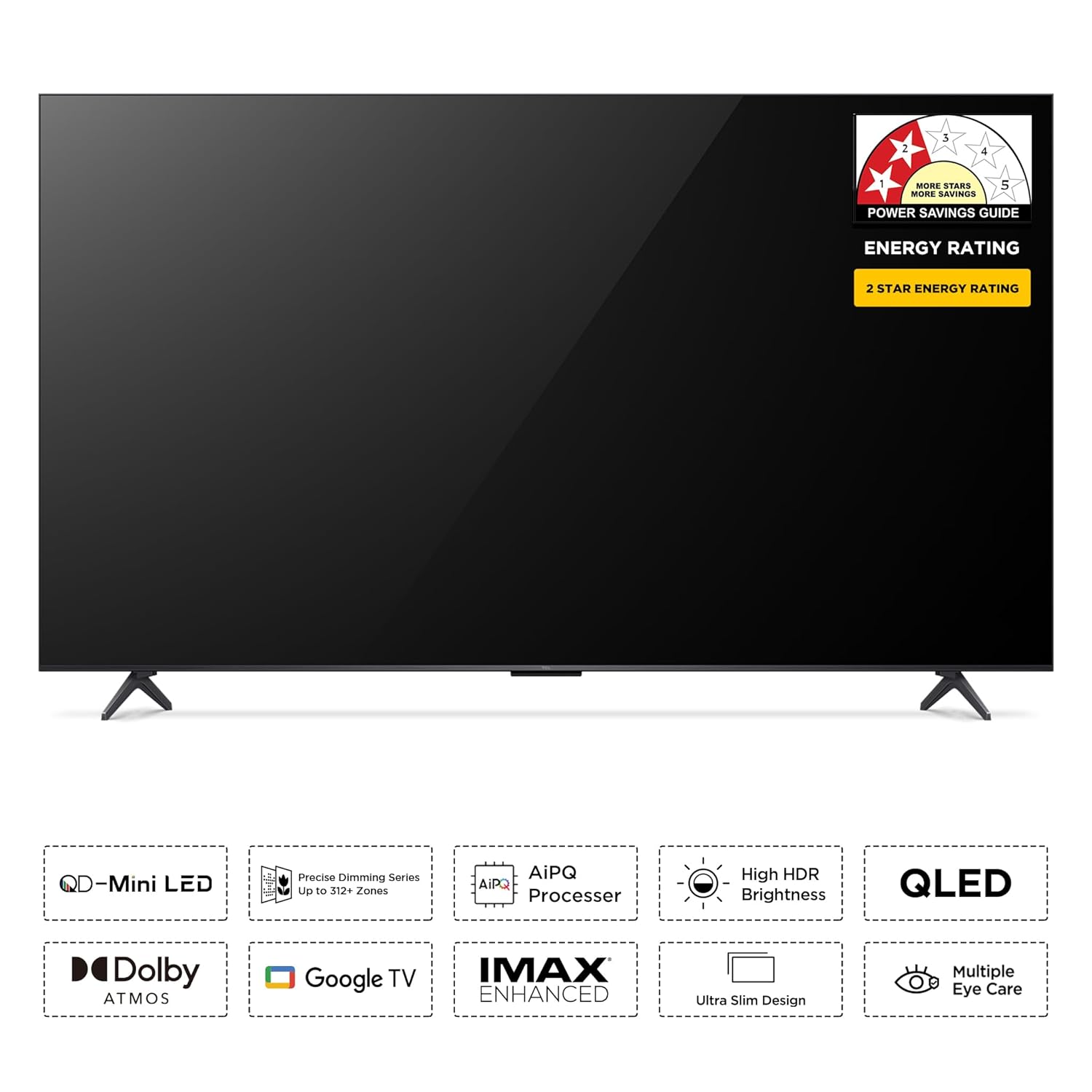
The TCL 65C6KS features a metallic bezel-less design, providing an immersive viewing experience. The front panel includes the display and a small indicator light, typically located at the bottom center.
Arka View ve Limanlar
The rear panel of the TV houses various input and output ports for connecting external devices.

- 1. USB 2.0: USB depolama aygıtlarını bağlamak için.
- 2.LAN: Kablolu ağ bağlantısı için Ethernet portu.
- 3. USB 3.0: For connecting USB storage devices, offering faster data transfer.
- 4. HDMI 1: Yüksek Çözünürlüklü Multimedya Arayüzü girişi.
- 5. HDMI 2 (Servis bağlantı noktası): Yüksek Çözünürlüklü Multimedya Arayüzü girişi.
- 6. HDMI 3 (eARC/ARC): High-Definition Multimedia Interface input with Audio Return Channel support.
- 7. Cable/Antenna Input: For connecting a coaxial cable from an antenna or cable TV.
- 8. Satellite Input: Uydu anteni bağlamak için.
- 9. AV Giriş Adaptörü: Kompozit video ve stereo ses kablolarını kullanarak eski cihazları bağlamak için.
- 10. Digital Audio Out (Optical): For connecting to an external audio system with an optical input.
Uzaktan kumanda
The provided remote control allows you to navigate the TV's features and settings. It includes dedicated buttons for popular streaming services and Google Assistant.

- Güç Düğmesi: Televizyonu açar veya kapatır.
- Google Asistan Düğmesi: Komutlar ve aramalar için sesli kontrolü etkinleştirir.
- Navigasyon Pedi: Menü gezintisi için.
- Sesi Aç/Kapat: Ses seviyesini ayarlar.
- Kanal Yukarı/Aşağı: TV kanallarını değiştirir.
- Hızlı Erişim Düğmeleri: Direct access to Netflix, Prime Video, YouTube, and other applications.
Kurmak
Step 1: Attaching the Stand or Wall Mounting
Before powering on your TV, decide whether to use the included table-top stand or a wall mount (sold separately).
Table-Top Stand Installation
- Ekranın hasar görmesini önlemek için televizyonu dikkatlice yumuşak ve düz bir yüzeye, yüzü aşağı bakacak şekilde yerleştirin.
- Ayaklık braketlerini televizyonun altındaki vida delikleriyle hizalayın.
- Secure the stand using the screws provided in the accessory bag.
Duvara Montaj
The TV supports VESA standard wall mounts (300 x 300 mm). A wall mount is not included and must be purchased separately. Follow the instructions provided with your specific wall mount kit for safe installation. Ensure the wall can support the TV's weight (approximately 17 kg without stand).

Adım 2: Çevre Birimlerini Bağlama
- Güç Bağlantısı: Güç kablosunu televizyonun güç girişine ve ardından duvar prizine bağlayın.
- HDMI Cihazları: Connect Blu-ray players, gaming consoles, or set-top boxes to the HDMI ports.
- USB Cihazları: Medya oynatmak için USB sürücülerini USB bağlantı noktalarına takın.
- Anten/Uydu: Anten veya uydu kablonuzu ilgili girişe bağlayın.
- Ağ bağlantısı: İnternet erişimi için, ilk kurulum sırasında LAN portuna bir Ethernet kablosu bağlayın veya Wi-Fi üzerinden kablosuz olarak bağlanın.
Step 3: Initial Power On and Setup Wizard
- Plug in the TV and press the Power button on the remote control.
- The TV will guide you through the initial setup wizard. Follow the on-screen prompts to select your language, connect to a Wi-Fi network, and sign in with your Google account.
- Anten veya kablo bağlantısı kullanıyorsanız kanal taramasını tamamlayın.
Televizyonunuzu Çalıştırma
Temel Fonksiyonlar
- Güç Açma/Kapatma: Uzaktan kumandadaki Güç düğmesine basın.
- Ses Ayarı: Sesi Açma/Kapatma tuşlarını kullanın.
- Kanal Seçimi: Kanal Yukarı/Aşağı tuşlarını veya sayısal tuş takımını kullanın.
- Giriş kaynağı: Press the 'Input' button to select between HDMI, AV, TV, etc.
Google TV Özellikleri
Your TCL 65C6KS TV runs on Google TV, offering a personalized and integrated smart TV experience.

- Uygulama Erişimi: Navigate to the 'Apps' section to find and launch pre-installed applications like Netflix, Prime Video, YouTube, and more.
- Ses Kontrolü: Uzaktan kumandanızdaki Google Asistan düğmesine basın ve içerik aramak, akıllı ev cihazlarını kontrol etmek veya bilgi almak için komutlar verin.
- Ekran yansıtma: Cast content from your smartphone or tablet to the TV using built-in Chromecast or Airplay 2.
- Kişiselleştirilmiş Öneriler: Google TV learns your preferences and suggests movies and shows from your subscriptions.
Resim Ayarları
The TCL 65C6KS features advanced display technologies for superior picture quality.
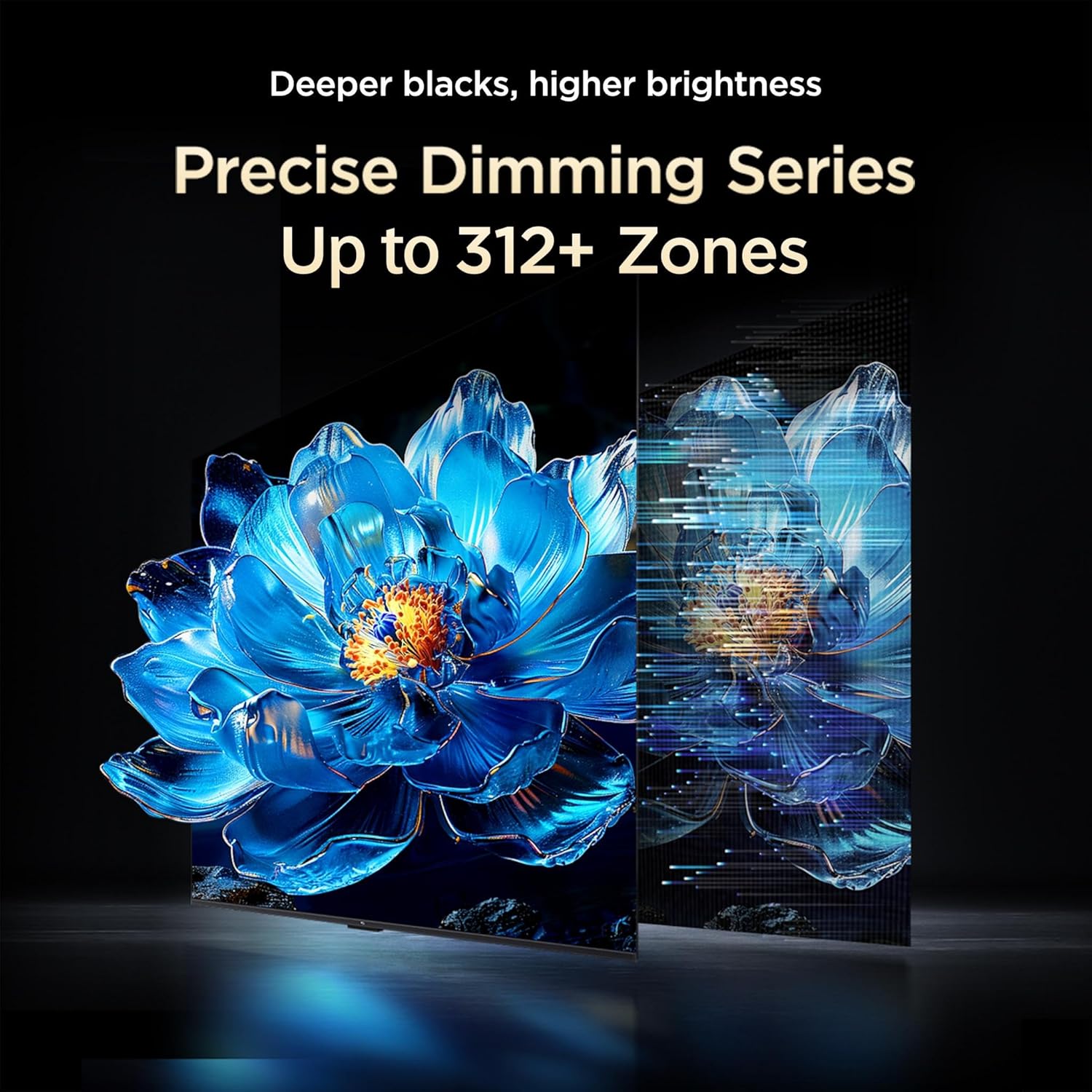
- QD-Mini LED Panel: Combines Quantum Dot and Mini LED technologies for enhanced brightness, color volume, and contrast.
- Precise Dimming Zones: With up to 312+ local dimming zones, the TV can precisely control backlight for deeper blacks and brighter highlights.
- HDR10+ Desteği: Delivers a wider range of colors and contrast, making bright scenes brighter and dark scenes richer.
- AiPQ İşlemcisi: TCL's proprietary processor optimizes picture quality through AI algorithms for scene recognition, contrast, color, clarity, and HDR enhancement.



Ses Ayarları
Experience immersive sound with the TV's integrated audio system.
- Dolby Audio & Dolby Atmos: Provides rich, clear, and powerful sound, creating a theatrical audio experience with three-dimensional audio.
- ONKYO 2.1ch Hi-Fi System with Subwoofer: Integrated ONKYO speakers and a dedicated subwoofer deliver powerful and immersive audio with deep bass.
- DTS Sanal:X: Virtualized 3D sound technology that creates an enveloping audio experience.
- Bluetooth Sesi: Özel dinleme için Bluetooth kulaklıklarınızı bağlayın.


Oyun Özellikleri
The TV is equipped with features to enhance your gaming experience.
- Oyun Yöneticisi: Optimizes display and audio settings for smoother gaming.
- AMD FreeSync Pro: Oyun deneyiminde akıcılık sağlamak için ekran yırtılmasını ve takılmasını azaltır.
Bakım
TV'nizi Temizleme
- Ekran: Ekranı yumuşak, tiftiksiz bir bezle nazikçe silin. İnatçı lekeler için hafifçe silin.ampen the cloth with water or a specialized screen cleaner (ensure it's safe for TV screens). Do not spray liquid directly onto the screen.
- TV Gövdesi: Use a soft, dry cloth to wipe the TV's frame and back panel. Avoid abrasive cleaners or solvents.
Yazılım Güncellemeleri
Your TV may receive software updates periodically to improve performance and add new features. Ensure your TV is connected to the internet to receive these updates. You can usually check for updates in the TV's settings menu under 'System' or 'About'.
Sorun giderme
Televizyonunuzda sorunlarla karşılaşırsanız aşağıdaki yaygın çözümlere başvurun:
| Sorun | Olası Çözüm |
|---|---|
| Güç Yok | Güç kablosunun televizyona ve duvar prizine sağlam bir şekilde takılı olduğundan emin olun. Duvar prizinin çalışır durumda olduğundan emin olun. |
| Görüntü Yok, Ama Ses Var | Giriş kaynağını kontrol edin. Bağlı cihazın açık ve düzgün çalıştığından emin olun. Farklı bir HDMI kablosu deneyin. |
| Ses Yok, Ama Görüntü Var | Check the volume level. Ensure the TV is not muted. Check audio output settings if using external speakers. |
| Uzaktan Kumanda Çalışmıyor | Pilleri değiştirin. Uzaktan kumanda ile televizyonun kızılötesi sensörü arasında herhangi bir engel olmadığından emin olun. |
| Wi-Fi'ye bağlanılamıyor | Wi-Fi yönlendiricinizin açık ve çalışır durumda olduğundan emin olun. Wi-Fi şifresini tekrar girin. TV'yi ve yönlendiriciyi yeniden başlatmayı deneyin. |
Özellikler
Key technical specifications for the TCL 65C6KS TV.
| Özellik | Detay |
|---|---|
| Ekran Boyutu | 65 İnç (164 cm) |
| Ekran Teknolojisi | QD-Mini LED |
| Çözünürlük | 4K Ultra HD (3840x2160) |
| Yenileme Hızı | 60 Hz |
| İşlemci | 64-bit Dört Çekirdekli İşlemci, AiPQ İşlemci |
| Veri deposu | 2 GB |
| ROM | 16 GB |
| İşletim Sistemi | Google televizyon |
| Bağlantı | Wi-Fi 5, Bluetooth 5.0, Ethernet |
| HDMI Bağlantı Noktaları | 3 (1 eARC/ARC dahil) |
| USB Bağlantı Noktaları | 1 (USB 3.0) |
| Ses Çıkışı | 40 Watts, Dolby Audio, ONKYO 2.1ch Hi-Fi System, Subwoofer, DTS Virtual:X |
| HDR Desteği | HDR10+ |
| ViewAçı | 178 Derece |
| Güç Tüketimi | 250 Watt |
| Yıllık Enerji Tüketimi | 305 kWh/Yıl (2 Yıldız Enerji Derecelendirmesi) |
| Boyutlar (standlı) | 29.6D x 144.7G x 89.5Y Santimetre |
| Ağırlık (stand ile) | 17.2 Kilogram |
| VESA Montaj Standardı | 300x300 mm |

Garanti ve Destek
Your TCL 65C6KS TV comes with a manufacturer's warranty and dedicated support.
- Garanti Süresi: 2-year warranty provided by the manufacturer from the date of purchase. A 6-month warranty is provided for the remote control.
- Garanti Talepleri: Garanti taleplerinizi Amazon e-faturanız üzerinden işleme alabilirsiniz.
- Destek Ekibiyle İletişime Geçin: For assistance, contact TCL customer support at 180-0102-0622 / 180-0419-0622 or email indiasupport@tcl.com. Please provide the product's model name and seller's details from your invoice.
- Çevrimiçi Kaynaklar: Additional user manual content and product details may be available on the official TCL webalan.