
1. Giriş
The AOSU 2K Indoor Security Camera is designed to provide comprehensive home surveillance with advanced features for monitoring your home, pets, or children. This manual provides detailed instructions for setting up, operating, and maintaining your camera to ensure optimal performance and security.
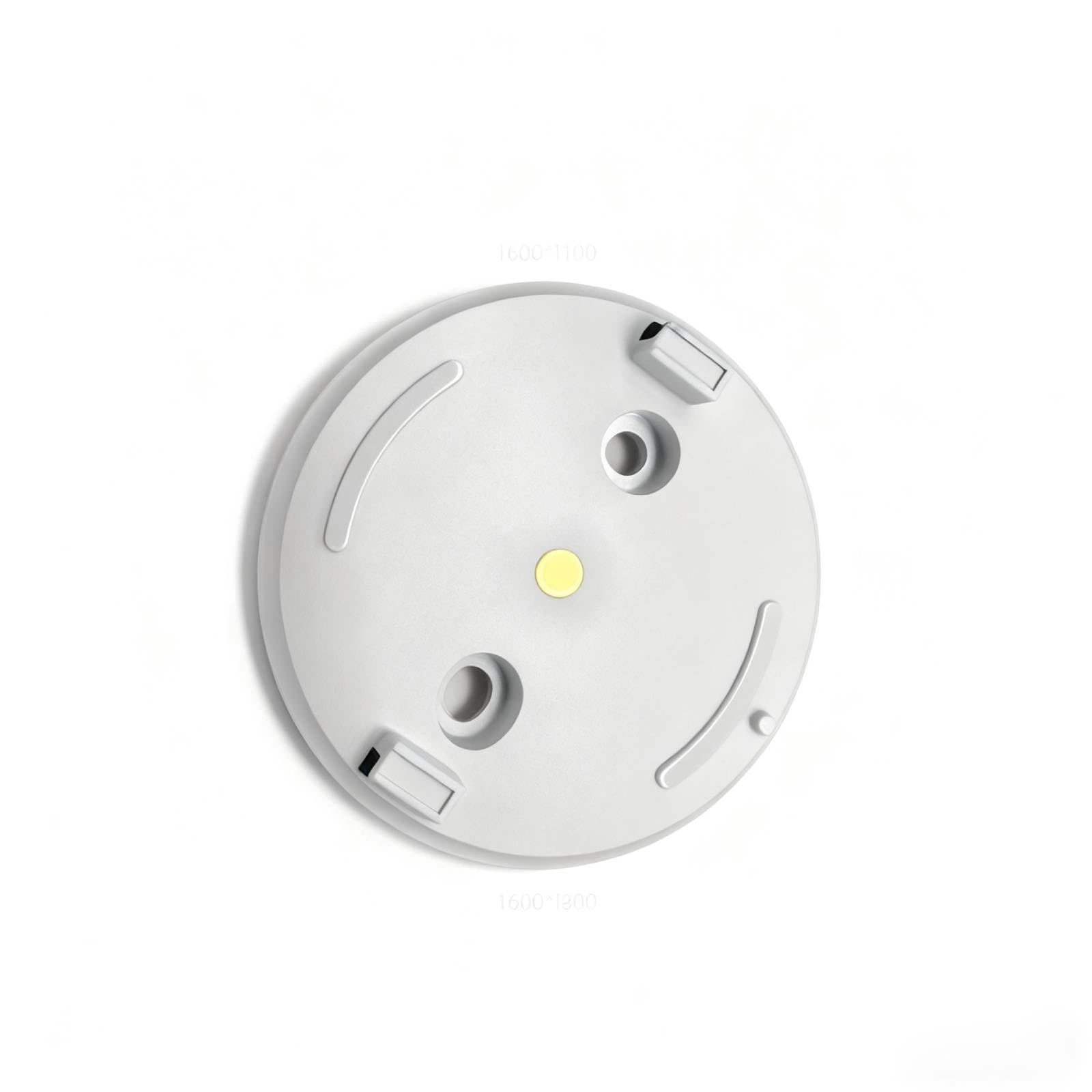
Figure 1: AOSU 2K Indoor Security Camera
2. Ürün Bittiview
The AOSU 2K Indoor Security Camera offers a range of features to enhance your home security:
- 2K QHD Çözünürlük: Net ve detaylı video sağlartage.
- 360° Home View: Offers a comprehensive view of your room with 360° horizontal rotation and 155° vertical tilt.
- Smart Motion Tracking: Automatically tracks movement of people or pets within its field of view.
- One-Touch Calls: Built-in two-way audio for live communication, activated by a touch-to-talk button.
- IR Gece Görüşü: Ensures clear visibility in low-light environments.
- Hassle-Free 2.4GHz Wi-Fi Connection: Simple and quick setup.
- Alexa ile uyumlu: View video feed on Alexa-enabled screens.
Video 1: Bittiview of AOSU 4MP Indoor Security Camera features including 4MP resolution, 360 motion tracking, IR night vision, 2-way audio, and privacy mode.
3. Paket İçeriği
Upon unboxing your AOSU 2K Indoor Security Camera, verify that all the following components are included:
- AOSU 2K Indoor Security Camera
- Güç Adaptörü
- USB Şarj Kablosu
- Montaj Braketi
- Montaj Vidaları ve Duvar Dübelleri
- Hızlı Başlangıç Kılavuzu
4. Kurulum
Follow these steps to set up your AOSU 2K Indoor Security Camera:
- Download the AOSU App: Scan the QR code provided in the Quick Start Guide or search for "AOSU" in your device's app store (available for Apple and Android).
- Bir hesap oluşturun: Uygulamayı açın ve yeni bir kullanıcı hesabı oluşturmak için ekrandaki yönergeleri izleyin.
- Kamerayı Açma: Connect the camera to a power source using the provided USB cable and power adapter. The camera will power on and indicate its status (e.g., blinking LED).
- Uygulamaya Cihaz Ekle: In the AOSU app, tap the "+" icon to add a new device. Select your camera model from the list.
- Kamerayı eşleştirin: Follow the app's instructions to pair your camera. This typically involves scanning a QR code on the camera or connecting to a temporary Wi-Fi network created by the camera. Ensure your phone is connected to a 2.4GHz Wi-Fi network during setup.
- Atama: Choose a desired indoor spot for your camera. The app may offer a Wi-Fi strength test to help you find the best location.
- Montaj (Opsiyonel): If mounting, use the provided bracket, screws, and wall anchors. Ensure the camera is securely attached and positioned for optimal viewIng.
5. Kullanım Talimatları
Once your camera is set up, you can utilize its features through the AOSU app:
- Canlı View: Access real-time video streaming from your camera.
- Pan/Tilt Kontrolü: Use the app's controls to remotely adjust the camera's 360° horizontal and 155° vertical viewaçıları.
- İki Yönlü Ses: Tap the microphone icon in the app to speak through the camera's speaker and listen through its microphone.
- Hareket takibi: Enable smart motion tracking in the app settings to have the camera automatically follow detected movement.
- IR Gece Görüşü: Kamera, düşük ışık koşullarında otomatik olarak gece görüş moduna geçer.
- Gizlilik Modu: Activate privacy mode to automatically cover the camera lens when not in use, ensuring your privacy.
- Etkinlik Kaydı: The camera records events when motion is detected. These recordings are stored on the onboard 32GB storage.
- Bildirimler: Configure push notifications in the app to receive alerts on your phone when motion is detected.
6. Bakım
Fotoğraf makinenizin uzun ömürlü ve en iyi performansı göstermesi için:
- Temizlik: Kamera lensini ve gövdesini yumuşak ve kuru bir bezle nazikçe silin. Sert kimyasallar veya aşındırıcı malzemeler kullanmaktan kaçının.
- Donanım Yazılımı Güncellemeleri: Regularly check the AOSU app for available firmware updates. Updates often include performance improvements and security enhancements.
- Güç Kaynağı: Hasar oluşmasını önlemek için yalnızca ürünle birlikte verilen güç adaptörünü ve kablosunu kullanın.
- Atama: Kameranın doğrudan güneş ışığından, aşırı sıcaklıklardan ve nemden uzakta, sabit bir yere yerleştirildiğinden emin olun.
7. Sorun Giderme
If you encounter issues with your AOSU 2K Indoor Security Camera, try the following solutions:
- Kamera Wi-Fi'ye Bağlanmıyor:
- Wi-Fi ağınızın 2.4 GHz olduğundan emin olun.
- Check Wi-Fi signal strength at the camera's location using the app's built-in test.
- Wi-Fi yönlendiricinizi ve kameranızı yeniden başlatın.
- Kötü Video Kalitesi:
- İnternet bağlantı hızınızı kontrol edin.
- Kamera lensinin temiz olduğundan emin olun.
- Daha iyi ışıklandırma için kameranın konumunu ayarlayın.
- Hareket Algılama Çalışmıyor:
- Uygulamada hareket algılama ayarlarının etkinleştirildiğinden emin olun.
- Adjust motion sensitivity if necessary.
- Kameranın görüşünü engelleyen herhangi bir şey olmadığından emin olun. view.
- İki Yönlü Ses Sorunları:
- Telefonunuzdaki ve uygulamadaki ses ayarlarını kontrol edin.
- Ensure your phone's microphone is not muted.
- Kamera Çevrimdışı:
- Kameranın açık olup olmadığını kontrol edin.
- Verify your Wi-Fi network is active and accessible.
- Kamerayı ve yönlendiriciyi yeniden başlatın.
8. Özellikler
| Özellik | Şartname |
|---|---|
| Ürün için önerilen kullanımlar | Kapalı Alan Güvenliği |
| Marka | aosu |
| Bağlantı teknolojisi | Wired (for power), Wireless (for data) |
| Özel özellik | PTZ Technology (Pan/Tilt/Zoom) |
| İç/Dış mekan kullanımı | Kapalı |
| Ürün boyutları U x G x Y | 25 x 25 x 25 milimetre |
| Piller Gerekli mi? | HAYIR |
| Ürün Ağırlığı | 1 Pound |
| UPC | 699838752955 |
| Üretici | AOSU |
9. Garanti ve Destek
For warranty information and customer support, please refer to the documentation included with your product or visit the official AOSU website. Contact information for technical assistance can typically be found in the Quick Start Guide or on the manufacturer's support page.