
giriiş
Thank you for choosing the LiNKFOR USB Gaming Microphone ULK113. This microphone is designed to provide clear audio for gaming, streaming, podcasting, and online communication. It features dynamic RGB lighting, one-tap noise cancellation, reverb effects, real-time gain control, and zero-latency monitoring. This manual will guide you through the setup, operation, and maintenance of your new microphone.
Paket İçeriği
Kurulum işlemine başlamadan önce lütfen tüm öğelerin mevcut olduğundan emin olun:
- LiNKFOR USB Gaming Microphone
- Masaüstü Standı
- Şok Montajı
- Pop Filtresi
- USB-C - USB-A Kablosu
- USB-A - USB-C Adaptörü

Image: All components included in the LiNKFOR USB Gaming Microphone package.
Kurulum Talimatları
- Masaüstü Standını Monte Edin: Screw the microphone stand pole into the weighted base until secure.
- Şok emiciyi takın: Screw the shock mount onto the top of the stand pole.
- Mikrofonu takın: Gently place the LiNKFOR USB Gaming Microphone into the shock mount. Ensure it is seated securely.
- Pop filtreyi takın: Clip the pop filter onto the shock mount, positioning it in front of the microphone's grille.
- Cihaza Bağlan:
- Connect the USB-C end of the provided cable to the USB-C port on the microphone.
- Connect the USB-A end of the cable to an available USB port on your PC, PS4/PS5, or Mac.
- For Android devices with OTG support, use the included USB-A to USB-C adapter to connect the microphone cable to your phone.
- Tak ve Çalıştır: The microphone is plug-and-play, requiring no additional drivers for most compatible operating systems. Your device should automatically recognize the microphone.
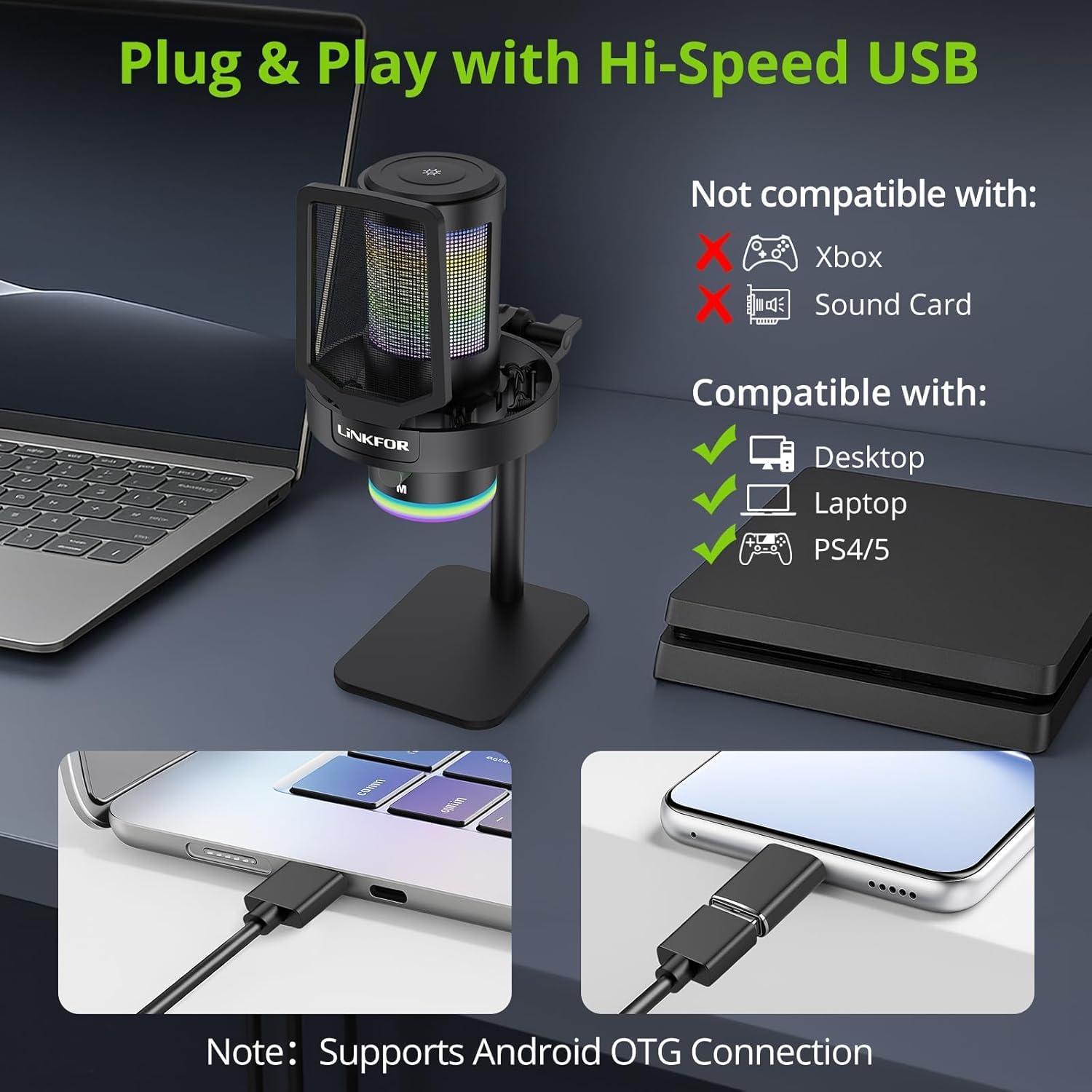
Image: The LiNKFOR USB Gaming Microphone connected to a laptop, demonstrating its plug-and-play functionality.
Video: Bir fazlaview of the LiNKFOR USB Gaming Microphone, demonstrating its features and ease of use.
Kullanım Talimatları
1. Dynamic RGB Lights & Touch Control
- Change RGB Modes: Touch the top of the microphone to cycle through various vibrant RGB lighting modes or solid colors.
- Işıkları Kapatın: Long-press the top of the microphone to turn off the RGB lights.
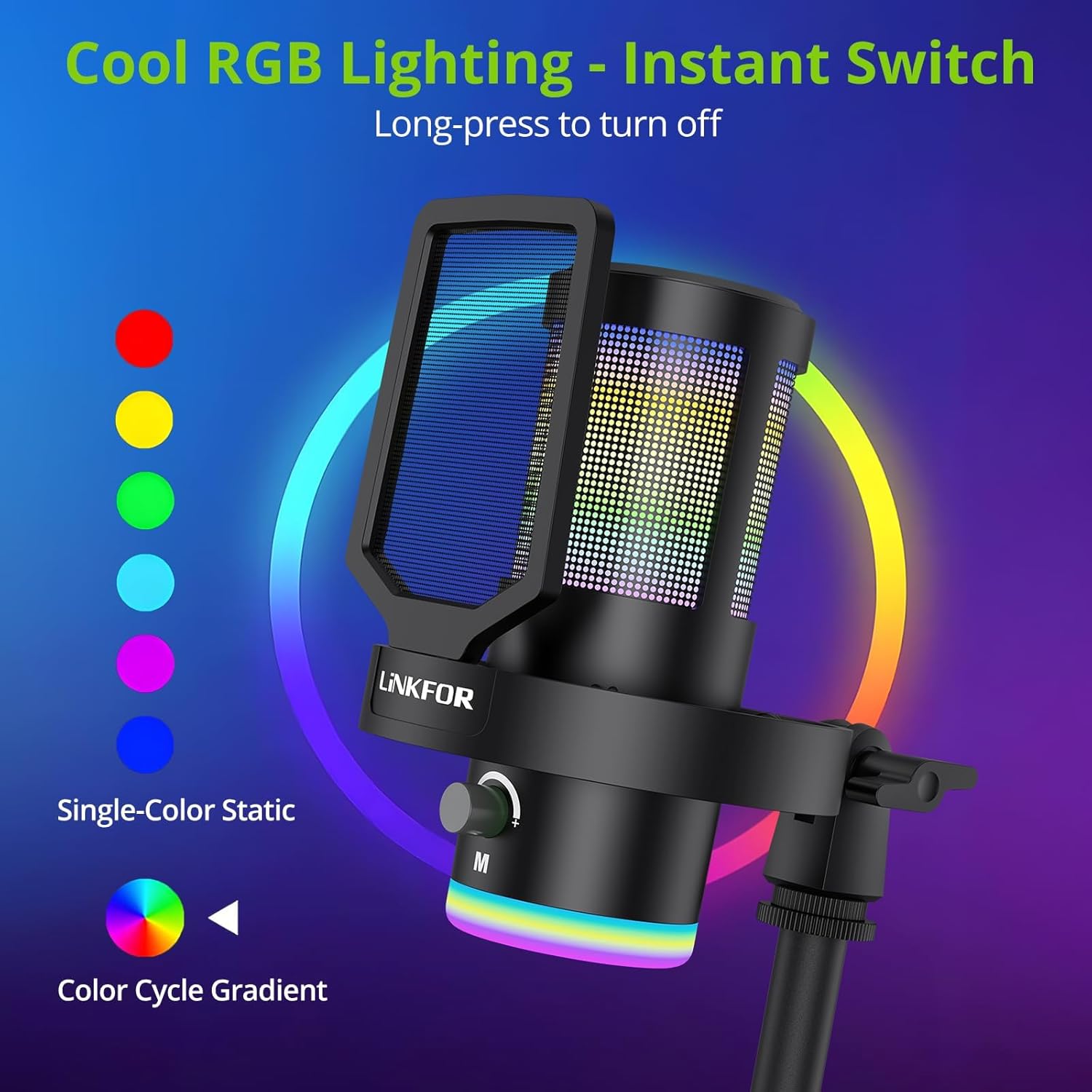
Image: The microphone showcasindinamik RGB aydınlatma efektleri.
2. Studio Voice Clarity + One-Tap Noise Cancellation
- The professional cardioid capsule captures your voice clearly.
- Gürültü Engellemeyi Etkinleştirin: Use the dedicated one-tap smart noise cancellation feature to reduce background sounds like fan noise, AC hum, or keyboard clicks.

Image: Visual representation of the microphone's noise reduction capabilities.
3. Reverb Effects & Real-Time Gain Control
- Yankı Düğmesi: Use the dedicated reverb button to add depth to your audio.
- Kazanç Düğmesi: Adjust the gain knob to fine-tune the input volume in real-time, preventing audio clipping or low volume during live sessions.
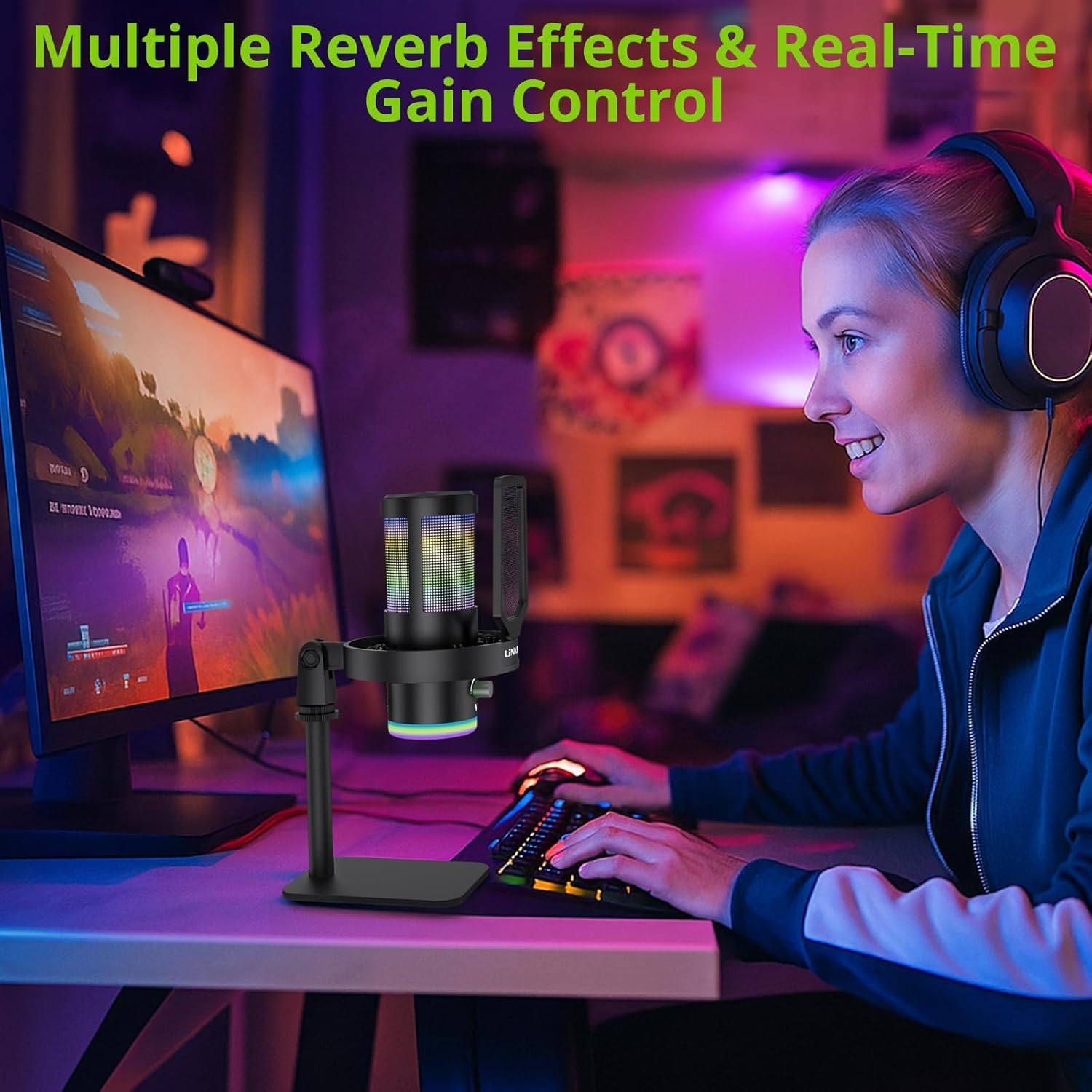
Image: A user operating the microphone with its reverb and gain control features.
4. Instant Mute + Zero-Delay Monitoring
- Sessiz tuşu: A touch-sensitive mute button allows for instant silencing of the microphone.
- 3.5 mm Kulaklık Girişi: Plug in headphones to the 3.5mm jack for real-time, zero-latency monitoring of your audio. A dedicated volume dial controls headphone output.
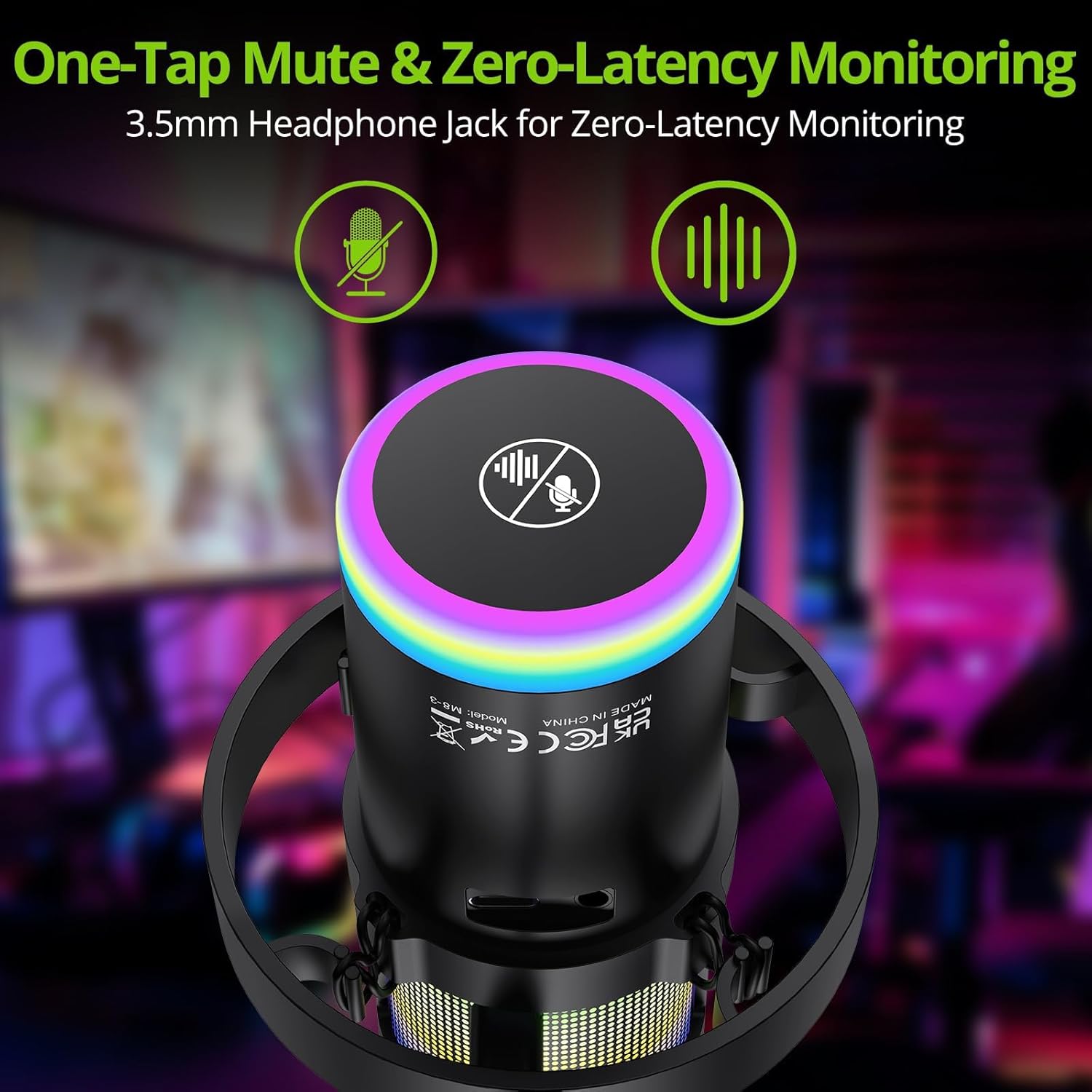
Image: Close-up of the microphone's top, highlighting the mute button and headphone jack for monitoring.
5. Kontroller Üzeriview

Image: A detailed diagram illustrating the various controls on the LiNKFOR USB Gaming Microphone, including the RGB lighting touch control, 3.5mm headphone jack, USB-C port, and volume/mode knob.
Uyumluluk
The LiNKFOR USB Gaming Microphone is designed for broad compatibility:
- Uyumlu: PC (Windows), Mac, PS4, PS5, Android (OTG-capable phones).
- Uyumlu Değil: Xbox, dedicated sound cards (may interfere with plug-and-play functionality).
Bakım
- Temizlik: Mikrofonun dış yüzeyini temizlemek için yumuşak, kuru bir bez kullanın. Sıvı temizleyiciler veya çözücüler kullanmayın.
- Depolamak: Kullanmadığınız zamanlarda mikrofonu doğrudan güneş ışığından ve aşırı sıcaklıklardan uzak, serin ve kuru bir yerde saklayın.
- İşleme: Avoid dropping the microphone or subjecting it to strong impacts, as this may damage internal components.
Sorun giderme
| Sorun | Olası Neden | Çözüm |
|---|---|---|
| Mikrofondan ses çıkışı yok. | Incorrect device selection; loose cable connection; microphone muted. | Check your device's sound settings to ensure the LiNKFOR microphone is selected as the input device. Reconnect the USB cable. Ensure the microphone is not muted (check the mute button/indicator). |
| RGB ışıkları çalışmıyor | Lights turned off; power issue. | Touch the top of the microphone to cycle through lighting modes. Long-press to turn them on/off. Ensure the microphone is properly connected and receiving power. |
| Audio is distorted or too quiet | Gain setting too high/low; microphone too close/far from source. | Adjust the gain knob on the microphone. Check your device's input volume settings. Position the microphone appropriately (typically 6-12 inches from the sound source). |
| Kulaklık izleme özelliği çalışmıyor. | Headphones not properly connected; headphone volume too low. | Ensure headphones are fully plugged into the 3.5mm jack. Adjust the headphone volume dial on the microphone. |
Özellikler
| Özellik | Detay |
|---|---|
| Model Numarası | ULK113 |
| Bağlantı Teknolojisi | USB Tip-C |
| Mikrofon Türü | Condenser, Cardioid |
| Sinyal-Gürültü Oranı | 85 dB |
| Özel Özellikler | RGB Lighting, Noise Cancellation, Mute Button, Volume Control, Headphone Jack, Reverb Effects |
| Uyumlu Cihazlar | PC, PS4/PS5, Mac, Android (OTG) |
| Ürün Ağırlığı | 1.14 pound |
| Ürün Boyutları | 7.28 x 4.53 x 4.33 inç |
| Malzeme | Plastik |
Garanti ve Destek
For warranty information or technical support, please refer to the official LiNKFOR webSite üzerinden satın alabilir veya müşteri hizmetleriyle iletişime geçebilirsiniz. Garanti talepleriniz için satın alma fişinizi saklayın.
Ziyaret edebilirsiniz LiNKFOR Store on Amazon Daha fazla bilgi ve destek kaynakları için.