
giriiş
The BEREST A10 Baby Lovey Music Box is designed to provide a soothing environment for newborns and infants, aiding in peaceful sleep. This device features 10 calming sounds, a smart cry sensor, an adjustable timer, a recording function, and a rechargeable battery. This manual provides essential information for the safe and effective use of your BEREST A10.
Güvenlik Bilgileri
- Do not use the device in the bath or near water.
- Do not use the USB cable while the machine is in use.
- Bu cihaz bir oyuncak değildir. Çocukların erişemeyeceği yerde saklayın.
- Use the device within recommended noise levels to prevent potential hearing damage.
Paket İçeriği
Lütfen aşağıdaki öğelerin kutucuğunu işaretleyin:
- BEREST A10 Music Box
- C Tipi Şarj Kablosu
- Kullanıcı Kılavuzu
- Gifted Box

Image: Contents of the BEREST A10 package, including the music box, charging cable, and manual.
Ürün Bittiview
The BEREST A10 is a compact and versatile sleep soother. Its main features include:
- 10 Rahatlatıcı Ses: Includes 2 heartbeat sounds, white noise, rain, shushing, and 5 different lullabies.
- Smart Baby Cry Sensor: Automatically detects baby's crying and plays soothing sounds for 30 minutes.
- Ayarlanabilir Zamanlayıcı: Set for 15, 30, or 60 minutes, or enable continuous play.
- Kayıt Fonksiyonu: Allows for up to 120 seconds of personalized recording.
- Şarj Edilebilir Lityum Pil: Provides long-lasting power, eliminating the need for disposable batteries.
- Ayarlanabilir Ses Kontrolü: Fine-tune the sound level to protect infant hearing.
- Kompakt Tasarım: Measures 2.52 x 2.52 x 1.38 inches, designed to fit seamlessly into most plush toys and loveys.

Image: The BEREST A10 Music Box shown with various plush toys, highlighting its small size and versatility.
Kurmak
1. Cihazın Şarj Edilmesi
Before first use, fully charge the BEREST A10 using the provided Type-C charging cable. Connect the cable to the device and a suitable USB power source. The charging indicator light will show the charging status.
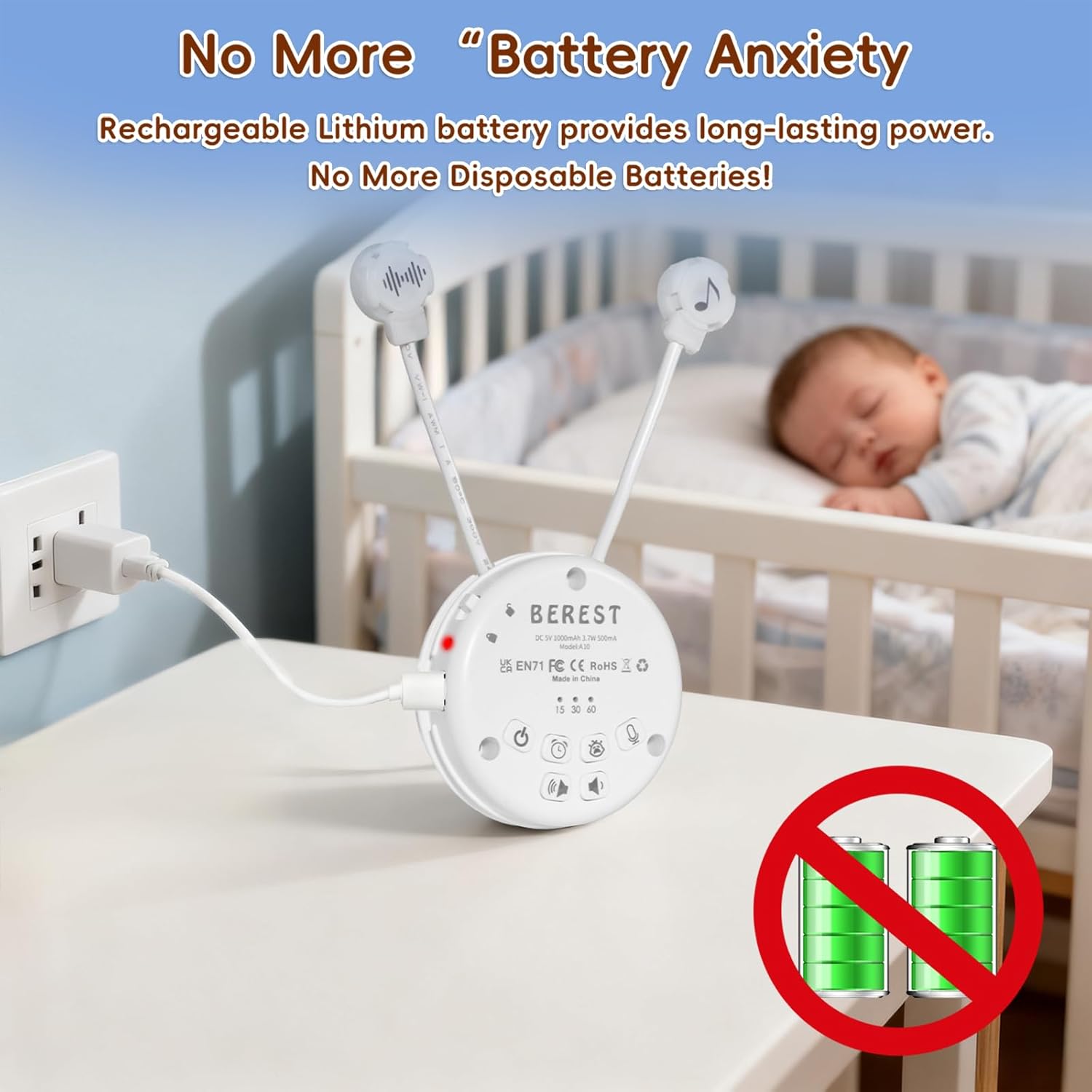
Image: The BEREST A10 Music Box being charged with its Type-C cable, indicating its rechargeable nature.
2. Inserting into a Plush Toy (Optional)
The compact design of the A10 allows it to be inserted into most plush toys or loveys. Locate the opening in your plush toy, gently insert the music box, and secure it if possible. Ensure the buttons are accessible if you plan to operate it while inside the plush.

Resim: Yakın çekim view of the BEREST A10 Music Box being placed inside a plush toy for integrated use.
Kullanım Talimatları
Familiarize yourself with the control buttons on the device:
Image: Labeled diagram of the BEREST A10 Music Box controls.
1. Güç Açma/Kapatma
- Basın AÇIK/KAPALI düğmesi once to turn the device on.
- Basılı tutun AÇIK/KAPALI düğmesi Cihazı kapatmak için 3 saniye basılı tutun.
2. Ses Seçimi
- When the device is on, short press the AÇIK/KAPALI düğmesi to cycle through the 10 available soothing sounds (2 heartbeats, white noise, rain, shushing, 5 lullabies).
- Uzun basın AÇIK/KAPALI düğmesi for 3 seconds (while on) to enable continuous loop playing of all songs.

Image: The BEREST A10 Music Box providing 10 soothing sounds for a sleeping baby.
3. Ses Kontrolü
- Basın Sesi Açma düğmesi ses seviyesini arttırmak için.
- Basın Sesi Azaltma düğmesi to decrease the sound level.
4. Zamanlayıcı İşlevi
- Basın Zamanlayıcı düğmesi to set the auto-off timer. The available options are 15, 30, or 60 minutes.
- If no timer is set, the device will play continuously until manually turned off or the battery runs out.

Image: The BEREST A10 Music Box with its timer function set to 15, 30, or 60 minutes.
5. Smart Baby Cry Sensor
- Basın Baby Cry Sensor button Bu özelliği etkinleştirmek için.
- When activated, the device will automatically detect a baby's crying and play soothing sounds for 30 minutes to help calm the baby back to sleep.
- The sensor will reactivate if crying is detected again after the 30-minute cycle.

Image: The BEREST A10 Music Box's cry sensor feature, designed to soothe a crying baby.
6. Kayıt Fonksiyonu
- Basılı tutun Kayıt düğmesi to begin recording. The device supports up to 120 seconds of recording.
- Kaydı durdurmak için düğmeyi bırakın.
- Kısa basın Kayıt düğmesi to play back your recorded message.
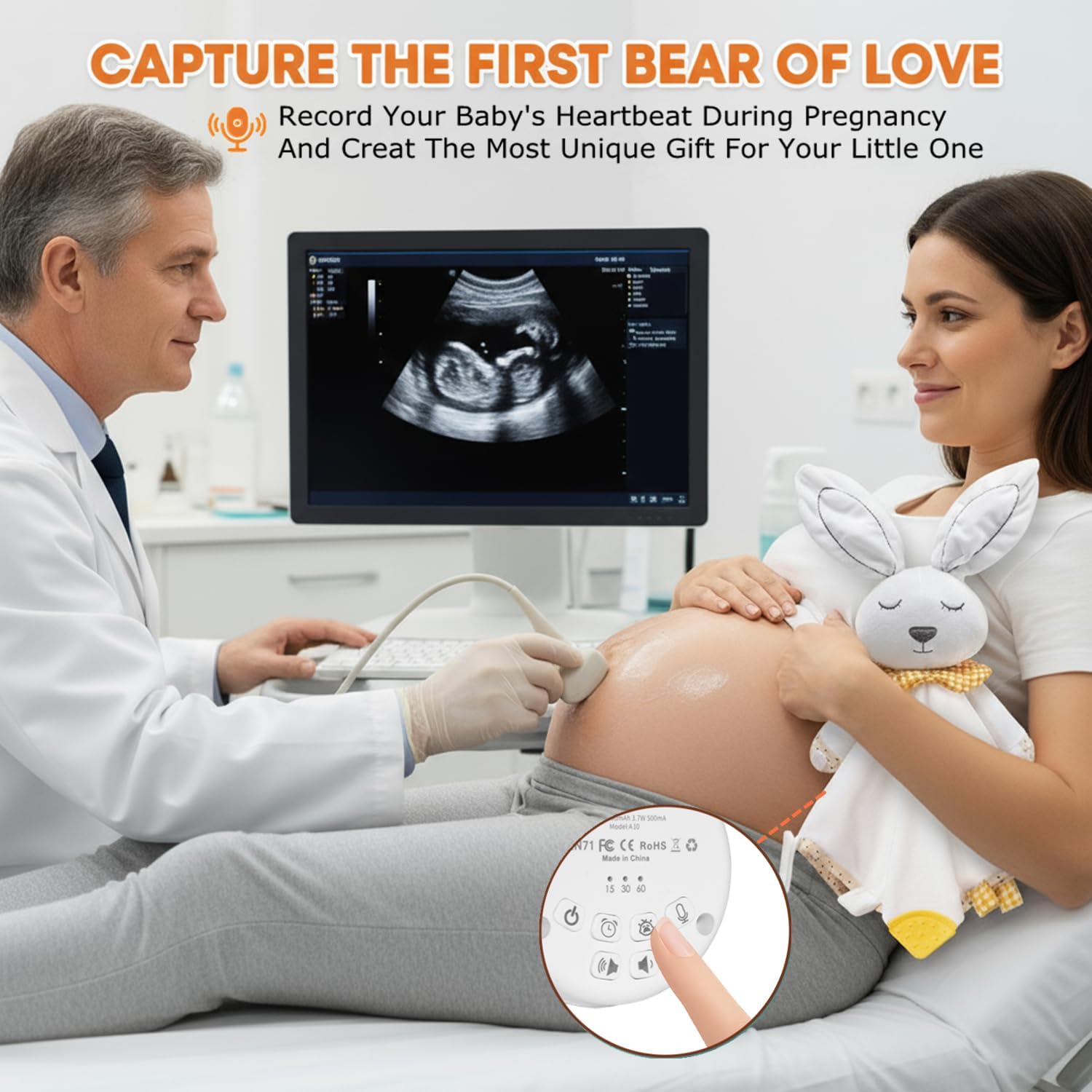
Image: The BEREST A10 Music Box's recording function being used to capture a heartbeat.
7. Çocuk Kilidi
- Bulun Children Lock switch cihazın yan tarafında.
- Slide the switch to the lock position to prevent accidental changes to settings by children.
Bakım
Temizlik
- Cihazı yumuşak, kuru bir bezle silin.
- Do not use liquid cleaners or immerse the device in water.
Pil Bakımı
- Pil ömrünü uzatmak için pili sık sık tamamen boşaltmaktan kaçının.
- Uzun süre kullanılmayacaksa cihazı serin ve kuru bir yerde saklayın.
Sorun giderme
| Sorun | Olası Neden | Çözüm |
|---|---|---|
| Cihaz açılmıyor. | Pil zayıf veya bitmiş. | Cihazı, kutu içeriğinde bulunan Type-C kablosuyla şarj edin. |
| Ses yok veya ses seviyesi düşük. | Ses çok düşük olarak ayarlanmış. | Sesi açmak için Ses Açma düğmesini kullanın. |
| Ağlama sensörü aktifleşmiyor. | Cry sensor not enabled or ambient noise is too high. | Ensure the Baby Cry Sensor button is pressed. Reduce other noise sources. |
| Cihaz beklenmedik şekilde kapanıyor. | Timer is set, or battery is low. | Zamanlayıcı ayarlarını kontrol edin. Pil seviyesi düşükse cihazı şarj edin. |
Özellikler
| Model Numarası | A10 |
| Ürün Boyutları | 2.52 x 2.52 x 1.38 inç |
| Ürün Ağırlığı | 3.2 ons |
| Malzeme Türü | Plastik |
| Renk | Kremsi Beyaz |
| Pil Türü | Rechargeable Lithium-ion (1 AA battery included, likely referring to internal rechargeable equivalent) |
Garanti ve Destek
For warranty information or technical support, please refer to the contact details provided with your purchase or visit the official BEREST webSite. Satın alma belgenizi herhangi bir garanti talebi için saklayın.