
1. Giriş
Thank you for choosing the THOMSON COSMO 500W Wi-Fi Connected Fluid-Free Electric Towel Dryer. This appliance is designed to provide rapid and uniform heat, ensuring warm towels and a comfortable bathroom environment. Its elegant design and smart connectivity features offer both performance and convenience.
This manual provides essential information for the safe installation, operation, and maintenance of your new towel dryer. Please read it thoroughly before use and retain it for future reference.
2. Güvenlik Talimatları
UYARI: Bu güvenlik talimatlarına uyulmaması yangına, elektrik çarpmasına veya yaralanmaya neden olabilir.
- Bu cihazı kurmadan veya kullanmadan önce tüm talimatları okuyun.
- Bu cihaz yalnızca ev kullanımı için tasarlanmıştır. Ticari veya endüstriyel amaçlarla kullanmayın.
- Güç kaynağı hacmini sağlayıntage cihazın üzerindeki derecelendirme etiketiyle eşleşiyor.
- Do not operate the appliance with a damaged cord or plug, or if it has malfunctioned or been dropped.
- Güç kablosunu sıcak yüzeylerden uzak tutun.
- Cihazı, kablosunu veya fişini suya veya başka sıvılara batırmayın.
- Kullanmadığınızda ve temizlemeden önce daima cihazın fişini prizden çekin.
- Do not allow children to operate or play with the appliance. Close supervision is necessary when the appliance is used near children.
- Install the towel dryer in a location where it is not accessible to persons in the bath or shower.
- Ensure proper ventilation around the appliance. Do not cover the towel dryer.
- This appliance is equipped with overheat protection. If it overheats, it will automatically shut off.
- Kurulum, yerel kablolama yönetmeliklerine uygun olarak kalifiye bir elektrikçi tarafından yapılmalıdır.
3. Ürün Bittiview
The THOMSON COSMO towel dryer features a sleek design and advanced fluid-free heating technology for rapid and even heat distribution. It includes a digital control panel and Wi-Fi connectivity for remote management.
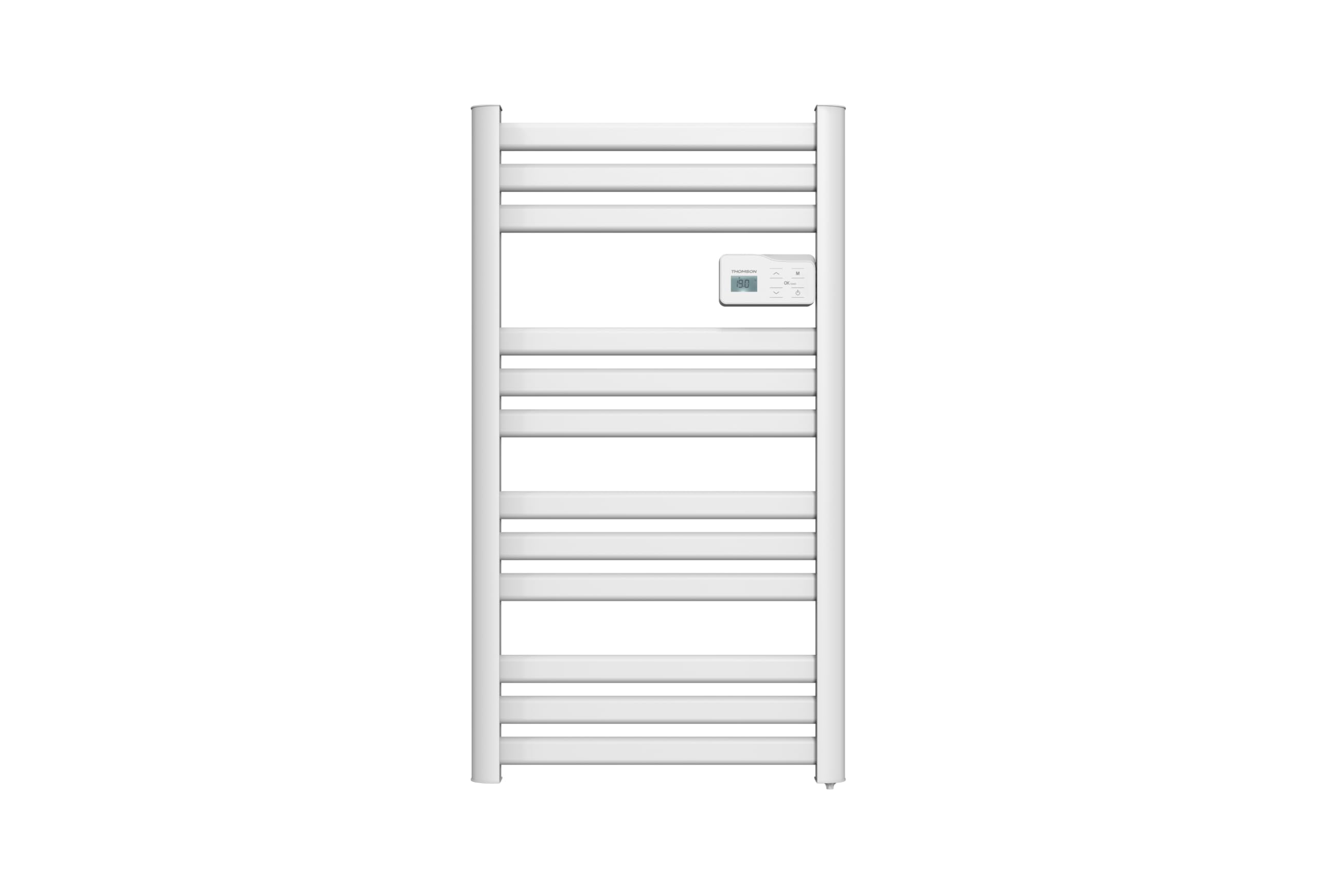
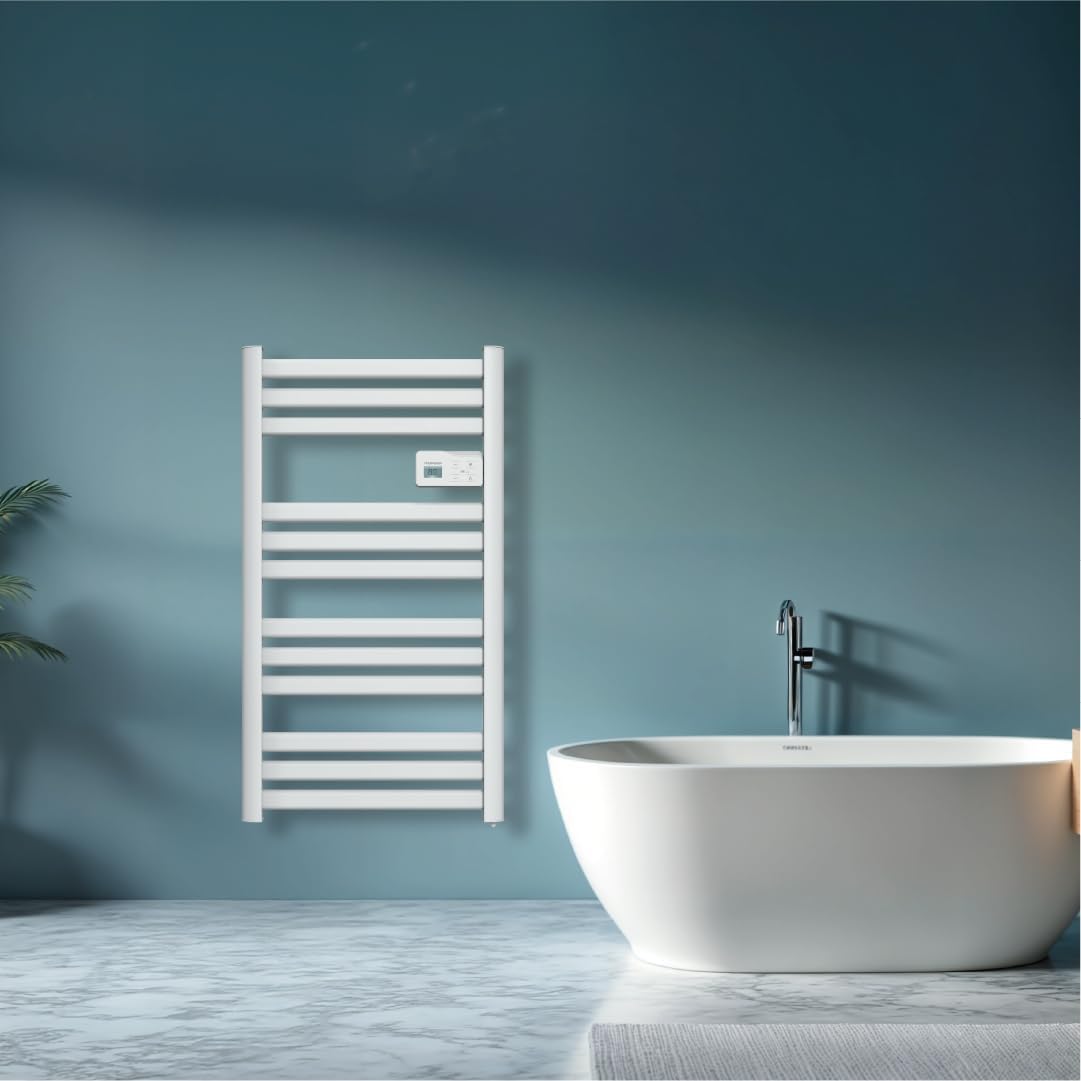
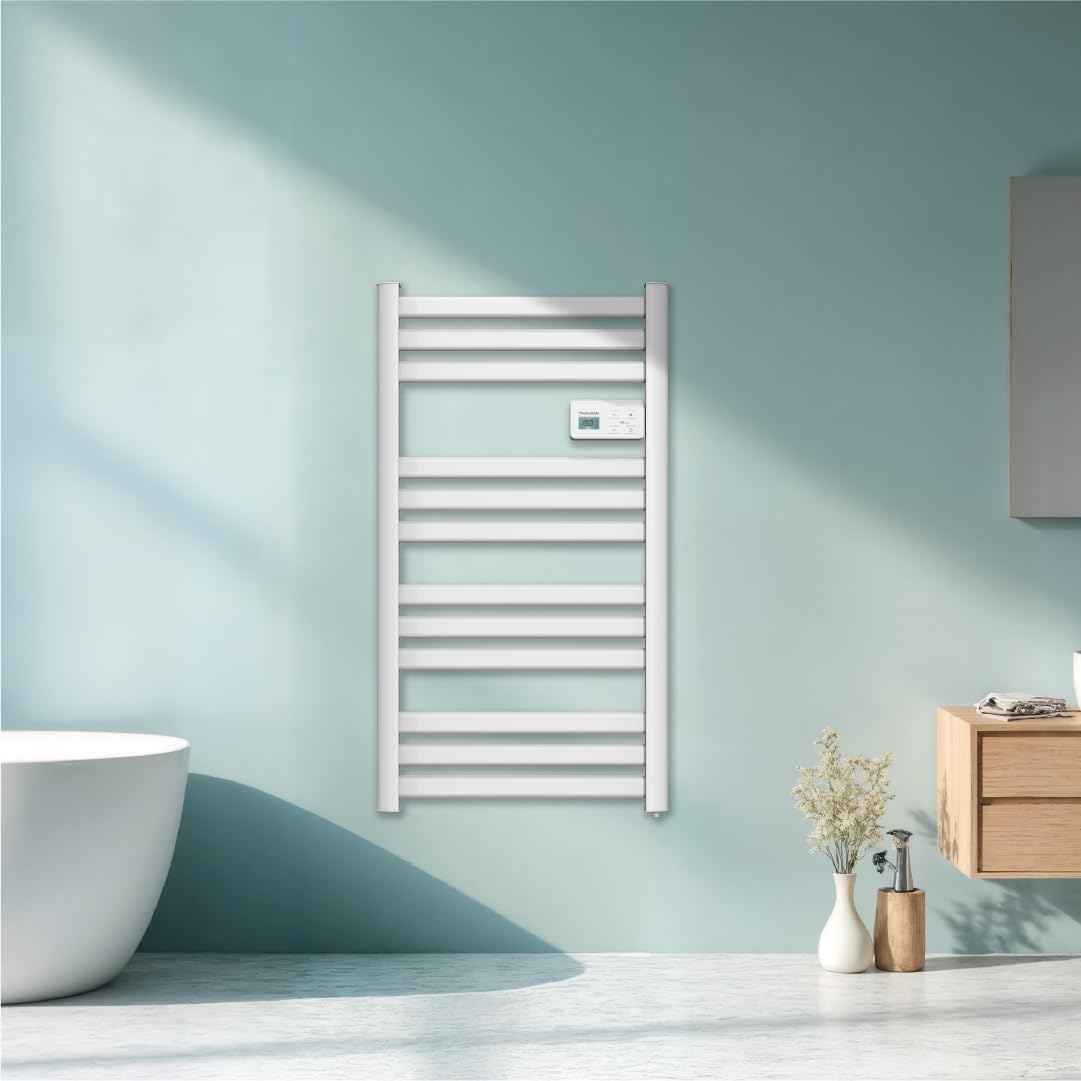
Resim: Ön view of the THOMSON COSMO electric towel dryer, white, wall-mounted, showcasing its design in a bathroom.
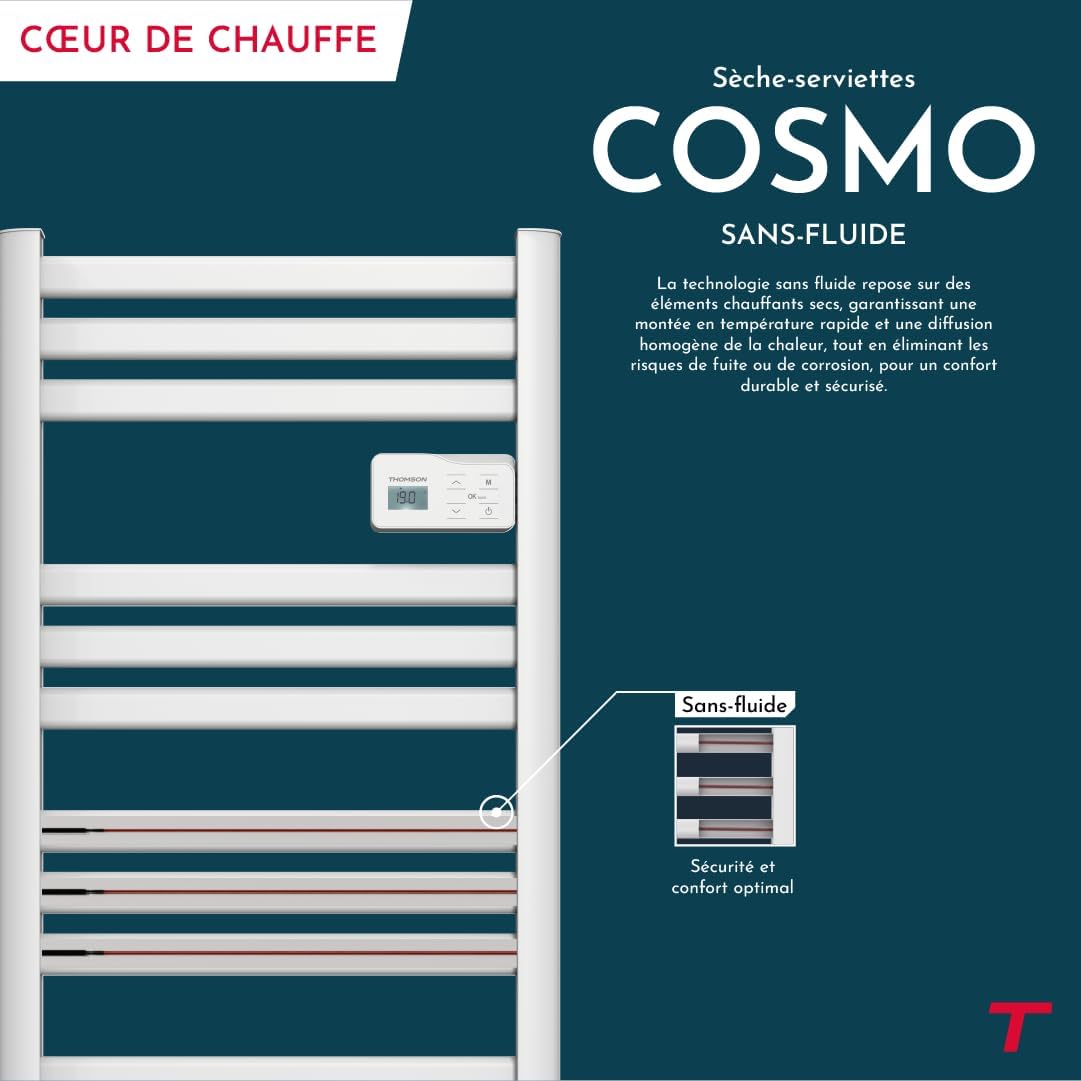
Resim: Diagram illustrating the internal fluid-free heating elements, highlighting rapid and homogeneous heat distribution and programmable thermostat.
Temel Özellikler:
- 500W Güç: Efficient heating for towels and bathroom.
- Sıvı İçermeyen Teknoloji: Ensures quick heat-up and uniform temperature across the surface.
- Wi-Fi Bağlantısı: Compatible with Tuya Smart and Smart Life applications for remote control.
- Dijital Kontrol Paneli: Intuitive LCD display for direct temperature and mode adjustments.
- Programlanabilir Termostat: 7 daily pre-recorded and customizable programs.
- Pencere Açık Algılama: Automatically cuts heating to save energy if a sudden temperature drop is detected.
- Çocuk Kilidi: Ayarlarda istenmeyen değişikliklerin yapılmasını önler.
4. Kurulum ve Kurulum
The THOMSON COSMO towel dryer is designed for wall-mounted installation. Professional installation is recommended.
4.1. Paketten çıkarma
- Carefully remove the towel dryer and all accessories from the packaging.
- Check for any damage during transit. If damaged, do not install and contact your retailer.
- İlerideki taşıma veya saklama için ambalajı saklayın.
4.2. Montaj Yeri
- Choose a suitable wall in your bathroom, ensuring it is structurally sound to support the weight of the unit (approximately 3.9 kg).
- Ensure the location complies with local electrical safety regulations, especially regarding proximity to water sources (baths, showers, sinks).
- Maintain adequate clearance around the unit for air circulation and access.

Resim: Product dimensions and weight for installation planning.
4.3. Duvara Montaj
- Mark the drilling points on the wall using the provided mounting template or by measuring the bracket positions.
- Drill holes of appropriate size for the wall plugs (e.g., Molly anchors for plasterboard, as suggested by a user review).
- Insert the wall plugs and secure the mounting brackets to the wall.
- Carefully hang the towel dryer onto the secured brackets.
- Ensure the unit is level and securely fastened to the wall.
4.4. Elektriksel bağlantı
- The appliance connects via an electrical cable. Ensure the power supply is switched off at the main circuit breaker before making any connections.
- Connect the towel dryer to a suitable electrical outlet or junction box according to local electrical codes.
- Once connected, switch on the power supply.
5. Kullanım Talimatları
The THOMSON COSMO towel dryer features an intuitive digital control panel for easy operation.
Resim: Digital control panel with LCD display and buttons for temperature adjustment and mode selection, shown with a hand pressing the power button.
5.1. Kontrol Paneli Üzerindeview
- LCD Ekran: Mevcut sıcaklığı, modu ve diğer ayarları gösterir.
- Güç düğmesi (⏻): Üniteyi açar/kapatır.
- Yukarı/Aşağı Oklar (⌃ / ⌄): Sıcaklık ayarlarını düzenleyin veya menülerde gezinin.
- Mod Düğmesi (M): Cycles through different operating modes (e.g., Comfort, Eco, Boost, Program).
- Menu/Confirm Button (≡): Accesses menu options or confirms selections.
5.2. Temel İşlem
- Güç AÇIK/KAPALI: Güç tuşuna baş (⏻) to turn the towel dryer on or off.
- Sıcaklığı Ayarla: When the unit is on, use the Up/Down arrows (⌃ / ⌄) to adjust the desired temperature. The display will show the set temperature.
- Mod Değiştir: Press the Mode button (M) to cycle through available operating modes. Refer to the full product manual for detailed descriptions of each mode (e.g., Comfort, Eco, Boost, Frost Protection).
5.3. Programlama
The towel dryer offers 7 daily pre-recorded and customizable programs. Access the programming menu via the Menu/Confirm button (≡) and follow the on-screen instructions to set your desired heating schedules.
For a visual guide on programming, you can refer to the official video tutorial playlist:
Video: Official video tutorial playlist for THOMSON COSMO towel dryer programming and features. This playlist provides step-by-step instructions on how to set up and use various functions of your device.
6. Wi-Fi Connectivity & Smart Features
The THOMSON COSMO towel dryer can be controlled remotely via Wi-Fi using the Tuya Smart or Smart Life mobile applications.
Resim: A graphic indicating the towel dryer's Wi-Fi connectivity and compatibility with the Tuya Smart application.
6.1. Uygulama Kurulumu ve Eşleştirme
- Akıllı telefonunuzun uygulama mağazasından (Android için Google Play Store, iOS için Apple App Store) "Tuya Smart" veya "Smart Life" uygulamasını indirin.
- Hesabınıza kaydolun veya giriş yapın.
- Ensure your towel dryer is powered on and your smartphone is connected to a 2.4 GHz Wi-Fi network.
- Uygulamada "Cihaz Ekle"ye veya "+" simgesine dokunun.
- Select the appropriate device category (e.g., "Heater" or "Towel Warmer").
- Follow the in-app instructions to put your towel dryer into pairing mode (usually by pressing and holding a button on the control panel until an indicator light flashes).
- Uygulama içinden eşleştirme işlemini tamamlayın.
6.2. Remote Control Features
Bağlandıktan sonra uygulamayı kullanarak şunları yapabilirsiniz:
- Turn the towel dryer ON/OFF.
- Sıcaklığı ayarlayın.
- Çalışma modlarını değiştirin.
- Set and customize heating schedules.
- Monitor energy consumption (if supported by the app and device).

Resim: The Tuya Smart app interface demonstrating energy monitoring and scheduling features for connected devices.
6.3. Ses Kontrolü Entegrasyonu
The THOMSON COSMO towel dryer is compatible with voice assistants like Amazon Alexa and Google Home via the Tuya Smart/Smart Life app integration.

Resim: Logos of Amazon Alexa and Google Home, signifying that the towel dryer can be controlled using voice commands through these platforms.
- Enable the "Tuya Smart" or "Smart Life" skill/service in your Alexa or Google Home app.
- Link your Tuya/Smart Life account with your voice assistant account.
- Discover devices. Your towel dryer should appear as a controllable device.
- Artık aşağıdaki gibi sesli komutları kullanabilirsiniz:
- "Alexa, turn on the bathroom heater."
- "Hey Google, set the bathroom heater to 22 degrees."
7. Bakım
Regular maintenance ensures the longevity and efficient operation of your THOMSON COSMO towel dryer.
7.1. Temizlik
- Temizlemeden önce daima cihazın fişini çekin ve tamamen soğumasını bekleyin.
- Dış yüzeyleri yumuşak, damp Aşındırıcı temizleyiciler, çözücüler veya sert kimyasallar kullanmayın, çünkü bunlar cilaya zarar verebilir.
- Kontrol paneline veya elektrikli parçalara su girmemesine dikkat edin.
- Do not use water jets or immerse the appliance in water.
7.2. Depolama
If storing the towel dryer for an extended period, ensure it is clean and dry. Store it in a cool, dry place, preferably in its original packaging to protect it from dust and damage.
8. Sorun Giderme
If you encounter issues with your THOMSON COSMO towel dryer, refer to the following common problems and solutions:
| Sorun | Olası Neden | Çözüm |
|---|---|---|
| Cihaz açılmıyor. | Güç kaynağı yok; Güç düğmesine basılmamış; Aşırı ısınma koruması etkinleştirilmiş. | Check power outlet and circuit breaker; Press the Power button; Unplug, let cool, then plug back in. |
| Appliance is not heating. | Temperature setting too low; Incorrect mode selected; Window open detection activated. | Increase temperature setting; Select Comfort or Boost mode; Close windows/doors. |
| Wi-Fi bağlantısı başarısız. | Incorrect Wi-Fi password; Not connected to 2.4 GHz network; Router too far; Device not in pairing mode. | Verify password; Connect to 2.4 GHz Wi-Fi; Move router closer or use extender; Re-enter pairing mode as per app instructions. |
| Ses kontrolü çalışmıyor. | App not linked to voice assistant; Device not discovered; Incorrect commands. | Ensure Tuya/Smart Life skill is enabled and linked; Re-discover devices in Alexa/Google Home app; Use correct voice commands. |
Bu çözümleri denedikten sonra sorun devam ederse lütfen müşteri desteğiyle iletişime geçin.
9. Özellikler
| Özellik | Detay |
|---|---|
| Örnek | EVREN |
| Marka | THOMSON (Bestherm) |
| Güç Çıkışı | 500 Watt |
| Isıtma Yöntemi | Radiant, Fluid-Free Electric |
| Boyutlar (Y x G x D) | 98 cm x 54 cm x 9.2 cm (38.6 inç x 21.3 inç x 3.6 inç) |
| Ağırlık | 3.9 Kilogram (8.6 lbs) |
| Renk | Beyaz |
| Montaj Tipi | Duvara monte |
| Özel Özellikler | Wi-Fi Compatible, Overheat Protection, Programmable Thermostat, Electronic Thermostat, Child Lock, Window Open Detection |
| Akıllı Ev Uyumluluğu | Tuya Smart, Smart Life, Amazon Alexa, Google Home |
| ASIN | B0FP2KJNLQ |
10. Garanti ve Destek
10.1. Garanti Bilgileri
Your THOMSON COSMO towel dryer comes with a manufacturer's warranty. Please refer to the warranty card included with your product for specific terms, conditions, and duration. Keep your proof of purchase for warranty claims.
10.2. Müşteri Desteği
For technical assistance, troubleshooting beyond this manual, or warranty inquiries, please contact your retailer or the manufacturer's customer service. Contact details can typically be found on the product packaging or the manufacturer's official webalan.
Çevrimiçi Kaynaklar: For additional support and video tutorials, visit the official THOMSON website or the YouTube playlist provided in this manual.