
giriiş
This manual provides essential information for setting up, operating, maintaining, and troubleshooting your HP All-in-One PC, models 27-cr0417in and 27-cr0421in. Please read these instructions carefully to ensure proper use and longevity of your device.
The HP All-in-One PC features a 27-inch Full HD IPS display, powered by a 13th Gen Intel Core i5-1334U processor, 16GB DDR4 RAM, and a 1TB PCIe NVMe M.2 SSD. It comes pre-installed with Windows 11 Home and Office 2024.
1. Kurulum Kılavuzu
1.1 Bilgisayarın Kutusundan Çıkarılması
Tüm bileşenleri ambalajından dikkatlice çıkarın. Aşağıdaki öğelerin mevcut olduğundan emin olun:
- HP All-in-One PC unit
- HP 710 White Wireless Keyboard
- HP White Wireless Mouse
- 90W Smart AC Power Adapter
- Belgeler (bu kılavuz dahil)
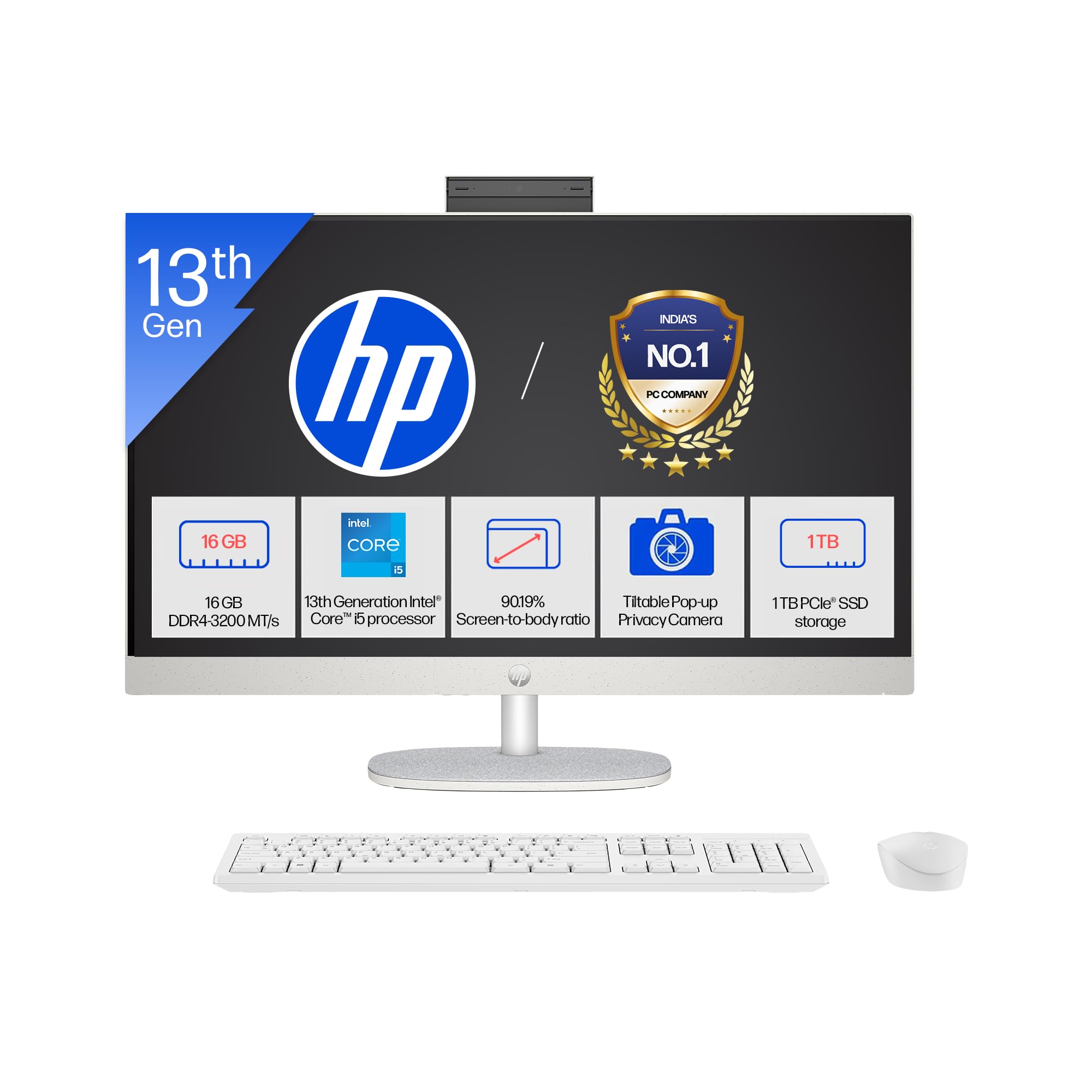
Image: The HP All-in-One PC with its included wireless keyboard and mouse, ready for setup.
1.2 Çevre Birimlerini Bağlama
- Güç Bağlantısı: Connect the 90W Smart AC Power Adapter to the power port on the back of the PC, then plug it into a wall outlet.
- Kablosuz Klavye ve Fare: The HP 710 wireless keyboard and mouse are pre-paired. Insert the included batteries into both devices. The USB receiver for the wireless devices is typically found in the mouse or keyboard packaging. Plug this receiver into an available USB port on the PC.
- Opsiyonel Bağlantılar: If you have external devices, connect them to the appropriate ports (e.g., USB drives, external monitors via HDMI-out).
1.3 İlk Açılış ve Windows Kurulumu
- Ekranın yan veya arka tarafında bulunan güç düğmesine basın.
- Follow the on-screen instructions to complete the Windows 11 Home setup. This includes selecting your region, connecting to a Wi-Fi network, and creating a user account.
- Your PC comes with Windows 11 Home in S mode. This mode is designed for security and performance, exclusively running apps from the Microsoft Store. If you need to install apps from outside the Microsoft Store, you can switch out of S mode.
2. Bilgisayarınızı Çalıştırma
2.1 Temel Gezinme ve Görüntüleme
Your HP All-in-One PC features a 27-inch Full HD (1920 x 1080) IPS display with a three-sided micro-edge design for an immersive viewing experience. The anti-glare finish reduces reflections, and 300 nits brightness ensures clear visuals.

Image: Visual representation of the 27-inch FHD IPS display with micro-edge bezels and 300 nits brightness.
2.2 Camera and Audio Features
- HP True Vision 1080p FHD IR Tilt Privacy Camera: The integrated camera provides high-definition video for calls and includes an IR sensor for Windows Hello facial recognition. The tilt feature allows adjustment, and the privacy shutter ensures your privacy when not in use.
- Dual Array Digital Microphones: Integrated microphones with temporal noise reduction enhance audio clarity during video conferences and voice commands.
- Çift 2W Hoparlörler: The built-in stereo speakers provide clear audio output for multimedia and communication.
2.3 Bağlantı
Your PC offers a variety of ports and wireless options for connecting to networks and peripherals.
- Kablosuz: Integrated Realtek RTL8852BE Wi-Fi 6 (2x2) for high-speed internet and Bluetooth 5.3 for connecting wireless accessories.
- USB Bağlantı Noktaları: Includes 1 USB Type-C (5Gbps), 2 USB Type-A (5Gbps), and 2 USB 2.0 Type-A ports for various devices.
- HDMI çıkışı: Connect an external display using the HDMI-out 1.4 port.
- RJ-45: Kablolu Ethernet ağ bağlantısı için.
- Kulaklık/Mikrofon Kombinasyonu: A single port for audio input and output.

Resim: Ayrıntılı view of the rear ports on the HP All-in-One PC, including USB, HDMI, and Ethernet connections.
3. Bakım ve Özen
3.1 Temizleme Talimatları
- Görüntülemek: Yumuşak, tiftiksiz bir bez kullanın ve hafifçe kurulayın.ampSu veya elektronik cihazlar için özel olarak tasarlanmış bir ekran temizleyici ile temizleyin. Sert kimyasallardan kaçının.
- Şasi: Dış yüzeyleri yumuşak, kuru bir bezle silin. İnatçı lekeler için, hafifçe kuru bir bez kullanın.amp bez kullanılabilir.
- Klavye ve Fare: Toz ve kalıntıları temizlemek için yumuşak bir fırça veya basınçlı hava kullanın. Yüzeyleri hafifçe kurulayın.amp Gerekirse bez.
- Havalandırma: Ensure the ventilation openings are clear of dust to prevent overheating. Use compressed air to gently clear dust from vents.
3.2 Yazılım Güncellemeleri
En iyi performansı ve güvenliği sağlamak için işletim sisteminizi ve sürücülerinizi düzenli olarak güncelleyin.
- Windows Güncellemeleri: Git Ayarlar > Windows Update to check for and install the latest updates.
- Sürücü Güncellemeleri: HP provides driver updates through its support website veya HP Destek Asistanı yazılımı.
3.3 Depolama Yönetimi
To maintain system performance, regularly manage your 1TB SSD storage:
- Gereksizleri sil files ve uygulamaları.
- Büyük hacimli veriler için bulut depolama hizmetlerinden yararlanın files.
- Run Disk Cleanup (search for it in Windows) to remove temporary files.
4. Sorun Giderme
4.1 Yaygın Sorunlar ve Çözümler
- Bilgisayar açılmıyor:
- Güç adaptörünün hem bilgisayara hem de çalışan bir elektrik prizine güvenli bir şekilde bağlı olduğundan emin olun.
- Prizi başka bir cihazla deneyin.
- Ekranda görüntü yok:
- Check if the PC is powered on.
- Ensure no external display is connected and set as the primary output.
- Wireless keyboard/mouse not responding:
- Pil seviyelerini kontrol edin ve gerekiyorsa değiştirin.
- Ensure the USB receiver is properly plugged into a USB port.
- Alıcıyı farklı bir USB portuna takmayı deneyin.
- İnternet bağlantısı yok:
- Verify your Wi-Fi network is active and you have the correct password.
- Yönlendiricinizi/modeminizi yeniden başlatın.
- Check network cable if using RJ-45.
4.2 Destek Ekibiyle Ne Zaman İletişime Geçilmeli
If you encounter persistent issues that cannot be resolved using the troubleshooting steps above, please refer to the Warranty and Support section for contact information.
5. Ürün Özellikleri

Resim: Üzeriview of the 13th Gen Intel Core i5-1334U processor specifications, including core count and clock speed.
| Özellik | Tanım |
|---|---|
| Model Numaraları | 27-cr0417in, 27-cr0421in |
| İşlemci | 13th Gen Intel Core i5-1334U (up to 4.6 GHz, 10 cores, 12 threads, 12 MB L3 cache) |
| Bellek (RAM) | 16 GB DDR4-3200 MT/s (1 x 16 GB), 1 available slot |
| Depolamak | 1 TB PCIe NVMe M.2 SSD |
| İşletim Sistemi | S modunda Windows 11 Home Tek Dil |
| Önceden yüklenmiş yazılım | Microsoft Office 2024, 1 Year Microsoft 365 Basic |
| Görüntülemek | 27" (68.6 cm) diagonal, FHD (1920 x 1080), IPS, three-sided micro-edge, anti-glare, 300 nits, 99% sRGB |
| Grafikler | Entegre Grafikler |
| Limanlar | 1 USB Type-C 5Gbps, 2 USB Type-A 5Gbps, 2 USB 2.0 Type-A, 1 Headphone/microphone combo, 1 RJ-45, 1 HDMI-out 1.4 |
| Genişleme Yuvaları | 1 M.2 (for SSD), 1 M.2 (for WLAN) |
| Kablosuz Bağlantı | Realtek RTL8852BE Wi-Fi 6 (2x2) and Bluetooth 5.3 |
| Ses | Çift 2W hoparlör |
| Klavye ve Fare | HP 710 White Wireless Keyboard and Mouse Combo |
| Kamera | HP True Vision 1080p FHD IR tilt privacy camera with temporal noise reduction and integrated dual array digital microphones |
| Güç Kaynağı | 90W Smart AC power adapter |
| Boyutlar (G x D x Y) | 61.2 x 18.6 x 51.7 cm (24.11 x 7.34 x 20.35 inç) |
| Ağırlık | 6.72 kilo |
| Renk | Shell white |
| UPC | 199485095103 |
| Sürdürülebilirlik Özellikleri | Post-consumer recycled and ocean-bound plastics, EPEAT Gold Registered, ENERGY STAR Certified |
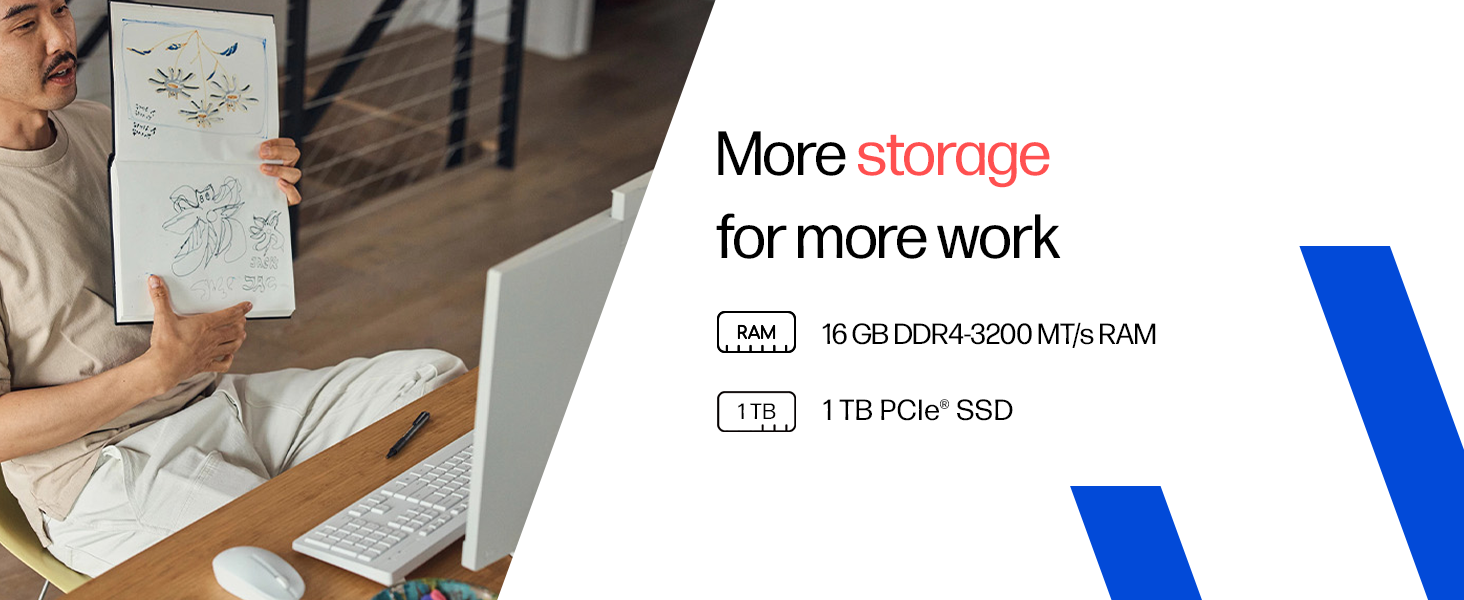
Image: Details on the 16GB DDR4 RAM and 1TB PCIe SSD for efficient performance and storage.
6. Garanti ve Destek
6.1 Garanti Bilgileri
Your HP All-in-One PC comes with a 1 yıllık üretici garantisi on the device from the date of purchase. Please retain your proof of purchase for warranty claims.
6.2 Teknik Destek
For any technical or product-related queries, please contact HP customer support:
- Ücretsiz Çağrı Numaraları: 1800-258-7170 or 1860-258-3079
- Üretici: HP India Sales Pvt. Ltd.
For additional support resources, visit the official HP support webalan.