
CHEREEKI B0FHHKMP1X
CHEREEKI Digital LED Alarm Clock User Manual
Model: B0FHHKMP1X
giriiş
Satın aldığınız için teşekkür ederizasing the CHEREEKI Digital LED Alarm Clock. This manual provides detailed instructions for setting up and operating your new alarm clock. Please read it thoroughly before use and keep it for future reference.
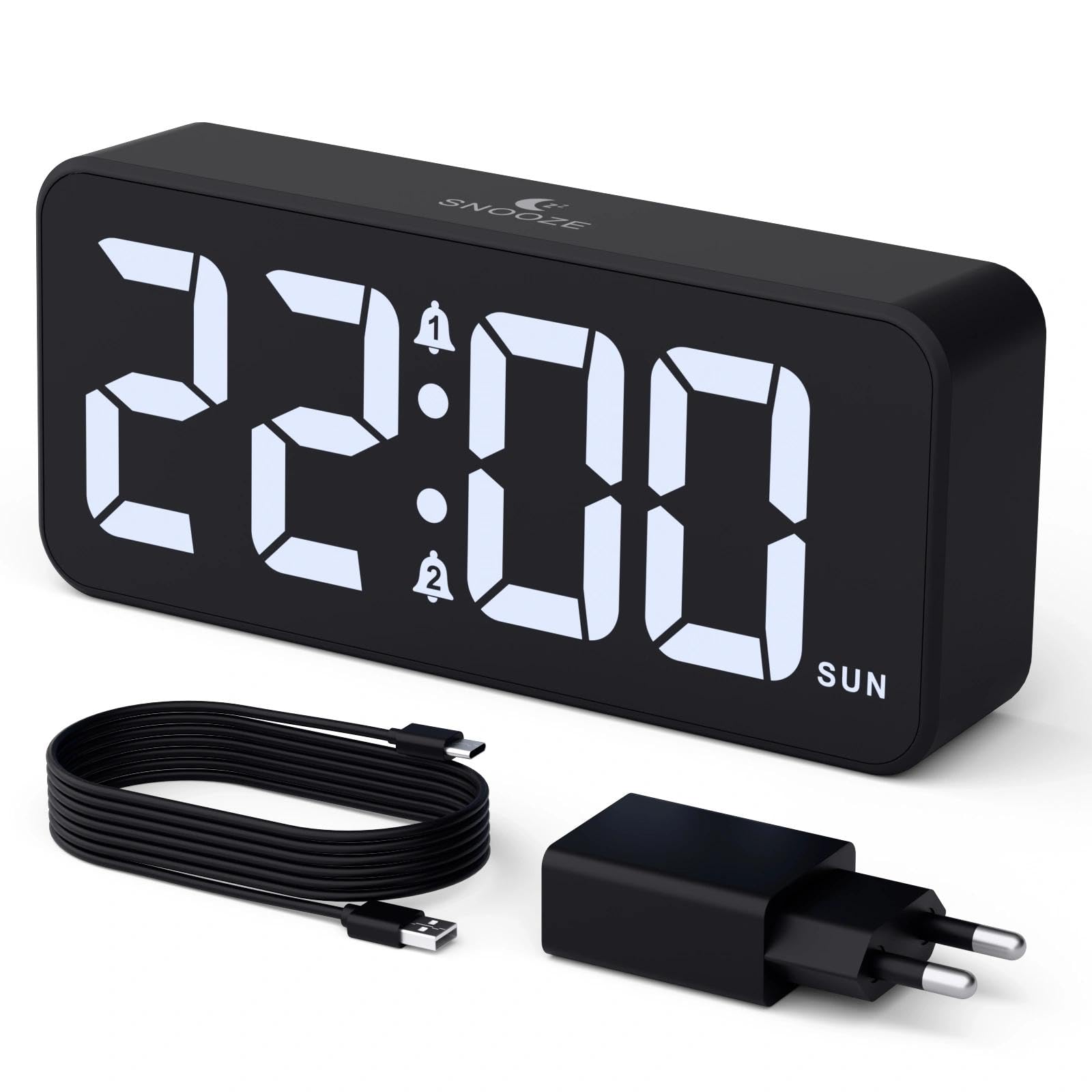
Image: The CHEREEKI Digital LED Alarm Clock, showcasing its large LED display and key features.
Güvenlik Bilgileri
- Ensure the power adapter and cable are compatible with the device's voltage requirements (5V/1A or 5V/2A).
- Cihazı suya veya aşırı neme maruz bırakmayın.
- Cihazı ısı kaynaklarının yakınına veya doğrudan güneş ışığına maruz bırakmaktan kaçının.
- Cihazı kendiniz sökmeye veya onarmaya çalışmayın. Sorun yaşarsanız müşteri desteğiyle iletişime geçin.
- Çocukların erişemeyeceği yerde saklayınız.
Paket İçeriği
- CHEREEKI Digital LED Alarm Clock
- Power Adapter (5V/1A or 5V/2A)
- USB Şarj Kablosu (1.5 m)
- Kullanıcı Kılavuzu
- CR2032 Backup Battery (pre-installed or included)

Görsel: Ürün paketinde yer alan öğelerin illüstrasyonu.
Ürün Yerleşimi ve Kontrolleri

Image: Rear panel of the alarm clock with labels for all buttons and ports.
- Zaman Ayarı Düğmesi: Zaman ayarı moduna girmek için basın.
- Alarm 1 Düğmesi: Press to set Alarm 1.
- Alarm 2 Düğmesi: Press to set Alarm 2.
- Yukarı/Aşağı Düğmeleri: Adjust values during setting.
- Dimmer Düğmesi: Rotate to adjust display brightness (0-100%).
- Ses Düğmesi: Rotate to adjust alarm volume (10 levels).
- USB Çıkış Bağlantı Noktası: Harici cihazları şarj etmek için.
- C Tipi Giriş Bağlantı Noktası: For power supply to the alarm clock.
- DST Düğmesi: For Daylight Saving Time adjustment.
- Pil Bölmesi: Houses the CR2032 backup battery.
Kurmak
1. Güç Bağlantısı
The alarm clock operates solely on AC power. Connect the provided USB cable to the Type-C input port on the back of the clock and plug the adapter into a standard wall outlet (5V/1A or 5V/2A). The display will light up.

Image: The alarm clock connected to a power source via its adapter.
2. Yedek Pil
A CR2032 backup battery is included to retain time and alarm settings during power outages. This battery does not power the display or alarm functions; it only preserves memory. Ensure the battery is correctly installed in the compartment on the back of the clock.

Image: Close-up of the backup battery compartment, indicating its purpose to retain settings during power loss.
Kullanım Talimatları
Zamanı Ayarlama
- Press the "TIME SET" button. The hour digits will flash.
- Use the "UP" or "DOWN" buttons to adjust the hour.
- Press "TIME SET" again to confirm the hour and move to minute setting. The minute digits will flash.
- Use the "UP" or "DOWN" buttons to adjust the minutes.
- Press "TIME SET" once more to confirm the minutes and exit time setting mode.
Alarm Ayarları (Alarm 1 ve Alarm 2)
This clock supports two independent alarms with three scheduling options.
- Press the "ALARM 1" or "ALARM 2" button. The alarm hour digits will flash.
- Use the "UP" or "DOWN" buttons to adjust the alarm hour.
- Press the respective alarm button again to confirm the hour and move to minute setting. The minute digits will flash.
- Use the "UP" or "DOWN" buttons to adjust the alarm minutes.
- Press the alarm button again to select the alarm schedule:
- Hafta içi: Pazartesiden Cumaya
- Hafta sonları: cumartesiden pazara
- Günlük: Pazartesiden pazara
- Press the alarm button once more to confirm the schedule and exit alarm setting mode.
- To enable/disable an alarm, press the "ALARM 1" or "ALARM 2" button briefly outside of setting mode. An alarm icon will appear/disappear on the display.

Image: The alarm clock demonstrating dual alarm settings with various scheduling options.
Erteleme Fonksiyonu
When the alarm sounds, touch the top of the clock to activate the 5-minute snooze function. The alarm will temporarily stop and sound again after 5 minutes. To turn off the alarm completely, press any other button on the back of the clock.
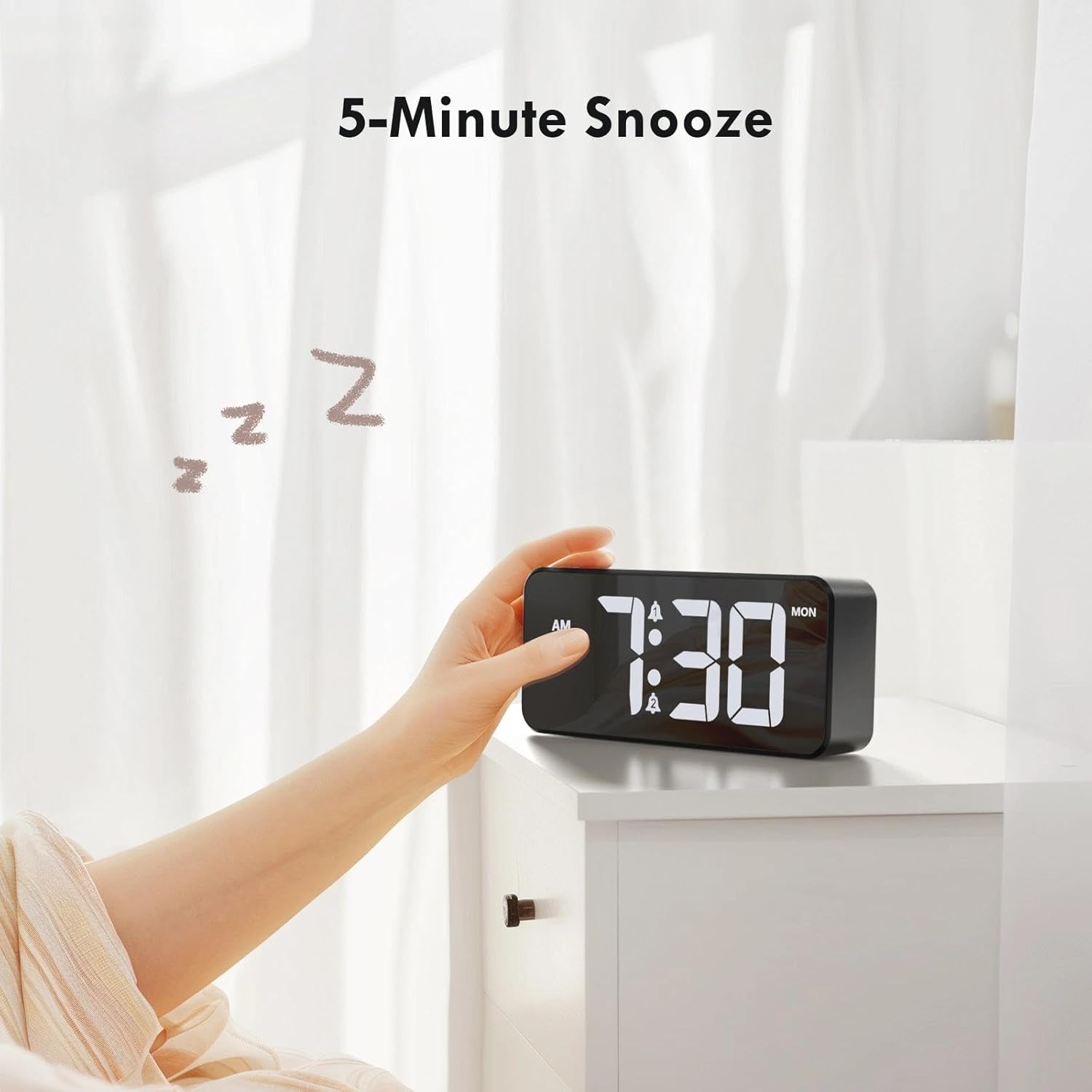
Image: A user activating the snooze function by touching the top of the alarm clock.
Ekran Parlaklığını Ayarlama
Rotate the "DIMMER" knob on the back of the clock to adjust the display brightness from 0% (off) to 100% (maximum brightness). This allows for comfortable viewHer türlü aydınlatma koşulunda.

Image: Visual representation of the adjustable brightness feature and the dimmer knob.
Alarm Sesi Ayarı
Rotate the "VOLUME" knob on the back of the clock to select one of the 10 available alarm volume levels. Choose a volume that suits your preference.

Image: The volume control knob and a visual scale indicating adjustable volume levels.
12/24 Saat Formatı
To switch between 12-hour and 24-hour time formats, press and hold the "TIME SET" button for a few seconds until the format changes. In 12-hour format, "AM" or "PM" indicators will be displayed.

Image: The alarm clock showing both 12-hour and 24-hour time display options.
USB Şarj Portu
The USB-A output port on the back of the clock allows you to charge other devices, such as smartphones or tablets. Simply connect your device's charging cable to this port.

Image: The alarm clock charging a smartphone via its integrated USB port.
Yaz Saati Uygulaması (DST)
To adjust for Daylight Saving Time, press the "DST" button on the back of the clock. This will advance or set back the time by one hour. Press it again to revert.
Bakım
- Clean the clock's surface with a soft, dry cloth. Do not use abrasive cleaners or solvents.
- Cihazı toz ve kirden uzak tutun.
- If the backup battery needs replacement, use a CR2032 coin cell battery. Ensure correct polarity.
Sorun giderme
| Sorun | Olası Neden | Çözüm |
|---|---|---|
| Ekran kapalı. | Not connected to power; Dimmer set to 0%. | Ensure the clock is plugged into a working power outlet. Rotate the Dimmer knob to increase brightness. |
| Alarm çalmıyor. | Alarm not activated; Volume set to minimum. | Press the ALARM 1/2 button to activate the alarm (icon should appear). Rotate the Volume knob to increase volume. |
| Elektrik kesintisi sonrasında ayarlar kayboldu.tage. | Backup battery is dead or missing. | CR2032 yedek pilini değiştirin. |
| USB şarjı çalışmıyor. | Clock not powered; Device cable faulty. | Ensure the alarm clock is powered. Try a different USB cable or device. |
Özellikler
- Marka: CHEREEKI
- Modeli: B0FHHKMP1X
- Renk: Siyah
- Görüntüleme Türü: Dijital LED
- Malzeme: Akrilonitril Bütadien Stiren (ABS)
- Ürün Ölçüleri: 14.5 x 3.81 x 6.5 cm (5.7 x 1.5 x 2.5 inç)
- Ürün Ağırlığı: 230 gram (0.5 lb)
- Güç Kaynağı: Wired Electric (5V/1A or 5V/2A adapter)
- Yedek Pil: CR2032 (for memory retention only)
- Özel Özellikler: Adjustable Brightness, Dual Alarm, Snooze, USB Charging Port, 12/24H Format, Adjustable Volume, Day of Week Display
Garanti ve Destek
This CHEREEKI Digital LED Alarm Clock comes with a Ömür Boyu Garanti. For any product inquiries, technical support, or warranty claims, please contact CHEREEKI customer service through the retailer where you purchased the product or visit the official CHEREEKI webiletişim bilgileri için site.
Lütfen garanti amaçlı satın alma belgenizi saklayın.
Ask a question about this manual
Ask about setup, troubleshooting, compatibility, parts, safety, or missing instructions. Manuals+ will review the question and use this page’s manual context to help answer it.