
giriiş
Thank you for choosing the pTron Flick M2 Wireless Gaming Mouse. This manual provides detailed instructions for setting up, operating, and maintaining your device. Please read this manual carefully before use to ensure optimal performance and longevity of your mouse.
Paket İçeriği
- 1N Wireless Mouse
- 1N USB Receiver
- 1N Charging Cable (Type-C)
- 1N User Guide
Ürün Bittiview
The pTron Flick M2 features an ergonomic design with RGB lighting and dual wireless connectivity. It is equipped with 6 buttons and adjustable DPI settings for precise control.

Resim: Üzeriview of the pTron Flick M2 Wireless Gaming Mouse with its 6 buttons labeled: Left Click, Right Click, Scroll Wheel, DPI Button, Forward Button, and Backward Button.
Temel Özellikler:
- Dual Wireless Modes: Connect via 2.4GHz USB receiver or Bluetooth.
- RGB LED Aydınlatma: Dynamic multi-color lighting effects.
- 6 Düğmeli Tasarım: Includes Left/Right-Click, Scroll Wheel, DPI Adjustment, Forward, and Backward buttons.
- Ayarlanabilir DPI: Three levels (1000/1200/1600) for precision tracking.
- Ergonomik Tasarım: Hafif ve uzun süreli kullanım için rahat.
- Şarj Edilebilir Pil: Built-in battery with Type-C charging port.
Kurulum Talimatları
1. Fareyi Şarj Etme
Before first use, ensure the mouse is fully charged. Connect the provided Type-C charging cable to the mouse's charging port and the other end to a USB power source (e.g., computer, wall adapter).
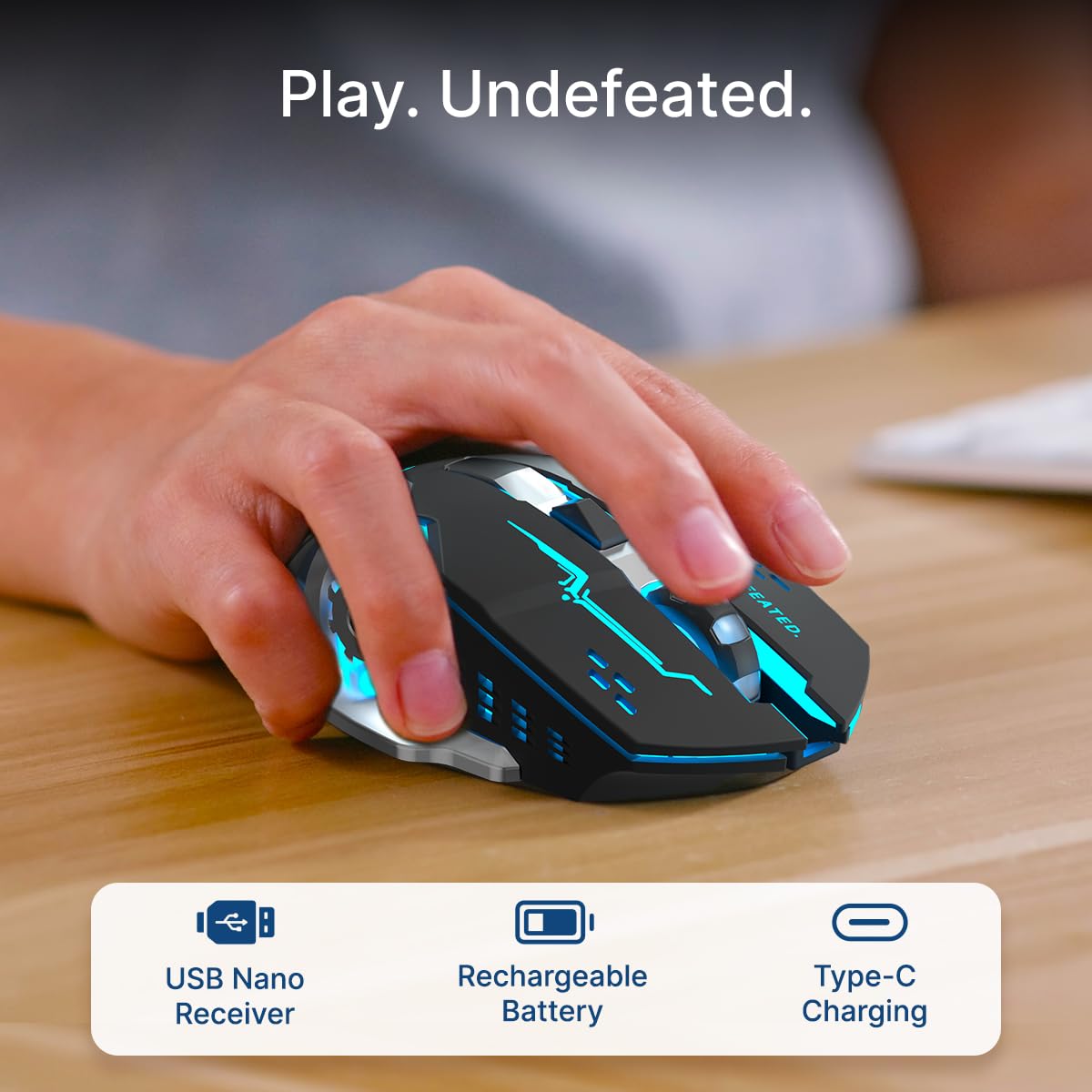
Image: A user's hand operating the pTron Flick M2 mouse, with icons indicating the USB Nano Receiver, Rechargeable Battery, and Type-C Charging features.
2. Fareyi Bağlama
The pTron Flick M2 offers two wireless connection methods:
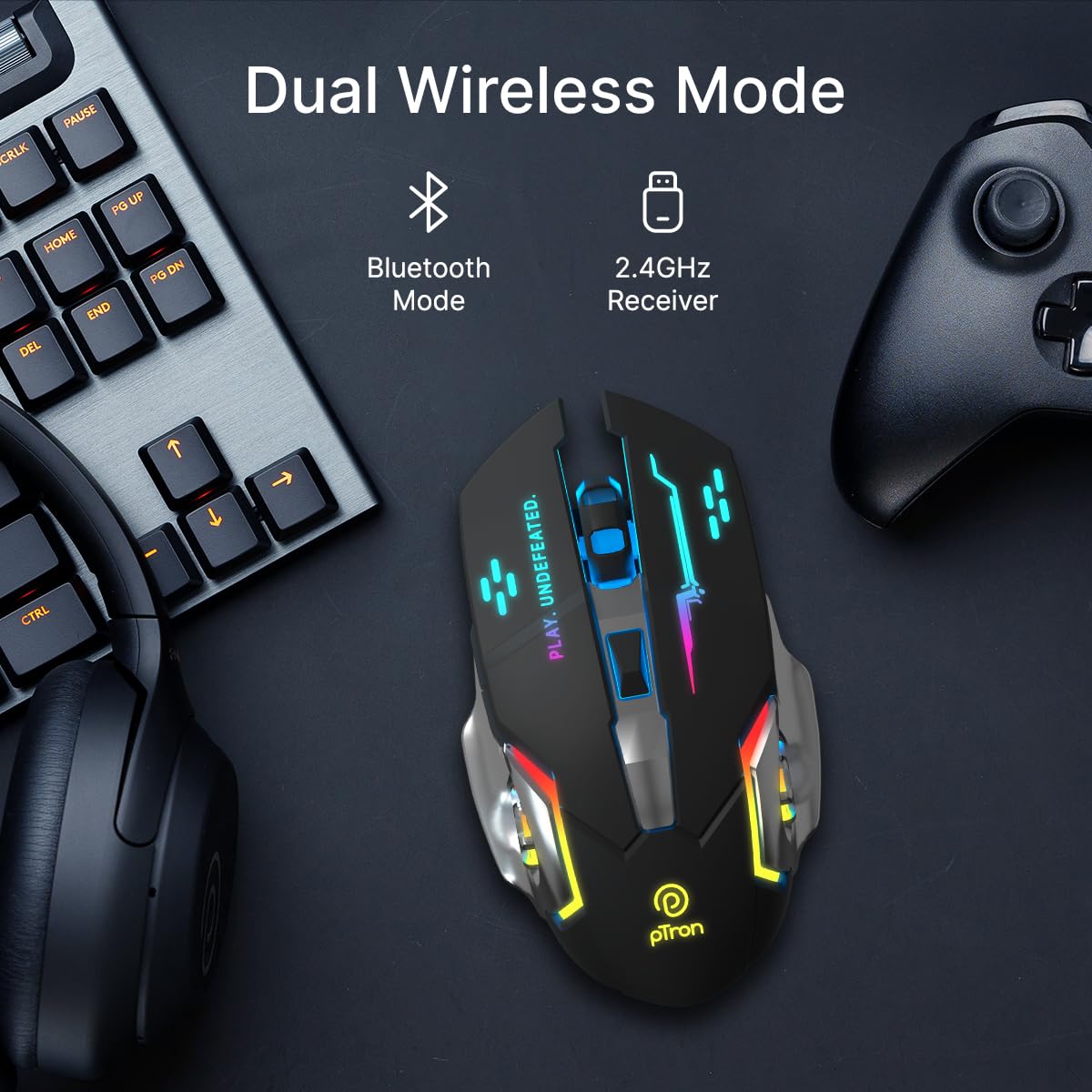
Image: The pTron Flick M2 mouse displayed with text indicating its Dual Wireless Mode capability, offering both Bluetooth and 2.4GHz Receiver options.
2.1. 2.4GHz Wireless Mode (USB Receiver)
- Locate the USB Nano Receiver, typically stored in a compartment on the underside of the mouse.
- Plug the USB Nano Receiver into an available USB port on your computer, laptop, or compatible device.
- Fareyi alt tarafında bulunan güç düğmesini kullanarak açın.
- The mouse should automatically connect to your device. No additional drivers are usually required.
2.2. Bluetooth Modu
- Fareyi altındaki güç düğmesini kullanarak açın.
- On your device (computer, smartphone, tablet), enable Bluetooth and search for new devices.
- Select "pTron Flick M2" from the list of available Bluetooth devices to pair.
- Eşleştirme işlemi tamamlandıktan sonra fare kullanıma hazırdır.
Kullanım Talimatları
1. DPI Ayarlaması
The mouse features an adjustable DPI (Dots Per Inch) button to change cursor sensitivity. There are three preset DPI levels: 1000, 1200, and 1600.

Image: The pTron Flick M2 mouse with an overlay indicating its Adjustable DPI feature, offering 1000 DPI, 1200 DPI, and 1600 DPI options.
- Basın DPI düğmesi (located behind the scroll wheel) to cycle through the available DPI settings.
- Each press will change the sensitivity, allowing you to find the optimal speed for your tasks or games.
2. RGB Aydınlatma
The pTron Flick M2 features dynamic multi-color RGB LED lighting.

Image: The pTron Flick M2 mouse illuminated with vibrant multi-color lighting, showcasinestetik çekiciliği.
- The RGB lighting automatically cycles through various colors and effects when the mouse is active.
- The lighting enhances the gaming experience and provides visual feedback.
Bakım
To ensure the longevity and optimal performance of your pTron Flick M2 Wireless Gaming Mouse, follow these maintenance guidelines:
- Temizlik: Farenin yüzeyini silmek için yumuşak ve kuru bir bez kullanın. İnatçı kirler için hafifçe silin.ampBezi su veya hafif bir temizleme solüsyonuyla silin. Sert kimyasallar veya aşındırıcı malzemeler kullanmaktan kaçının.
- Sensör Bakımı: Farenin alt tarafındaki optik sensörü temiz ve toz veya kalıntılardan arındırılmış tutun. Gerekirse pamuklu çubuk veya basınçlı hava kullanın.
- Depolamak: Kullanmadığınız zaman fareyi serin, kuru ve doğrudan güneş ışığından ve aşırı sıcaklıklardan uzak bir yerde saklayın.
- Pil: Pilini sık sık tamamen boşaltmaktan kaçının. Pil ömrünü korumak için fareyi düzenli olarak şarj edin.
Sorun giderme
If you encounter issues with your pTron Flick M2 Wireless Gaming Mouse, refer to the following common solutions:
| Sorun | Olası Neden | Çözüm |
|---|---|---|
| Fare yanıt vermiyor | Low battery; Mouse is off; Incorrect connection mode; USB receiver not detected. | Charge the mouse; Turn on the mouse; Ensure correct mode (2.4GHz/Bluetooth) is selected; Re-insert USB receiver or try a different USB port. |
| Gecikmeli veya aralıklı bağlantı | Parazitlenme; Alıcı/cihazdan uzaklık; Düşük pil seviyesi. | Move closer to the receiver/device; Ensure no large metal objects are between mouse and receiver; Charge the mouse; Try a different USB port for the receiver. |
| DPI düğmesi hassasiyeti değiştirmiyor. | Button malfunction; Software conflict. | Ensure the mouse is properly connected; Restart your device; If the issue persists, contact customer support. |
| RGB ışıkları çalışmıyor | Mouse is off; Low battery; Malfunction. | Turn on the mouse; Charge the mouse; If the issue persists, contact customer support. |
Özellikler
| Özellik | Detay |
|---|---|
| Marka | pTron |
| Örnek | Flick M2 |
| Bağlantı | 2.4 GHz Kablosuz, Bluetooth |
| DPI Seviyeleri | 1000 / 1200 / 1600 |
| Düğmeler | 6 (Sol, Sağ, Kaydırma Tekerleği, DPI, İleri, Geri) |
| Sensör Tipi | Optik |
| Aydınlatma | RGB LED |
| Güç Kaynağı | Şarj Edilebilir Pil (Lityum İyon) |
| Şarj Portu | Tip-C |
| Uyumlu Cihazlar | Kişisel Bilgisayar, Akıllı Telefon, Tablet |
| Ürün Ağırlığı | 96 gr |
| Malzeme | Plastik |
Resmi Ürün Videosu
Video: Resmi bir ürün videosu gösterimiasing the pTron Flick M2 Wireless Gaming Mouse, its dual wireless capabilities, RGB lighting, adjustable DPI, and ergonomic design.
Garanti ve Destek
The pTron Flick M2 Wireless Gaming Mouse comes with a 6 Ay Üretici Garantisi on manufacturing defects.
For warranty claims, technical support, or any other inquiries, please contact:
- Üretici: Palred Electronics Pvt. Ltd.
- Müşteri Hizmetleri İrtibatı: 040-67138888
- E-posta Desteği: destek@ptron.in
- Adres: SY.NO. 56, 1. KAT, GUNDLAPOCHAMPALLY VILLAGE, TECH PARK MTP, TSIIC-IALA NACHARAM, HYDERABAD - 500076, TELANGANA, HİNDİSTAN