
giriiş
Thank you for choosing the PROTEAR E6850 Bluetooth 5.4 Noise Canceling Safety Earmuffs. This manual provides essential information for the proper use, maintenance, and safety of your device. Please read it thoroughly before operation.
These earmuffs are designed to provide hearing protection in noisy environments while allowing for wireless audio streaming and hands-free communication.
Önemli Güvenlik Bilgileri
- Always ensure the earmuffs are worn correctly to achieve the stated Noise Reduction Rating (NRR) of 25dB and Signal-to-Noise Ratio (SNR) of 30dB.
- Do not modify the earmuffs. Unauthorized modifications may compromise hearing protection and void the warranty.
- Clean the earmuffs regularly as described in the Maintenance section to ensure optimal performance and hygiene.
- The earmuffs are not water resistant. Avoid exposure to liquids.
- Use only the provided charging cable or a certified adapter for charging.
Paket İçeriği
Paketin içinde tüm öğelerin mevcut olduğundan emin olun:
- PROTEAR E6850 Bluetooth Safety Earmuffs
- USB Şarj Kablosu
- Kullanıcı Kılavuzu

Image: PROTEAR E6850 Bluetooth Safety Earmuffs shown with included USB charging cable and user manual.
Ürün Bittiview
The PROTEAR E6850 earmuffs feature a robust design for demanding environments, combined with advanced audio capabilities.
Temel Özellikler:
- Bluetooth 5.4 Bağlantısı: For stable and efficient wireless audio.
- NRR 25dB / SNR 30dB: Certified hearing protection.
- Jel Kulak Yastıkları: Enhanced comfort and improved noise isolation.
- Şarj Edilebilir Pil: 1200mAh capacity for extended use.
- Entegre Kontroller: Large, easy-to-operate buttons for audio and calls.
- USB-C Şarjı: Modern ve kullanışlı şarj arayüzü.
Bileşenler:
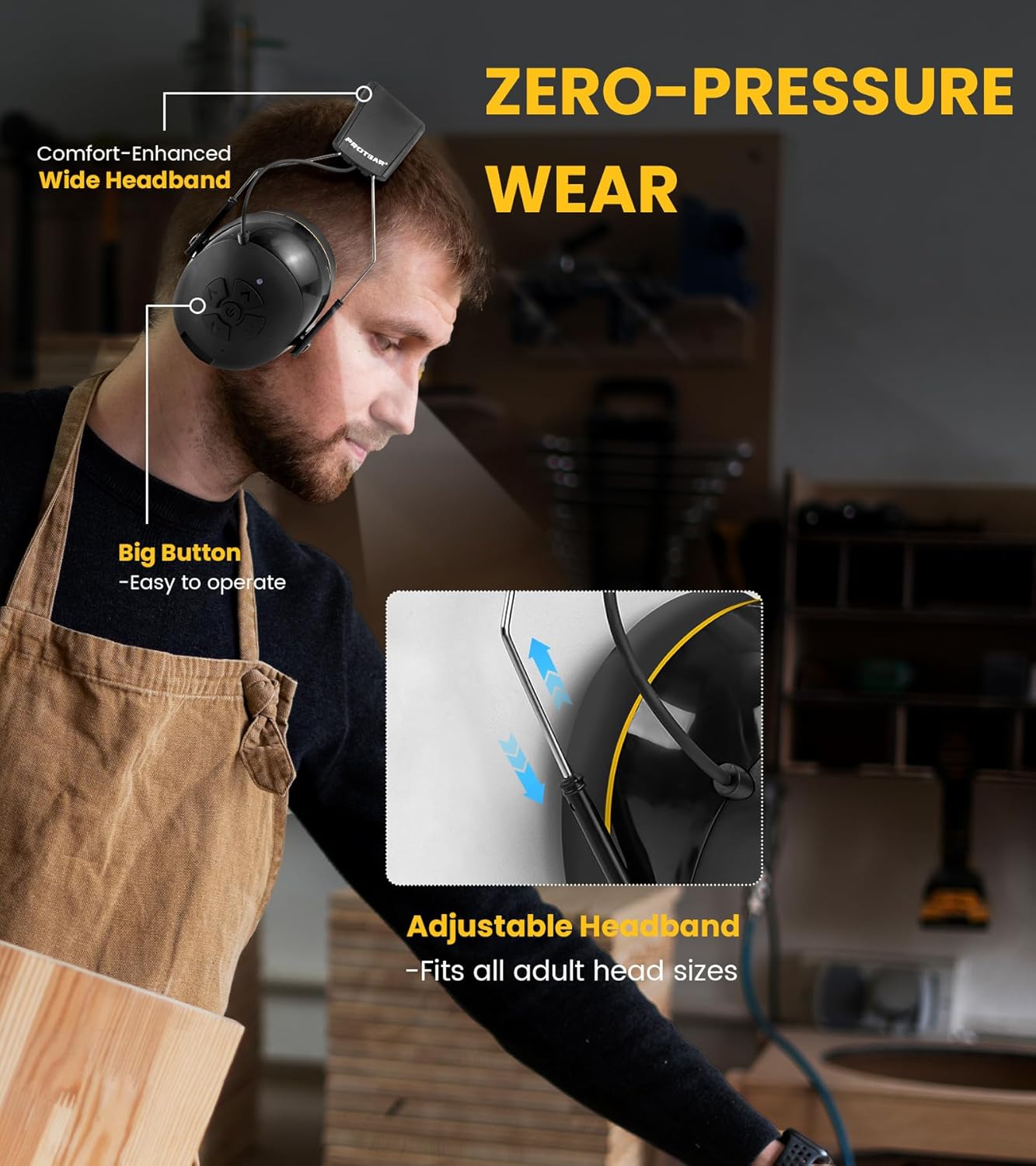
Image: A user wearing the PROTEAR E6850 earmuffs, highlighting the adjustable headband and large control buttons on the earcup.
- Ayarlanabilir Kafa Bandı: Güvenli ve rahat bir uyum için.
- Jel Kulak Yastıkları: Soft, conforming ear pads for comfort and seal.
- Kontrol Paneli: Located on the right earcup, featuring power, volume, and track controls.
- Mikrofon: Eller serbest görüşme için entegre edilmiştir.
- USB-C Şarj Portu: Pil şarjı için.
- 3.5 mm AUX Girişi: Kablolu ses bağlantısı için.
Ürün Tanıtımı:
Görsel bir açıklama için bu videoyu izleyinview of the PROTEAR E6850 earmuffs, highlighting key features like Bluetooth 5.4 connectivity and the comfortable gel ear pads.
Video: A demonstration of the PROTEAR E6850 Bluetooth 5.4 Hearing Protection earmuffs, showcasing their design and gel earpads. (Duration: 0:50)
Kurmak
1. Kulaklıkların Şarj Edilmesi
Before first use, fully charge the earmuffs. A full charge typically takes approximately 2 hours.
- Locate the USB-C charging port on the bottom of the right earcup.
- Kutuda bulunan USB-C şarj kablosunu bağlantı noktasına takın.
- Kablonun diğer ucunu bir USB güç kaynağına (örn. bilgisayar, duvar adaptörü) bağlayın.
- LED göstergesi şarj durumunu gösterecektir (örneğin, kırmızı şarj oluyor, mavi tamamen şarj oluyor).

Resim: Yakın çekim view of the PROTEAR E6850 earmuff, highlighting the USB-C charging port for power input.
2. Bluetooth Eşleştirme
- Kulaklıkların kapalı olduğundan emin olun.
- Press and hold the Power button (center button on the right earcup) until the LED indicator flashes blue and red, indicating pairing mode.
- Cihazınızda (akıllı telefon, tablet vb.) Bluetooth'u etkinleştirin ve kullanılabilir cihazları arayın.
- Select "PROTEAR E6850" from the list.
- Bağlandıktan sonra LED göstergesi yavaşça mavi renkte yanıp sönecektir.

Image: An illustration depicting the dual connection modes of the PROTEAR E6850 earmuffs, including Bluetooth 5.4 wireless connection and a 3.5mm AUX wired mode.
3. Wearing the Earmuffs
- Adjust the headband to fit comfortably over your head. The headband is designed to fit all adult head sizes.
- Ensure the gel ear cushions fully cover your ears and create a tight seal around them. This is crucial for effective noise reduction.
- The soft gel ear cushions are designed for extended wear comfort.
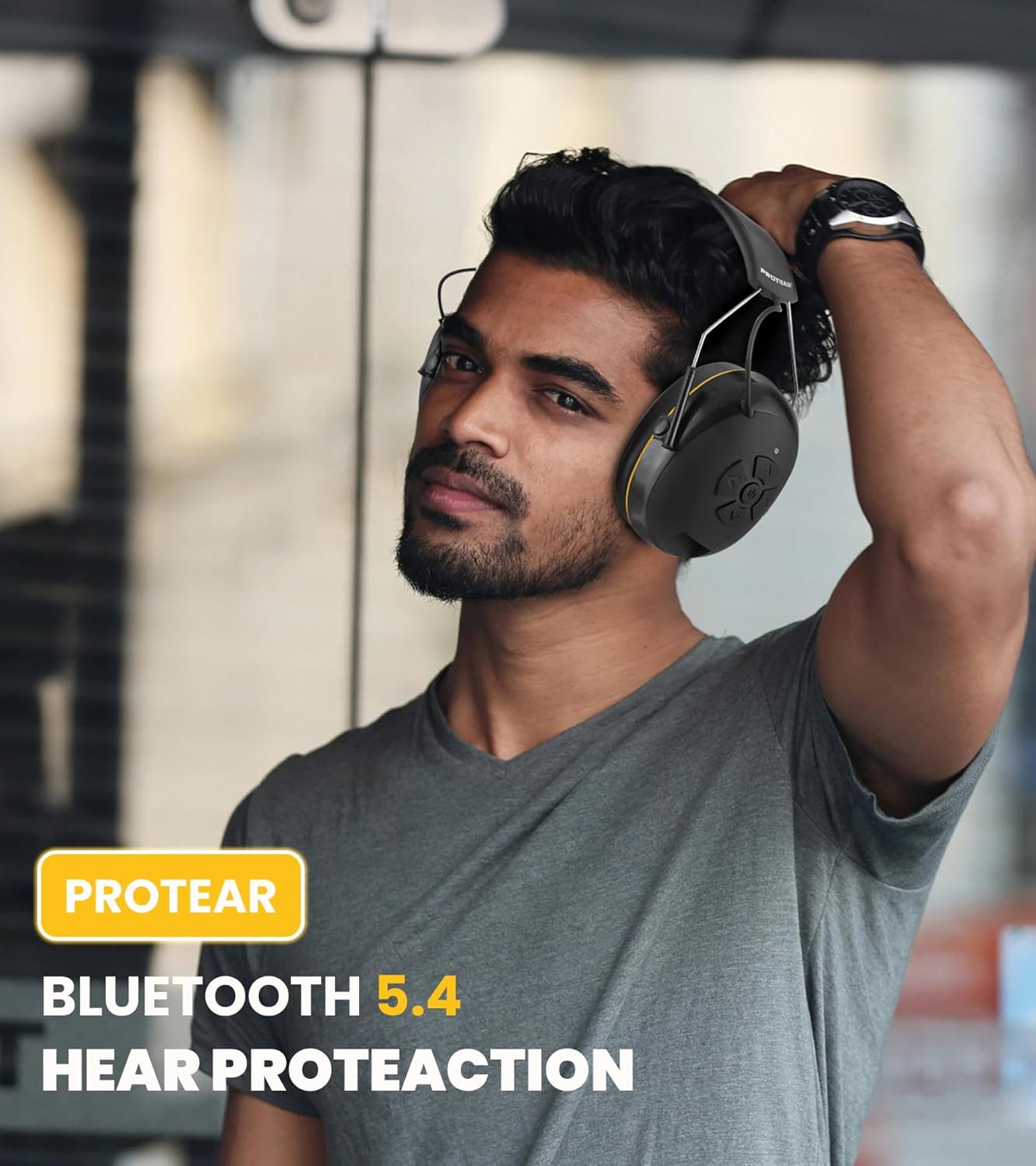
Image: A man wearing the PROTEAR E6850 earmuffs, demonstrating a proper fit for hearing protection in a work environment.
Kullanım Talimatları
Kontroller Üzerindeview:
Resim: Ayrıntılı view of the control panel on the right earcup of the PROTEAR E6850, showing the power button, volume up/down, and track navigation buttons.
- Güç Düğmesi (Orta): Açmak/kapatmak için basılı tutun. Müziği oynatmak/duraklatmak veya aramaları cevaplamak/sonlandırmak için kısa basın.
- Volume Up (Top Arrow): Sesi artırın.
- Volume Down (Bottom Arrow): Sesi azaltın.
- Next Track (Right Arrow): Bir sonraki şarkıya geç.
- Previous Track (Left Arrow): Önceki şarkıya git.
Güç Açma/Kapatma:
- Cihazı açmak için, LED göstergesi yanana kadar Güç düğmesini basılı tutun.
- Cihazı kapatmak için, LED göstergesi sönene kadar Güç düğmesini basılı tutun.
Müzik Çalma:
- Oynat/Duraklat: Güç düğmesine kısa basın.
- Ses Ayarı: Sesi Açma veya Sesi Azaltma tuşlarına basın.
- Navigasyonu İzle: Press the Next Track or Previous Track buttons.
Çağrı Yönetimi:
- Çağrıyı Cevapla/Sonlandır: Güç düğmesine kısa basın.
- Çağrıyı Reddet: Güç düğmesini 2 saniye basılı tutun.
- Son Numarayı Tekrar Ara: Güç düğmesine iki kez basın.
Kablolu Mod:
The earmuffs can also be used in wired mode with the included 3.5mm AUX cable. Simply connect the cable to the AUX input port on the earmuffs and your audio device. Bluetooth functionality will be disabled in wired mode.
Bakım
Temizlik:
- Wipe the exterior of the earmuffs with a soft, damp bezle silin. Aşındırıcı temizleyiciler veya çözücüler kullanmayın.
- The gel ear cushions have a durable TPU leather surface that is easy to wipe clean.
- Ensure no moisture enters the charging port or AUX input.

Resim: Yakın çekim view of the PROTEAR E6850 gel ear cushions, highlighting their soft texture and design for comfort and hygiene.
Depolamak:
Store the earmuffs in a cool, dry place away from direct sunlight and extreme temperatures. The foldable design allows for compact storage.
Sorun giderme
| Sorun | Olası Çözüm |
|---|---|
| Kulaklıklar açılmıyor. | Pilin şarjlı olduğundan emin olun. USB-C kablosunu kullanarak bir güç kaynağına bağlayın. |
| Bluetooth üzerinden eşleştirme yapılamıyor. | Ensure earmuffs are in pairing mode (flashing blue/red LED). Turn off and on Bluetooth on your device. Move closer to the earmuffs. |
| Ses yok veya ses seviyesi düşük. | Check volume levels on both earmuffs and connected device. Ensure earmuffs are properly paired or AUX cable is securely connected. |
| Çağrı kalitesi düşük. | Ensure you are in a less noisy environment. Check device's microphone settings. |
Özellikler
| Özellik | Detay |
|---|---|
| Örnek | E6850 |
| Marka | PROTER |
| Bluetooth Sürümü | 5.4 |
| Gürültü Azaltma Derecesi (NRR) | 25dB |
| Sinyal-Gürültü Oranı (SNR) | 30dB |
| Pil Kapasitesi | 1200mAh |
| Şarj Portu | USB-C |
| Bağlantı | Kablosuz (Bluetooth), Kablolu (3.5 mm AUX) |
| Kulak Yastığı Malzemesi | Gel (80% gel, 20% memory foam) with TPU leather surface |
| Ağırlık | 1.1 pound (yaklaşık 0.5 kg) |
| Sertifikalar | ANSI S3.19, CE EN352-1 |
Garanti ve Destek
PROTEAR products are manufactured to high-quality standards. For warranty information, technical support, or customer service inquiries, please refer to the contact details provided in your product packaging or visit the official PROTEAR webalan.
İletişim Bilgileri:
- E-posta: protear@outlook.com
- Manufacturer: Joytoon Technologies Inc.