
giriiş
Thank you for choosing the OPPO Enco Buds3 Wireless Earbuds. This manual provides essential information for the safe and efficient use of your device. Please read it thoroughly before use and retain it for future reference.
Kutuda Neler Var?
- OPPO Enco Buds3 Wireless Earbuds (Left and Right)
- Şarj Kutusu
- USB Type-C Şarj Kablosu
- Kullanıcı Kılavuzu

Image: OPPO Enco Buds3 earbuds and charging case, illustrating the contents of the package.
Ürün Bittiview
The OPPO Enco Buds3 are designed for comfort and high-quality audio. Familiarize yourself with the components:
- Kulaklık: Sol ve sağ kulaklıklarda dokunmatik kontrol alanları bulunmaktadır.
- Şarj Kutusu: Houses and charges the earbuds, with a Type-C charging port and an LED indicator.

Resim: Ön view of the OPPO Enco Buds3 earbuds placed inside their open charging case, showing the 'oppo' branding on the case.

Resim: Yan view of two individual OPPO Enco Buds3 earbuds, highlighting their ergonomic design.
Kurmak
1. Kulaklıkları ve Kutuyu Şarj Etme
İlk kullanımdan önce kulaklıklarınızı ve şarj kutusunu tamamen şarj edin.
- Kulaklıkları şarj kutusuna yerleştirin.
- USB Type-C şarj kablosunu kasanın üzerindeki şarj portuna ve bir güç kaynağına bağlayın.
- Kılıf üzerindeki LED gösterge şarj durumunu gösterecektir. Tam şarj yaklaşık 2 saat sürer.
2. Cihazınızla Eşleştirme
The OPPO Enco Buds3 utilize Bluetooth 5.4 for a stable connection.
- Open the charging case. The earbuds will automatically enter pairing mode (LED indicator will flash).
- Akıllı telefonunuzda veya Bluetooth cihazınızda Bluetooth ayarlarına gidin ve Bluetooth'u etkinleştirin.
- Select "OPPO Enco Buds3" from the list of available devices.
- For Android devices, Google Quick Connect allows for one-tap pairing when the case is opened near your phone.
- Once paired, the LED indicator on the case will turn solid, and you will hear a confirmation tone.
Kullanım Talimatları
Dokunmatik Kontroller
The earbuds feature intuitive touch controls. The default functions are:
| Aksiyon | İşlev |
|---|---|
| Çift dokunma (Sol/Sağ Kulaklık) | Play/Pause, Answer/End Call, Take Photo (customizable via app) |
| Üçlü dokunma (Sol/Sağ Kulaklık) | Next Track, Activate Google Assistant (customizable via app) |
| Touch and Hold (Left/Right Earbud) | Volume Up/Down (customizable via app) |
Note: Specific touch control functions can be customized through the OPPO HeyMelody app.
Ses Modları
The Enco Buds3 offer customizable sound profiles:
- Varsayılan: Standart dengeli ses.
- Net Sesler: Enhances vocal clarity for podcasts and calls.
- Bas Kuvvetlendirme: Amplifies low frequencies for a richer bass experience.
- Orijinal Ses: Provides an authentic, uncolored audio reproduction.
These modes, along with 6 other sound settings, can be accessed and adjusted via the OPPO HeyMelody app.
Google Asistan
You can activate Google Assistant by triple-tapping one of the earbuds (if configured). This allows for voice commands and quick access to information.
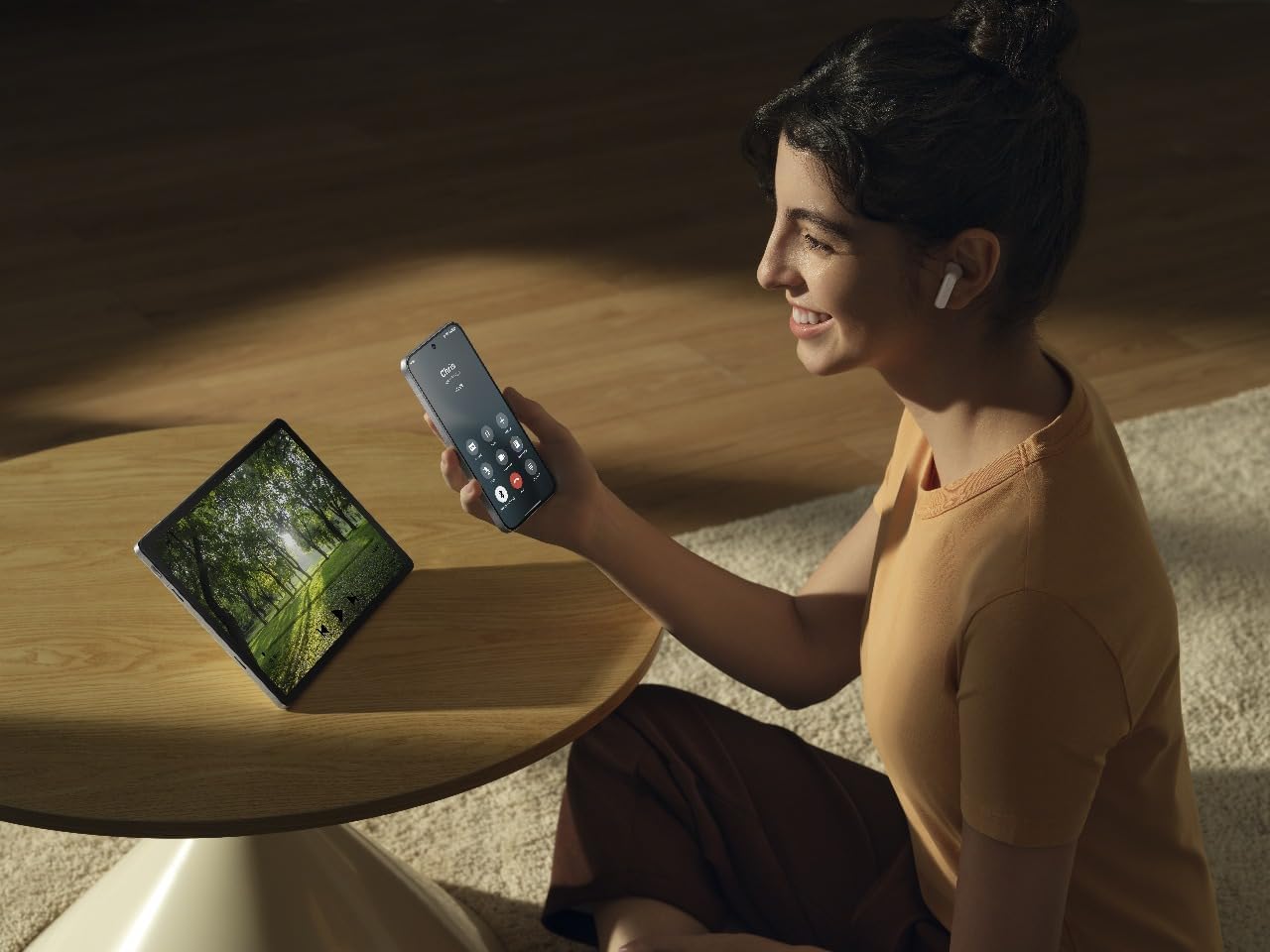
Image: A person wearing OPPO Enco Buds3 earbuds, smiling while holding a smartphone, demonstrating active use and connectivity.
Bakım
Temizlik
Düzenli temizlik ses kalitesinin ve hijyenin korunmasına yardımcı olur.
- Kulaklıklarınızı ve şarj kutusunu yumuşak, kuru ve tiftiksiz bir bezle hafifçe silin.
- Aşındırıcı temizleyiciler, alkol veya kimyasal çözücüler kullanmayın.
- Şarj temas noktalarının temiz ve kuru olduğundan emin olun.
Depolamak
Kullanmadığınız zamanlarda kulaklıklarınızı şarj kutusunda saklayarak hem koruyun hem de şarjlarının dolu kalmasını sağlayın.
- Aşırı sıcaklıklardan ve yüksek nemden kaçının.
- Çocukların ve evcil hayvanların erişemeyeceği yerde saklayınız.
Sorun giderme
Ses Yok / Bağlantı Kesildi
- Kulaklıklarınızın şarjlı olduğundan emin olun.
- Cihazınızda Bluetooth'un etkinleştirilmiş ve kulaklıkların eşleştirilmiş olup olmadığını kontrol edin.
- Try re-pairing the earbuds: Place them in the case, close the lid, then open it again to enter pairing mode.
- Girişimden kaçınmak için cihazınıza yaklaşın.
Kulaklıklar Şarj Olmuyor
- Şarj kablosunun hem kasaya hem de güç kaynağına güvenli bir şekilde bağlandığından emin olun.
- Kulaklıkların ve kutunun içindeki şarj bağlantı noktalarının temiz olup olmadığını kontrol edin.
- Farklı bir şarj kablosu veya güç adaptörü deneyin.
Dokunmatik Kontroller Yanıt Vermiyor
- Dokunmatik kontrolleri kullanırken parmaklarınızın temiz ve kuru olduğundan emin olun.
- Restart the earbuds by placing them in the case and closing the lid for a few seconds.
- Check the OPPO HeyMelody app for any firmware updates.
Özellikler
| Özellik | Detay |
|---|---|
| Marka | Karşıt |
| Model Adı | Enco Buds3 (ETEG1) |
| Renk | Siyah |
| Kulak Yerleşimi | Kulak içi |
| Bağlantı Teknolojisi | Bluetooth 5.4 |
| Sürücü Boyutu | 12mm |
| Frekans Tepkisi | 1 kHz (Note: This value seems unusually low for a full frequency response range. It might refer to a specific test point or be an error in the source data.) |
| Hassasiyet | 123 dB |
| Pil Ömrü (Kulaklıklar + Kılıf) | 48 saate kadar |
| Şarj Süresi | Yaklaşık 2 saat (tam şarj için) |
| Malzeme | Plastik |
| Suya Dayanıklılık | IP55 Certified (from product title) |
Güvenlik Bilgileri
- Do not expose the earbuds or case to extreme temperatures, direct sunlight, or fire.
- İşitme hasarını önlemek için uzun süre yüksek ses seviyesinde dinlemekten kaçının.
- Cihazı kendiniz sökmeye veya onarmaya çalışmayın. Yetkili servis personeliyle iletişime geçin.
- Keep the device away from water and liquids, unless specified by its IP rating.
- Cihazı ve pilini yerel yönetmeliklere uygun şekilde sorumlu bir şekilde atın.
Garanti ve Destek
For warranty information and technical support, please refer to the warranty card included in your product packaging or visit the official OPPO website. You can also contact OPPO customer service for assistance.
Note: The included user manual in the box contains specific warranty details for your region.