
giriiş
This manual provides detailed instructions for the installation, operation, and maintenance of your GNCC W5PRO 2K Solar Security Camera. Please read this manual thoroughly before using the product to ensure proper function and safety.

Image: GNCC W5PRO 2K Solar Security Camera, showing the camera unit, solar panel, and a smartphone displaying live footage.
Ürün Özellikleri
- 2K HD Çözünürlük: Net ve detaylı video sağlartage.
- Güneş Enerjili ve Şarj Edilebilir Pil: Equipped with a solar panel for continuous charging and a built-in rechargeable battery.
- Çift Bantlı Wi-Fi Bağlantısı: Supports both 2.4GHz and 5GHz Wi-Fi networks for stable connection.
- Renkli Gece Görüşü: Düşük ışık koşullarında gelişmiş görüş.
- PIR Hareket Algılama: Detects human, animal, and vehicle movement with real-time notifications.
- İki Yönlü Ses: Kamera aracılığıyla iletişim kurulmasına olanak tanır.
- IP65 Hava Koşullarına Dayanıklı: Dış mekan kullanımına uygun olarak tasarlanmış olup, toza ve suya dayanıklıdır.
- Smart Spotlight & Alert: Activates a spotlight and alarm upon motion detection.
- Depolama Seçenekleri: Supports cloud storage and local SD card storage (up to 128GB).

Resim: Üzeriview of key features including Dual Band Wifi, Solar Charging, IP65 Waterproof, Colour Night Vision, Two-Way Audio, and PIR Motion Detection.
Kurulum Kılavuzu
1. İlk Pil Şarjı
Before installation, fully charge the camera's built-in battery using the provided charging cable and power adapter. This ensures optimal performance from the start.
2. Uygulama Kurulumu ve Hesap Oluşturma
- Download the official GNCC application from your smartphone's app store (iOS or Android).
- Uygulamayı açın ve yeni bir hesap oluşturmak için ekrandaki talimatları izleyin veya zaten bir hesabınız varsa giriş yapın.
3. Cihaz Eşleştirme
- In the GNCC app, select "Add Device" and choose your camera model.
- Follow the in-app prompts to connect the camera to your 2.4GHz or 5GHz Wi-Fi network. Ensure your camera is within range of your Wi-Fi router.
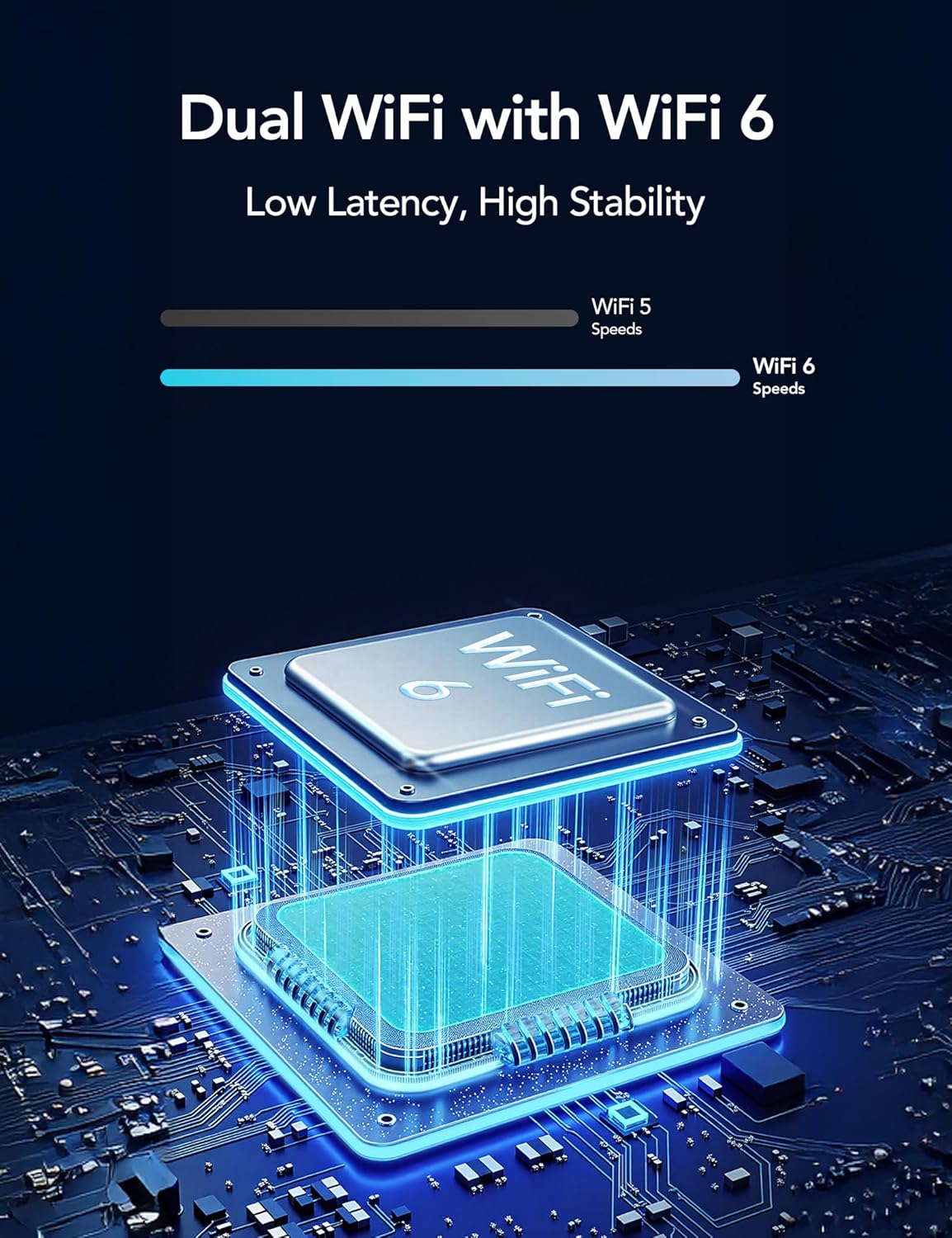
Image: Illustration of Dual WiFi with WiFi 6 technology, indicating low latency and high stability for network connection.
4. Fiziksel Kurulum
- Choose a suitable outdoor location for the camera and solar panel. The solar panel requires direct sunlight exposure for efficient charging.
- Mount the camera securely using the provided mounting screws and stand.
- Connect the solar panel to the camera using the 2-meter solar cable.

Image: A person installing the GNCC W5PRO camera on an exterior wall using a ladder, demonstrating easy installation.

Image: Details on solar panel charging, highlighting 2X solar speed, 10 minutes of charge for 24 hours of power, and a 2M solar cable. Note: Solar panel effectiveness depends on direct sunlight exposure.
Kullanım Talimatları
Canlı View ve Kayıt
Access the GNCC app to view canlı footage from your camera. You can manually record video or capture screenshots directly from the live view arayüz.
Hareket Algılama ve Uyarılar
The camera utilizes PIR (Passive Infrared) motion detection to identify movement from people, animals, and vehicles. When motion is detected, you will receive real-time notifications on your smartphone via the app.

Image: Illustration of PIR Smart Detection, showing the camera detecting a person, animal, and vehicle, with corresponding app notifications.
Çift Yönlü Ses
Uygulamadaki çift yönlü ses özelliğini kullanarak kameranın hoparlöründen konuşabilir ve kameranın mikrofonundan gelen sesi dinleyebilirsiniz.
Smart Spotlight and Alert System
Configure the camera to activate its built-in spotlight and sound an alert upon detecting motion. This can be set for specific times or triggered by motion activation.

Image: The GNCC W5PRO camera activating its smart spotlight and alert system, illuminating an area and deterring potential intruders.
Depolama Yönetimi
The camera supports both cloud storage and local storage via a Micro SD card (not included).
- Bulut Depolama: Offers 1-day event loop recording.
- SD Kart Depolama: Supports up to 128GB Micro SD card for local recording.

Image: Illustration showing cloud storage for 1-day event loop recording and SD card storage up to 128GB. Micro SD card is not included.
Bakım
- Güneş Paneli Temizliği: Periodically clean the surface of the solar panel to ensure maximum sunlight absorption and charging efficiency.
- Pil Sağlığı: While solar-powered, ensure the camera receives adequate sunlight. If the camera is in a shaded area for extended periods, occasional manual charging may be required.
- Donanım Yazılımı Güncellemeleri: Check the GNCC app regularly for firmware updates to ensure your camera has the latest features and security enhancements.
- Çevre Koruma: The camera is IP65 weatherproof, but avoid submerging it in water or exposing it to extreme temperatures beyond its operating range.
Sorun giderme
- Kamera Wi-Fi'ye Bağlanmıyor:
- Ensure your Wi-Fi network is 2.4GHz or 5GHz and the camera is within range.
- Uygulamaya girdiğiniz Wi-Fi şifresinin doğru olduğundan emin olun.
- Wi-Fi yönlendiricinizi ve kameranızı yeniden başlatın.
- Kötü Video Kalitesi:
- Wi-Fi sinyal gücünüzü kontrol edin. Zayıf sinyal, video akış kalitesini etkileyebilir.
- Kamera lensinin temiz ve herhangi bir engel içermediğinden emin olun.
- Hareket Algılama Çalışmıyor:
- Uygulama ayarlarında hareket algılama özelliğinin etkinleştirildiğinden emin olun.
- Adjust the motion detection sensitivity settings.
- Kameranın görüşünü engelleyen herhangi bir fiziksel engel olmadığından emin olun. view.
- Battery Not Charging via Solar Panel:
- Ensure the solar panel is positioned in direct sunlight for several hours daily.
- Güneş panelinin yüzeyini temizleyerek kir ve kalıntıları giderin.
- Güneş paneli ile kamera arasındaki bağlantı kablosunu kontrol edin.
Özellikler
| Özellik | Detay |
|---|---|
| Model Adı | W5 Pro |
| Video Yakalama Çözünürlüğü | 2K |
| Bağlantı Teknolojisi | Kablosuz (Wi-Fi) |
| Bağlantı Protokolü | Wi-Fi (2.4 GHz ve 5 GHz) |
| İç/Dış Mekan Kullanımı | Dış mekan |
| Özel Özellikler | 2 Way Audio, HD Resolution, Motion Sensor, Night Vision, Weather Proof |
| Montaj Tipi | Duvara Montaj |
| Güç Kaynağı | Şarj Edilebilir Pil, Güneş Paneli |
| Pil Türü | Dahili Şarj Edilebilir Lityum İyon |
| Ürün Boyutları | 6 x 8.5 x 6 cm; 210 g |
| Dahil Bileşenler | Charging Cable, Instruction Manual, Mounting Screw, Power Adapter, Stand |
| Hava Direnci | IP65 |
Garanti ve Destek
For warranty information and technical support, please refer to the official GNCC website or contact their customer service directly. Details are typically provided on the product packaging or within the GNCC application.