
Gtheos Captain 370
Gtheos Captain 370 Wireless Gaming Headset User Manual
Model: Captain 370 | Brand: Gtheos
giriiş
Welcome to your Gtheos Captain 370 Wireless Gaming Headset. This manual provides detailed instructions for setup, operation, and maintenance to ensure optimal performance and an immersive gaming experience across multiple platforms.

The Gtheos Captain 370 headset, showcasing its sleek black design, detachable microphone, and included USB transmitter for wireless connectivity.
Kutuda Neler Var?
- 1 * Captain 370 Gaming Headset
- 1 * Detachable Noise Cancelling Microphone
- 1 * Type-C Charging Cable + 1 * USB Transmitter
- Cable (3.5mm audio cable)
- Kullanıcı Kılavuzu
Ürün Bittiview
Temel Özellikler
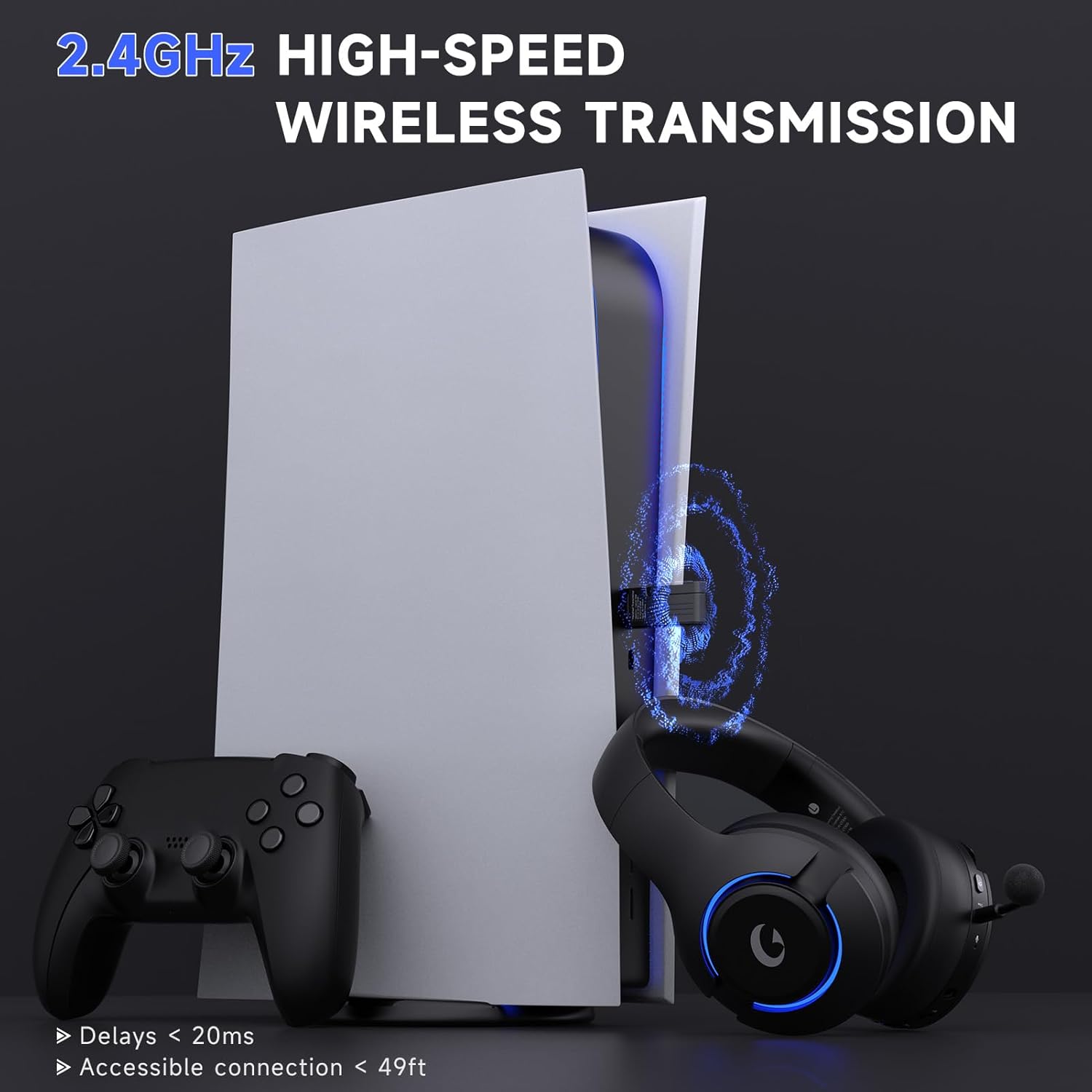
- 4-in-1 Wireless Gaming Headset: Features 2.4GHz USB for PS5, PS4, laptops, desktops, and Switch (mic not supported on Switch); Type-C wireless for PS5, tablets, and phones; Bluetooth 5.3 for mobile and work use; and 3.5mm wired for Xbox and other consoles.
- Sürükleyici Ses: Equipped with powerful 50mm drivers and 3D surround sound for an enhanced audio experience.
- Gürültü Önleyici Mikrofon: Detachable boom mic with advanced ENC (Noise Cancellation) technology to filter background noise. Includes a built-in backup microphone for calls when the main mic is detached.
- Uzun Pil Ömrü: Offers up to 45 hours of wireless play on a single charge, with fast Type-C charging.
- RGB Aydınlatma: Customizable RGB breathing lights with simple controls.
- Rahat Tasarım: Made of high-quality, durable materials with comfortable, lightweight earcups for extended wear.
Bağlantı Modları
The Gtheos Captain 370 offers versatile connectivity options to suit various gaming and communication needs:
This diagram visually explains the various connection options available with the headset, including compatibility with different devices like PS5, PC, Switch, phones, and Xbox.

A detailed table outlining which features (voice and microphone) are supported for each device and connection mode, highlighting specific limitations like microphone support on Switch or adapter requirements for Xbox.
Kurmak
İlk Şarj
Before first use, fully charge the headset using the provided Type-C charging cable. A full charge takes approximately 3 hours and provides up to 45 hours of gaming time.
This image highlights the impressive battery life and quick charging capabilities of the headset, ensuring extended usage.
Connecting the Detachable Microphone
The headset features a detachable noise-canceling microphone. To install:
Video demonstrating the proper installation of the detachable microphone into the Gtheos Captain 370 gaming headset.
Firmly insert the microphone into the jack until you feel a slight 'click,' indicating a secure and proper connection.

Ayrıntılı view of the microphone, emphasizing its noise-canceling capabilities for clear voice transmission. The headset also has a built-in backup microphone for calls when the boom mic is detached.
Kullanım Talimatları
Güç Açık/Kapalı
Locate the power button on the headset. Press and hold to power on or off the device.
Çok Fonksiyonlu Düğme Kontrolleri
The headset features a multi-function button for easy control of various features:
- Tek tık: Mikrofon sessiz anahtarı.
- Çift tıklama: Switch breathing lighting colors (RGB).
- Uzun basma: Turn off breathing light.

This image clearly labels the multi-function button and explains its different actions for controlling the microphone and RGB lighting.
Ses Kontrolü
Adjust the volume using the dedicated volume wheel or buttons on the headset. For optimal audio on PS5, keep the volume level between 80%-85% to reduce potential echo.
Ses Deneyimi
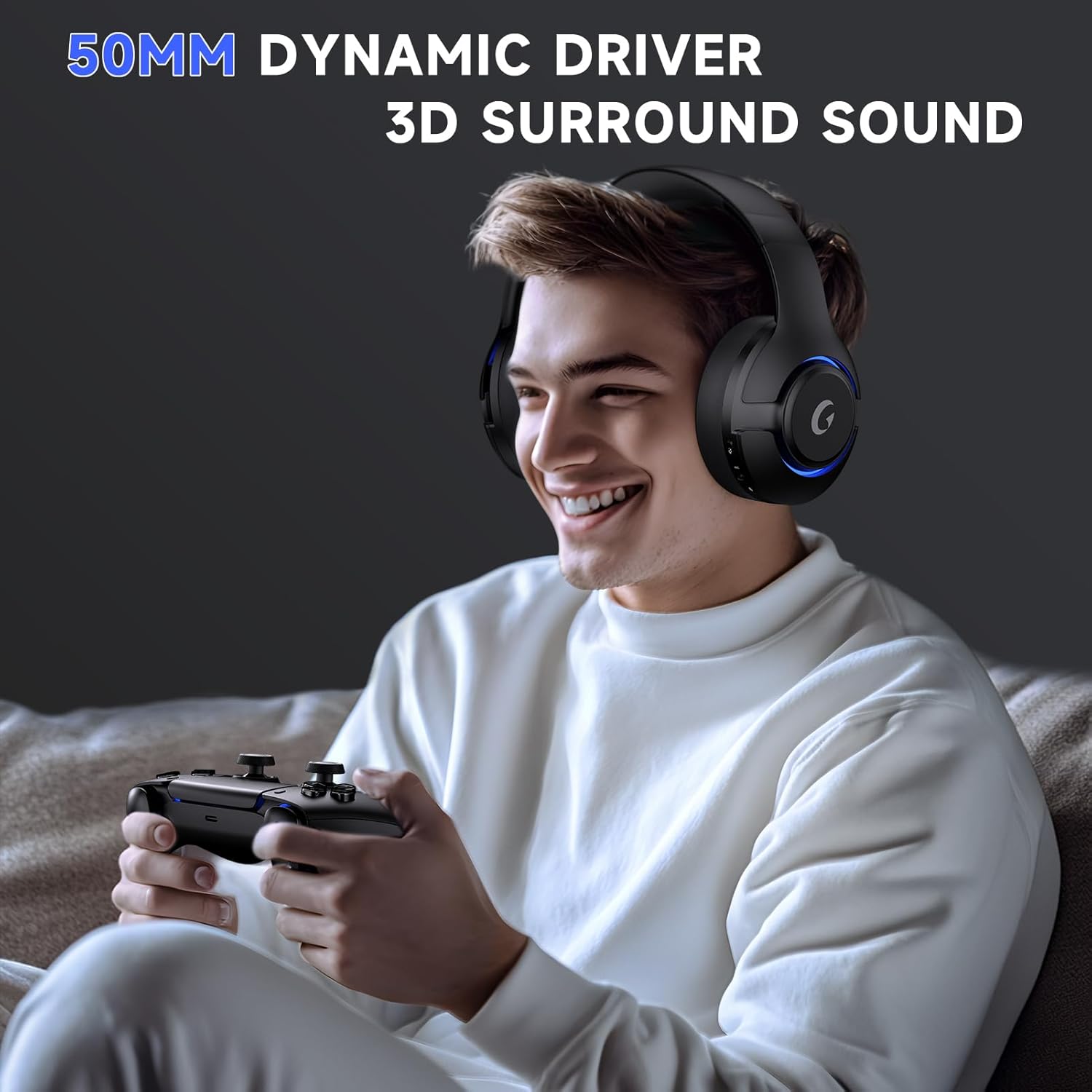
The headset is equipped with powerful 50mm dynamic drivers and 3D surround sound, pulling you right into the action for an immersive gaming experience.

This image illustrates the headset in use, emphasizing its advanced audio features like 50mm dynamic drivers and 3D surround sound for a rich audio experience.
Bakım
Temizlik
Use a soft, dry cloth to clean the headset. Avoid using harsh chemicals or abrasive materials that could damage the surface or components.
Depolamak
Store the headset in a cool, dry place away from direct sunlight and extreme temperatures to prolong its lifespan.
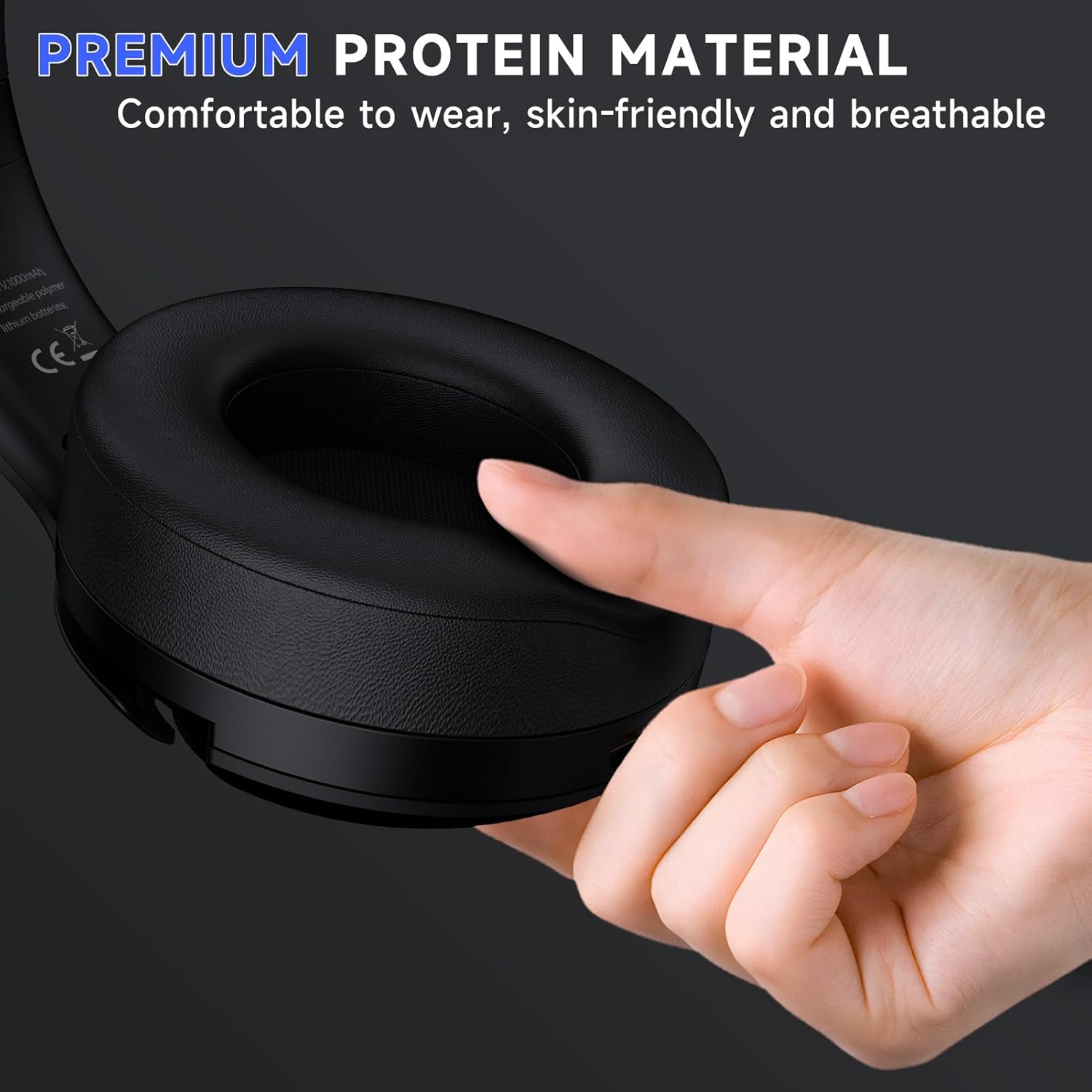
This image showcases the soft, skin-friendly, and breathable earcups designed for long-wearing comfort.
The headset displayed on a stand, demonstrating its compact size and how it can be stored when not in use.
Sorun giderme
Yaygın Sorunlar ve Çözümleri
- Microphone Not Working on Switch: The microphone is not compatible with Nintendo Switch when using the 2.4GHz USB mode.
- Mikrofon Sessiz: If the microphone does not work, please check if the "Microphone Button" on the headset is muted. Switch it to unmute for proper function.
- Echo on PS5: To reduce echo when using the headset with PS5, it is recommended to keep the volume level between 80%-85%.
- Xbox Controller Connectivity: When using a 3.5mm audio cable to connect to an Xbox controller, an adapter (not included) is required. Audio cables alone are not directly compatible with Xbox controllers.
For further assistance and detailed solutions, please refer to the official Troubleshooting Guide (PDF) available for download: Sorun Giderme Kılavuzu (PDF).
Özellikler
| Özellik | Detay |
|---|---|
| Model Adı | Kaptan 370 |
| Bağlantı Teknolojisi | Wireless, Bluetooth, 3.5mm Wired |
| Kablosuz İletişim | Bluetooth 5.3, 2.4GHz USB dongle |
| Ses Sürücüsü Boyutu | 50 Milimetre |
| Pil Ömrü | 45 saate kadar |
| Şarj Süresi | Yaklaşık 3 saat (C Tipi) |
| Ses Gecikmesi | 20 Milisaniye |
| kablosuz Menzil | 49 feet'e kadar |
| Gürültü Kontrolü | Sound Isolation, ENC Noise Cancelling Microphone |
| Ağırlık | 0.5 Kilogram (1.1 pound) |
| Malzeme | Polycarbonate (PC), Leather, Acrylonitrile Butadiene Styrene (ABS) |
| UPC | 810186881061 |
Garanti ve Destek
Gtheos products are designed for quality and reliability. For detailed warranty information and technical support, please refer to the contact details provided in your product packaging or visit the official Gtheos webalan.
Ek destek ve ürün bilgilerine şu adresi ziyaret ederek de ulaşabilirsiniz: Gtheos Store on Amazon.
İlgili Belgeler - Kaptan 370
 |
Gtheos Captain 300 Wireless Gaming Headphones User Manual Comprehensive user manual for the Gtheos Captain 300 2.4GHz wireless and Bluetooth gaming headphones, detailing setup, features, and usage for PC, PlayStation, Xbox, and Nintendo Switch. |
 |
Captain 300 Kablosuz Oyun Kulaklığı Hızlı Başlangıç Kılavuzu Captain 300 kablosuz oyun kulaklığı için hızlı başlangıç kılavuzu; 2.4GHz ve Bluetooth bağlantıları için kurulum, eşleştirme ve sorun giderme konularını kapsamaktadır. |
 |
Captain 200 Kablosuz Oyun Kulaklığı Sıkça Sorulan Sorular ve Sorun Giderme Kılavuzu Xbox konsolları için Captain 200 kablosuz oyun kulaklığına ilişkin sıkça sorulan sorular ve sorun giderme kılavuzu; alıcı takma, kumanda pili, bağlantı kararlılığı ve mikrofon ayarları konularını kapsamaktadır. Profesyonel destek iletişim bilgileri de dahildir. |
 |
Q6 2.4GHz Kablosuz Kulaklık Kullanım Kılavuzu Bu belge, PC, PS4, PS5, TV ve Switch için kurulum, çalıştırma, sorun giderme ve uyumluluk bilgileri dahil olmak üzere Q6 2.4GHz Kablosuz Kulaklık için kapsamlı talimatlar ve özellikler sağlar. |
 |
EPOS GSP 370 Kablosuz Oyun Kulaklığı: Sıkça Sorulan Sorular EPOS GSP 370 kablosuz oyun kulaklığıyla ilgili uyumluluk, pil ömrü, mikrofon değişimi ve eşleştirme gibi sık sorulan soruların yanıtlarını burada bulabilirsiniz. |
 |
Krysenix KGH2 Geliştirilmiş Kablosuz Oyun Kulaklığı Kullanım Kılavuzu Krysenix KGH2 Geliştirilmiş Kablosuz Oyun Kulaklığı için kapsamlı kullanım kılavuzu; paket içeriği, özellikler, şarj, çalışma modları (Bluetooth, 2.4GHz Dongle), çeşitli cihazlar için bağlantı kurulumu, teknik özellikler, garanti, sorun giderme ve FCC uyumluluğu konularını kapsamaktadır. |
Ask a question about this manual
Ask about setup, troubleshooting, compatibility, parts, safety, or missing instructions. Manuals+ will review the question and use this page’s manual context to help answer it.