
1. Giriş
The XIXIMENG Super Console X3 Pro is a versatile retro gaming console designed to provide a comprehensive entertainment experience. It integrates three operating systems: EmuELEC 4.6 for classic gaming, Android for multimedia applications, and CoreELEC for high-definition video playback. This manual provides essential information for setting up, operating, maintaining, and troubleshooting your device.
The console features an Amlogic S905X3 CPU and a quad-core A55 Ultra GPU, ensuring smooth performance for various applications and games. It supports 4K 60fps output for high-definition visuals and offers multiple connectivity options including BT5.0, 1000M Ethernet, and dual-band 2.4G/5G Wi-Fi.
2. Paket İçeriği
Aşağıda listelenen tüm ürünlerin paketinizde mevcut olduğundan emin olun. Eksik veya hasarlı bir ürün varsa, lütfen müşteri hizmetleriyle iletişime geçin.
- X3 PRO Console (1 unit)
- Wireless Controller (2 units)
- HDMI Kablosu (1 adet)
- Güç Kablosu (1 adet)
- Uzaktan Kumanda (1 adet)
- Memory Card (1 unit, pre-installed)
3. Kurulum Kılavuzu
3.1 Konsolun Bağlanması
- Ekrana Bağlan: Insert one end of the provided HDMI cable into the HDMI port on the X3 Pro console and the other end into an available HDMI input on your TV or monitor.
- Gücü bağlayın: Plug the power cable into the DC IN port on the console and then into a power outlet.
- Denetleyicileri Bağlayın: The console comes with wireless controllers. Ensure they are charged or have fresh batteries. Follow the controller's specific instructions for pairing, if necessary. Typically, they are pre-paired.
- Güç Açık: Press the power button on the console or use the remote control to turn on the device.

Resim: Arka ve yan view of the Super Console X3 Pro, illustrating the various ports including HDMI, LAN, S/PDIF, AV, DC IN, USB 2.0, USB 3.0, OTG, and TF Card slot for connecting peripherals and power.
3.2 Ağ Bağlantısı
The X3 Pro supports both wired and wireless network connections.
- Kablolu Bağlantı (Ethernet): Connect an Ethernet cable from your router to the LAN port on the console.
- Kablosuz Bağlantı (Wi-Fi):
- Sistem ayarlarına gidin.
- Select "Network" or "Wi-Fi".
- Listeden Wi-Fi ağınızı seçin ve şifreyi girin.

Image: The Super Console X3 Pro connected to a television, highlighting its network capabilities including Bluetooth 5.0, 1000M Ethernet, and dual-band 2.4G/5G Wi-Fi for stable and fast internet access.
4. Kullanım Talimatları
4.1 System Switching (EmuELEC, Android, CoreELEC)
The X3 Pro features a 3-in-1 system. You can switch between EmuELEC (for gaming), Android (for apps), and CoreELEC (for media) directly from the system interface. Specific instructions for switching modes will be available within the console's main menu.

Image: The Super Console X3 Pro connected to a TV, showcasing an 8K Ultra HD game. This image highlights the console's support for EmuELEC 4.6 and its compatibility with a large library of games.
4.2 Gaming with EmuELEC
- Oyun Seçimi: Navigate through the pre-installed game library using the wireless controllers.
- İlerlemeyi Kaydetme: The console supports game progress saving. Refer to the in-game menu or system-level options for saving and loading states.
- Favoriler: Hızlı erişim için oyunları favorilerinize ekleyebilirsiniz.
- Oyun Ekleme: The console supports TF card expansion up to 256GB for adding more games. Ensure the TF card is formatted on the device first.

Image: A user holding a game controller while the Super Console X3 Pro displays a racing game on a television. The image emphasizes the console's extensive library of over 60,000 built-in games and 50+ pre-installed emulators.
4.3 Using Android and CoreELEC
For Android and CoreELEC systems, navigate using the remote control or a connected mouse/keyboard. These systems allow for streaming media, browsing the internet, and installing compatible applications.
5. Bakım ve Özen
- Depolama Genişletme: When using a TF card to expand storage, format the TF card on the device first to ensure compatibility. The console supports a maximum 256GB TF card. Avoid using low-quality or incompatible memory cards to prevent data loss.
- Ağ bağlantısı: For wireless networks, ensure the device is within an appropriate distance from the router to avoid signal interference. For Ethernet, confirm the network cable is firmly plugged into the port.
- Günlük Bakım: Do not expose the gaming console to high-temperature or humid environments. When cleaning the body, gently wipe it with a dry and soft cloth to prevent liquid from seeping into the interior of the device.
- Joystick Use: If a wireless joystick will not be used for an extended period, remove the batteries to prevent leakage. Replace batteries promptly when low to ensure optimal performance.
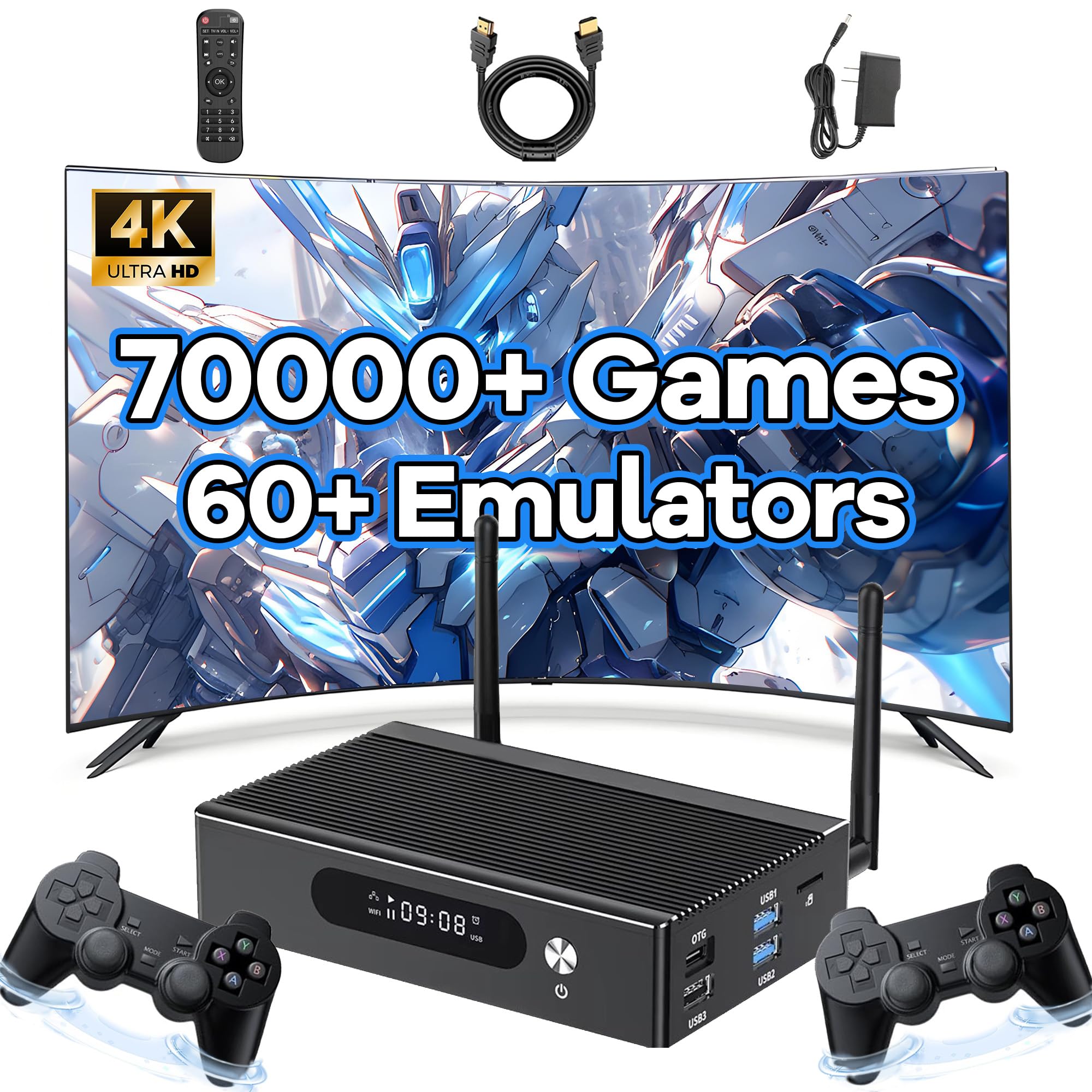
Image: The Super Console X3 Pro, featuring an aluminum alloy casing, connected to a television displaying a game. This image emphasizes the console's design for good heat dissipation, crucial for running large games efficiently.
6. Sorun Giderme
| Sorun | Olası Neden | Çözüm |
|---|---|---|
| Konsol açılmıyor. | Güç kablosu düzgün bağlanmamış; elektrik prizinde sorun var. | Ensure power cable is securely connected to the console and a working power outlet. Try a different outlet. |
| TV/monitörde görüntü yok. | HDMI cable loose or faulty; incorrect input selected on TV. | Check HDMI cable connections. Ensure your TV is set to the correct HDMI input source. Try a different HDMI cable or port. |
| Wireless controller not responding. | Low battery; not paired; interference. | Replace controller batteries. Re-pair the controller with the console according to its instructions. Ensure no strong interference sources are nearby. |
| Wi-Fi'ye bağlanılamıyor. | Yanlış parola; kapsama alanı dışında; yönlendirici sorunu. | Verify Wi-Fi password. Move console closer to the router. Restart your router. |
| Games run slowly or freeze. | System overload; corrupted game files; heat issues. | Close unnecessary applications. Ensure adequate ventilation for the console. If using an external TF card, ensure it is high-quality and formatted correctly. |
7. Özellikler
- Modeli: Super Console X3 Pro
- İşletim Sistemleri: EmuELEC 4.6, Android, CoreELEC (3-in-1 System)
- İŞLEMCİ: Amlogic S905X3 Quad-core Cortex-A55
- Ekran Kartı: Quad-core A55 Ultra
- VERİ DEPOSU: 4GB DDR3
- ROM: 32GB eMMC
- Depolama Genişletme: TF kartını 256GB'a kadar destekler
- Ağ: BT5.0, 1000M Ethernet, 2.4G/5G Dual-band Wi-Fi
- Video Çıkışı: 4K 60fps Ultra HD
- Boyutlar: 8.66 x 6.69 x 4.53 inç (Ürün Boyutları)
- Diller: English, German, French, Russian, Spanish, Portuguese, Korean, Arabic, Italian, and many others.

Image: A diagram illustrating the Amlogic S905X3 chip, positioned as an upgrade over previous generations such as S905X2, S905X, S905, RK3368, RK3288, and RK3329, indicating improved performance for smooth emulator operation.
8. Garanti ve Destek
For any issues or inquiries, please contact XIXIMENG customer support. Refer to your purchase documentation for specific warranty details. The manufacturer can be contacted via the platform where the product was purchased.
Note: If you encounter any problems during use, you can contact us at any time, and we will solve them for you at the fastest speed.