giriiş
Welcome to the user manual for your new Generic X10 MINI Smart Watch. This guide provides essential information on setting up, operating, and maintaining your device to ensure optimal performance. Please read this manual thoroughly before using your smartwatch.
Kutuda Neler Var?
Ürün ambalajınızda tüm öğelerin mevcut olduğundan emin olun:
- X10 MINI Smart Watch (with one pink band attached)
- Additional Pink Watch Band
- Kablosuz Şarj Kablosu
- Kullanım Kılavuzu (bu belge)

Image: The X10 MINI Smart Watch, an additional pink band, and the wireless charging cable as typically found in the box.
Ürün Bittiview
The X10 MINI Smart Watch features a 2.19-inch display, wireless charging, and a sleek design. It is designed to help you stay connected and track your activities throughout the day.
- Görüntülemek: Large 2.19-inch touchscreen for clear visibility and easy navigation.
- Tasarım: Sleek smartwatch with a modern square face and comfortable pink band.
- Şarj: Convenient wireless charging capability.
- Bağlantı: Advanced wireless technology for seamless synchronization with compatible devices.
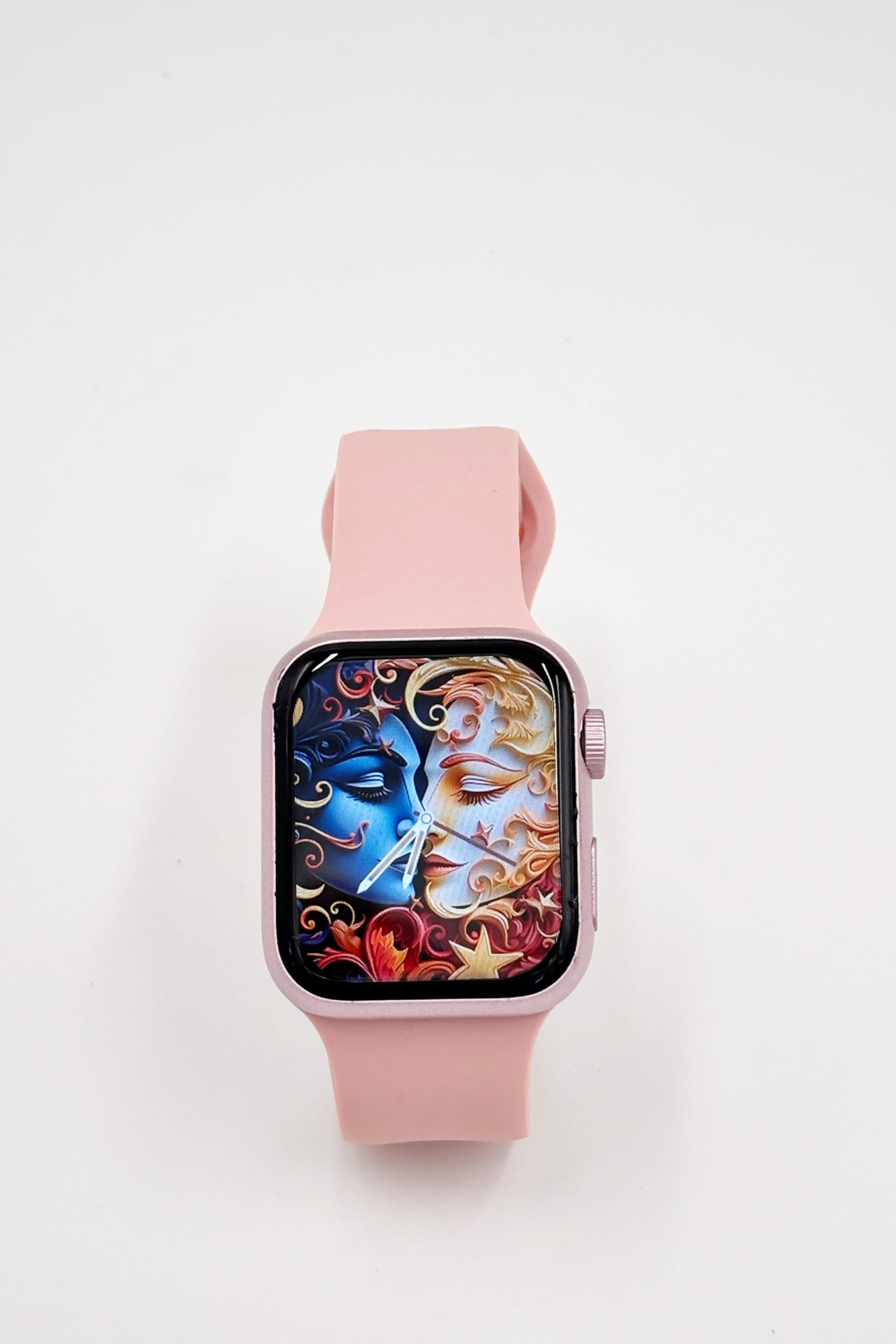
Image: A close-up of the X10 MINI Smart Watch, showcasing its 2.19-inch display and pink band.
Kurmak
1. İlk Şarj
Before first use, fully charge your smartwatch. Connect the wireless charging cable to a USB power source and place the back of the watch onto the charging pad. The watch display will indicate charging status.
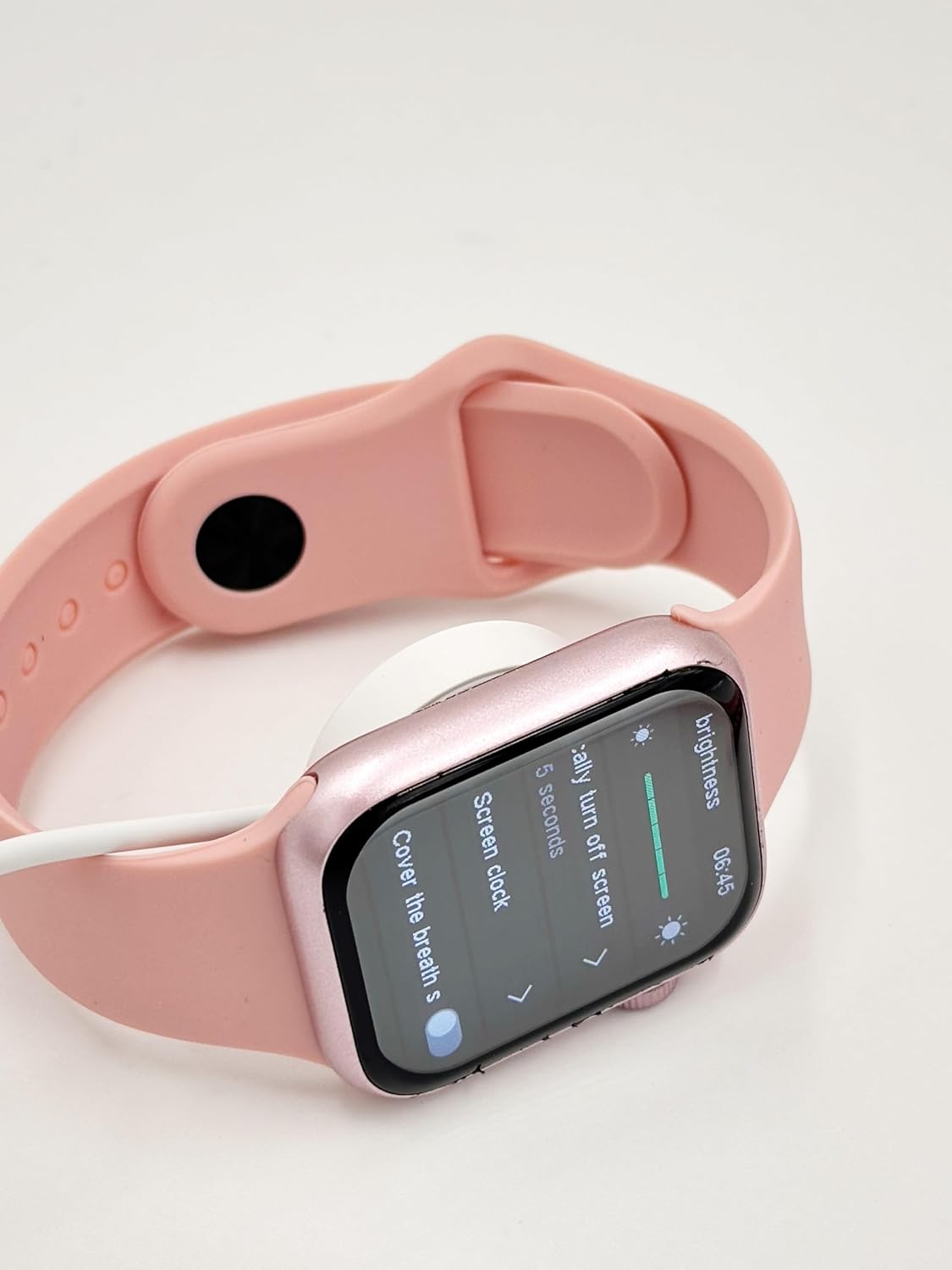
Image: The X10 MINI Smart Watch resting on its wireless charging pad, displaying the brightness settings.
2. Açma/Kapama
- Açmak İçin: Ekran ışığı yanana kadar yan düğmeye basılı tutun.
- Kapatmak İçin: Yan düğmeye basılı tutun, ardından ekranda 'Kapat' seçeneğini seçin.
3. Uygulama Kurulumu ve Eşleştirme
To unlock full functionality, download the companion application on your smartphone. Refer to the 'Download APP' option in the watch's General settings for the correct application. Once installed, open the app and follow the on-screen instructions to pair your smartwatch via Bluetooth.

Image: The smartwatch display showing the 'General' settings menu, including options for Bluetooth, About, Language, and Download APP.
Kullanım Talimatları
Navigasyon
The X10 MINI Smart Watch features a responsive touchscreen. Swipe left, right, up, or down to navigate through menus and access different features. Press the side button to return to the home screen or wake the device.
Temel Özellikler
- Bildirimler: Aramalar, mesajlar ve uygulama bildirimleri için doğrudan bileğinize uyarılar alın.
- Aktivite Takipçisi: Monitor your steps, distance, and calories burned throughout the day.
- Sesli arama: Make and receive calls directly from your smartwatch when connected to your phone.
- Phone/Contacts: Access your call log and contacts list.

Image: The smartwatch display showing activity tracking metrics, including steps, distance, and calories burned.

Image: The smartwatch display showing the phone-related menu, with options for Phone, Call Log, and Contacts.
Şarj etme
The X10 MINI Smart Watch supports wireless charging. Use the provided wireless charging cable. Ensure the watch is properly aligned on the charging pad for efficient charging. A full charge typically takes approximately 2-3 hours and provides up to 48 hours of average use.
Bakım
Temizlik
Wipe the watch screen and body with a soft, dry cloth. For the bands, use a slightly damp cloth and mild soap if necessary, then rinse and dry thoroughly. Avoid using harsh chemicals or abrasive materials.
Bant Değiştirme
The X10 MINI Smart Watch comes with dual bands, allowing for customization. To replace a band, locate the quick-release pins on the underside of the watch where the band connects. Slide the pin to detach the band, then align the new band and slide the pin back into place to secure it.
Sorun giderme
- Saat açılmıyor: Saatinizin tam şarjlı olduğundan emin olun. Saatinizi en az 30 dakika şarj cihazına takın.
- Telefonla eşleştirilemiyor: Make sure Bluetooth is enabled on your phone and the watch. Restart both devices and try pairing again. Ensure the companion app is installed and running.
- Şarj sorunları: Check if the charging cable is properly connected to a power source and the watch is correctly placed on the wireless charging pad.
- Hatalı aktivite takibi: Ensure the watch is worn snugly on your wrist. Calibrate the activity tracker through the companion app if available.
Özellikler
| Marka | Genel |
| Model Adı | X10 MINI |
| Ekran Boyutu | 2.19 inç |
| Görüntü Türü | NEDEN OLMUŞ |
| İşletim Sistemi | Android (uyumlu) |
| Bellek Depolama Kapasitesi | 40 MB |
| Pil Kapasitesi | 1200 Miliamp Saat |
| Pilin Ortalama Ömrü | 48 Saat |
| Kablosuz Tip | 2.4 GHz Radyo Frekansı |
| Bağlayıcı Türü | Bluetooth |
| Özel Özellikler | Activity Tracker, Notifications, Touchscreen, Voice Call, Wireless Charging |
| Uyumlu Cihazlar | Akıllı telefon, Tablet |
| Ürün Ağırlığı | 200 gr |
| Menşei ülke | Çin |
Garanti ve Destek
This product comes with a standard manufacturer's warranty. For specific warranty details, claims, or technical support, please refer to the documentation provided with your purchase or contact the retailer. Keep your proof of purchase for warranty purposes.


