
1. Giriş
Thank you for choosing the HAPPRUN KC7 Pro Netflix Projector. This projector is designed to provide a high-quality home entertainment experience with integrated streaming capabilities. Featuring 4K Ultra HD resolution support, 2500 ANSI Lumens brightness, AI auto-focus, and Wi-Fi 6 connectivity, the KC7 Pro offers a seamless and immersive viewing experience. This manual provides essential information for safe operation, setup, maintenance, and troubleshooting.

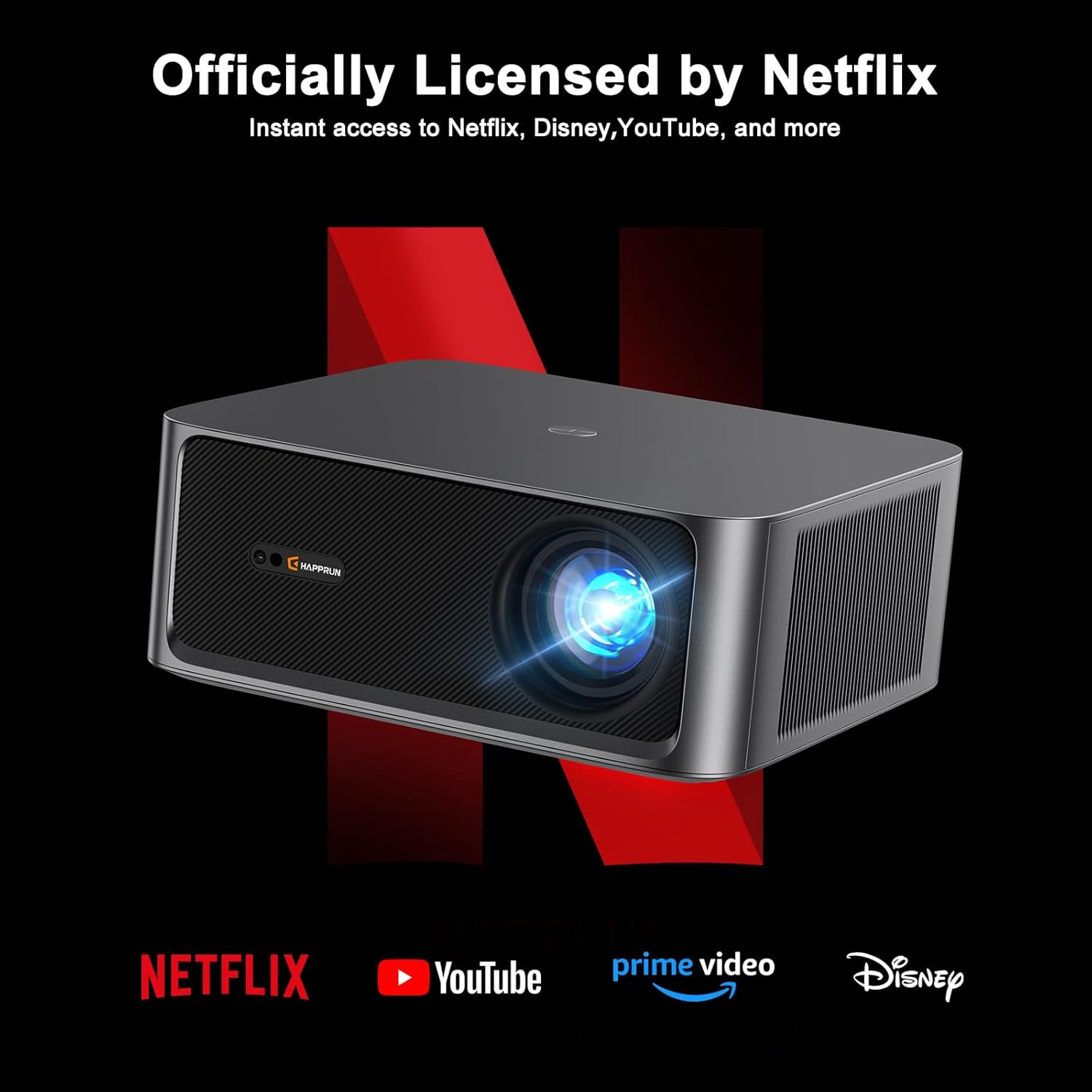
The HAPPRUN KC7 Pro is officially licensed by Netflix, YouTube, Prime Video, and Disney+, providing instant access to a wide range of content. Its advanced audio features, including Hi-Res Audio and Dolby Audio support, ensure a rich sound experience.
2. Önemli Güvenlik Bilgileri
Projeksiyon cihazını kullanmadan önce lütfen tüm güvenlik talimatlarını dikkatlice okuyun. Bu kılavuzu ileride başvurmak üzere saklayın.
- Güç Kaynağı: Use only the provided power cord and connect to a power outlet with the correct voltage (110 Volt).
- Havalandırma: Projeksiyon cihazının çevresinde yeterli havalandırma olduğundan emin olun. Havalandırma açıklıklarını kapatmayın.
- Sıcaklık: Projeksiyon cihazını ısı kaynaklarının yakınına veya doğrudan güneş ışığına koymayın.
- Nem: Keep the projector away from water, rain, or excessive humidity.
- Temizlik: Temizlemeden önce projektörün fişini çekin. Yumuşak, kuru bir bez kullanın. Sıvı veya aerosol temizleyiciler kullanmayın.
- Servis: Bu ürüne kendiniz servis vermeye çalışmayın. Tüm servis işlemleri için kalifiye servis personeline başvurun.
- Göz Güvenliği: Projektör lensine doğrudan bakmayın.amp Açık.
3. Paket İçeriği
Paketin içinde tüm öğelerin mevcut olduğundan emin olun:
- HAPPRUN KC7 Pro Projector
- Uzaktan kumanda
- Güç Kablosu
- HDMI Kablosu
- Temizlik Kiti
- Kullanım Kılavuzu (bu belge)
4. Ürün Bittiview
The HAPPRUN KC7 Pro features a compact design with various ports for connectivity. Familiarize yourself with the projector's components:
- Ön: Projection Lens, IR Receiver.
- Tepe: Control Panel (Power, Navigation, OK, Back).
- Arka: Power Input, HDMI Port, USB Port, 3.5mm Audio Jack.
- Taraflar: Ventilation openings.
5. Kurulum
5.1 Yerleştirme
Place the projector on a stable, flat surface or mount it to the ceiling. Ensure the projector is positioned directly in front of the screen or wall for optimal image geometry. The projector can create a screen size up to 300 inches.

5.2 Güç Bağlantısı
Connect the provided power cord to the projector's power input and then to a wall outlet.
5.3 İlk Yapılandırma
Upon first power-on, the projector will guide you through initial setup steps. The KC7 Pro features AI Auto-Focus, which automatically adjusts the image for optimal clarity without manual tweaking.

Connect to your Wi-Fi network for streaming services. The projector supports Wi-Fi 6 for smooth HD streaming and gaming with no lags or delays.

5.4 Harici Cihazların Bağlanması
Projeksiyon cihazı birden fazla bağlantı seçeneği sunuyor:
- HDMI: Connect gaming consoles, laptops, or other HDMI-enabled devices using the HDMI cable.
- USB BAĞLANTI: Medya oynatmak için USB sürücüleri takın.
- Bluetooth 5.2: Daha iyi ses deneyimi için harici Bluetooth hoparlörlere veya kulaklıklara bağlanın.

6. Kullanım Talimatları
6.1 Güç Açma/Kapatma
Projeksiyon cihazını açmak veya kapatmak için projektör üzerindeki güç düğmesine veya uzaktan kumandaya basın.
6.2 Menü Navigasyonu
Use the arrow keys and OK button on the remote control to navigate through the projector's on-screen menus and settings.
6.3 Kaynak Seçimi
Select the desired input source (HDMI, USB, or internal apps) from the main menu.
6.4 Akış Uygulamaları
Access pre-installed streaming applications like Netflix, YouTube, Prime Video, and Disney+ directly from the projector's home screen. Ensure an active internet connection for these services.
6.5 Ses Ayarları
Adjust volume and audio output settings in the menu. The projector supports Hi-Res Audio and Dolby Audio for an immersive sound experience.

6.6 Görüntü Ayarları
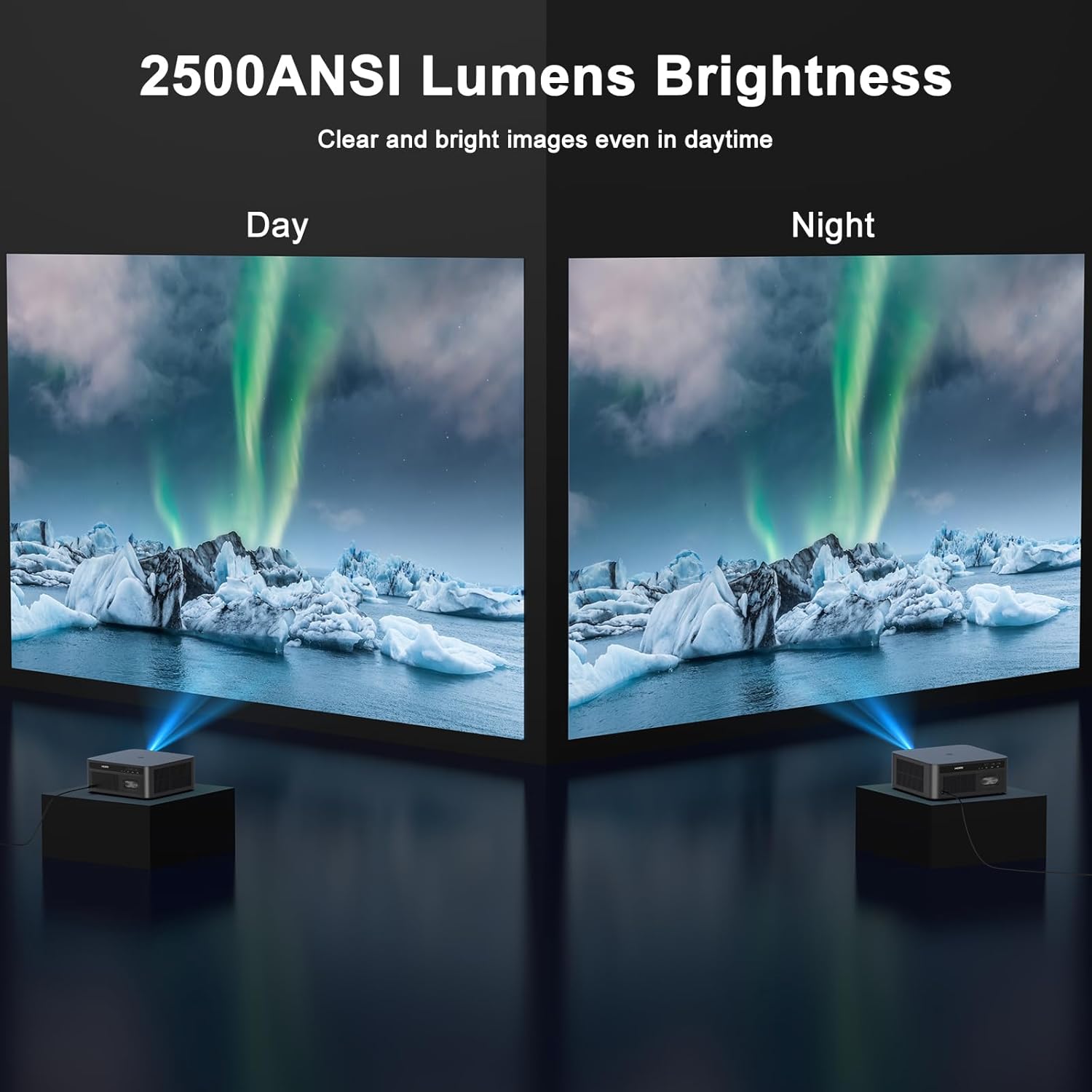
Customize image settings such as brightness, contrast, and color. The projector delivers 2500 ANSI Lumens brightness for clear images even in daylight and supports 4K Ultra HD resolution for ultra-clear and delicate visuals.

7. Bakım
7.1 Temizlik
Düzenli temizlik optimum performansın korunmasına yardımcı olur.
- Mercek: Use the provided cleaning kit or a soft, lint-free cloth specifically designed for optical lenses. Do not use abrasive cleaners.
- Casing: Projektörün dış yüzeyini yumuşak, kuru bir bezle silin.
- Havalandırma: Periodically check and gently clean the ventilation openings to prevent dust buildup.
7.2 Depolama
Projeksiyon cihazını uzun süre kullanılmadığı zamanlarda serin, kuru bir yerde, doğrudan güneş ışığından ve aşırı tozdan uzak tutarak saklayın. Orijinal ambalajını veya varsa koruyucu kılıfını kullanın.
8. Sorun Giderme
If you encounter issues with your HAPPRUN KC7 Pro Projector, refer to the following common problems and solutions:
- Güç Yok:
- Ensure the power cord is securely connected to both the projector and the power outlet.
- Check if the power outlet is functional. - Resim Yok:
- Verify the input source is correctly selected (e.g., HDMI 1, USB).
- Check the HDMI or USB cable connection.
- Ensure the lens cap is removed.
- Restart the projector and the connected device. - Bulanık Görüntü:
- The projector features AI Auto-Focus; ensure it has enough space and time to adjust. If issues persist, check for obstructions near the lens.
- Ensure the projection surface is flat. - Ses Yok:
- Adjust the volume on both the projector and the connected device.
- If using external Bluetooth speakers, ensure they are properly paired and connected.
- Check audio output settings on the projector. - Uzaktan Kumanda Çalışmıyor:
- Ensure there are no obstructions between the remote and the projector's IR receiver.
- Uzaktan kumandanın pillerini değiştirin. - Wi-Fi Bağlantı Sorunları:
- Wi-Fi yönlendiricinizin açık ve kapsama alanında olduğundan emin olun.
- Wi-Fi şifresini dikkatlice tekrar girin.
- Restart the projector and your router.
9. Özellikler
| Özellik | Şartname |
|---|---|
| Marka | MUTLULUK |
| Örnek | KC7 Pro |
| Görüntü Türü | LCD |
| Ekran Çözünürlüğü | 1920 x 1080 (Orijinal) |
| Desteklenen Çözünürlük | 4K Ultra HD'ye kadar |
| Parlaklık | 2500 ANSI Lümenleri |
| En Boy Oranı | 16:9, 4:3 |
| Özel Özellikler | Auto Focus, Netflix Licensed |
| Bağlantı Teknolojisi | 3.5mm Jack, Bluetooth 5.2, HDMI, USB, Wi-Fi 6 |
| Uyumlu Cihazlar | Gaming Console, Laptop, Smartphone, Speaker |
| Gürültü Seviyesi | 35 dB |
| Cilttage | 110 Volt |
| Netage | 180 watt |
| Yenileme Hızı | 60 Hz |
| Ürün Boyutları | 28.8x26.52x11.35 cm |
| Ürün Ağırlığı | 3.9 kilo |
| Montaj Tipi | Ceiling Mount, Desktop |
10. Garanti ve Destek
The HAPPRUN KC7 Pro Projector comes with a standard manufacturer's warranty. For specific warranty terms and conditions, please refer to the warranty card included in your package or visit the official HAPPRUN website. For technical support, troubleshooting assistance, or service inquiries, please contact HAPPRUN customer support through the contact information provided on the official websiteniz veya satın alma platformunuz.