
giriiş
Thank you for choosing the SENGBIRCH Keyboard Case for your Lenovo Tab M11 11" 2024. This manual provides essential information for the proper setup, operation, and maintenance of your new keyboard case. Please read it thoroughly before use to ensure optimal performance and longevity of the product.
Paket İçeriği
- 1 x Protective Case with Bluetooth Keyboard
- 1 x USB-C Şarj Kablosu
- 1 x Kullanım Kılavuzu
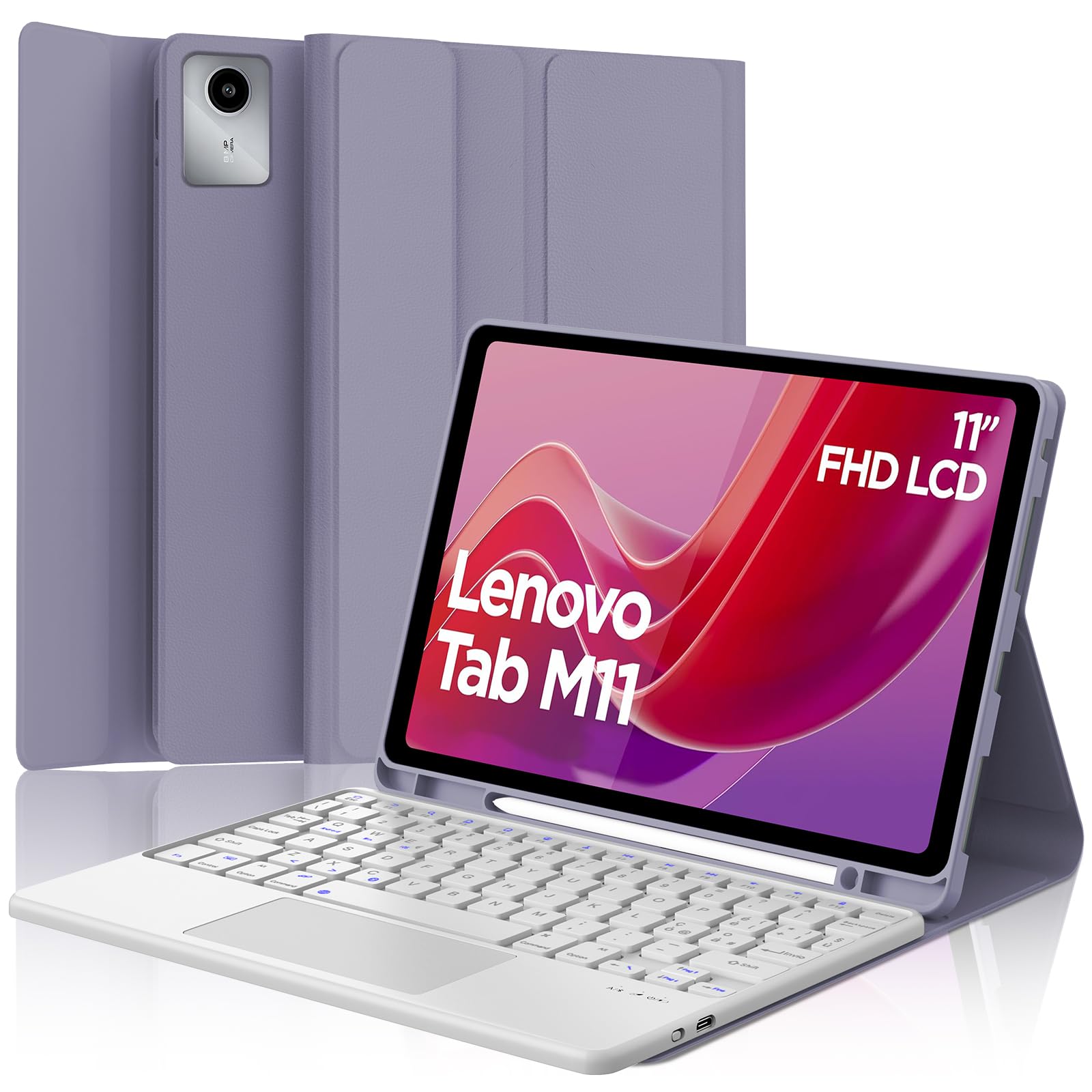
Image: The SENGBIRCH Keyboard Case for Lenovo Tab M11 11" 2024, showcasing the keyboard and protective cover.
Kurulum Talimatları
1. Uyumluluk Kontrolü
This keyboard case is specifically designed for the Lenovo Tab M11 11" 2024 (Models TB330FU/TB330XU). Please verify your tablet model before proceeding.

Image: A visual guide illustrating compatibility with the Lenovo Tab M11 11" 2024 and incompatibility with other models like Lenovo Tab M10 Plus Gen 3 and Lenovo Tab M10.
2. Klavyeyi Şarj Etme
- Verilen USB-C şarj kablosunu klavyenin şarj portuna bağlayın.
- Kablonun diğer ucunu bir USB güç adaptörüne (dahil değildir) veya bir bilgisayarın USB portuna bağlayın.
- The charging indicator light will illuminate. Allow 2-3 hours for a full charge.

Image: Close-up of the keyboard showing the USB-C charging port and a charging cable connected, indicating battery life and silent scissor keys.
3. Bluetooth Eşleştirme
- Ensure the keyboard is charged. Turn on the keyboard by sliding the power switch.
- Basın Bağlamak button on the keyboard (usually indicated by a Bluetooth icon). The Bluetooth indicator light will start blinking.
- On your Lenovo Tab M11, go to Ayarlar > Bluetooth ve Bluetooth'u açın.
- Your tablet will search for available devices. Select "Bluetooth Keyboard" or a similar name from the list.
- Eşleştirme tamamlandığında klavyedeki Bluetooth gösterge ışığı yanıp sönmeyi bırakacaktır.

Image: A diagram illustrating the wireless Bluetooth connection of the keyboard to various devices, including smartphones, tablets, and laptops, supporting iOS, Android, and Windows operating systems.
4. Inserting the Tablet into the Case
Carefully align your Lenovo Tab M11 with the protective case. Ensure all ports, buttons, and the camera are correctly aligned with the case's precise cutouts. The magnetic design will help secure the tablet and keyboard in place.
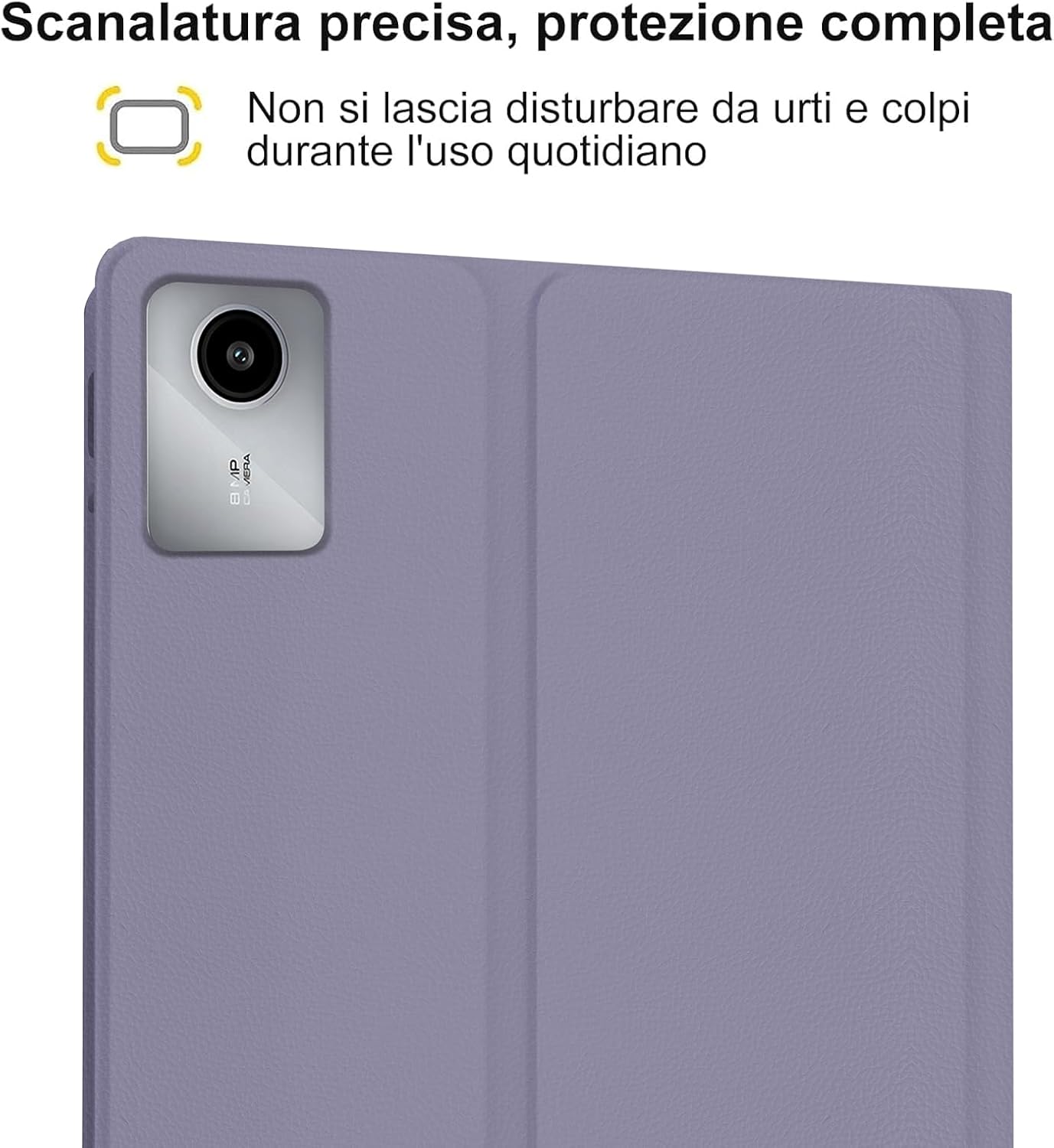
Image: A close-up of the tablet's camera module perfectly aligned with the precise cutout in the protective case, emphasizing full protection against daily impacts.
Kullanım Talimatları
1. Klavyeyi Kullanma
The keyboard features an Italian QWERTY layout. It provides a tactile typing experience with scissor-key mechanisms for comfortable and efficient input. Familiarize yourself with the function keys (Fn) for shortcuts.

Resim: Ayrıntılı view of the Italian QWERTY keyboard layout, highlighting its magnetic attachment, over 100 hours of battery life, and USB-C charging capability.
2. Using the Trackpad
The integrated trackpad allows for precise navigation and control, similar to a laptop. It supports multi-touch gestures (e.g., two-finger scroll, pinch-to-zoom) depending on your tablet's operating system settings.
3. Adjusting Backlight
The keyboard features 7-color backlighting with 3 adjustable brightness levels. Use the dedicated backlight key (often indicated by a light bulb icon or Fn + a specific key) to cycle through colors and brightness settings.
4. Automatic Wake/Sleep Function
The case supports automatic wake/sleep functionality. Opening the case will wake your tablet, and closing it will put your tablet to sleep, conserving battery life.

Image: Two illustrations demonstrating the automatic wake-up function when the case is opened and the automatic sleep function when the case is closed.
5. Ayarlanabilir ViewAçılar
The case allows you to adjust the tablet's viewing angle for comfortable use, whether typing, watching videos, or browsing. The non-slip grooves ensure stability at various angles.
Image: A diagram showing the tablet case propped up at different viewing angles (120°, 125°, 130°) with non-slip grooves for stability, illustrating ergonomic viewpozisyonları.
Bakım
Cleaning the Case and Keyboard
- Kasanın dışını yumuşak bir bezle silin.amp Bez. Sert kimyasallardan veya aşındırıcı temizleyicilerden kaçının.
- For the keyboard, use a soft, dry cloth or a can of compressed air to remove dust and debris from between the keys.
- Temizlemeden önce klavyenin kapalı olduğundan emin olun.
Pil Bakımı
- Pil ömrünü korumak için klavyeyi düzenli olarak şarj edin.
- Pilin sık sık tamamen boşaltılmasından kaçının.
- Klavyeyi uzun süre saklayacaksanız, yaklaşık %50 şarj edin ve serin, kuru bir yerde saklayın.
Sorun giderme
Klavye Bluetooth üzerinden bağlanmıyor.
- Pili Kontrol Edin: Klavyenin tam şarjlı olduğundan emin olun.
- Güç Döngüsü: Klavyeyi kapatıp tekrar açın.
- Tamirat: Delete the keyboard from your tablet's Bluetooth device list and attempt to pair it again.
- Tablet Bluetooth: Ensure your tablet's Bluetooth is enabled and functioning correctly.
Arka Işık Çalışmıyor
- Gücü Kontrol Edin: Klavyenin pilinin yeterli şarjda olduğundan emin olun.
- Arka Aydınlatma Tuşu: Press the backlight key (or Fn + backlight key) to cycle through brightness levels and colors.
Dokunmatik yüzey yanıt vermiyor.
- Bluetooth Bağlantısı: Klavyenin Bluetooth üzerinden doğru şekilde bağlandığından emin olun.
- Tekrar başlat: Klavyeyi kapatıp açın.
- Tablet Settings: Check your tablet's settings for trackpad or mouse options to ensure it's enabled.
Şarj Sorunları
- Kablo Kontrolü: Ensure the USB-C cable is securely connected to both the keyboard and the power source.
- Güç Kaynağı: Try a different USB power adapter or computer USB port.
- Kablo Hasarı: Şarj kablosunu herhangi bir hasar belirtisi açısından kontrol edin.
Özellikler
| Özellik | Detay |
|---|---|
| Marka | SENGBİRŞESİ |
| Uyumlu Cihazlar | Lenovo Tab M11 11" 2024 (TB330FU/TB330XU) |
| Bağlantı Teknolojisi | Bluetooth |
| Klavye Açıklaması | Accessible (Italian QWERTY Layout) |
| Özel Özellik | Trackpad, Backlit Keyboard (7 colors, 3 brightness levels) |
| Güç Kaynağı | Pille Çalışır (Lityum Polimer) |
| Pil Ömrü (Sürekli Kullanım) | 24 saate kadar (3 gün) |
| Bekleme Süresi | 3 ay |
| Şarj Süresi | 2-3 hours (via USB-C) |
| Malzeme | TPU, ABS, Synthetic Leather |
| Ürün Ağırlığı | 700 gr |
| Paket Boyutları | 26x18x3 cm |
Garanti Bilgileri
This SENGBIRCH product comes with a iki yıllık garanti from the date of purchase. This warranty covers manufacturing defects and issues arising from normal use. It does not cover damage caused by misuse, accidents, unauthorized modifications, or normal wear and tear.
Garanti talepleri için lütfen satın alma belgenizi saklayın.
Destek
If you encounter any problems or have questions regarding your SENGBIRCH Keyboard Case, please do not hesitate to contact our customer support team. We are committed to providing satisfactory service and assistance.
For support, please refer to the contact information provided on the product packaging or the official SENGBIRCH webalan.