
1. Giriş
This manual provides essential information for setting up, operating, and maintaining your TCL 98Q7K 98-inch QLED 4K Google TV. This television features a stunning QLED 4K display with a 144 Hz panel for smooth motion, integrated Google TV for smart functionality, and advanced audio with Dolby Atmos. It also includes Google Assistant and Alexa compatibility for hands-free voice control, VisionHDR10+, and AiPQ™ processing for optimized picture quality.

2. Kurulum
2.1 Kutudan Çıkarma ve İlk İnceleme
Carefully remove the television from its packaging. Inspect the TV and all included accessories for any signs of damage. Keep the packaging materials for future transport or service needs.
2.2 Stand Kurulumu
If you plan to use the TV with its included stand, follow these steps:
- Çizilmeleri önlemek için televizyonu ekranı aşağı bakacak şekilde yumuşak ve düz bir yüzeye yerleştirin.
- Stand parçalarını televizyonun altındaki belirlenmiş yuvalarla hizalayın.
- Secure the stand using the screws provided in the accessory kit. Ensure all screws are tightened firmly.

2.3 Duvara Montaj (Opsiyonel)
For wall mounting, a compatible VESA wall mount (not included) is required. Due to the size and weight of the 98-inch television, professional installation is highly recommended to ensure safety and proper mounting. Refer to the wall mount manufacturer's instructions for specific installation details.
2.4 Çevre Birimlerini Bağlama
Connect your external devices such as Blu-ray players, gaming consoles, sound systems, and cable/satellite boxes to the appropriate ports on the TV. The TCL 98Q7K features 4 HDMI ports and 2 USB ports for versatile connectivity.
3. Kullanım Talimatları
3.1 Güç Açma/Kapatma
Connect the power cord to the TV and a power outlet. Press the power button on the remote control or on the TV itself to turn the television on or off.
3.2 Initial Setup with Google TV
Upon first power-on, the TV will guide you through the initial setup process for Google TV. This includes selecting your language, connecting to a Wi-Fi network, signing in with your Google account, and configuring basic settings. Follow the on-screen prompts.

3.3 Uzaktan Kumanda İşlevleri
The included remote control allows you to navigate the TV's interface, adjust volume, change channels, and access smart features. It supports voice control via Google Assistant and Alexa. Insert the provided batteries into the remote control before use.
3.4 Akıllı Özellikler ve Ses Kontrolü
- Google TV: Access a wide range of streaming apps, movies, and shows.
- Google Asistan ve Alexa: Use voice commands for hands-free control of your TV, search for content, get information, and control smart home devices.
- Chromecast Yerleşik: Uyumlu mobil cihazlarınızdaki içerikleri doğrudan televizyona aktarın.
3.5 Oyun Özellikleri
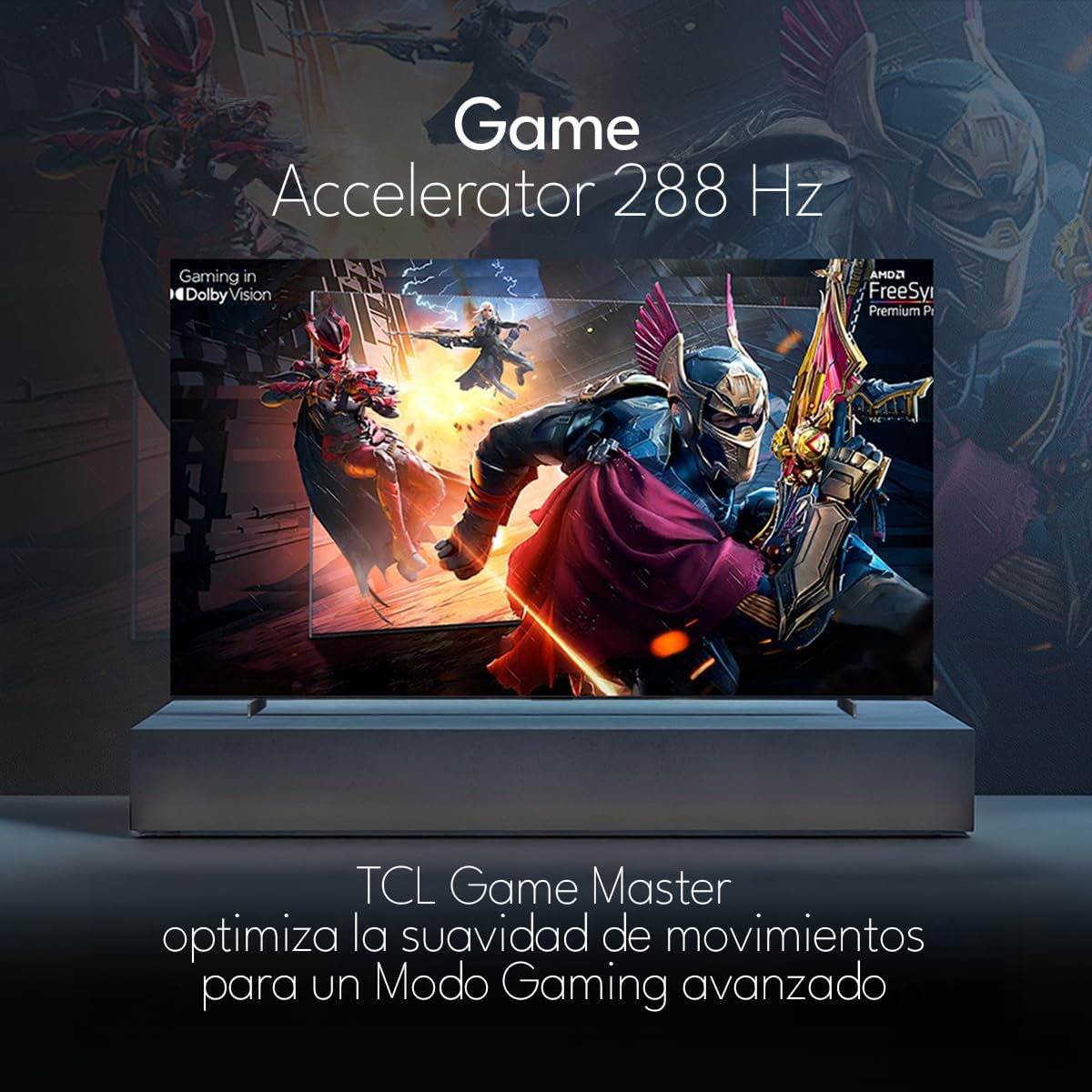
The TCL 98Q7K features a 144 Hz panel and Game Accelerator technology for an enhanced gaming experience with reduced latency and smoother motion.

3.6 Ses Özellikleri
Experience immersive sound with Dolby Atmos and the integrated ONKYO Hi-Fi System 2.1 Channels, providing clear vocals and deep bass.

3.7 Ürün Üzeriview Video
4. Bakım
4.1 Ekranı Temizleme
Ekranı temizlemek için yumuşak, tiftiksiz bir bezle hafifçe silin. İnatçı lekeler için hafifçe silin.ampBezi su veya özel bir ekran temizleyici ile silin. Sert kimyasallar, aşındırıcı malzemeler veya sıvıları doğrudan ekrana püskürtmekten kaçının.
4.2 TV Gövdesinin Temizlenmesi
Wipe the TV body with a soft, dry cloth. Do not use liquid cleaners directly on the TV body.
4.3 Yazılım Güncellemeleri
Your TCL Google TV may receive automatic software updates. To manually check for updates, navigate to the settings menu, then select System > About > System update. Ensure your TV is connected to the internet for updates.
5. Sorun Giderme
Televizyonunuzda sorunlarla karşılaşırsanız aşağıdaki yaygın çözümlere başvurun:
- Güç Yok:
Güç kablosunun hem televizyona hem de çalışan bir elektrik prizine güvenli bir şekilde takılı olduğundan emin olun. Çalışıp çalışmadığını doğrulamak için aynı prize başka bir cihaz takmayı deneyin. - Görüntü veya Ses Yok:
Verify that the correct input source is selected (e.g., HDMI 1, AV). Check all cable connections between the TV and external devices. Ensure the volume is not muted or set to minimum. - Uzaktan Kumanda Çalışmıyor:
Uzaktan kumandanın pillerini değiştirin. Uzaktan kumanda ile televizyonun kızılötesi sensörü arasında herhangi bir engel olmadığından emin olun. - Ağ Bağlantı Sorunları:
Check your Wi-Fi router and ensure it is powered on and functioning correctly. Restart the TV and your router. In the TV settings, verify the Wi-Fi connection status. - Görüntü Kalitesi Sorunları (örneğin, bulanık, bozuk):
Check the resolution settings of your input source. Ensure the cables are not damaged. Adjust picture settings (brightness, contrast, sharpness) in the TV menu.
For persistent issues, consult the full electronic manual available through the TV's help menu or contact TCL customer support.
6. Özellikler
| Özellik | Şartname |
|---|---|
| Ekran Boyutu | 98 inç |
| Ekran Teknolojisi | QLED |
| Çözünürlük | 4K (3840x2160) |
| Yenileme Hızı | 144 Hz |
| HDR Format Desteği | Dolby Vision, HDR10, HDR10+, HLG |
| Tepe Parlaklığı | 450 NİT |
| Ses Sistemi | Dolby Atmos, Dolby Digital, ONKYO Hi-Fi System 2.1 Channels |
| İşletim Sistemi | Google televizyon |
| Ses Kontrolü | Google Asistan, Alexa |
| Bağlantı | Wi-Fi, Ethernet, 4x HDMI, 2x USB |
| Boyutlar (standlı) | 217.8x128.5x42 cm |
| Boyutlar (stand hariç) | 0.06prof. x 2.18an. x 1.25alt. Meters (approx. 6 cm depth) |
| Model Yılı | 2025 |
| Dahil Bileşenler | Kullanım Kılavuzu, Uzaktan Kumanda, Piller |
7. Garanti ve Destek
7.1 Ürün Garantisi
The TCL 98Q7K television comes with a 2 yıllık sınırlı garanti Satın alma tarihinden itibaren geçerlidir. Bu garanti, üretim hatalarını ve normal kullanımdaki arızaları kapsar. Garanti talepleriniz için lütfen satın alma belgenizi saklayın.
7.2 Müşteri Desteği
For technical assistance, troubleshooting beyond this manual, or warranty inquiries, please contact TCL customer support. Refer to the contact information provided in the separate warranty card or visit the official TCL webBölgeniz için site.