
1. Giriş
Thank you for choosing the Intelbras PFL7560 Full HD Wi-Fi Projector. This projector is designed to deliver a high-quality visual and audio experience for various applications, from home cinema to business presentations. It features Full HD resolution, 8000 lumens brightness, and integrated 12W stereo speakers. This manual provides essential information for safe and efficient operation of your projector.
2. Güvenlik Bilgileri
Projeksiyon cihazını kullanmadan önce lütfen tüm güvenlik talimatlarını dikkatlice okuyun. Bu kılavuzu ileride başvurmak üzere saklayın.
- Güç Kaynağı: Use only the power adapter provided with the projector. Ensure the voltage yerel elektrik kaynağınıza uygundur.
- Havalandırma: Havalandırma açıklıklarını kapatmayın. Aşırı ısınmayı önlemek için projektörün etrafında yeterli hava akışı sağlayacak boşluk bırakın.
- Atama: Projeksiyon cihazını sabit ve düz bir yüzeye yerleştirin. Doğrudan güneş ışığına, ısı kaynaklarının yakınına veya yüksek nemli ya da tozlu ortamlara koymaktan kaçının.
- Göz Koruması: Projektör lensine doğrudan bakmayın.amp Parlak ışık gözlere zarar verebileceğinden, ışık açık bırakılmalıdır.
- Temizlik: Temizlemeden önce projektörün fişini çekin. Yumuşak, kuru bir bez kullanın. Sıvı veya aerosol temizleyiciler kullanmayın.
- Servis: Projektörü kendiniz onarmaya çalışmayın. Tüm bakım işlemlerini yetkili servis personeline yaptırın.
3. Paket İçeriği
Paketin içinde tüm öğelerin mevcut olduğundan emin olun:
- Intelbras PFL7560 Projector Unit
- Uzaktan kumanda
- Güç kablosu
- Kullanıcı Kılavuzu
4. Ürün Bittiview
Familiarize yourself with the main components and ports of your Intelbras PFL7560 projector.
4.1. Projeksiyon Cihazı Bileşenleri

Image: Intelbras PFL7560 Projector with included remote control.
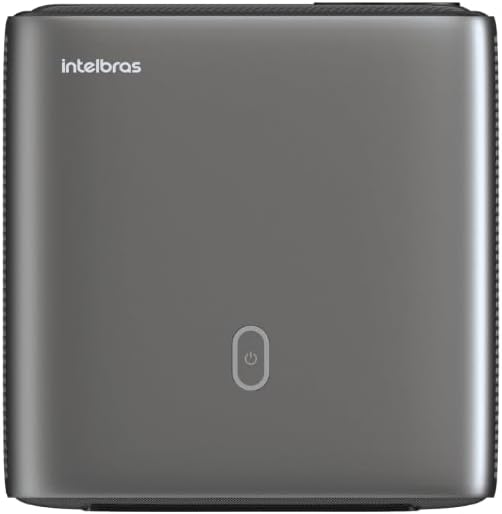
Resim: Üst view of the projector, highlighting the power button and sleek design.
4.2. Bağlantı Noktaları ve Bağlantı
Projeksiyon cihazı birden fazla bağlantı seçeneği sunuyor:
- HDMI: For connecting high-definition devices such as laptops, gaming consoles, or Blu-ray players.
- USB BAĞLANTI: Medya oynatmak için USB depolama aygıtlarını bağlamak için filedoğrudan s.
- Wi-Fi (802.11 ac/b/g/n): For wireless connectivity and screen mirroring from compatible Android devices.
- Ses çıkışı: Harici ses sistemlerini veya kulaklıkları bağlamak için.
5. Kurulum
5.1. Yerleşim
Choose a suitable location for your projector. The PFL7560 can project images from 60 to 150 inches, making it versatile for various room sizes. Ensure the projector is placed on a stable surface and is not obstructed.
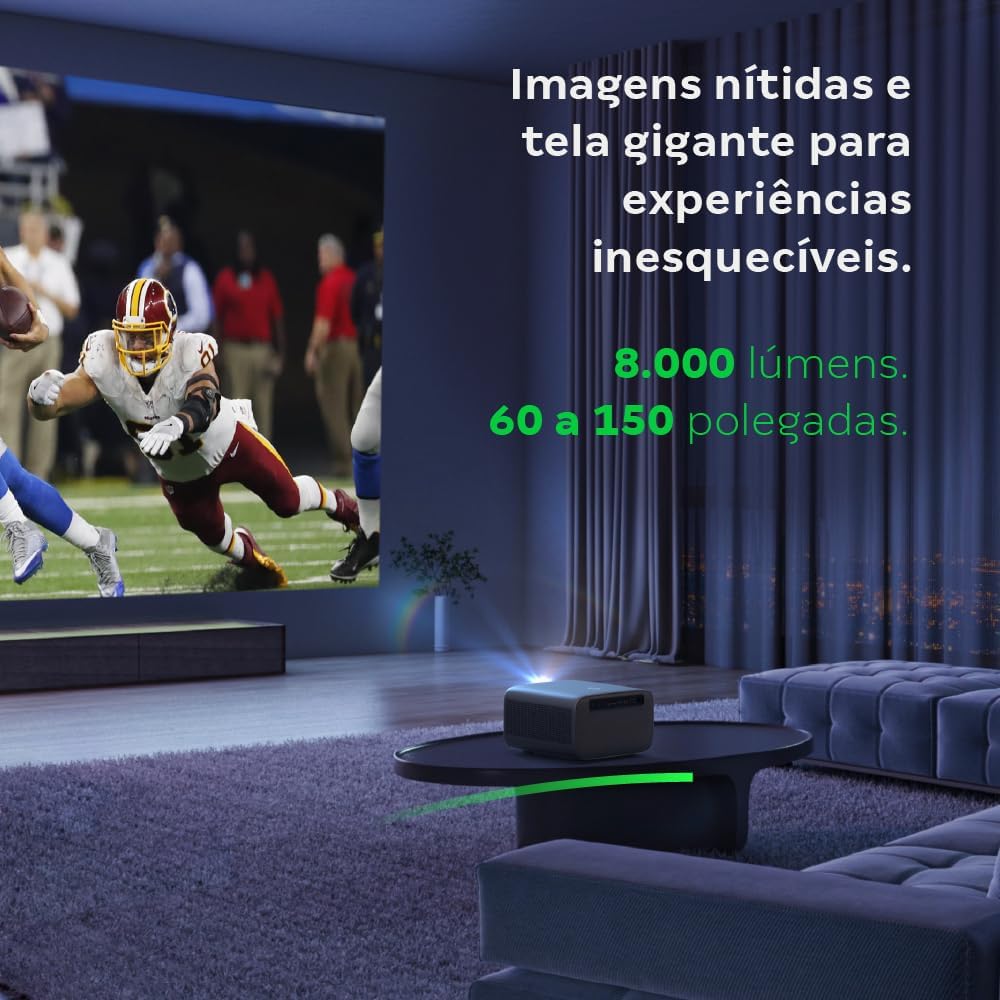
Image: The projector creating a large, clear image in a home environment, demonstrating its capability for immersive viewIng.
5.2. Güç Bağlantısı
Güç kablosunu projektörün güç girişine ve ardından bir elektrik prizine bağlayın.
5.3. İlk Güç Açma
Projeksiyon cihazını açmak için projektör üzerindeki veya uzaktan kumandadaki güç düğmesine basın. Projeksiyon cihazı başlatma işlemine başlayacaktır.
5.4. Odak ve Trapez Düzeltme
The PFL7560 features automatic focus and keystone correction for a perfectly aligned and sharp image without manual effort. If manual adjustment is needed, refer to the on-screen display (OSD) menu.
6. Kullanım Talimatları
6.1. Cihazları Bağlama
- HDMI: Connect your device using an HDMI cable to the HDMI port on the projector. Select the corresponding HDMI input from the projector's source menu.
- USB BAĞLANTI: Insert a USB drive into the USB port. The projector's media player will typically detect the drive automatically, allowing you to browse and play files.
- Wi-Fi / Screen Mirroring: For compatible Android devices, enable screen mirroring on your device and select the projector from the available devices. Ensure both devices are connected to the same Wi-Fi network.
6.2. Ses Çıkışı
The projector is equipped with two integrated 12W speakers, providing clear and immersive audio. For external audio, connect speakers or headphones to the audio output port.

Image: Detail of the projector's integrated 12W speakers, designed for powerful and clear sound.
7. Bakım
7.1. Lensin Temizlenmesi
Projeksiyon merceğini nazikçe silmek için optik lensler için özel olarak tasarlanmış, yumuşak ve tüy bırakmayan bir bez kullanın. Aşındırıcı malzemeler veya sert kimyasallar kullanmaktan kaçının.
7.2. Projektör Gövdesinin Temizlenmesi
Wipe the exterior of the projector with a soft, dry cloth. Do not use liquid or spray cleaners directly on the unit.
7.3. LED Light Source Longevity
The Intelbras PFL7560 uses an LED light source with a lifespan of up to 30,000 hours, ensuring long-term use and consistent performance without significant brightness degradation.
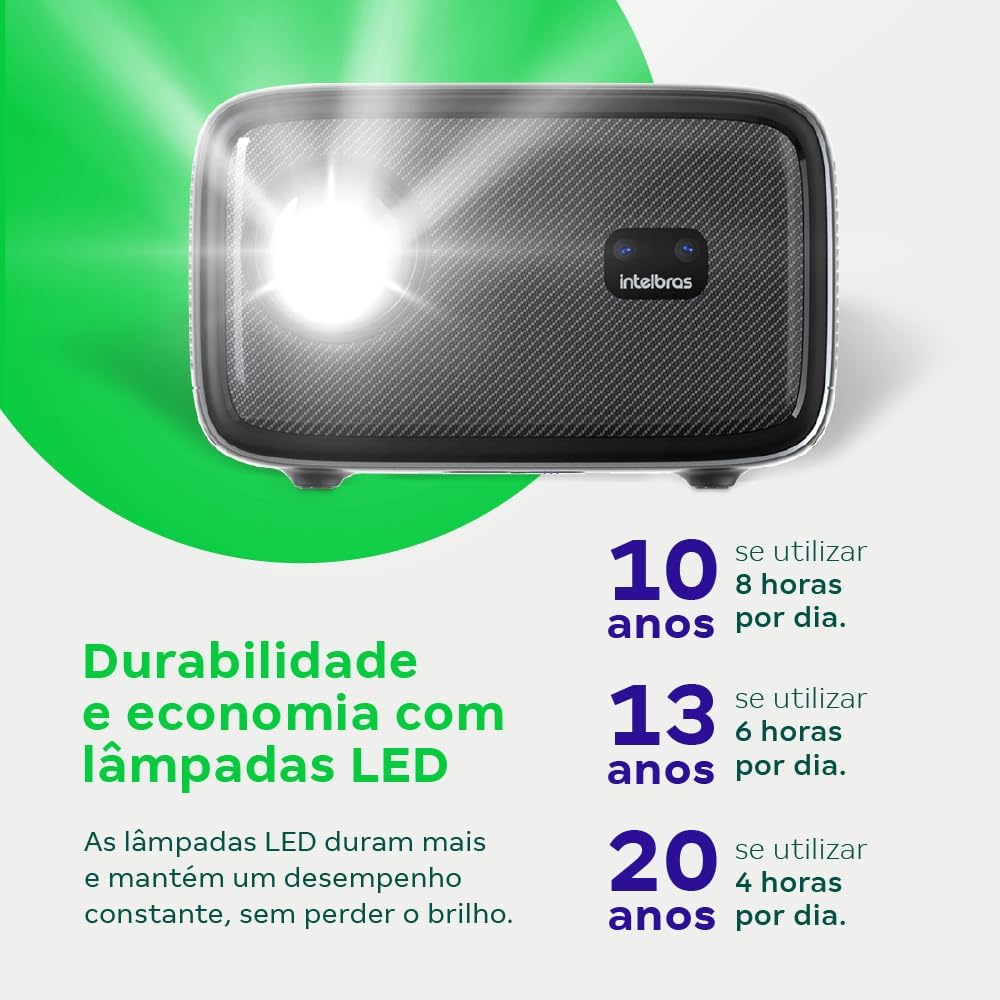
Image: An infographic illustrating the extended durability and economic benefits of the LED lamp, lasting up to 30,000 hours.
8. Sorun Giderme
Projeksiyon cihazınızla ilgili sorunlarla karşılaşırsanız, aşağıdaki yaygın sorunlar ve çözümlerine göz atın:
- Resim Yok: Ensure the power cable is securely connected and the projector is turned on. Check the input source selection to match your connected device.
- Bulanık Görüntü: Adjust the focus. If the image is distorted, check for automatic keystone correction or adjust it manually via the settings menu.
- Ses Yok: Verify the volume level on both the projector and the connected device. Ensure external speakers are properly connected if used, or that the internal speakers are enabled.
- Bağlantı Sorunları: For Wi-Fi or screen mirroring, ensure both the projector and your device are on the same network. Restart both devices if necessary.
- Aşırı Isınma: Ensure the projector's ventilation openings are not blocked. Turn off the projector and allow it to cool down if it feels excessively hot.
9. Özellikler
| Özellik | Şartname |
|---|---|
| Marka | Intelbras |
| Model Adı | PFL7560 |
| Bağlantı Teknolojisi | Wifi |
| Özel Özellikler | Wi-Fi Hazır |
| Ekran Çözünürlüğü | 1920x1080 (Tam HD) |
| Yerel Çözünürlük | 1920x1080 |
| Maksimum Ekran Çözünürlüğü | 1920x1080 |
| Görüntü Türü | LCD |
| Parlaklık | 8000 Lümen |
| Uyumlu Cihazlar | Dizüstü Bilgisayar, Akıllı Telefon, Tablet |
| Işık Kaynağı Çalışma Ömrü | 30000 Saat |
| Donanım Arayüzü | 802.11 ac/b/g/n |
| Video Kodlama | H.264, H.265 |
| Önerilen Kullanımlar | Ev Sineması |
| Ses | 2 x 12W Entegre Hoparlör |
10. Garanti ve Destek
For warranty information, technical support, or service requests, please refer to the official Intelbras website veya doğrudan müşteri hizmetleriyle iletişime geçin. Garanti talepleri için satın alma kanıtı olarak satın alma makbuzunuzu saklayın.