
giriiş
Thank you for choosing the JBL Tune 520C wired on-ear headphones. This manual provides essential information for setting up, operating, and maintaining your headphones to ensure optimal performance and longevity.

Resim: Üzeriview of JBL Tune 520C features including Pure Bass Sound, foldable design, tangle-free cable, and remote control.
Kutuda Neler Var?
- 1 x JBL Tune 520C USB-C kulaklık
- 1 adet Garanti/Uyarı belgesi
Temel Özellikler
- JBL Saf Bas Sesi: Experience clear, powerful audio from 32mm dynamic drivers.
- Wide USB-C Compatibility: Connect to various devices including PCs, mobile phones, gaming devices, tablets, and laptops.
- 3-Button Remote with Microphone: Manage calls, music playback, volume, and EQ presets directly from the cable.
- Comfort Fit and Foldable Design: Padded on-ear design for extended wear and a foldable structure for easy storage.
- Dolaşmayan Düz Kablo: Durable, reinforced USB-C cable designed to prevent tangling.
- Yüksek Çözünürlüklü Ses: Enjoy higher quality music at 24-bit/96kHz with the DSP chipset.
Kurmak
Follow these steps to set up your JBL Tune 520C headphones for first use.
Kulaklıklarınızı Bağlama
- Locate the USB-C connector on your JBL Tune 520C headphones.
- Insert the USB-C connector into the compatible USB-C port on your audio device (e.g., smartphone, laptop, tablet).
- Ensure the connection is secure. Your device should automatically recognize the headphones.
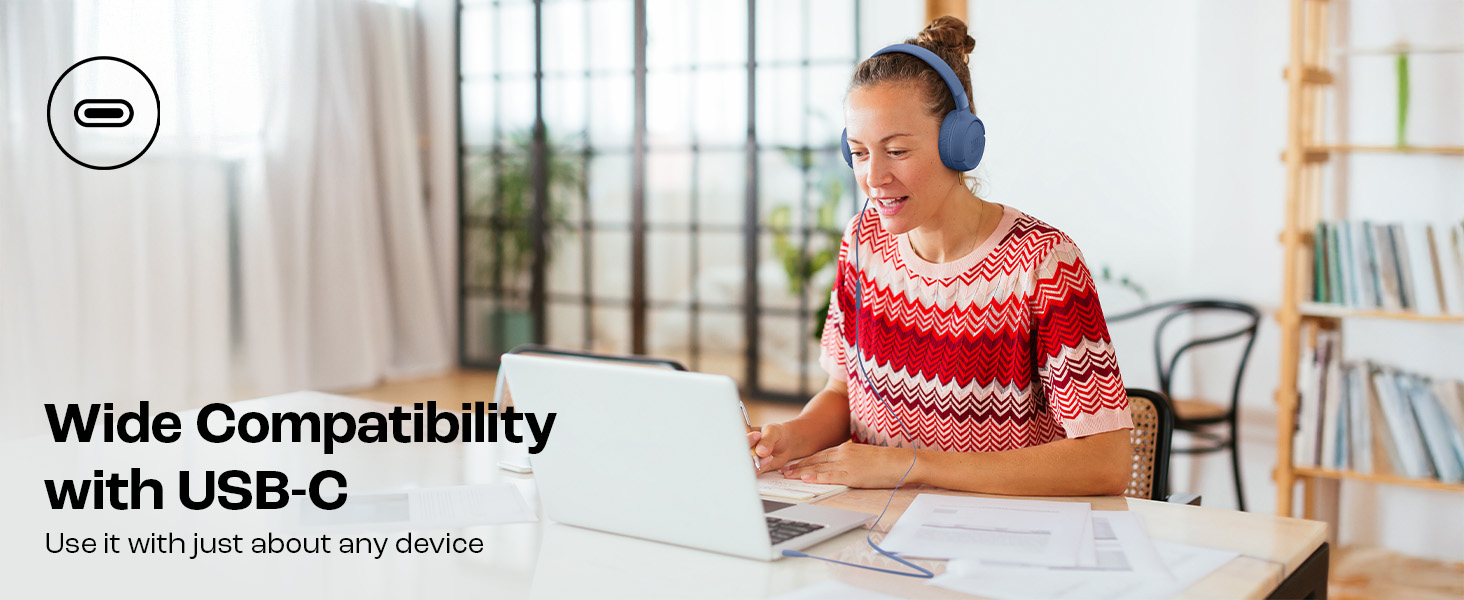
Image: JBL Tune 520C headphones connected to a laptop, demonstrating wide USB-C compatibility.
Konfor İçin Ayarlama
- Gently extend or retract the headband to fit your head comfortably.
- Position the earcups so they rest fully on your ears, creating a seal for optimal sound.
Kullanım Talimatları
Learn how to use the 3-button remote and microphone for various functions.
Using the 3-Button Remote

Resim: Ayrıntılı view of the 3-button remote control on the headphone cable.
- Sesi Aç (+): Press the top button to increase volume.
- Sesi kıs (-): Press the bottom button to decrease volume.
- Play/Pause/Call (Center Button):
- Müziği çalmak veya duraklatmak için bir kez basın.
- Bir aramayı cevaplamak veya bitirmek için bir kez basın.
- Sonraki parçaya atlamak için iki kez basın.
- Önceki parçaya gitmek için üç kez basın.
Using EQ Presets
The JBL Tune 520C features selectable EQ presets to customize your listening experience.
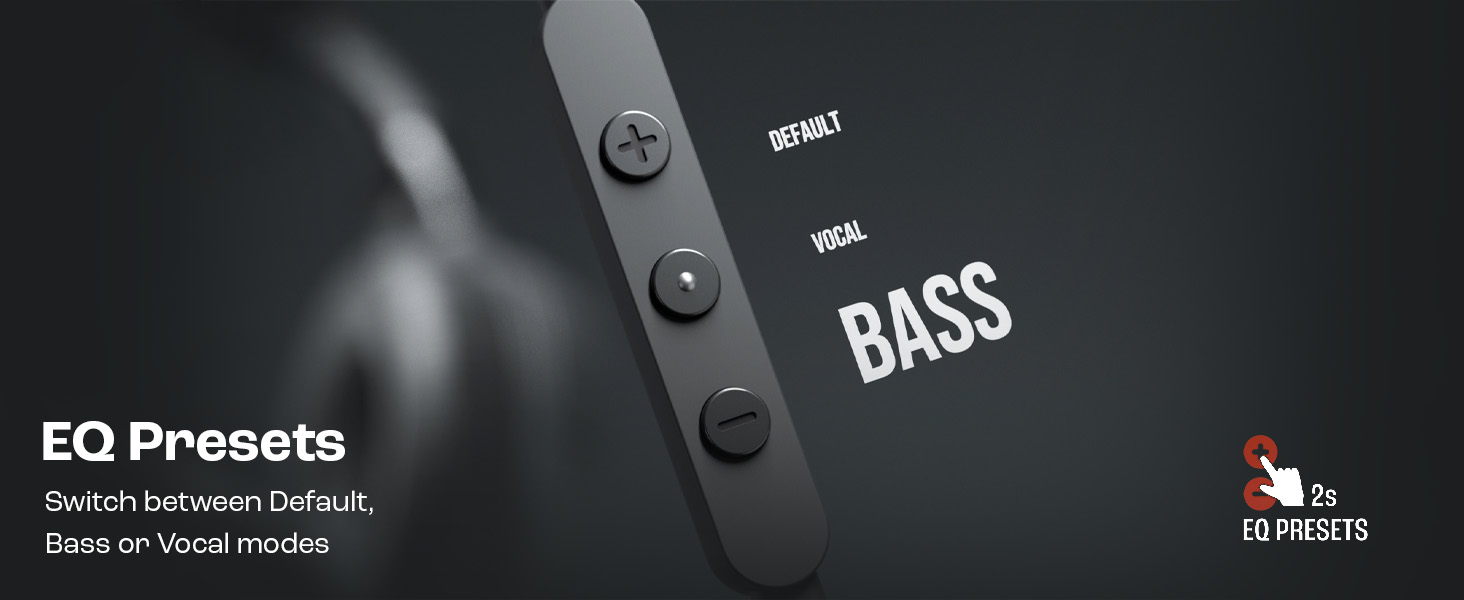
Image: Remote control showing options for Default, Vocal, and Bass EQ presets.
- To switch between EQ presets (Default, Vocal, Bass), press and hold the center button for approximately 2 seconds. The headphones will cycle through the available presets.
Bakım
Proper care and maintenance will extend the life of your headphones.
Temizlik
- Kulaklıkların iç ve dış yüzeylerini ve kafa bandını yumuşak, kuru bir bezle silin.
- Yüzey kaplamasına veya iç bileşenlere zarar verebileceğinden, sıvı temizleyiciler veya aşındırıcı malzemeler kullanmayın.
- Keep the USB-C connector clean and free of dust or debris.
Depolamak
The JBL Tune 520C headphones feature a foldable design for convenient storage.
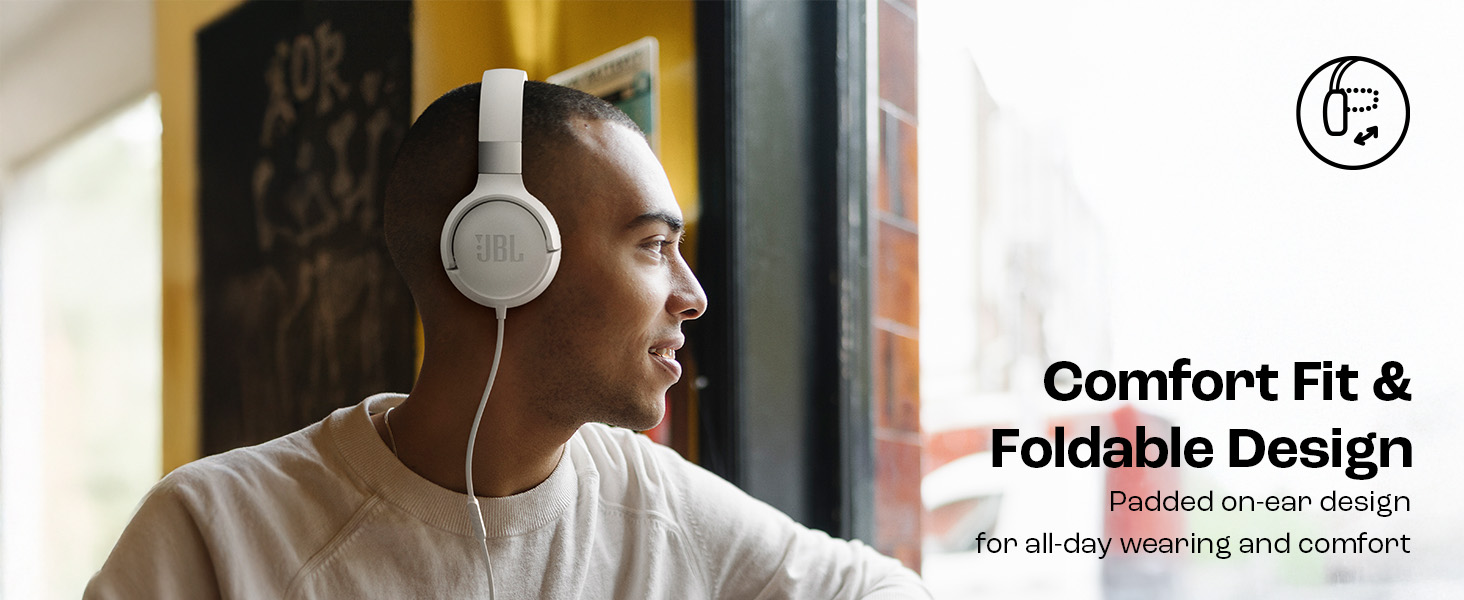
Image: JBL Tune 520C headphones demonstrating comfort fit and foldable design.
- Fold the earcups inward to reduce the headphone's size.
- Kulaklığınızı serin, kuru ve doğrudan güneş ışığından ve aşırı sıcaklıklardan uzak bir yerde saklayın.
- Avoid placing heavy objects on the headphones during storage.
Kablo Bakımı
The tangle-free flat cable is designed for durability, but proper handling is still recommended.
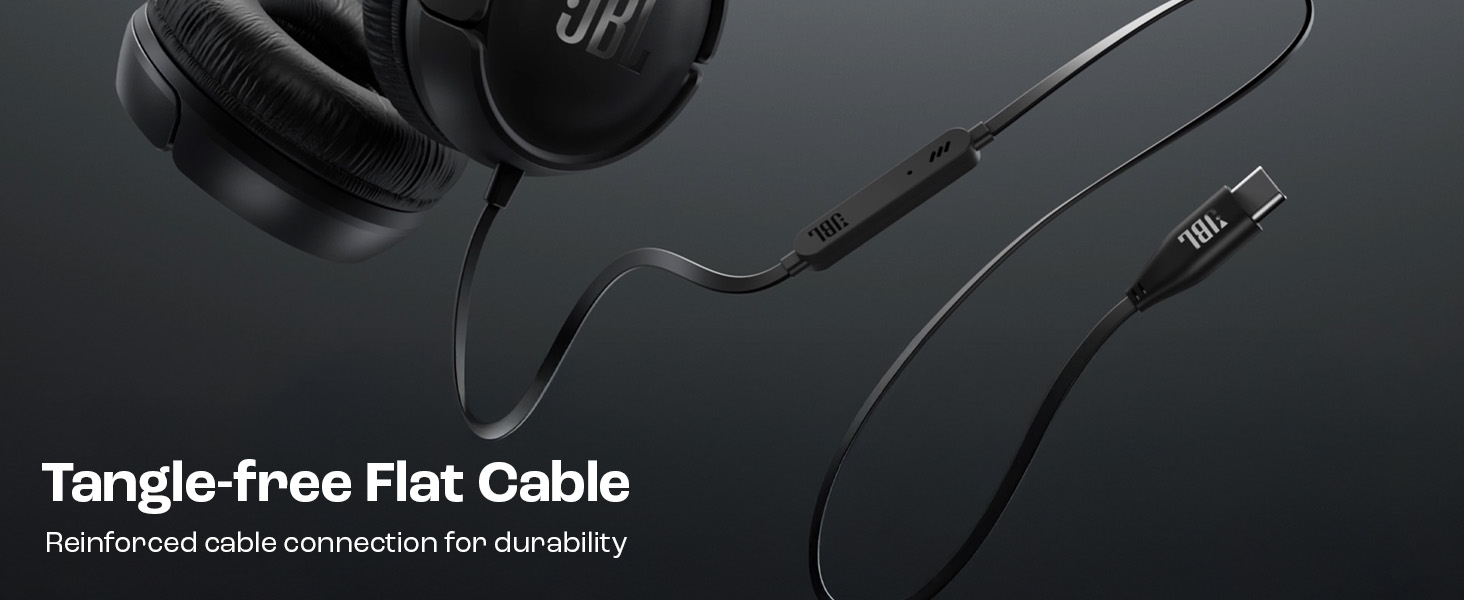
Image: The tangle-free flat USB-C cable of the JBL Tune 520C headphones.
- Avoid sharp bends or excessive pulling on the cable.
- When coiling the cable for storage, do so loosely to prevent strain.
Sorun giderme
If you encounter issues with your headphones, refer to the following common problems and solutions.
| Sorun | Çözüm |
|---|---|
| Kulaklıktan ses gelmiyor |
|
| Mikrofon çalışmıyor |
|
| Kötü ses kalitesi |
|
| Uzaktan kumanda düğmeleri tepkisiz |
|
Özellikler
Detailed technical specifications for the JBL Tune 520C headphones.
| Özellik | Detay |
|---|---|
| Marka | JBL |
| Model Adı | JBL Tune 520C |
| Model Numarası | JBLT520CBLK |
| Kulak Yerleşimi | Kulakta |
| Form Faktörü | Kulakta |
| Empedans | 32 Ohm |
| Frekans Tepkisi | 20 Hz - 20,000 Hz |
| Hassasiyet | 103 dB |
| Ses Sürücüsü Türü | Dinamik Sürücü |
| Uyumlu Cihazlar | Tablets, Desktops, Telephones, Gaming Consoles, Cellphones, Laptops |
| Kulaklık girişi | USB-C Jakı |
| Kontrol Yöntemi | Remote (3-button) |
| Ürün Ağırlığı | 150 Gram |
| Menşei ülke | Çin |
Garanti ve Destek
Garanti Bilgileri
The JBL Tune 520C headphones come with a 1 yıllık garanti Satın alma tarihinden itibaren üretici tarafından sağlanır. Lütfen garanti talepleriniz için satın alma belgenizi saklayın.
Müşteri Desteği
For technical assistance, warranty claims, or further inquiries, please contact Harman International customer support. Refer to the warranty/warning document included in your product box for specific contact details for your region.
Üretici İletişim Bilgileri:
HARMAN Uluslararası Sanayi A.Ş.
8500 Balboa Boulevard, Northridge, CA 91329 ABD
Importer Contact Information (India):
Harman International (India) Pvt Ltd
Salarpuria Sattva Knowledge Court, Office-1, Wing ‘A’ & ‘B’ 3rd floor, Plot No. 9, Phase I, Doddenakkundi Industrial area Bangalore -560048, Karnataka.