
1. Giriş
This manual provides instructions for the setup, operation, and maintenance of your Blackview R50Pro Smartwatch. Please read this manual thoroughly before using the device to ensure proper function and safety.
2. Kutuda Neler Var?
- 1 x Siyahview R50Pro Smartwatch
- 1 x Silikon Kayış
- 1 x Nylon Braided Strap
- 1 x Şarj Kablosu
- 1 x Kullanım Kılavuzu

Resim: Siyahın İçeriğiview R50Pro Smartwatch packaging.
3. Kurulum ve Eşleştirme
3.1 İlk Ücretlendirme
Before first use, fully charge the smartwatch using the provided charging cable. Connect the magnetic end of the cable to the charging points on the back of the watch and the USB end to a compatible power source (e.g., computer USB port, USB wall adapter).
3.2 Uygulama İndirme ve Eşleştirme
Siyahview R50Pro Smartwatch uses the "Da Fit" application for full functionality. Follow these steps to download and pair your device:
- Download the "Da Fit" app from your smartphone's app store (iOS App Store or Google Play Store).
- Akıllı telefonunuzda Bluetooth'un etkinleştirildiğinden emin olun.
- "Da Fit" uygulamasını açın ve yeni bir cihaz eklemek için ekrandaki talimatları izleyin.
- The app may prompt you to scan a QR code displayed on the watch screen for quick pairing.
- Grant necessary permissions (e.g., notifications, location) to the app for optimal performance.

Image: Connecting the Blackview R50Pro Smartwatch to the Da Fit app.
Video: Bir fazlaview Siyahlarınview R50Pro Smartwatch features and unboxing, demonstrating its design and basic functionalities.
4. Akıllı Saatin Çalıştırılması
4.1 Temel Gezinme
Siyahview R50Pro features a 1.85-inch HD touchscreen for navigation. Swipe left, right, up, or down to access different menus and functions. The physical button on the side typically serves as a power button or a return-to-home function.
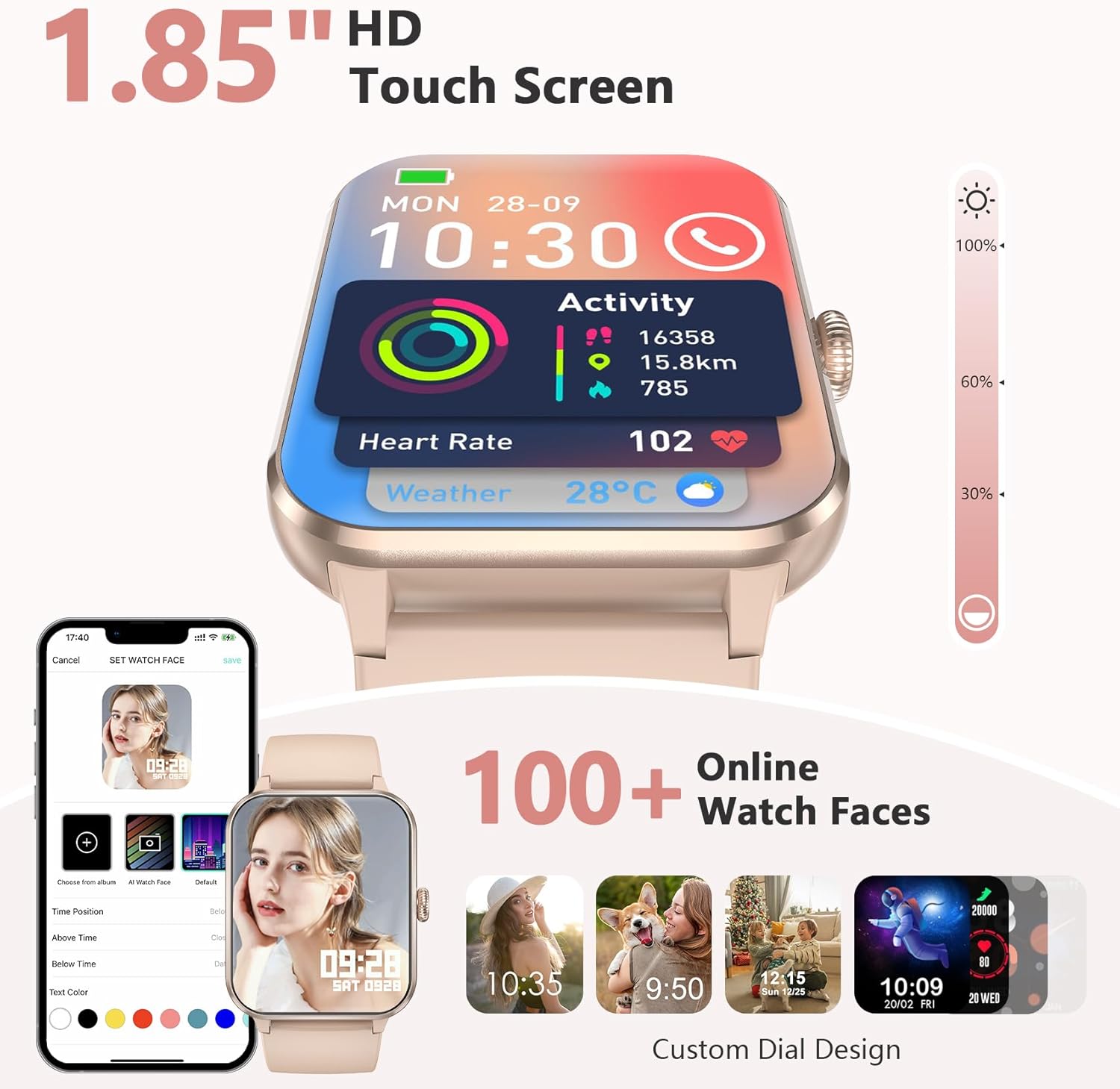
Image: 1.85-inch HD Touch Screen and Watch Face Customization.
4.2 Çağrı İşlevselliği
The smartwatch allows you to answer and make calls directly via Bluetooth. The "Da Fit" app can store multiple contacts and provides real-time notifications for incoming calls and messages.

Image: Make/Answer Calls Feature.
4.3 Bildirimler
Receive smart notifications for incoming calls, messages, and alerts from various social media applications directly on your wrist.

Image: Smart Message Reminders.
4.4 Yapay Zeka Sesli Asistanı
Utilize the built-in AI voice assistant for quick help with tasks such as weather forecasts and setting alarms.

Image: AI Voice Assistant and Bluetooth Call.
5. Sağlık İzleme
Siyahview R50Pro Smartwatch uses high-performance optical sensors to provide comprehensive health monitoring.
5.1 Kalp Atış Hızı İzleme
Monitor your dynamic heart rate in real-time. Continuous 24-hour heart rate measurement data is stored in the "Da Fit" app for review.

Image: Heartbeat Monitoring.
5.2 Kan Oksijen (SpO2) İzleme
Intelligent SpO2 saturation monitoring allows you to check the last 7 measurement values on the smartwatch to protect your health.

Image: Blood Oxygen Control.
5.3 Uyku İzleme
Track your sleep quality and stress levels. The monitoring provides suggestions for improvement to help adjust your work and rest schedule.

Image: Sleep Monitoring Display.

Image: Sleep Tracker in use.
5.4 Stres İzleme
Perform stress tests to see if your stress is above average and allow your body to relax properly.

Image: Stress Test Feature.
6. Spor Modları
Track your daily activity with over 100 sports modes, including running, cycling, yoga, and football. Connect to GPS through the "Da Fit" app to record your training routes and fitness progress.
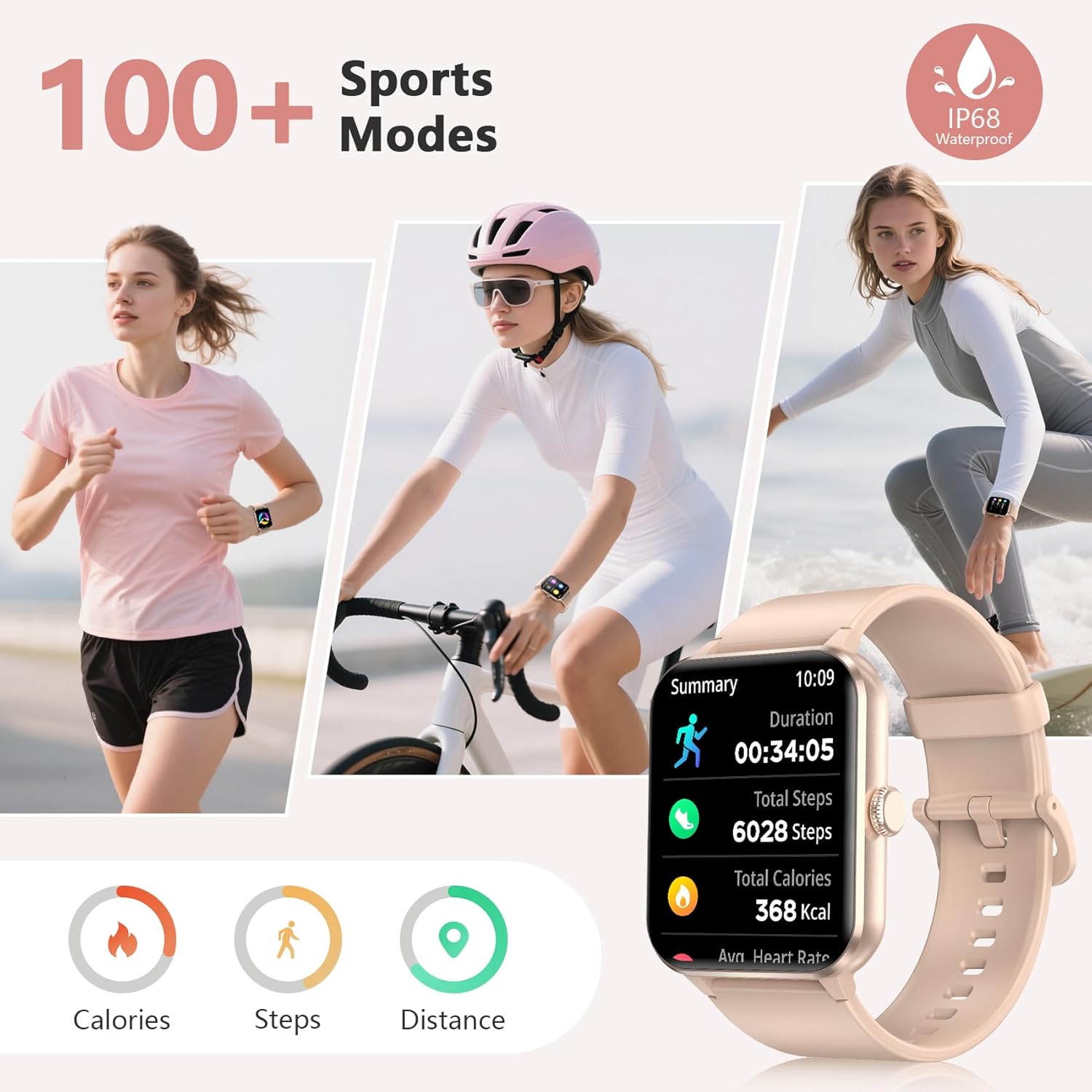
Image: 100+ Sports Modes and IP68 Waterproof.

Image: Diverse Sports Modes.
7. Özelleştirme
7.1 Saat Yüzleri
Personalize your watch face with your favorite photos or choose from over 100 watch face options available through the "Da Fit" app.

Image: Over 100 Watch Faces.
7.2 Değiştirilebilir Kayışlar
The smartwatch comes with two types of interchangeable watch straps: Nylon and Silicone, allowing for versatility in style and comfort.
8. Additional Smart Tools
Siyahview R50Pro includes various daily functions for added convenience:
- Müzik Kontrolü
- Uzaktan Kamera Kontrolü
- Hava tahmini
- Hareketsizliğe Dair Hatırlatmalar
- Çalar saat
- Zamanlayıcı ve Kronometre
- Hesap makinesi
- Oyunlar
- Adet Döngüsü Takibi
- Su İçme Hatırlatıcısı

Image: More Features to Discover.
9. Özellikler
| Özellik | Detay |
|---|---|
| Model Adı | R50Pro |
| Marka | Siyahview |
| İşletim Sistemi | iOS, Android |
| Ekran Boyutu | 1.85 inç |
| Görüntü Türü | LCD |
| Bağlantı Teknolojisi | Bluetooth 5.3 |
| Pil Kapasitesi | 350 Miliamp Saat |
| Pil Şarj Süresi | 2 Saat |
| Tipik Kullanım Pil Ömrü | 7 güne kadar |
| Bekleme Süresi | Yaklaşık 30 gün |
| Su Direnç Seviyesi | IP68 Waterproof (up to 10 meters) |
| Bant Malzeme Türü | Naylon, Silikon |
| İnsan Arayüzü Girişi | Mikrofon, Dokunmatik Ekran |
| Küresel Konumlama Sistemi | Akıllı Telefon Üzerinden GPS |
| Bellek Depolama Kapasitesi | 128 MB |
10. Bakım
10.1 Temizlik
Cilt tahrişini önlemek ve cihaz hijyenini korumak için akıllı saatinizi ve kayışlarını düzenli olarak temizleyin. Yumuşak, temiz bir bez kullanın.amp cloth to wipe the screen and body. For straps, follow the manufacturer's recommendations for cleaning based on material (silicone or nylon).
10.2 Depolama
Akıllı saatinizi uzun süre kullanmayacağınız zaman, doğrudan güneş ışığından ve aşırı sıcaklıklardan uzakta, serin ve kuru bir yerde saklayın.
10.3 Suya Dayanıklılık
The device is IP68 waterproof, meaning it can withstand immersion in water up to 10 meters. However, it is not recommended for hot water activities, saunas, or deep diving, as steam and high pressure can compromise the seals.
11. Sorun Giderme
Siyah cihazınızla ilgili sorunlarla karşılaşırsanızview R50Pro Smartwatch, try the following general troubleshooting steps:
- Cihaz Açılmıyor: Saatin tamamen şarj olduğundan emin olun. Şarj kablosuna bağlayın ve açmayı denemeden önce en az 30 dakika şarj olmasına izin verin.
- Eşleştirme Sorunları: Make sure Bluetooth is enabled on your smartphone and the watch is within range. Restart both your phone and the smartwatch. Try unpairing and re-pairing the device through the "Da Fit" app.
- Yanlış Sağlık Verileri: Saatin bileğinize tam oturduğundan, çok sıkı veya çok gevşek olmadığından emin olun. Saatin arkasındaki sensörleri temizleyin. Çevresel faktörler ve bireysel fizyoloji ölçümleri etkileyebilir.
- Bildirimler Görünmüyor: Check the notification settings within the "Da Fit" app and your smartphone's system settings to ensure all necessary permissions are granted. Ensure the app is running in the background.
- Kısa Pil Ömrü: Gerekli değilse ekran parlaklığını azaltın, gereksiz bildirimleri devre dışı bırakın ve sürekli kalp atışı izleme özelliğini sınırlayın. Saatin her kullanımda tamamen şarj olduğundan emin olun.
For persistent issues, refer to the "Da Fit" app's help section or contact customer support.
12. Garanti ve Destek
Siyahview provides a 2-year warranty for the R50Pro Smartwatch. For technical support or warranty claims, please contact Blackview customer service. Details can typically be found on the official Blackview website or through the "Da Fit" app.