
1. Giriş ve Üzeriview
The XIXIMENG P30 Max Smart Video Game Projector (64G) is a versatile device designed to deliver an immersive entertainment experience. It combines a high-definition projector with a built-in gaming console, offering a vast library of games and advanced connectivity options. This manual provides essential information for setting up, operating, and maintaining your projector to ensure optimal performance and enjoyment.
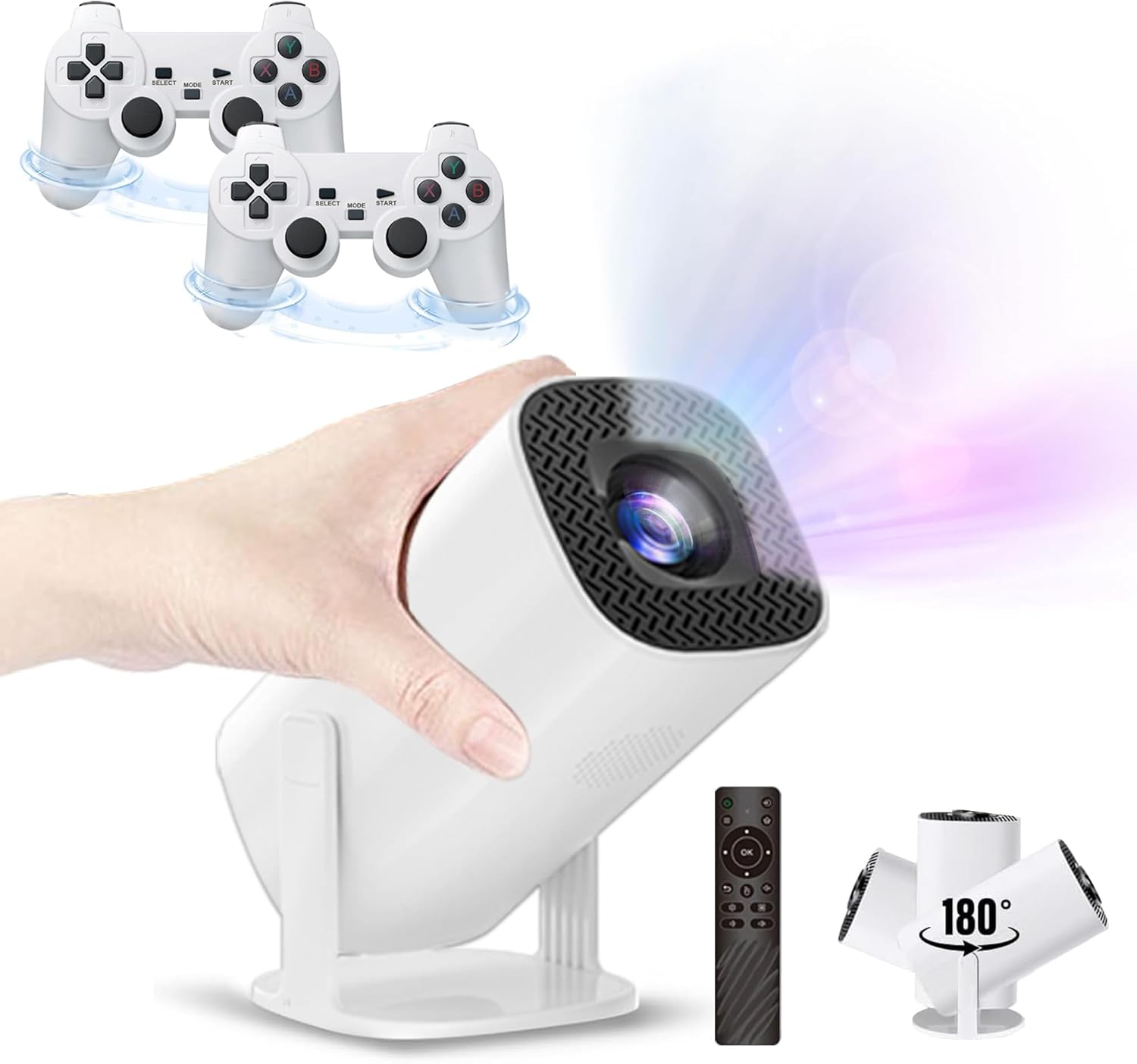
Figure 1.1: The P30 Max projector displaying a large screen image in a living room environment.
2. Paket İçeriği
Lütfen aşağıda listelenen tüm ürünlerin paketinizde mevcut olduğundan emin olun. Eksik veya hasarlı bir ürün varsa, lütfen müşteri hizmetleriyle iletişime geçin.
- 1 x P30 Max Smart Video Game Projector
- 2 x Kablosuz Kontrol Cihazı
- 1 x Game Stick
- 1 x HDMI Kablosu
- 1 x Güç Kablosu
- 1 x Uzaktan Kumanda
- 1 x USB Alıcı
- 1 x USB Şarj Kablosu
- 1 x Kullanım Kılavuzu (bu belge)
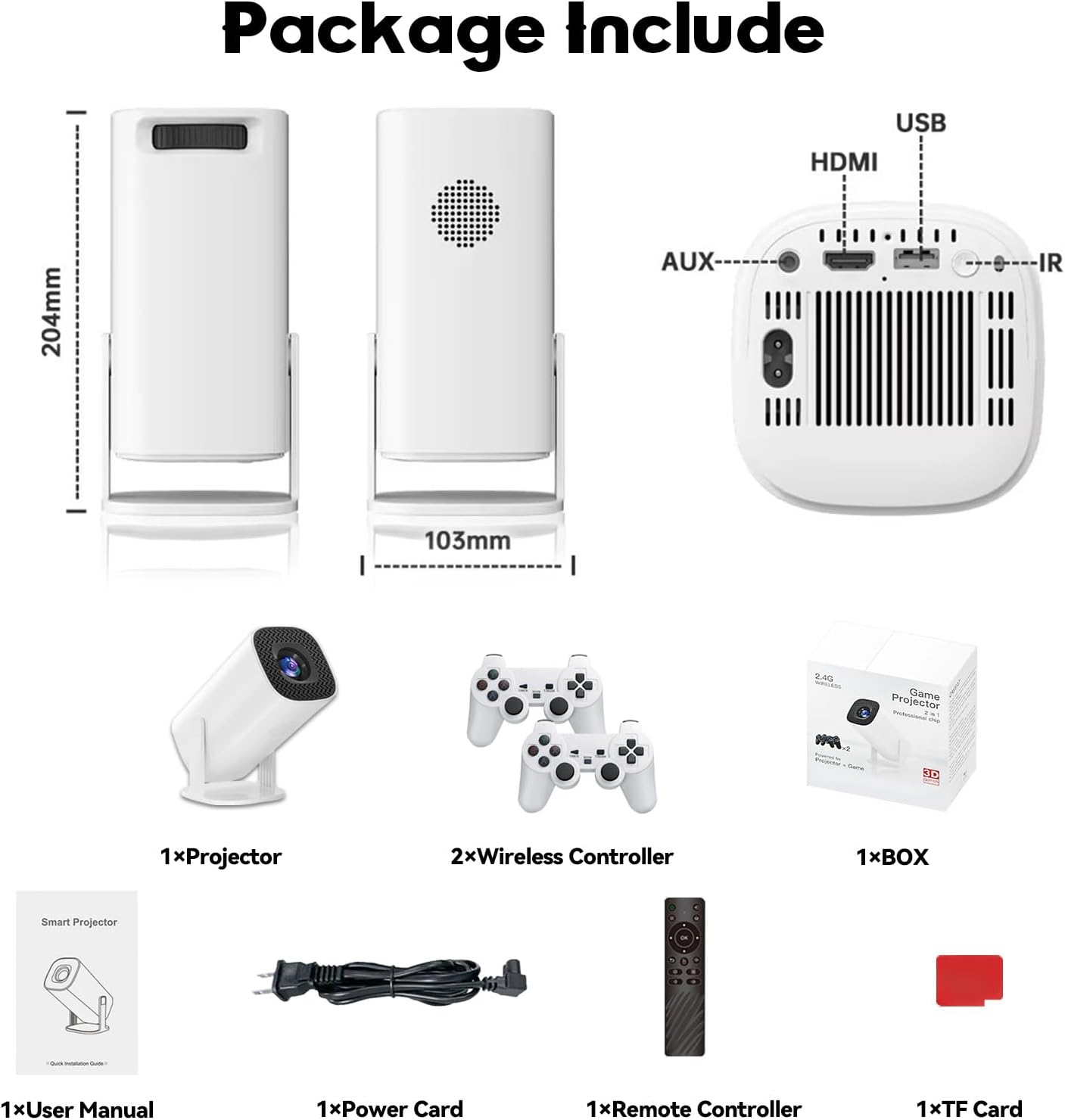
Figure 2.1: Diagram of the P30 Max package contents.

Figure 2.2: Photo of the P30 Max package contents.
3. Ürün Özellikleri
- Sürükleyici Oyun: Built-in game console with over 35,000 3D games, offering low latency, high frame rates, and 4K UHD visuals.
- High-Quality Home Theater: Supports 4K video with native 1280x720P resolution, 50% zoom function, and a high dynamic contrast ratio. Operates quietly at 25 dB.
- Gelişmiş Bağlantı: Equipped with WiFi 6 for faster, smoother connections and Bluetooth 5.4 for easy pairing with external audio devices.
- Taşınabilir ve Esnek Tasarım: Lightweight and portable with a 180° adjustable stand for versatile projection angles.
- Hassas Kontrol: Includes two wireless controllers with multiple keys and sensitive rockers for enhanced gaming and navigation.
4. Kurulum
4.1 İlk Yerleştirme
Place the projector on a stable, flat surface. The 180° adjustable stand allows you to direct the projection onto a wall or ceiling. Ensure there are no obstructions in front of the lens.
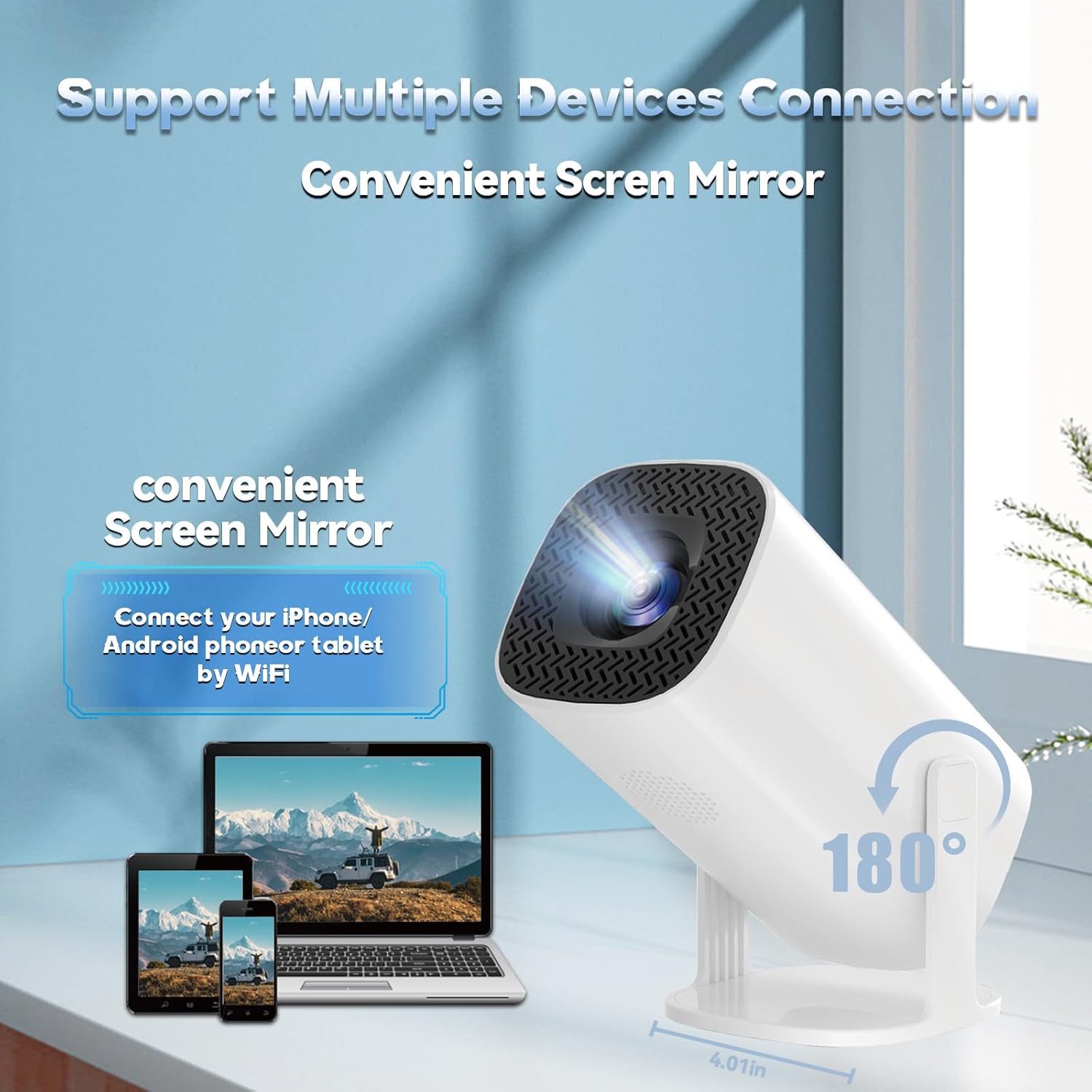
Figure 4.1: The projector's 180° adjustable stand for flexible placement.
4.2 Güç Bağlantısı
Connect the provided power cord to the projector's power input and then to a power outlet. The projector will typically power on or enter standby mode.
4.3 Odak ve Trapez Düzeltme
The projector features automatic keystone correction to adjust the image shape. For optimal clarity, manual focus adjustment may be required. Use the remote control to fine-tune the focus until the image is sharp.
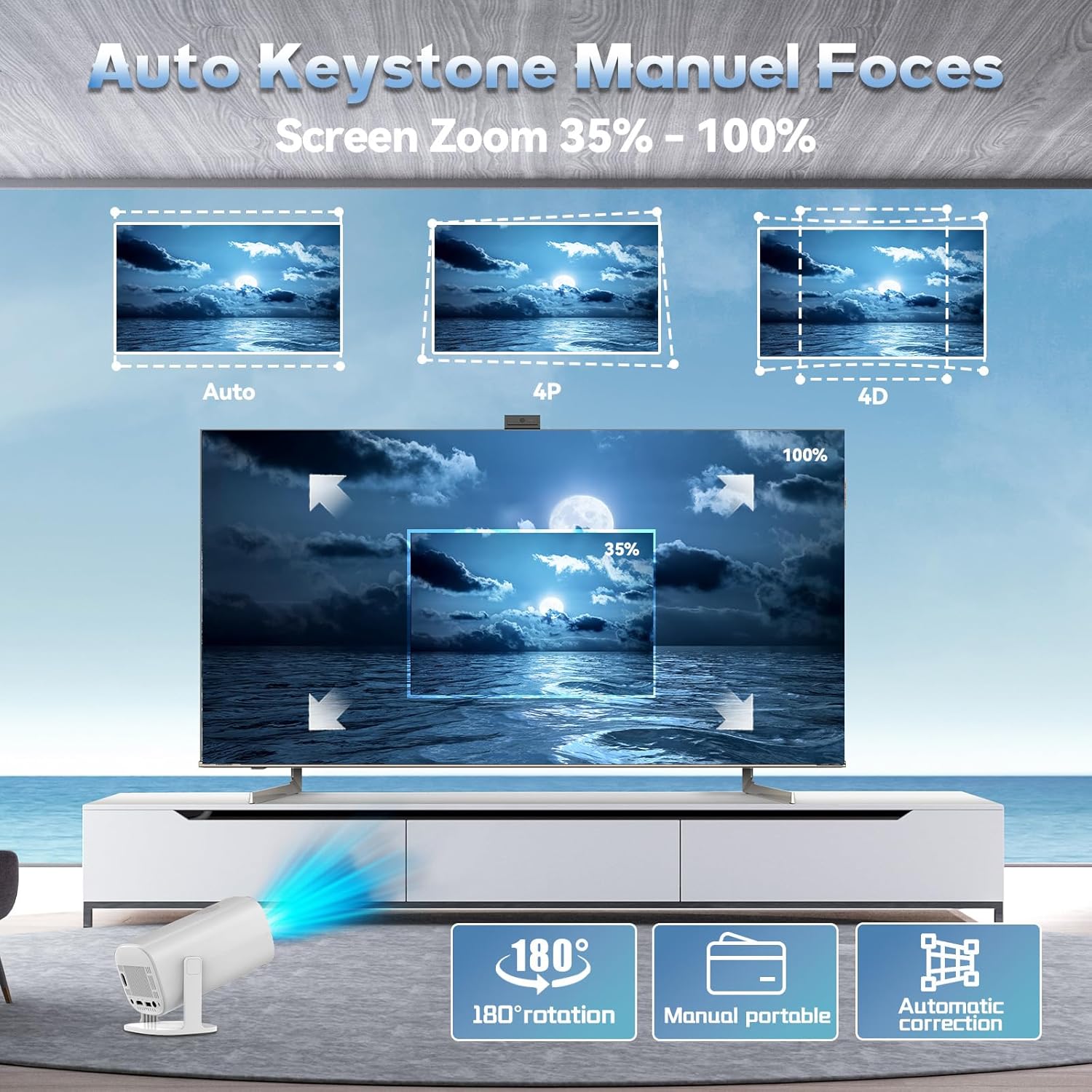
Figure 4.2: Automatic keystone correction and manual focus options.
5. Kullanım Talimatları
5.1 Güç Açma/Kapatma
Cihazı açmak veya kapatmak için projektördeki veya uzaktan kumandadaki güç düğmesine basın.
5.2 Arayüzde Gezinme
Use the included remote control to navigate the projector's smart interface. The interface provides access to applications, settings, and the built-in game library.
5.3 Giriş Kaynakları
The projector supports various input sources. You can connect external devices via HDMI or USB. For wireless connections, refer to the 'Connectivity' section.
5.4 Ekran Yansıtma
The P30 Max supports 5G+2.4G WiFi screen mirroring, allowing you to cast content from your smartphone, tablet, or other compatible devices. Access the screen mirroring function from the main menu and follow the on-screen instructions to connect your device.
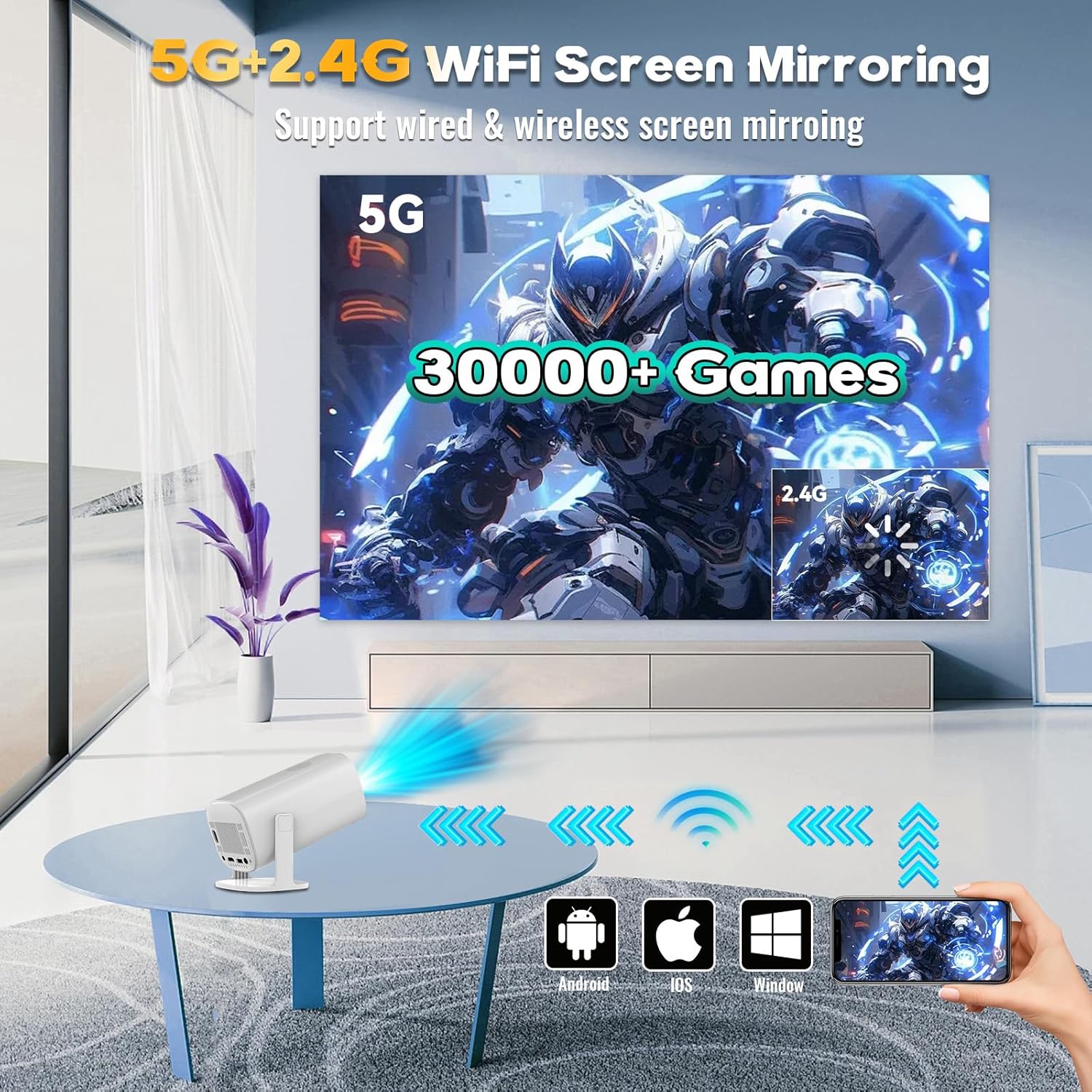
Figure 5.1: Screen mirroring from various devices using 5G+2.4G WiFi.
6. Oyun Özellikleri
The P30 Max comes with a built-in game console featuring over 35,000 3D games. To access the game library, select the 'Game Box' or 'Gamer' application from the main interface.
6.1 Connecting Wireless Controllers
The package includes two wireless controllers. Insert the USB receiver into an available USB port on the projector. The controllers should automatically pair. If not, refer to the controller's specific pairing instructions.
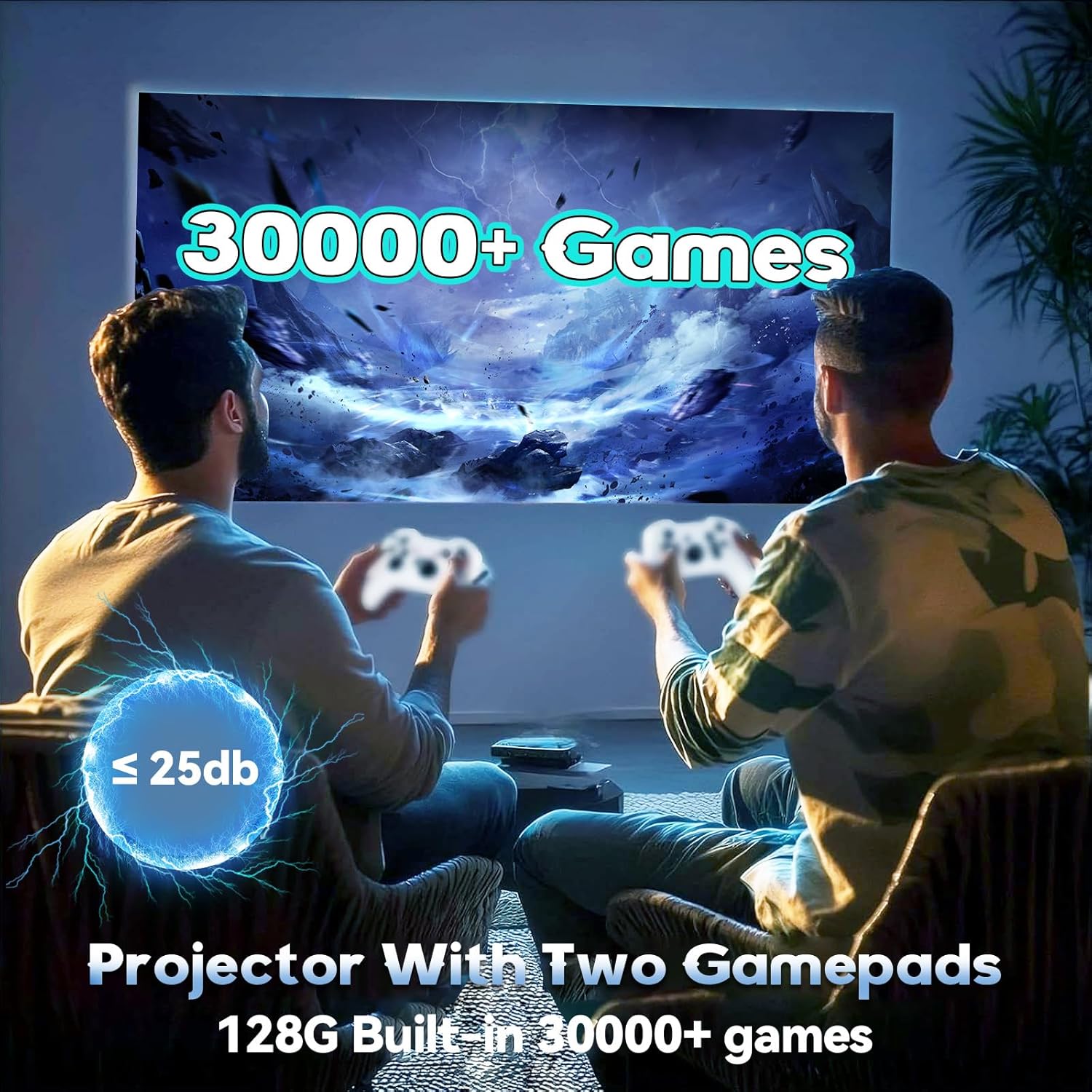
Figure 6.1: Enjoying games with the P30 Max projector and wireless controllers.
6.2 Oyun Seçimi ve Oynanışı
Navigate through the game library using the wireless controllers. Select your desired game and follow the on-screen prompts to start playing. The projector is optimized for a smooth gaming experience with minimal latency.
7. Bağlantı
- Wi-Fi 6: For high-speed internet access and seamless streaming.
- Bluetooth 5.4: Connect Bluetooth speakers, headphones, or other audio devices for an enhanced sound experience.
- HDMI: Connect to laptops, gaming consoles, TV boxes, and other HDMI-enabled devices.
- USB BAĞLANTI: For connecting USB drives, external storage, or the wireless controller receiver.
8. Bakım
8.1 Lensin Temizlenmesi
Gently wipe the projector lens with a soft, lint-free cloth. Avoid using abrasive materials or harsh chemicals that could scratch the lens.
8.2 Dış Cephenin Temizlenmesi
Use a soft, dry cloth to clean the exterior of the projector. Do not use liquid cleaners directly on the device.
8.3 Depolama
Projeksiyon cihazını uzun süre kullanılmadığı zamanlarda serin, kuru bir yerde, doğrudan güneş ışığından ve aşırı sıcaklıklardan uzakta saklayın. Toz birikmesini ve hasarı önlemek için orijinal ambalajını veya koruyucu bir kılıfı kullanın.
9. Sorun Giderme
If you encounter any issues with your P30 Max projector, please refer to the following common solutions:
| Sorun | Olası Neden | Çözüm |
|---|---|---|
| Güç Yok | Power cord not connected properly; Power outlet issue. | Güç kablosunun güvenli bir şekilde takılı olduğundan emin olun. Prizin başka bir cihazla test edilmesini sağlayın. |
| Resim yok | Incorrect input source selected; Device not connected. | Select the correct input source (HDMI, USB, Screen Mirroring). Verify device connection. |
| Bulanık Görüntü | Netlik sorunu; Yanlış trapez düzeltme. | Adjust manual focus using the remote. Check automatic keystone correction settings. |
| Ses Yok | Ses seviyesi çok düşük; Harici ses aygıtı bağlı/eşleştirilmiş değil. | Increase volume. Ensure Bluetooth audio device is correctly paired or connected via AUX. |
| Controllers Not Responding | USB receiver not connected; Controllers not paired. | Ensure USB receiver is plugged in. Re-pair controllers if necessary. |
10. Özellikler
| Özellik | Detay |
|---|---|
| Marka | XIXIMENG |
| Model Numarası | 64G |
| Ürün Boyutları | 4.06 x 3.67 x 9.45 inç |
| Ekran Çözünürlüğü | Native 1280 x 720P (Supports 4K HD) |
| Özel Özellikler | Auto Focus, Portable, 180° Adjustable Stand |
| Bağlantı Teknolojisi | Bluetooth 5.4, Wi-Fi 6 |
| Önerilen Kullanımlar | Oyun, Ev Sineması |
| Dahili Oyunlar | Over 35,000 3D Games |
11. Garanti ve Destek
For warranty information and customer support, please refer to the warranty card included in your product packaging or visit the official XIXIMENG webalan. Garanti talepleri için satın alma makbuzunuzu saklayın.