
giriiş
The Ataller Digital Kitchen Scale with Nutritional Calculator is designed to provide precise measurements and detailed nutritional information for your food items. This versatile tool is ideal for meal preparation, baking, portion control, and tracking dietary intake. With its intuitive digital display and comprehensive food code database, managing your nutrition has never been easier.
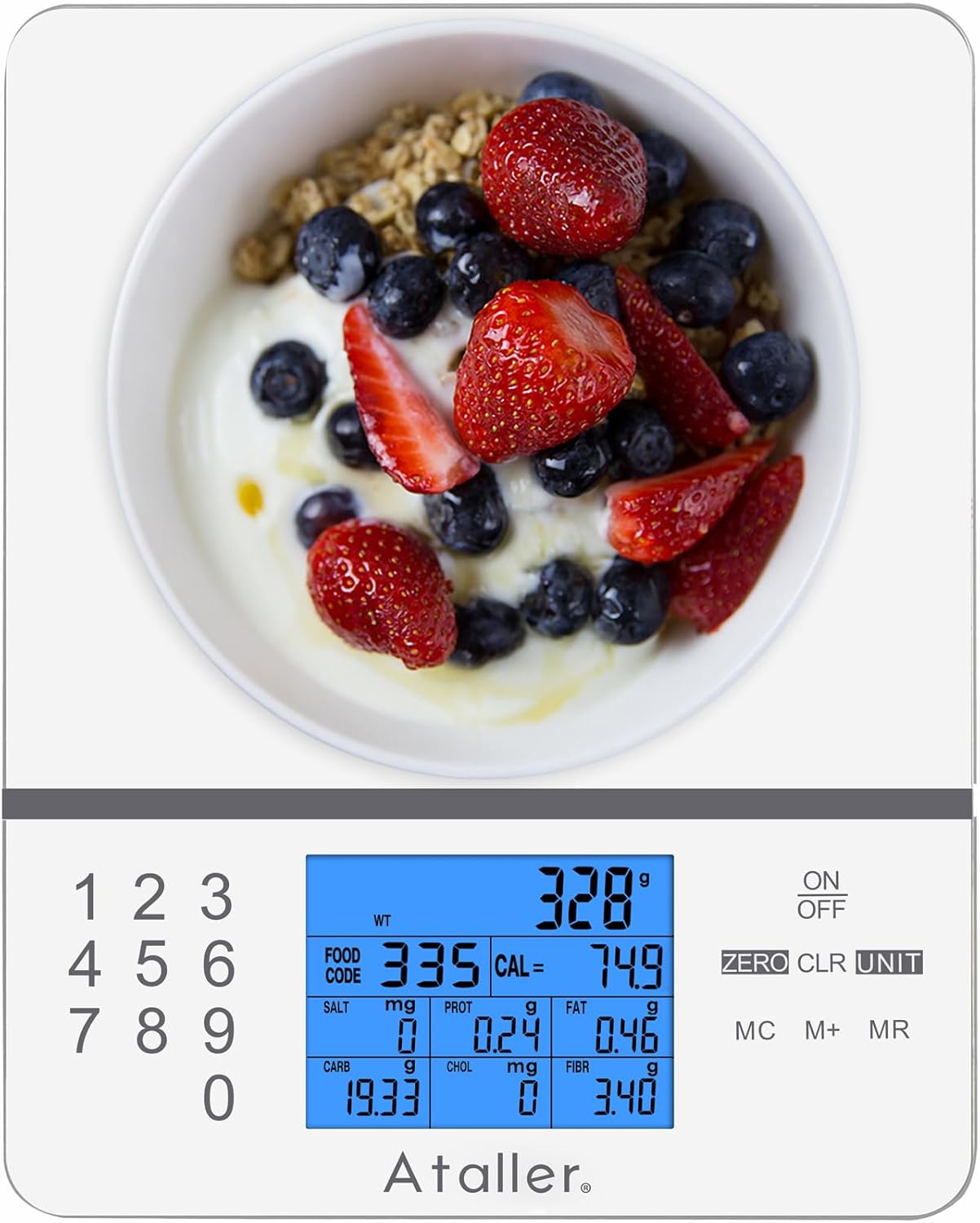
Image: Ataller Digital Kitchen Scale with Nutritional Calculator, showcasinŞık tasarımı ve dijital ekranıyla dikkat çekiyor.
Kurmak
Unboxing and Battery Installation
- Teraziyi ambalajından dikkatlice çıkarın.
- Terazinin alt tarafında bulunan pil yuvasını bulun.
- Insert the two AAA batteries (included) into the compartment, ensuring correct polarity.
- Pil bölmesi kapağını sıkıca kapatın.

Image: A hand inserting AAA batteries into the battery compartment on the underside of the Ataller food scale.
Kullanım Talimatları
Temel Tartım
- Teraziyi düz, sabit bir yüzeye yerleştirin.
- Basın AÇIK/KAPALI button to turn on the scale. The display will show "0.0" when ready.
- Gently place the item to be weighed on the center of the scale platform. The weight will be displayed on the LCD screen.

Image: The Ataller food scale displaying the weight of strawberries, demonstrating basic weighing functionality.
Birim Dönüşümü
The scale supports multiple units of measurement. To change the unit:
- Tartı açıkken, basın. BİRİM düğmesine tekrar tekrar basın.
- The unit will cycle through grams (g), milliliters (ml), ounces (oz), pounds:ounces (lb:oz), and fluid ounces (fl.oz). Select your desired unit.

Image: The Ataller food scale displaying a measurement in milliliters, illustrating the unit conversion feature.
Dara İşlevi
The Tare function allows you to subtract the weight of a container or previous ingredients, enabling you to weigh subsequent items accurately.
- Boş bir kabı terazinin üzerine koyun. Ekran, kabın ağırlığını gösterecektir.
- Basın SIFIR button. The display will reset to "0.0", effectively taring out the container's weight.
- Add your ingredients to the container. The scale will display only the weight of the added ingredients.

Image: A hand pouring ingredients into a bowl placed on the Ataller food scale, illustrating the use of the tare function for accurate measurement.
Nutritional Calculator (Food Codes)
The scale features an integrated nutritional database with 999 food codes to calculate various nutrients.
- Place the food item on the scale.
- Refer to the provided manual or scan the QR code on the scale to find the corresponding food code for your item.
- Using the numeric keypad (0-9), enter the food code.
- The LCD display will show the weight along with 7 kinds of nutritional data: Calories, Protein, Fat, Carbohydrates, Cholesterol, Sodium, and Fiber.
- To clear the currently entered food code, press the ÇÖZÜM düğme.

Image: The Ataller food scale displaying detailed nutritional information for an avocado, highlighting its built-in calculator feature.
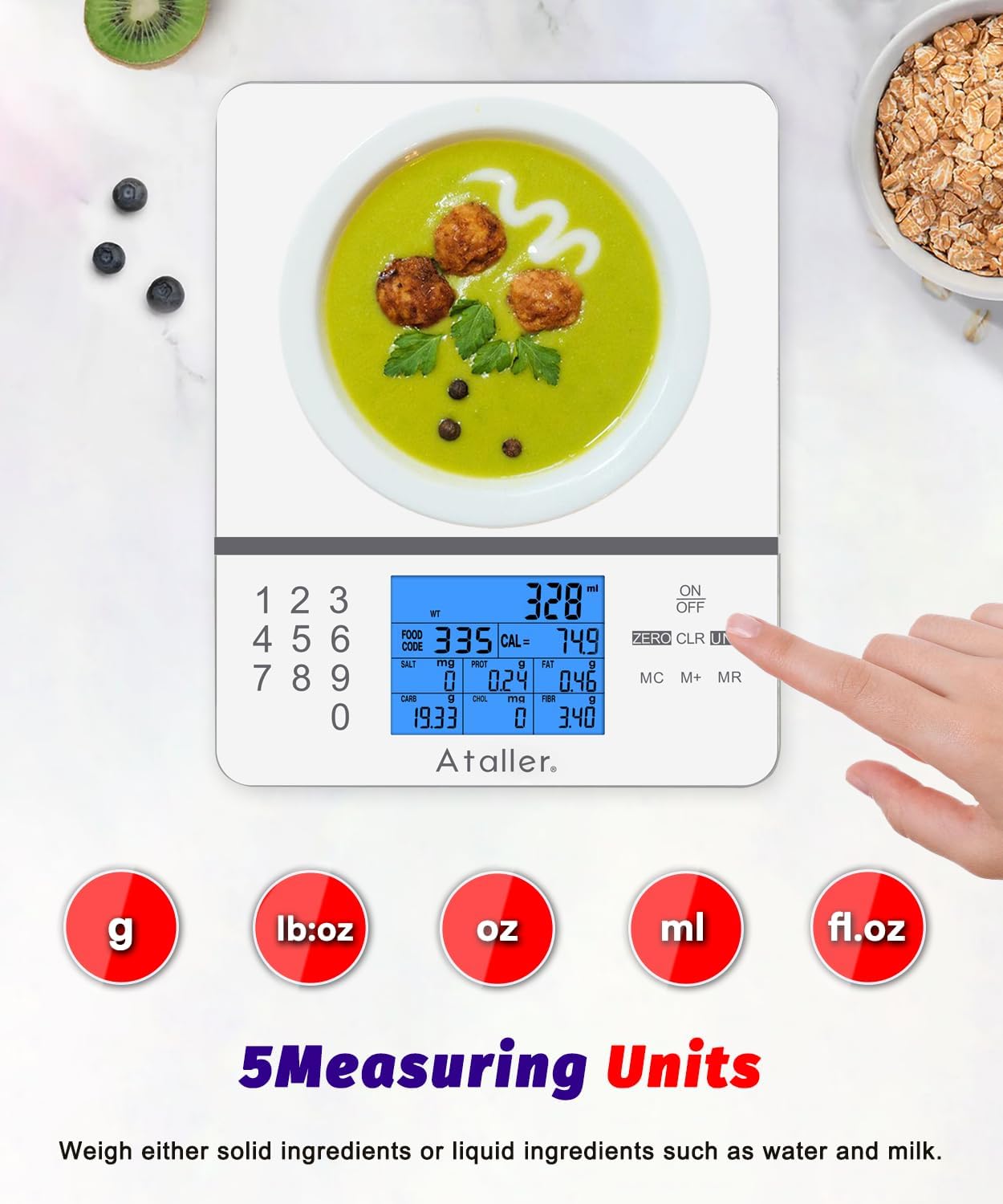
Image: A hand scanning a QR code on the Ataller food scale with a smartphone, demonstrating how to easily look up food codes for nutritional calculations.
Saving and Clearing Nutritional Data
- To save the current nutritional data, press the M+ button. The LCD will display "M01" (or subsequent numbers) to indicate that the data has been stored. A maximum of 99 nutritional data entries can be saved.
- İle view saklanan veriler, basın MR düğme.
- To clear all stored data, double-click the MC anahtar.
Bakım ve Özen
- The scale surface is made of 3mm tempered glass, making it easy to clean.
- Wipe the appliance body with a moist cloth and dry it thoroughly after each use.
- Kireç tabakasını suya batırmayın veya aşındırıcı temizleyiciler kullanmayın.
- Teraziyi kullanılmadığı zaman serin ve kuru bir yerde saklayın.

Image: A hand wiping the smooth, tempered glass surface of the Ataller food scale, highlighting its easy-to-clean design.
Sorun giderme
| Sorun | Çözüm |
|---|---|
| Ölçek açılmıyor | Pillerin montajını kontrol edin ve pillerin bitmediğinden emin olun. Gerekirse değiştirin. |
| Yanlış okumalar | Ensure the scale is on a flat, stable surface. Avoid placing it near vibrating appliances. Recalibrate if possible (refer to full manual for calibration steps if available). |
| "Err" or "OL" displayed | "Err" or "OL" indicates overload. Remove items immediately to prevent damage. Ensure weight does not exceed 5000g (11 lbs). |
| Ekran loş veya titriyor | Low battery indication. Replace batteries. |
| Food code not recognized | Double-check the food code entered against the manual. Ensure the code is for the correct food item. |
Özellikler
| Özellik | Detay |
|---|---|
| Marka | servis |
| Model Numarası | KS-4099W |
| Ağırlık sınırı | 5000g (11 lbs) |
| Ölçüm Artışları | 1g / 0.1oz |
| Ölçüm Birimleri | g, ml, oz, lb:oz, fl.oz |
| Nutritional Database | 999 Food Codes (Calories, Protein, Fat, Carbs, Cholesterol, Sodium, Fiber) |
| Görüntü Türü | Arka aydınlatmalı LCD |
| Malzeme | Temperli Cam |
| Güç Kaynağı | 2 x AAA Pil (dahil) |
| Özel Özellikler | Tare Function, Auto-Off, Low Battery Indicator, Overload Indicator |
| Ürün Boyutları | 7.87 x 6.3 x 0.71 inç |
| Ürün Ağırlığı | 1.06 pound |
Garanti ve Destek
For warranty information or technical support, please contact Ataller customer service. Refer to the product packaging or the official Ataller website for contact details. Please retain your proof of purchase for any warranty claims.