
giriiş
This manual provides comprehensive instructions for the SENGBIRCH Magic Keyboard Case, designed to enhance your iPad experience. It features a QWERTZ layout, a multi-touch trackpad, and adjustable backlighting, transforming your iPad into a versatile workstation. Please read this manual carefully before use to ensure proper operation and longevity of your device.
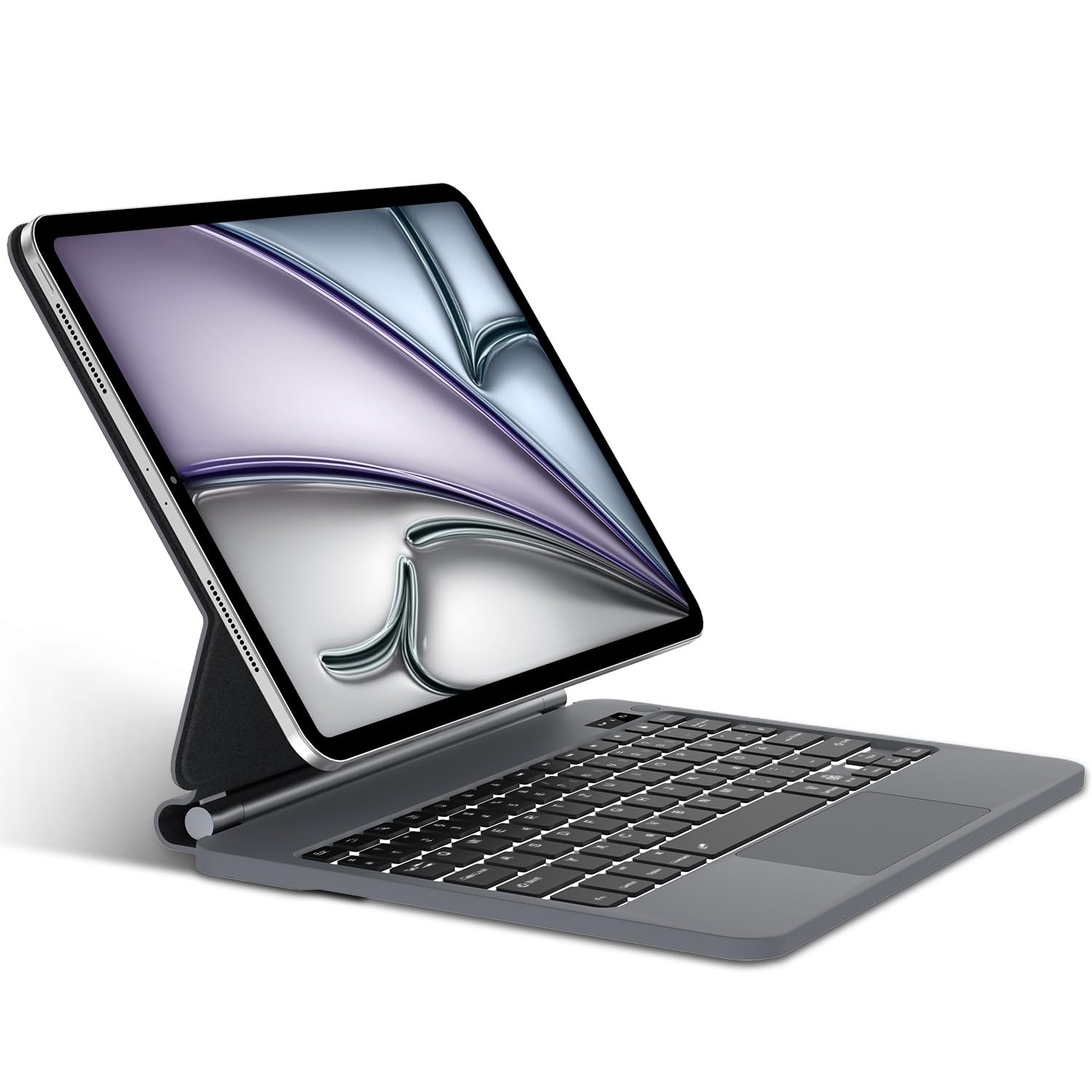
Image: The SENGBIRCH Magic Keyboard Case with an iPad, illustrating the product's overall appearance.
Uyumluluk
The SENGBIRCH Magic Keyboard Case is compatible with the following iPad models:
- iPad Air 11-inch (M3 2025)
- iPad Air 11-inch (M2 2024)
- iPad Pro 11-inch 4th Generation 2022 (Models: A2435, A2761, A2762)
- iPad Pro 11-inch 3rd Generation 2021 (Models: A2377, A2459, A2301, A2460)
- iPad Pro 11-inch 2nd Generation 2020 (Models: A2228, A2068, A2230, A2231)
- iPad Pro 11-inch 1st Generation 2018 (Models: A1980, A2013, A1934, A1979)
- iPad Air 10.9-inch 5th Generation 2022 (Models: A2588, A2589, A2591)
- iPad Air 10.9-inch 4th Generation 2020 (Models: A2316, A2324, A2325, A2072)
Please verify your iPad's model number before use to ensure compatibility. The model number is typically found on the back of your iPad.

Image: Detailed compatibility chart illustrating supported iPad models and their specific model numbers.
Kurmak
1. Klavyeyi Şarj Etme
The keyboard comes with a USB-C charging cable. Connect the USB-C cable to the keyboard's charging port and the other end to a compatible USB power adapter. A full charge takes approximately 2 to 3 hours.

Image: The keyboard case being charged via USB-C, highlighting its long-lasting battery and quick charging capabilities.
2. Açma/Kapama
- Açmak İçin: Press and hold the physical power button located in the upper right corner of the keyboard for 3 to 5 seconds.
- Kapatmak İçin: Press and hold the power button again for approximately 5 seconds. A red indicator light on the left side of the button will flash when powering off.
3. Bluetooth Bağlantısı
- Ensure the keyboard is fully charged and powered on.
- Press and hold the power button for 3 seconds to turn on the keyboard.
- Basın Fn + C keys simultaneously to activate Bluetooth pairing mode. The Bluetooth indicator light will flash.
- iPad'inizde şuraya gidin: Ayarlar > Bluetooth.
- Locate and select "Bluetooth Klavye"Mevcut cihazlar listesinden."
- Bağlantı otomatik olarak kurulacaktır.
Kullanım Talimatları
1. Using the Multi-Touch Trackpad
The integrated multi-touch trackpad allows for precise navigation, scrolling, swiping, and more. To ensure the trackpad functions correctly:
- First, ensure the trackpad is enabled on the keyboard by pressing Fn + Boşluk.
- On your iPad, navigate to Ayarlar > Erişilebilirlik > Dokunma > AssistiveTouch ve etkinleştirildiğinden emin olun.
The trackpad automatically deactivates when typing to prevent accidental inputs.

Image: Close-up of the multi-functional trackpad, highlighting its capabilities and the keyboard's overall protective design.
2. Adjustable Backlit Keyboard
The keyboard features ergonomic keys with adjustable backlighting. You can choose from three levels of brightness to type comfortably in various lighting conditions, including dark environments.
- Use the dedicated backlight keys (usually Fn + Işık simgesi or similar) to cycle through brightness levels or turn the backlight off.
3. Smart Features and Design
- Manyetik Bağlantı: Your iPad magnetically attaches to the back cover, allowing for easy setup and removal.
- Ayarlanabilir ViewAçılar: The floating cantilever design enables smooth adjustment of the viewOptimum konfor için eğim açısı.
- 3'si 1 arada İşlevsellik: The case serves as a protective cover, a stable stand, and a functional keyboard, transforming your iPad into a laptop-like device.
- Apple Pencil Depolama: A dedicated spot allows you to place and charge your Apple Pencil.

Image: The keyboard case in use, demonstrating its wireless connectivity, quick access keys, magnetic attachment, and flexible viewaçıları.

Image: Visual representation of the keyboard case's versatility, functioning as a stand, a keyboard, and a protective case.

Image: A user typing on the keyboard case, illustrating the ergonomic design and typing experience.
Bakım
- Temizlik: Yumuşak bir d kullanınamp cloth to wipe the surface of the keyboard and case. Avoid using harsh chemicals or abrasive materials.
- Depolamak: Kullanılmadığı zamanlarda klavye kılıfını serin, kuru ve doğrudan güneş ışığından ve aşırı sıcaklıklardan uzak bir yerde saklayın.
- Pil Bakım: Pil ömrünü uzatmak için klavyenin pilini sık sık tamamen boşaltmaktan kaçının. Sürekli kullanılmasa bile düzenli olarak şarj edin.
Sorun giderme
- Klavye Bağlantısı Kurmuyor:
- Klavyenin şarjlı ve açık olduğundan emin olun.
- Verify Bluetooth is enabled on your iPad and the keyboard is in pairing mode (Fn+C).
- iPad'inizin Bluetooth ayarlarından cihazı unutun ve tekrar eşleştirmeyi deneyin.
- Hem iPad'inizi hem de klavyenizi yeniden başlatın.
- Dokunmatik yüzey çalışmıyor:
- Ensure the trackpad is enabled on the keyboard (Fn+Space).
- Check if "AssistiveTouch" is enabled in your iPad's Accessibility settings (Ayarlar > Erişilebilirlik > Dokunma > AssistiveTouch).
- Ensure your iPadOS version is 13 or higher.
- Tuşlar Yanıt Vermiyor:
- Check battery level and charge the keyboard if low.
- Bluetooth bağlantısını yeniden bağlayın.
- Tuşların altında herhangi bir kalıntının kalmadığından emin olun.
- Arka Işık Çalışmıyor:
- Klavyenin açık olduğundan emin olun.
- Parlaklık seviyeleri arasında geçiş yapmak için arka ışık ayar tuşlarına basın.
- Check battery level; low battery might disable backlighting.
Özellikler
| Klavye Boyutları | 31.2 x 22.4 x 2.7 cm (12.28 x 8.82 x 1.06 inç) |
| Klavye Ağırlığı | 940 gr (2.07 lb) |
| Bluetooth Sürümü | Bluetooth 5.0 |
| Pil Kapasitesi | 680 mAh Lityum-polimer |
| Anahtar Ömrü | 500 milyon tıklama |
| Çalışma Aralığı | 10 metre (33 fit) |
| Bekleme Süresi | 300 days (Note: Some visuals may indicate 90 days) |
| Çalışma Süresi (arka ışık olmadan) | 100 hours (Note: Some visuals may indicate 70-80 hours) |
| Working Time (with backlight) | 10 hours (Note: Some visuals may indicate 5-7 hours) |
| Şarj Süresi | 2-3 saat |
| Klavye Düzeni | QWERTZ (Almanca) |
| Malzeme | Plastic, Synthetic Leather |
| Uyumlu işletim sistemi | iPadOS 13 veya üzeri |
Garanti ve Destek
Information regarding product warranty and customer support is not available in the provided product details. Please refer to the product packaging or contact the retailer/manufacturer directly for warranty claims and technical assistance.