
giriiş
Welcome to the EDYELL A1 Wireless Earbuds user manual. These earbuds are designed to provide a high-quality audio experience with advanced features such as Active Noise Cancellation (ANC), powerful dynamic drivers, and convenient Type-C fast charging. This manual will guide you through the setup, operation, and maintenance of your new earbuds.
Kutuda Neler Var?
Lütfen paketinizin içeriğini kontrol edin. Herhangi bir ürün eksik veya hasarlıysa, müşteri desteğiyle iletişime geçin.
- 1 Pair of EDYELL A1 Wireless Earbuds
- 1 Şarj Kutusu
- 1 Tip-C Şarj Kablosu
- 2 Pairs of Earplugs (different sizes)
- 1 Kullanıcı Kılavuzu

Image: EDYELL A1 Wireless Earbuds, showing both earbuds and the charging case.
Ürün Özellikleri
- Aktif Gürültü Önleme (ANC): Up to 35dB noise reduction for an immersive audio experience.
- Dinamik Sürücüler: Equipped with 13mm Titanized Diaphragm Drivers for deep bass and clear treble.
- Kristal Netliğinde Çağrılar: Four built-in microphones per earbud with CVC8.0 and anti-wind algorithms for enhanced call clarity.
- Dokunmatik Kontrol: Intuitive touch controls for managing music, calls, and ANC modes.
- Uzun Pil Ömrü: Up to 48 hours of music playback with the charging case.
- Hızlı Şarj: Type-C port for quick and efficient charging.
- Su geçirmez: Designed to be water resistant for durability.
- Bluetooth 5.3: Advanced Bluetooth connectivity for stable and seamless wireless pairing.

Image: Infographic highlighting key features of the EDYELL A1 earbuds, such as 35dB ANC, 100 hours playtime (total with case), Bluetooth 5.3, touch control, IPX5 water resistance, comfort fit, noise-canceling technology, and 13mm dynamic drivers.

Image: Detailed diagram illustrating the 4-microphone system with CVC8.0 technology for clear calls, highlighting anti-wind noise design, feedback microphone, and talk microphone, which contribute to 90% background noise reduction.

Resim: Patlamış bir view of the 13mm dynamic driver, showcasing its components and emphasizing its capability to deliver HIFI stereo sound with dynamic treble and deep bass.
Kurulum Kılavuzu
1. Kulaklıkları ve Kutuyu Şarj Etme
İlk kullanımdan önce kulaklıklarınızı ve şarj kutusunu tamamen şarj edin.
- Kulaklıkları şarj kutusuna yerleştirin.
- Type-C şarj kablosunu kılıf üzerindeki şarj portuna ve bir USB güç kaynağına bağlayın.
- Kutunun üzerindeki gösterge ışıkları şarj durumunu gösterir. Şarj tamamlandığında ışıklar tamamlandığını veya söndüğünü gösterir.
Not: A full charge provides up to 48 hours of music playback with the charging case. The earbuds themselves offer 5-6 hours of music time per charge, and the case can provide multiple recharges.
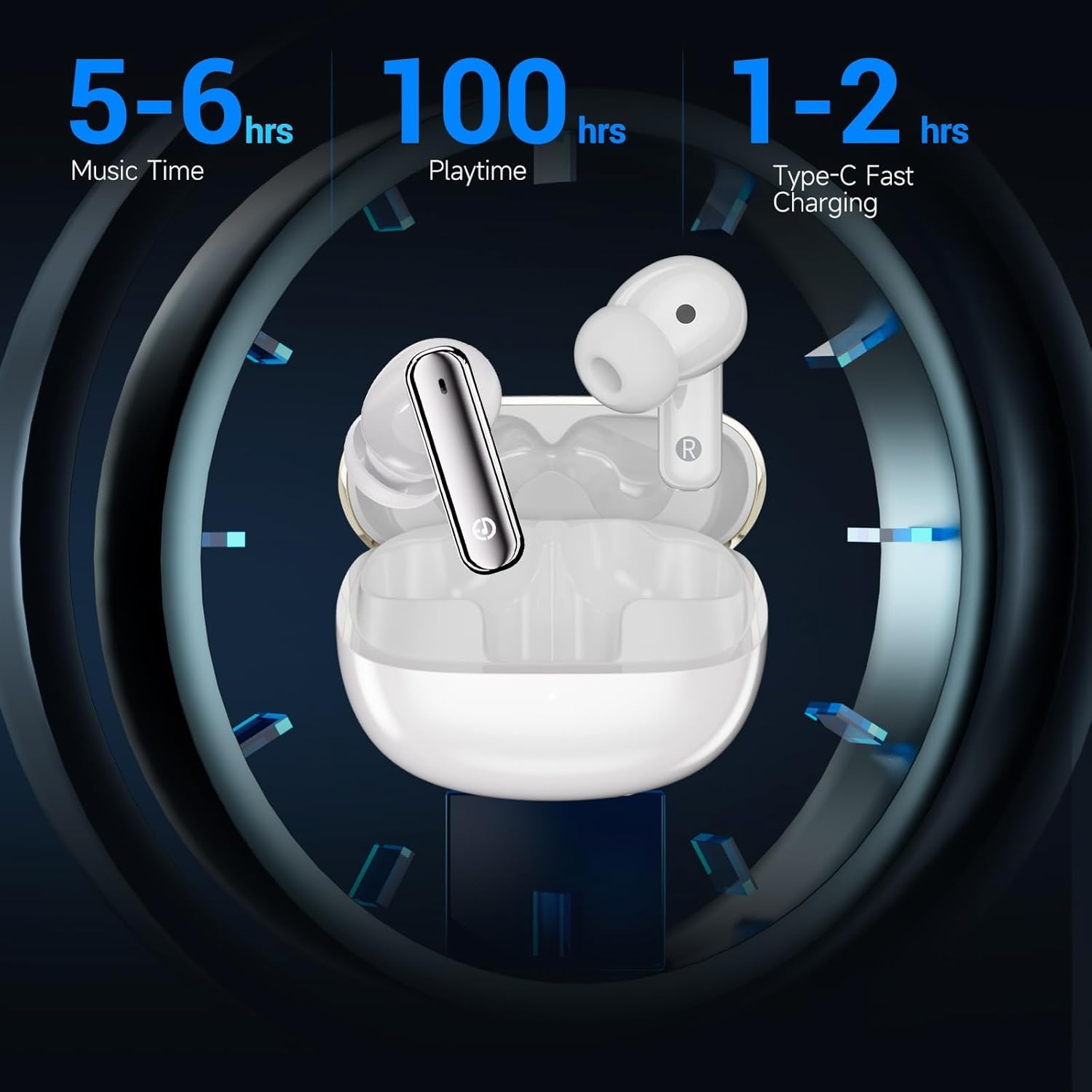
Image: Visual representation of the EDYELL A1 earbuds in their charging case, illustrating battery performance with 5-6 hours of music time per earbud charge, up to 100 hours total playtime with the charging case, and 1-2 hours for Type-C fast charging of the case.
2. Cihazınızla Eşleştirme
- Şarj kutusunu açın. Kulaklıklar otomatik olarak eşleştirme moduna geçecektir.
- Cihazınızda (akıllı telefon, tablet, dizüstü bilgisayar) Bluetooth ayarlarına gidin.
- Arama available devices and select "EDYELL A1" from the list.
- Bağlantı sağlandıktan sonra onay sesini duyacaksınız ve kulaklıklarınız kullanıma hazır hale gelecektir.
The earbuds feature Bluetooth 5.3 for a stable and efficient connection with various Bluetooth-enabled devices.
Kullanım Talimatları
Dokunmatik Kontroller
The EDYELL A1 earbuds feature intuitive touch controls on each earbud. The specific functions may vary slightly, but common controls include:
| Aksiyon | İşlev |
|---|---|
| Tek Dokunuş (Sol/Sağ) | Müzik Çal/Duraklat, Çağrıyı Cevapla/Sonlandır |
| Çift Dokunma (Sağ) | Sonraki Parça |
| Çift Dokunma (Sol) | Önceki Parça |
| Üçlü Musluk (Sol/Sağ) | Sesli Asistanı Etkinleştir |
| Uzun Basma (Sol/Sağ) | Toggle ANC/Transparency Mode (approx. 2 seconds) |
| Uzun basma (gelen çağrı sırasında) | Çağrıyı Reddet |
Aktif Gürültü İptal (ANC)
The EDYELL A1 earbuds feature Active Noise Cancellation to reduce ambient noise. To switch between ANC mode, Transparency mode, and Normal mode, long-press the touch sensor on either earbud for approximately 2 seconds. A voice prompt will confirm the mode change.
- ANC Modu: Dış gürültüyü azaltarak daha sürükleyici bir dinleme deneyimi sunar.
- Şeffaflık Modu: Sesli içerik dinlerken çevrenizi de duymanızı sağlayarak farkındalığınızı artırır.
- Normal Mod: Gürültü engelleme veya şeffaflık özelliği olmayan standart ses çalma.
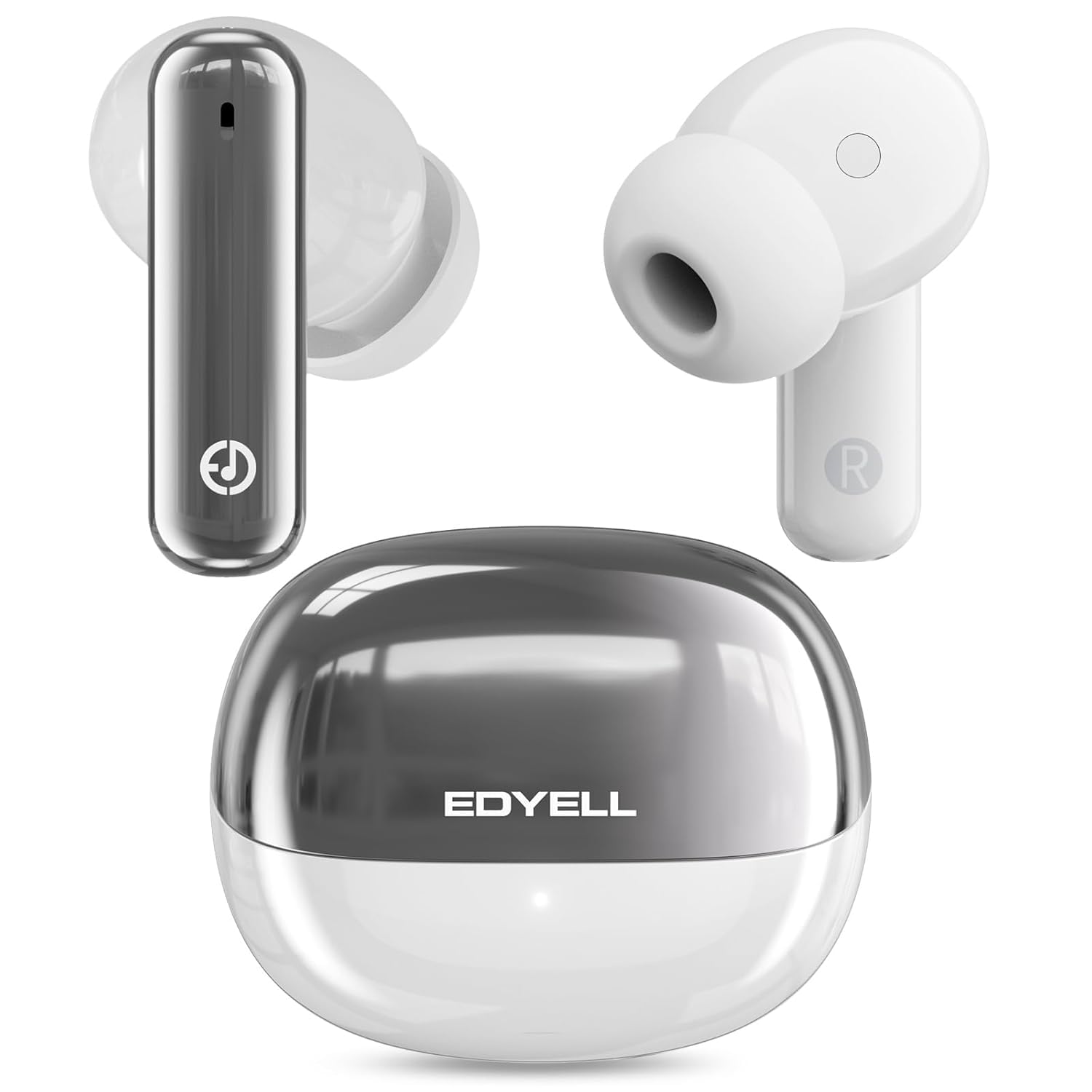
Image: A visual representation of the 35dB Active Noise Cancellation feature of the EDYELL A1 earbuds, depicting sound waves being eliminated for a quieter listening experience.
Bakım ve Özen
- Temizlik: Kulaklıkları ve şarj kutusunu düzenli olarak yumuşak, kuru bir bezle temizleyin. Sert kimyasallar veya aşındırıcı malzemeler kullanmayın.
- Suya Dayanıklılık: The earbuds are water resistant. Avoid submerging them in water or exposing them to excessive moisture for prolonged periods. Dry them thoroughly if they get wet.
- Depolamak: Kullanmadığınız zamanlarda kulaklıklarınızı şarj kutusunda saklayarak hem koruyun hem de şarjlı kalmasını sağlayın.
- Sıcaklık: Kulaklıklarınızı aşırı sıcaklıklara (sıcak veya soğuk) maruz bırakmaktan kaçının; bu, pil ömrünü ve performansını etkileyebilir.
Sorun giderme
| Sorun | Çözüm |
|---|---|
| Kulaklıklar eşleşmiyor | Ensure earbuds are charged. Turn off and on Bluetooth on your device. Forget "EDYELL A1" from your device's Bluetooth list and re-pair. |
| Sadece tek kulaklık çalışıyor | Her iki kulaklığı da kutusuna geri yerleştirin, kutuyu kapatın ve tekrar açın. Her iki kulaklığın da şarjının dolu olduğundan emin olun. Kulaklıkları cihazınızla yeniden eşleştirin. |
| Düşük ses seviyesi veya zayıf ses kalitesi | Adjust volume on your device. Ensure earbuds are clean and free of debris. Try different earplug sizes for a better seal. |
| Kulaklıklar şarj olmuyor | Check the charging cable and power source. Ensure the charging contacts on the earbuds and case are clean. |
| ANC etkili değil | Ensure earbuds are properly seated in your ears for a good seal. Toggle ANC mode to ensure it's active. |
Özellikler
| Özellik | Detay |
|---|---|
| Model Adı | FM-Earbuds-A1 |
| Bluetooth Sürümü | 5.3 |
| Gürültü Kontrolü | Aktif Gürültü Önleme (35 dB'ye kadar) |
| Ses Sürücüsü Boyutu | 13mm Dinamik Sürücüler |
| Mikrofonlar | 4-built-in microphones with CVC8.0 |
| Pil Ömrü (Kulaklıklar) | 5-6 hours music time |
| Toplam Oynatma Süresi (kılıflı) | 48 saate kadar |
| Şarj Portu | Tip-C |
| Suya Dayanıklılık | Suya Dayanıklı (IPX5) |
| Kontrol Türü | Dokunmatik Kontrol |
| Uyumlu Cihazlar | Akıllı telefonlar, tabletler, dizüstü bilgisayarlar, Bluetooth özellikli cihazlar |
| Ürün Ağırlığı | 100 Gram |
Garanti ve Destek
Garanti: The EDYELL A1 Wireless Earbuds come with a 12-month EDYELL India Warranty. The warranty is valid for 15 months from the date of purchase.
Müşteri Desteği: For any quality problems or warranty-related inquiries, please contact EDYELL India customer care:
- E-posta: destek@fenman.in
- Telefon: +91 8882786235
- You can also contact us via Amazon.
Ürün Videosu Bittiview
Video: Bir yetkiliview of the EDYELL A1 Wireless Earbuds, highlighting key features, battery life, design, and device compatibility.