
1. Giriş
Thank you for choosing the EDYELL C5S Bluetooth Dual Earphone for Helmet. This device is designed to provide high-quality audio for music and calls while riding, ensuring convenience and safety. Please read this manual carefully before use to ensure proper installation and operation.
2. Güvenlik Bilgileri
- Her zaman yol güvenliğine öncelik verin. Cihazı sürüşünüzü engelleyecek şekilde kullanmayın.
- Ensure the device is securely mounted to your helmet to prevent detachment during use.
- Avoid listening to audio at excessively high volumes for prolonged periods to prevent hearing damage.
- Cihazı sökmeye veya üzerinde değişiklik yapmaya çalışmayın. Bu, garantiyi geçersiz kılabilir ve güvenlik riskleri oluşturabilir.
- Cihazı aşırı sıcaklıklardan, doğrudan güneş ışığından ve açık alevlerden uzak tutun.
- Pili ve cihazı yerel yönetmeliklere uygun şekilde imha edin.
3. Paket İçeriği
Paketinizde tüm öğelerin mevcut olduğundan emin olun:
- Motorcycle Bluetooth Headsets (x1)
- Hard Microphone Speaker (x1)
- Clamping Base (x1)
- Microphone Velcro Tape (x2)
- Speaker Velcro (x2)
- Booster Sticker (x2)
- Stand Velcro Tape (x1)
- Thick Double Sided Tape (x1)
- Stand Velcro Tape (x1)
- Kullanıcı Kılavuzu (x1)
- Şarj Kablosu (x1)
4. Ürün Bittiview
The EDYELL C5S is a compact Bluetooth headset designed for motorcycle helmets. It features a control unit with integrated buttons and a colorful LED strip, connecting to two 50mm speakers and a microphone for communication and audio playback.

Image: The EDYELL C5S Bluetooth Helmet Headset, showing its sleek design and integrated controls.
5. Kurulum
Follow these steps to install the EDYELL C5S on your helmet:
- Ana Ünitenin Montajı: Cl'yi takınamping base to the side of your helmet using the provided clips or adhesive tape. Ensure it is securely fastened and does not obstruct your vision or helmet functionality.
- Hoparlör Yerleştirme: Position the 50mm speakers inside the helmet's ear pockets. Use the speaker Velcro to secure them. Ensure the speakers are aligned with your ears for optimal sound quality and comfort.
- Mikrofon Yerleşimi: Attach the hard microphone speaker to the inside of the helmet, near your mouth. Use the microphone Velcro tape to secure it. Ensure the microphone is positioned to capture your voice clearly while minimizing wind noise.
- Kablo yönetimi: Route all cables neatly within the helmet's padding to avoid interference and ensure comfort.

Image: Diagram illustrating the installation of the EDYELL C5S headset components, including the main unit, speakers, and microphone, onto a motorcycle helmet.
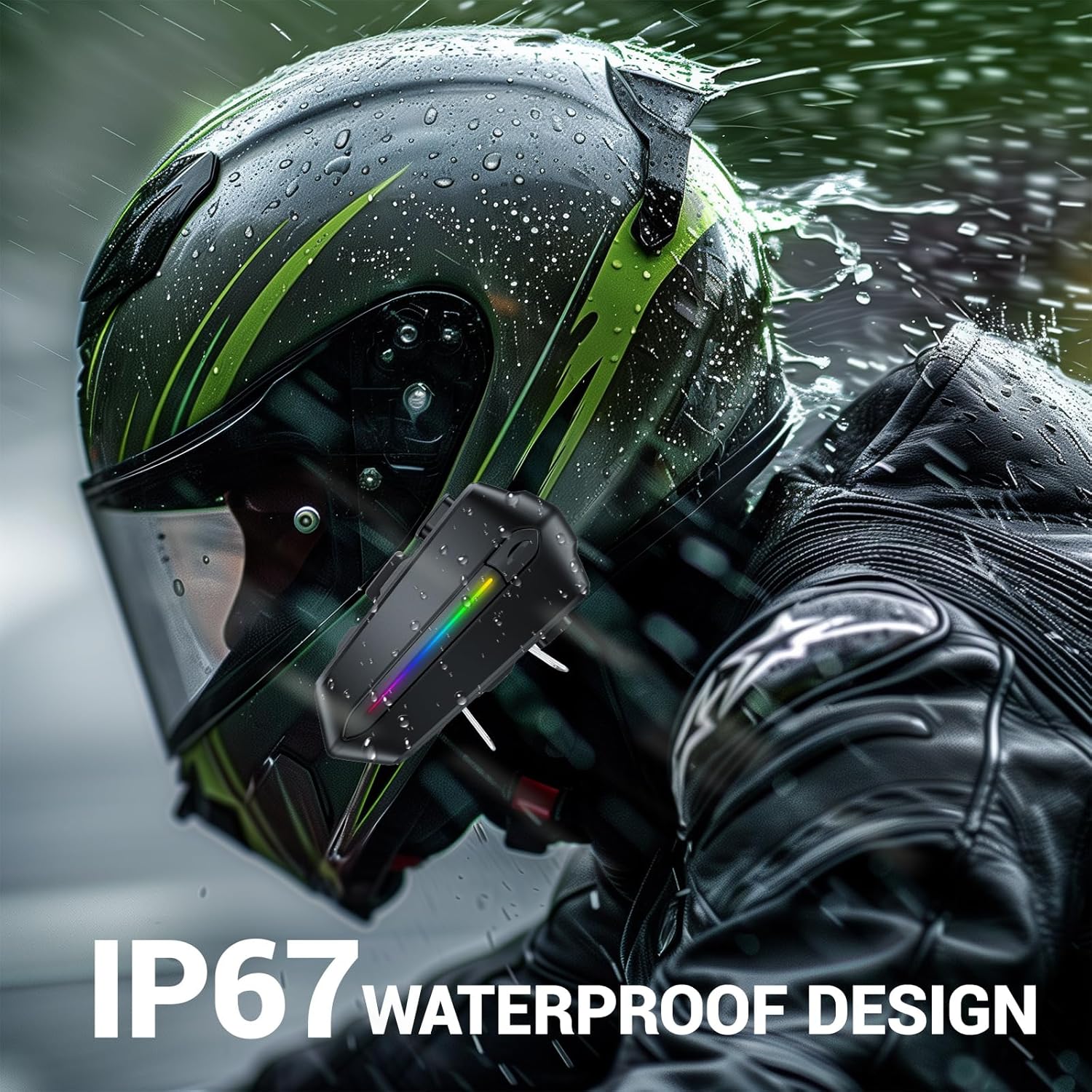
Image: Various helmet types demonstrating the wide compatibility of the EDYELL C5S Bluetooth headset.
6. Şarj Etme
The EDYELL C5S features an 800mAh large-capacity battery. To charge the device:
- Sağlanan Type-C şarj kablosunu kulaklığın şarj portuna bağlayın.
- Kablonun diğer ucunu bir USB güç kaynağına (örneğin duvar adaptörü, bilgisayar USB portu) bağlayın.
- LED göstergesi şarj durumunu gösterecektir. Tam şarj yaklaşık 1.5 saat sürer.
Once fully charged, the headset provides up to 30 hours of music listening, 40 hours of calls, and over 300 hours of standby time.
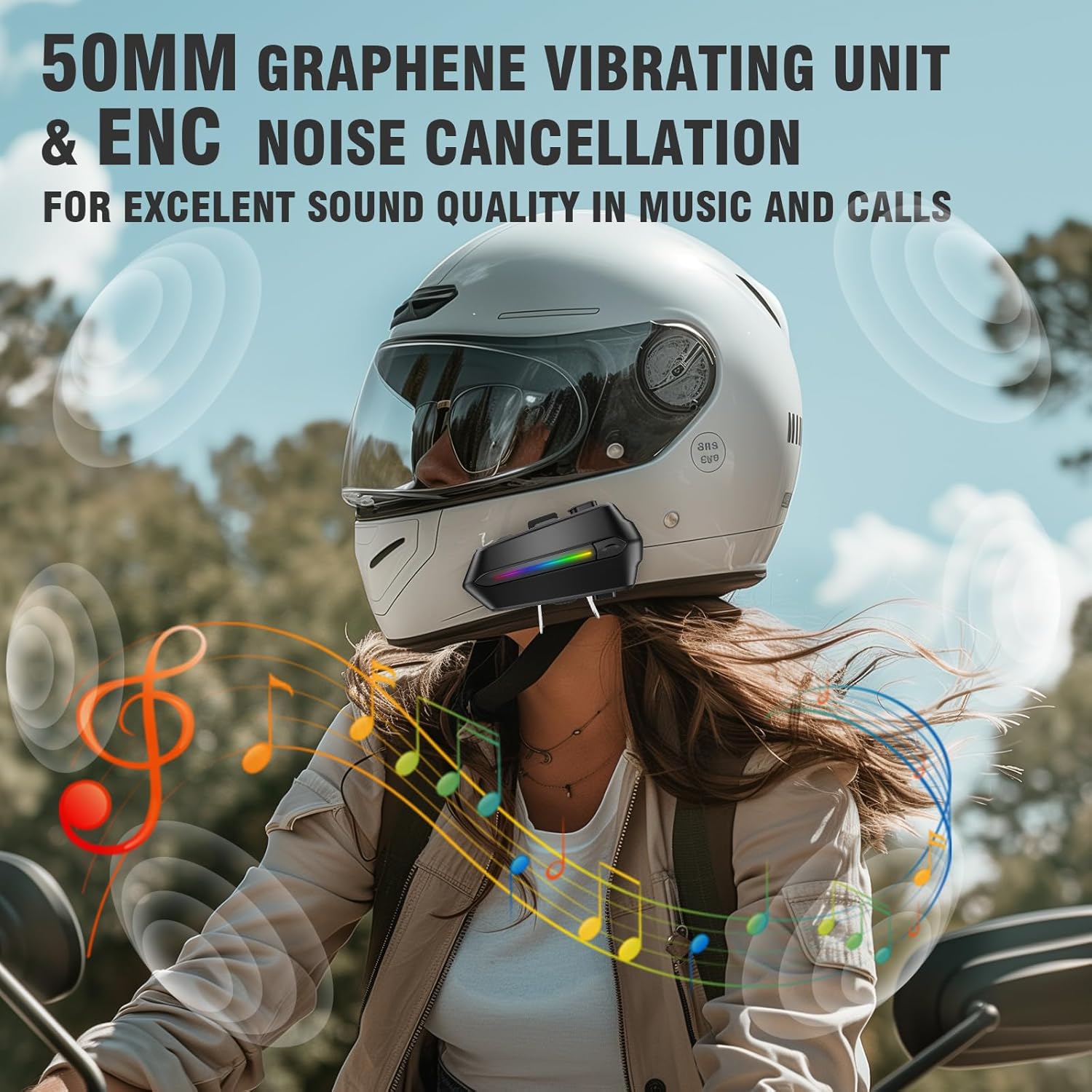
Image: The EDYELL C5S headset connected to a Type-C charging cable, illustrating the charging process and highlighting its 800mAh battery capacity.
7. Kullanım Talimatları
7.1 Güç Açma/Kapatma
- Güç Açık: LED göstergesi yanana kadar güç düğmesini yaklaşık 3 saniye basılı tutun.
- Kapat: LED göstergesi sönene kadar güç düğmesini yaklaşık 3 saniye basılı tutun.
7.2 Bluetooth Eşleştirme
- Kulaklığın kapalı olduğundan emin olun.
- Press and hold the power button for about 5-7 seconds until the LED indicator flashes red and blue alternately, indicating pairing mode.
- On your mobile device, enable Bluetooth and search for "EDYELL C5S".
- Select "EDYELL C5S" from the list of available devices to connect. A voice prompt will confirm successful pairing.
7.3 Çift Bağlantı
The EDYELL C5S supports simultaneous connection to two devices. After pairing the first device, follow the pairing steps again for the second device. The headset will automatically connect to both devices when powered on.
7.4 Çağrı Yönetimi
- Otomatik Cevap: Incoming calls will be automatically answered after 10 seconds for hands-free communication.
- Çağrıyı Cevapla/Sonlandır: Short press the phone button to answer or end a call.
- Çağrıyı Reddet: Press and hold the phone button for 2 seconds to reject an incoming call.
- Ses Kontrolü: Press the voice control button to activate your device's voice assistant (e.g., Siri, Google Assistant) to perform tasks like making calls or navigating.
7.5 Müzik Oynatma
- Oynat/Duraklat: Oynat/duraklat düğmesine kısa basın.
- Sonraki Parça: '+' düğmesine kısa süre basın.
- Önceki parça: '-' düğmesine kısa süre basın.
7.6 Ses Kontrolü
- Sesi arttır: '+' düğmesine uzun süre basın.
- Sesi Azalt: '-' düğmesine uzun süre basın.

Image: A rider using the EDYELL C5S headset, demonstrating the one-click AI assistant wake-up and auto-answer call features for convenience while riding.
Video: An official product video demonstrating the features and usage of the EDYELL C5S Motorcycle Bluetooth Headset, including its design, controls, and functionality.
7.7 IP67 Waterproof Design
The EDYELL C5S is designed with an IP67 waterproof rating, allowing it to withstand various weather conditions, including rain and snow. This ensures reliable performance during outdoor rides.

Image: The EDYELL C5S headset mounted on a helmet, shown under simulated rain to highlight its IP67 waterproof design.
8. Özellikler
| Özellik | Şartname |
|---|---|
| Model Adı | C5S |
| Bağlantı Teknolojisi | Kablosuz (Bluetooth V5.4) |
| Gürültü Kontrolü | Pasif Gürültü Önleme |
| Ses Sürücüsü Boyutu | 50 Milimetre |
| Pil Kapasitesi | 800mAh Lityum Polimer |
| Şarj Süresi | 1.5 Saat |
| Müzik Çalma Süresi | 30 Saate Kadar |
| Arama zamanı | 40 Saate Kadar |
| Bekleme Süresi | 300 Saatten Fazla |
| Su Direnç Seviyesi | IP67 Su Geçirmez |
| Kontrol Türü | Ses Kontrolü, Düğme Kontrolü |
| Ürün Ağırlığı | 180 Gram |
| Ürün Boyutları | 10x5x2 cm |
9. Sorun Giderme
- Cihaz açılmıyor: Pilinin dolu olduğundan emin olun. Cihazı şarj cihazına bağlayın ve tekrar deneyin.
- Unable to pair with Bluetooth: Make sure the headset is in pairing mode (LED flashing red and blue). Check that Bluetooth is enabled on your mobile device and it is within range. Try restarting both devices.
- Hoparlörlerden ses gelmiyor: Check the volume level on both the headset and your connected device. Ensure speakers are correctly plugged into the main unit and positioned properly inside the helmet.
- Mikrofon çalışmıyor: Verify the microphone is securely connected and positioned correctly near your mouth. Check privacy settings on your connected device to ensure microphone access is granted.
- Aralıklı bağlantı: Ensure there are no major obstructions between the headset and your connected device. Move closer to the device if necessary. Avoid environments with strong electromagnetic interference.
10. Garanti ve Destek
For product support, installation guidance, or any queries, please contact EDYELL INDIA customer care:
- E-posta: destek@fenman.in
- Telefon: +91 8882786235
- Çalışma Saatleri: Monday to Saturday, 10:00 AM to 6:30 PM (IST)
Garanti talepleriniz için lütfen satın alma fişinizi saklayınız.


