
Önemli Güvenlik Talimatları
Before using this elliptical trainer, please read all instructions carefully. Keep this manual for future reference.
- Herhangi bir egzersiz programına başlamadan önce bir hekime danışın.
- Kullanım sırasında çocukları ve evcil hayvanları ekipmandan uzak tutun.
- Place the elliptical on a level surface with adequate clearance around it.
- Uygun spor kıyafetleri ve spor ayakkabıları giyin.
- 113 kg (250 lbs) maksimum kullanıcı ağırlığını aşmayın.
- Inspect the equipment for worn or loose parts before each use. Do not use if damaged.
- Tüm cıvata ve somunların iyice sıkıldığından emin olun.
- Baygınlık, baş dönmesi veya ağrı hissederseniz egzersizi hemen bırakın.
- Use the elliptical only for its intended purpose as described in this manual.
Paket İçeriği
Montaj işlemine başlamadan önce tüm bileşenlerin mevcut olduğundan emin olun:
- Konsol
- Kullanım Kılavuzu (bu belge)
- Araç Takımı
- Volan Grubu
- Ana Çerçeve Bileşenleri
- Pedals and Arms
- Stabilizatörler
Herhangi bir parça eksik veya hasarlıysa derhal müşteri desteğiyle iletişime geçin.
Kurulum ve Montaj
Assembly typically requires two people. Follow the detailed instructions provided in the included assembly guide. The tool kit contains necessary wrenches and an Allen key. A Phillips head screwdriver (not included) may also be required.
- Paketin açılması: Carefully remove all components from the packaging. Place them on a clear, level surface. Retain packaging materials until assembly is complete.
- Stabilizör Montajı: Attach the front and rear stabilizers to the main frame using the provided bolts and washers.
- Upright Assembly: Secure the upright post to the main frame. Ensure all wiring connections are properly routed and connected as per the assembly guide.
- Pedal Arms and Pedals: Attach the pedal arms to the flywheel mechanism and then secure the foot pedals to the pedal arms. Pay attention to left and right markings.
- Console Attachment: Connect the console wiring to the upright post's wiring. Mount the console securely to the upright post.
- Son Kontrol: Before first use, ensure all bolts, nuts, and connections are tight and secure. Test the movement of the pedals and handlebars for smooth operation.

Image: The ProForm Sport Elliptical fully assembled, illustrating its compact design and key structural components. Dimensions are approximately 150 cm (length) x 65 cm (width) x 156 cm (height).

Image: A user tilting the elliptical to engage the front transport wheels, demonstrating how to easily move the machine for storage or repositioning.
Kullanım Talimatları
konsol bittiview
The console features a 5-inch LCD display, resistance control buttons, and a device holder. It provides real-time workout data and allows for iFIT integration.

Resim: Ayrıntılı view of the console, highlighting the 5-inch (12.7 cm) LCD display, resistance buttons (1-20), tablet holder, and integrated 2-inch (5 cm) Bluetooth enabled speakers.
Direnci Ayarlama
The ProForm Sport Elliptical features 20 levels of digital magnetic resistance. This Silent Magnetic Resistance (SMR) system provides a smooth and quiet workout.
- Manuel Ayarlama: Use the '+' and '-' buttons on the console to increase or decrease the resistance level during your workout.
- Quick Resistance Buttons: The console also features quick-select buttons (1-20) to jump directly to a desired resistance level.
Using iFIT
The elliptical is designed for seamless integration with the iFIT platform, offering a personalized training experience.
- Cihazınızı Bağlayın: Place your smartphone or tablet on the integrated device holder. Connect your device to the elliptical via Bluetooth.
- iFIT App: Download and open the iFIT app on your device. An iFIT membership is required to access the full library of workouts.
- Personalized Workouts: iFIT offers over 10,000 on-demand workouts led by expert trainers. The SmartAdjust™ technology automatically adjusts the elliptical's resistance to match the workout intensity and your fitness level.
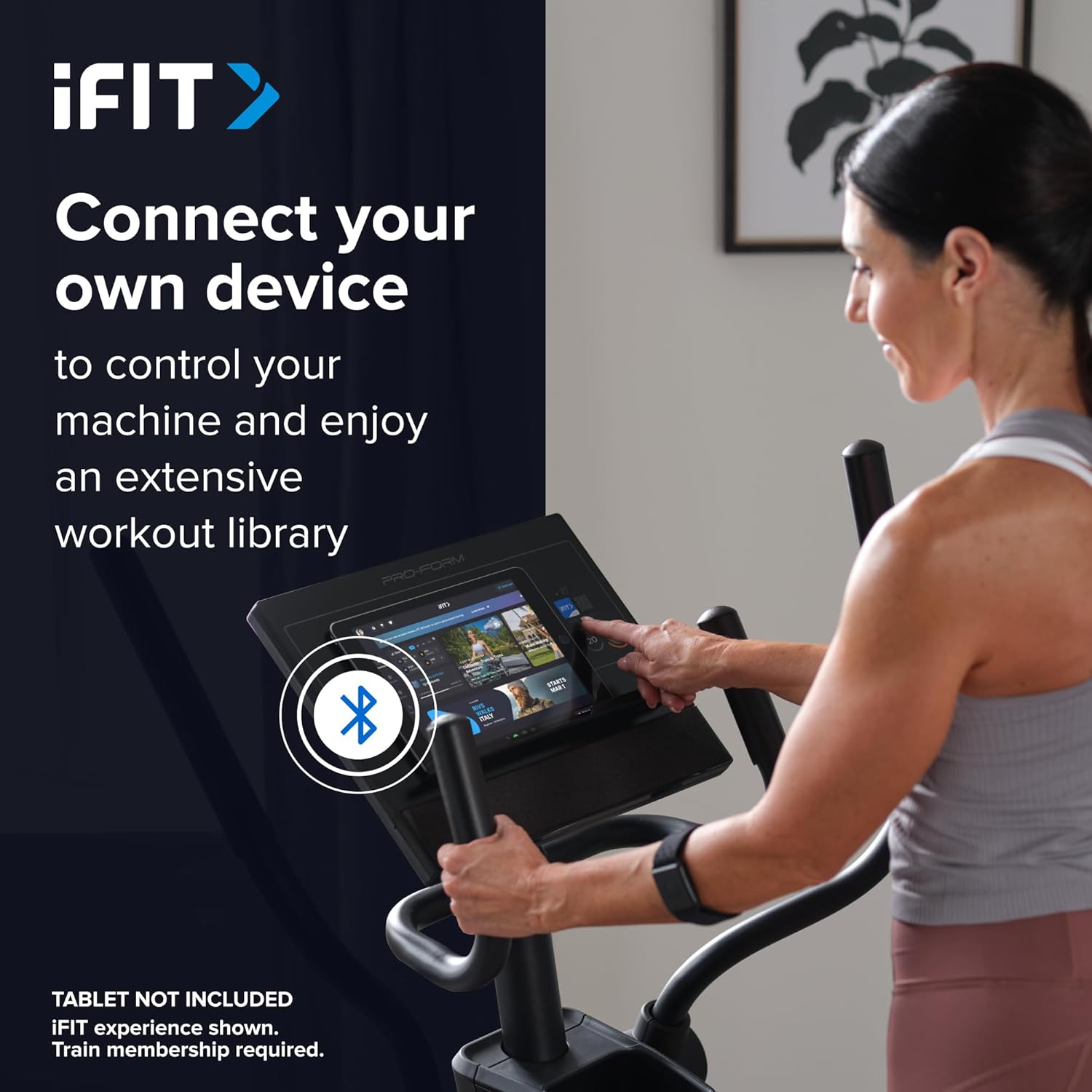
Image: A user connecting a tablet to the elliptical's console, demonstrating how to use a personal device to control the machine and access the iFIT workout library.
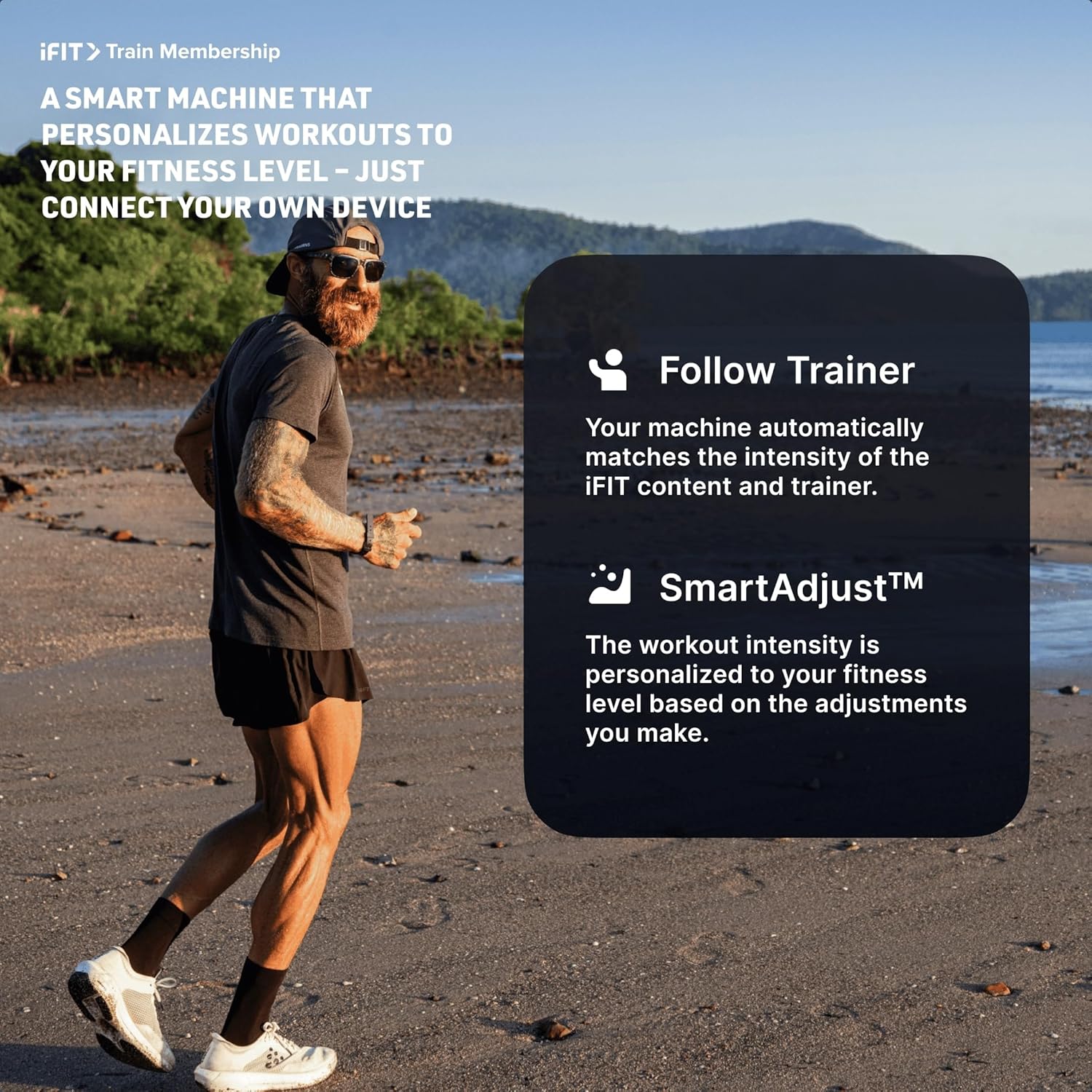
Image: An illustration detailing iFIT Train Membership benefits, including the 'Follow Trainer' feature where the machine adjusts to match trainer intensity, and 'SmartAdjust™' for personalized workout intensity based on fitness level.
Bluetooth Bağlantısı
The elliptical's console includes Bluetooth-enabled speakers. You can connect your personal device to play audio directly through the elliptical's speakers.
- Eşleştirme: Cihazınızda Bluetooth'u etkinleştirin. Arama the elliptical's Bluetooth name (usually "ProForm Elliptical" or similar) and pair.
- Ses Oynatma: Once paired, audio from your device will play through the elliptical's 2-inch (5 cm) speakers.
Bakım
Regular maintenance ensures the longevity and optimal performance of your ProForm Sport Elliptical.
- Temizlik: Wipe down the elliptical after each use with a damp Ter ve tozu temizlemek için bir bez kullanın. Aşındırıcı temizleyicilerden veya çözücülerden kaçının.
- Denetleme: Periodically check all bolts, nuts, and moving parts for tightness and wear. Tighten any loose fasteners. Replace worn parts immediately.
- Yağlama: Refer to the detailed assembly guide for specific lubrication points and recommended lubricants, if any.
- Depolamak: Eliptik bisikleti kuru, temiz bir ortamda, aşırı sıcaklıklardan ve doğrudan güneş ışığından uzakta saklayın.
Sorun giderme
| Sorun | Olası Neden | Çözüm |
|---|---|---|
| Konsol açılmıyor. | Power adapter not connected; power outlet issue; console wiring loose. | Ensure power adapter is fully plugged into the elliptical and a working outlet. Check console wiring connections. |
| Elliptical makes noise during use. | Loose bolts or components; parts requiring lubrication; worn bearings. | Inspect and tighten all visible bolts and nuts. Refer to the assembly guide for lubrication points. If noise persists, contact customer support. |
| Direnç değişmiyor. | Console malfunction; internal resistance mechanism issue. | Ensure console is properly connected. If using iFIT, check app connection. If problem persists, contact customer support. |
| Bluetooth ses bağlantısı kurulmuyor. | Device Bluetooth off; elliptical not in pairing mode; interference. | Ensure Bluetooth is enabled on your device. Restart both device and elliptical. Try pairing again. Move closer to the elliptical. |
Özellikler
| Model Adı: | ProForm Sport Elliptical |
| Model Numarası: | PFEL54925-INT |
| Marka: | Proforma |
| Boyutlar (U x G x Y): | 150 cm x 65 cm x 156 cm (59.1 inç x 25.6 inç x 61.4 inç) |
| Ürün Ağırlığı: | 52.7 kg (116.2 lbs) |
| Maksimum Kullanıcı Ağırlığı: | 113 kg (250 lbs) |
| Direnç Mekanizması: | Magnetic (Silent Magnetic Resistance - SMR) |
| Direnç Seviyeleri: | 20 Dijital Seviye |
| Adım uzunluğu: | 40.6 cm (16 inç) |
| Görüntülemek: | 5 inç LCD |
| Bağlantı: | Bluetooth (for iFIT and audio) |
| Dahil Bileşenler: | Console, User Manual, Tool Kit, Flywheel |
Garanti Bilgileri
Your ProForm Sport Elliptical is covered by the following warranty:
- Çerçeve: 8 years contractual warranty (total 10 years).
- Parçalar ve İşçilik: 2 years legal warranty.
*The extended frame warranty is valid only if the product registration is completed on https://ifitsupport.eu/it/product-registration ürün tesliminden itibaren 28 gün içinde.
Garanti talepleri için lütfen satın alma belgenizi saklayın.
Müşteri Desteği
For technical assistance, warranty claims, or to order replacement parts, please contact ProForm customer support.
Refer to the contact information provided with your purchase or visit the official ProForm webBölgenizdeki destek detayları için siteyi ziyaret edin.
When contacting support, please have your model number (PFEL54925-INT) and serial number ready.