
1. Önemli Güvenlik Bilgileri
Please read all safety instructions carefully before using your Xiaomi TV S Mini LED 75" 2025. Keep this manual for future reference.
- Güç Kaynağı: Televizyonu yalnızca etikette belirtildiği gibi bir AC güç kaynağına bağlayın.
- Havalandırma: Televizyonun etrafında yeterli havalandırma olduğundan emin olun. Havalandırma açıklıklarını kapatmayın.
- Su ve Nem: Televizyonunuzu yağmura veya neme maruz bırakmayın. Televizyonun üzerine sıvı dolu nesneler koymayın.
- Temizlik: Temizlemeden önce televizyonun fişini çekin. Yumuşak ve kuru bir bez kullanın. Sıvı temizleyicilerden kaçının.
- Servis: Bu ürüne kendiniz servis vermeye çalışmayın. Tüm servis işlemleri için kalifiye servis personeline başvurun.
- Atama: Place the TV on a stable, level surface or mount it securely to a wall using a compatible VESA mount.
2. Paket İçeriği
Paketin içinde tüm öğelerin mevcut olduğundan emin olun:
- Xiaomi TV S Mini LED 75" 2025
- Uzaktan kumanda
- Güç kablosu
- TV Stand Components (if included)
- Kullanım Kılavuzu (bu belge)
3. Kurulum Kılavuzu
3.1 Televizyonun Kutusundan Çıkarılması
Carefully remove the TV from its packaging. It is recommended to have two people for this process due to the size and weight of the 75-inch model.
3.2 Installing the TV Stand (Optional)
If you are not wall-mounting the TV, attach the included stand components according to the separate stand installation guide. Ensure all screws are tightened securely.
3.3 Duvara Montaj (Opsiyonel)
The Xiaomi TV S Mini LED 75" 2025 supports VESA wall mounts with a pattern of 400 x 300 mm. Use appropriate wall-mounting hardware and consult a professional for installation to prevent injury or damage.
3.4 Çevre Birimlerini Bağlama
Connect your devices to the TV's input ports. Refer to the back panel image for port locations.
Resim: Arka view of the TV displaying available connection ports.
- Güç: Güç kablosunu televizyona ve ardından elektrik prizine bağlayın.
- HDMI: Connect Blu-ray players, game consoles, or other HDMI devices.
- USB BAĞLANTI: Medya oynatmak için USB depolama aygıtlarını bağlayın.
- Ethernet: Kablolu internet bağlantısı için.
- Anten/Kablo: Anteninizi veya kablolu TV girişinizi bağlayın.
3.5 İlk Çalıştırma ve İlk Kurulum
After connecting all cables, plug in the TV and press the power button on the remote control. Follow the on-screen instructions to complete the initial setup, including network connection, Google account login, and channel scanning.

Resim: Ön view of the Xiaomi TV S Mini LED 75" 2025.
4. Kullanım Talimatları
4.1 Uzaktan Kumandaview
Ürünle birlikte gelen uzaktan kumanda, TV'nin tüm işlevlerine erişim sağlar. Kolay kullanım için düğme düzenine aşina olun.
4.2 Temel Fonksiyonlar
- Güç: TV'yi açmak veya kapatmak için basın.
- Hacim: Use the +/- buttons to adjust the sound level.
- Kanal: Kanalları değiştirmek için CH +/- düğmelerini kullanın.
- Giriş: Select the desired input source (HDMI, AV, etc.).
- Ev: Access the Google TV home screen.
4.3 Akıllı TV Özellikleri (Google TV)
Your Xiaomi TV runs on Google TV, offering a personalized entertainment experience.

Image: Google TV interface with app icons and content suggestions.
- Uygulamalar: Uygulamaları Google Play Store'dan indirin ve yükleyin.
- Sesli Asistan: Sesli komutlar için yerleşik Google Asistan'ı kullanın.
- İçerik Önerileri: Google TV provides personalized recommendations based on your viewalışkanlıklar.

Image: Using the Hey Google voice assistant to search for content.
4.4 Ekran Ayarları
Görüntü ayarlarınızı optimize etmek için düzenleyin. viewDeneyim.
Resim: Üzeriview of the TV's advanced display technologies.
- Resim Modları: Select from various preset modes (e.g., Standard, Vivid, Movie, Game) or customize your own.
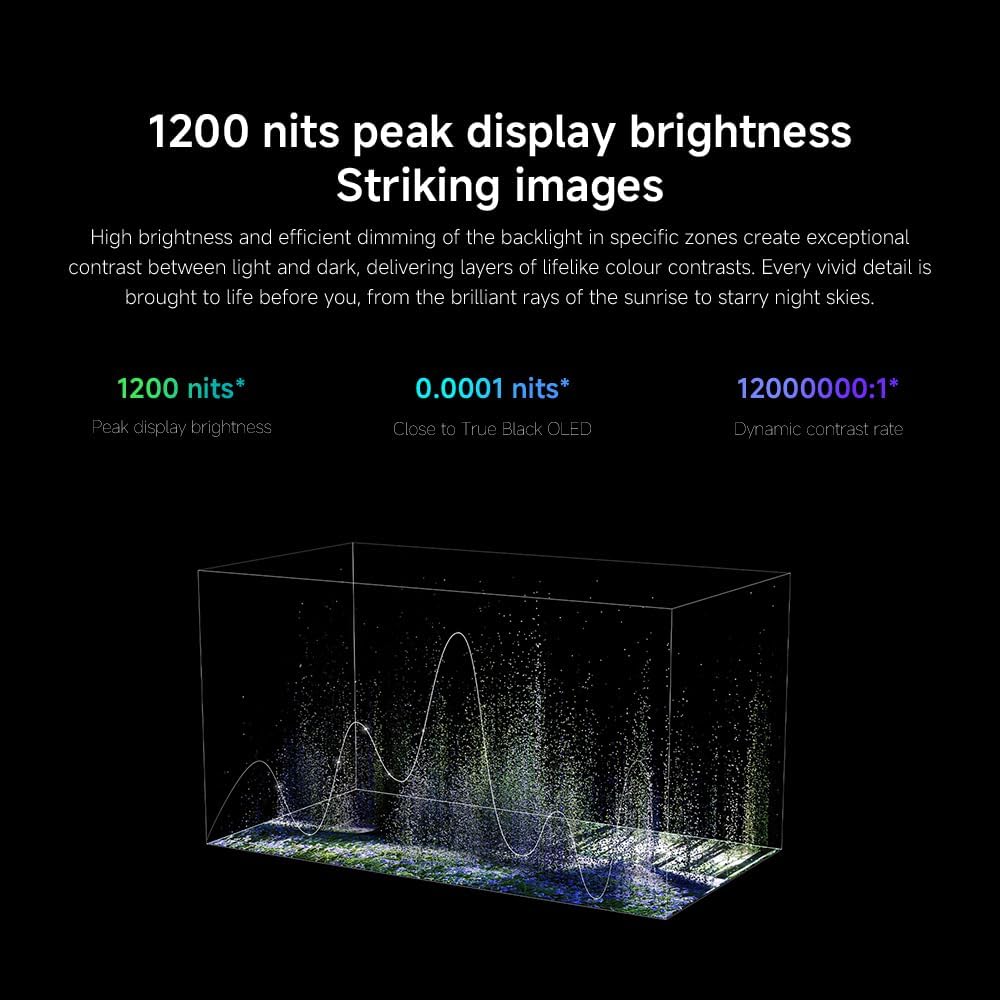
- Parlaklık/Kontrast: Fine-tune these settings for optimal visual clarity. The TV features 1200 nits peak brightness for stunning visuals.
- Renk: Adjust color saturation and tint. The QD-MiniLED display offers accurate color reproduction.
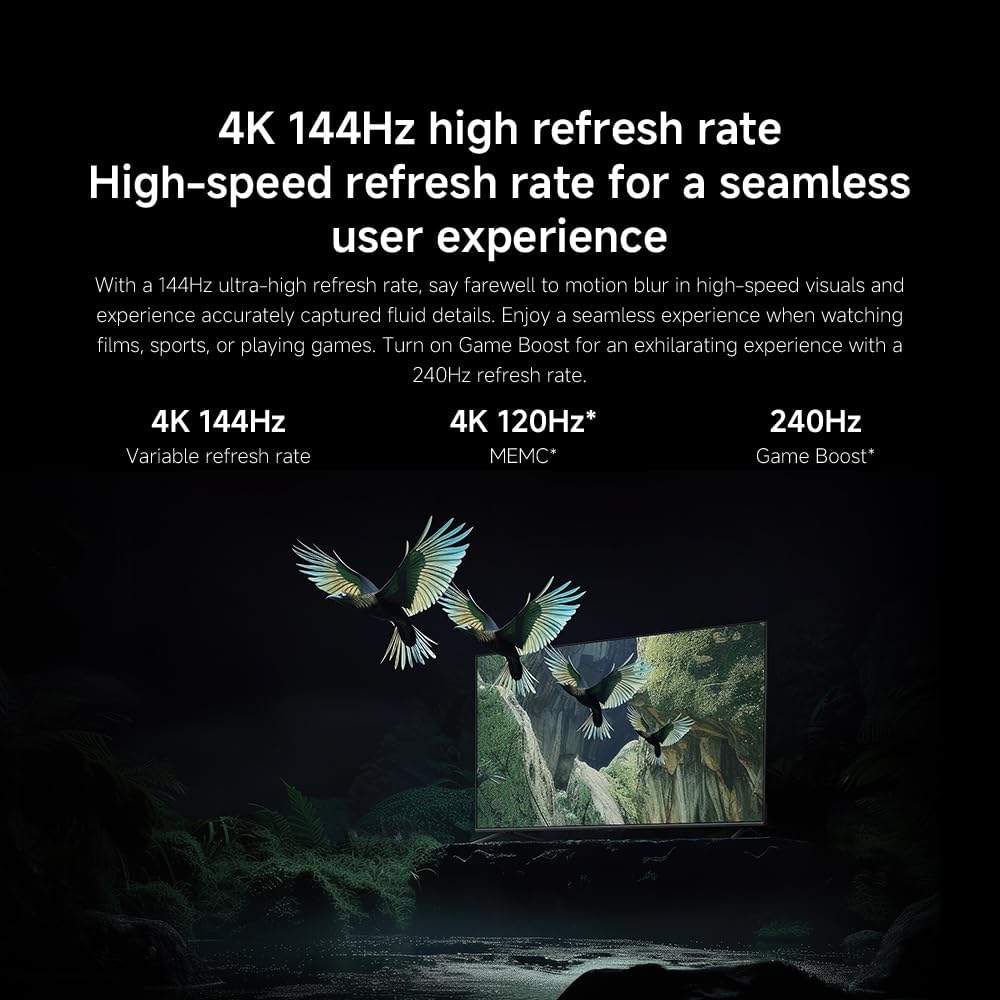
- Yenileme Hızı: The TV supports a 144Hz refresh rate for ultra-smooth motion.
- Yapay Zeka Motoru: The powerful AI engine enhances image quality automatically.

Image: Visual representation of the 144Hz refresh rate for seamless motion.
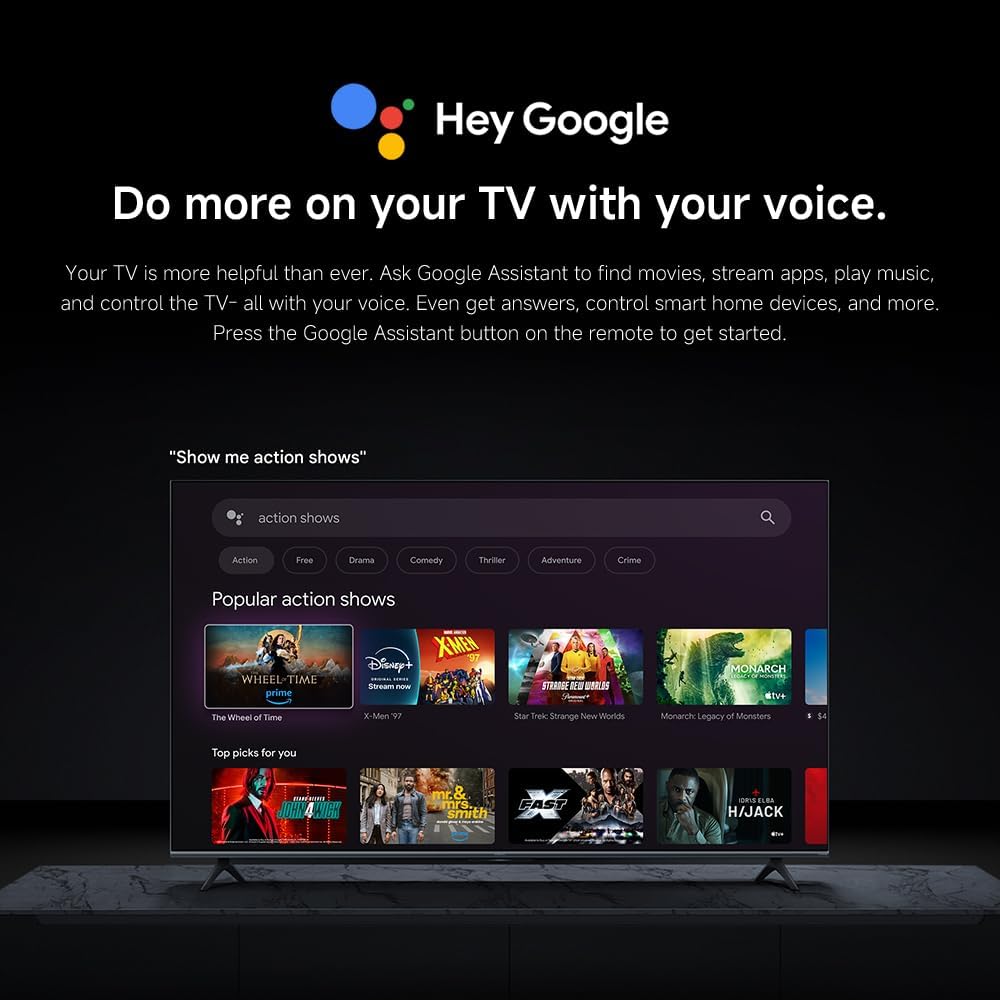
Image: The Quad cortex A73 processor, responsible for AI image enhancement and performance.
4.5 Ses Ayarları
Configure audio output and sound enhancements.

Image: Depiction of the TV's quality audio-visual experience.
- Ses modu: Choose from preset sound modes (e.g., Standard, Movie, Music) or customize.
- Dolby Atmos: Enable Dolby Atmos for an immersive audio experience.
4.6 Bağlantı
The TV offers various connectivity options.
- Bluetooth: Connect Bluetooth-enabled devices such as headphones or speakers.
- Wifi: İnternet erişimi için evinizin kablosuz ağına bağlanın.
- Apple AirPlay: Apple cihazlarınızdan doğrudan içerik akışı yapın.
Image: Apple AirPlay functionality for streaming from Apple devices.
5. Bakım
5.1 Ekranı Temizleme
Ekranı temizlemek için öncelikle televizyonun fişini çekin. Ekranı yumuşak, tüy bırakmayan bir bezle nazikçe silin. İnatçı lekeler için hafifçe ovalayın.ampen the cloth with water or a specialized screen cleaner, then wipe dry immediately. Do not spray liquid directly onto the screen.
5.2 Yazılım Güncellemeleri
The TV may receive software updates periodically to improve performance and add new features. Ensure your TV is connected to the internet to receive these updates. You can check for updates manually in the TV's settings menu.
6. Sorun Giderme
Televizyonunuzda sorunlarla karşılaşırsanız aşağıdaki yaygın çözümlere başvurun:
| Sorun | Olası Çözüm |
|---|---|
| Güç yok | Güç kablosunun televizyona ve elektrik prizine sağlam bir şekilde bağlı olup olmadığını kontrol edin. Prizin çalışır durumda olduğundan emin olun. |
| Görüntü yok, ancak ses mevcut | Doğru giriş kaynağının seçildiğinden emin olun. Harici cihazlara olan kablo bağlantılarını kontrol edin. |
| Ses yok ama görüntü var | Ses seviyesini ve sessize alma durumunu kontrol edin. Ses kablolarının doğru şekilde bağlı olduğundan emin olun. |
| Uzaktan kumanda çalışmıyor | Pilleri değiştirin. Kumanda ile televizyon arasında herhangi bir engel olmadığından emin olun. |
| Kötü görüntü kalitesi | Adjust picture settings (brightness, contrast, sharpness). Check antenna or cable connection. Ensure content source is high quality. |
| Smart TV features unresponsive | Check internet connection. Restart the TV by unplugging it for a few minutes and plugging it back in. |
If the issue persists after trying these steps, contact customer support.
7. Özellikler
Key technical specifications for the Xiaomi TV S Mini LED 75" 2025:
| Özellik | Şartname |
|---|---|
| Marka | XIAOMI |
| Model Numarası | 59292 |
| Ekran Boyutu | 75 inç |
| Ekran Teknolojisi | 4K UHD, LED, QD-MiniLED |
| Çözünürlük | 4K (3840x2160) |
| Yenileme Hızı | 144 Hz |
| Tepe Parlaklığı | 1200 nit |
| İşletim Sistemi | Google televizyon |
| İşlemci | Quad Cortex A73 |
| Veri deposu | 3 GB |
| Depolamak | 32 GB |
| Ses Teknolojisi | Dolby Atmos |
| Bağlantı | Bluetooth, Wi-Fi, Apple AirPlay |
| Ürün Boyutları (standlı) | 42.5D x 166.8G x 102.8Y cm |
| Ürün Ağırlığı (standlı) | 31 kilo |
| VESA Duvar Montajı | 400x300 mm |
| Dahil Bileşenler | TV, remote control, power cable |
8. Garanti ve Destek
Your Xiaomi TV S Mini LED 75" 2025 is covered by a manufacturer's warranty. Please refer to the warranty card included in your package for specific terms and conditions. For technical support, service inquiries, or to purchase accessories, please visit the official Xiaomi websiteyi ziyaret edin veya yetkili servis merkezlerine başvurun.
Çevrimiçi Kaynaklar: For additional information, FAQs, and software downloads, visit the official Xiaomi support page.


