
giriiş
This manual provides essential information for the safe and efficient use of your Panasonic W80 Series 4K LED Smart TV with integrated Fire TV. Please read these instructions thoroughly before operating your television and retain them for future reference. This 4K LED TV offers high-quality picture and sound, enhanced by the integrated Fire TV experience.

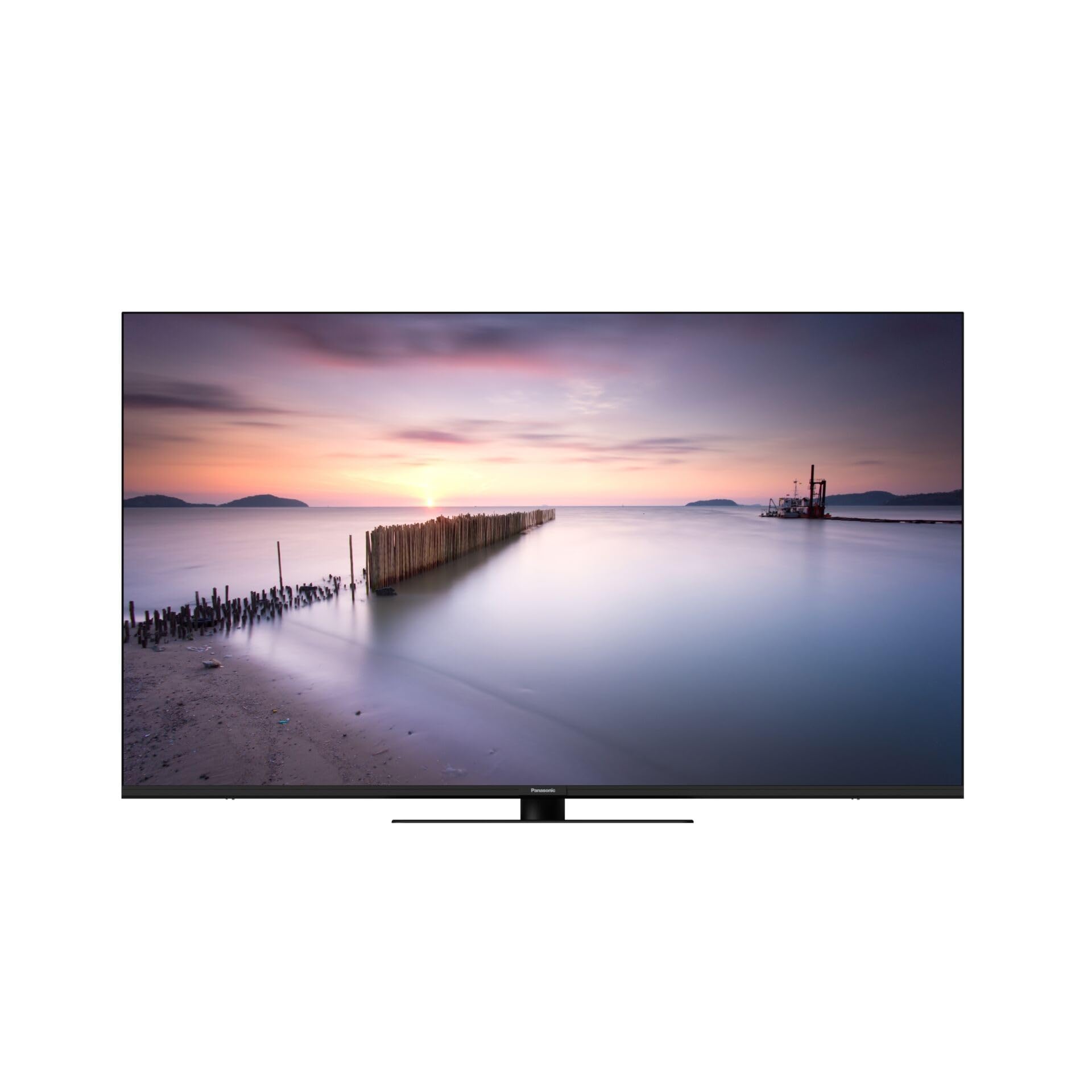
Ön view of the Panasonic W80 Series 4K LED Smart TV, showcasing its slim bezel and modern design.
Güvenlik Bilgileri
Always follow basic safety precautions when using this television to reduce the risk of fire, electric shock, and injury. Keep the television away from water and moisture. Do not block ventilation openings. Use only attachments/accessories specified by the manufacturer. Refer all servicing to qualified service personnel.
Paket İçeriği
Before setting up your new television, please ensure all items are present in the box:
- Panasonic W80 Series 4K LED Smart TV
- Uzaktan kumanda
- Güç kablosu
- Ayakta durmak (varsa)
- Piller (uzaktan kumanda için 2 adet AAA)
- Hızlı Başlangıç Kılavuzu (ayrı belge)
Kurmak
Fiziksel Kurulum
Your television can be placed on a stand or mounted on a wall. Ensure the TV is placed on a stable, level surface or securely mounted using a VESA-compatible wall mount (400 x 200 mm).
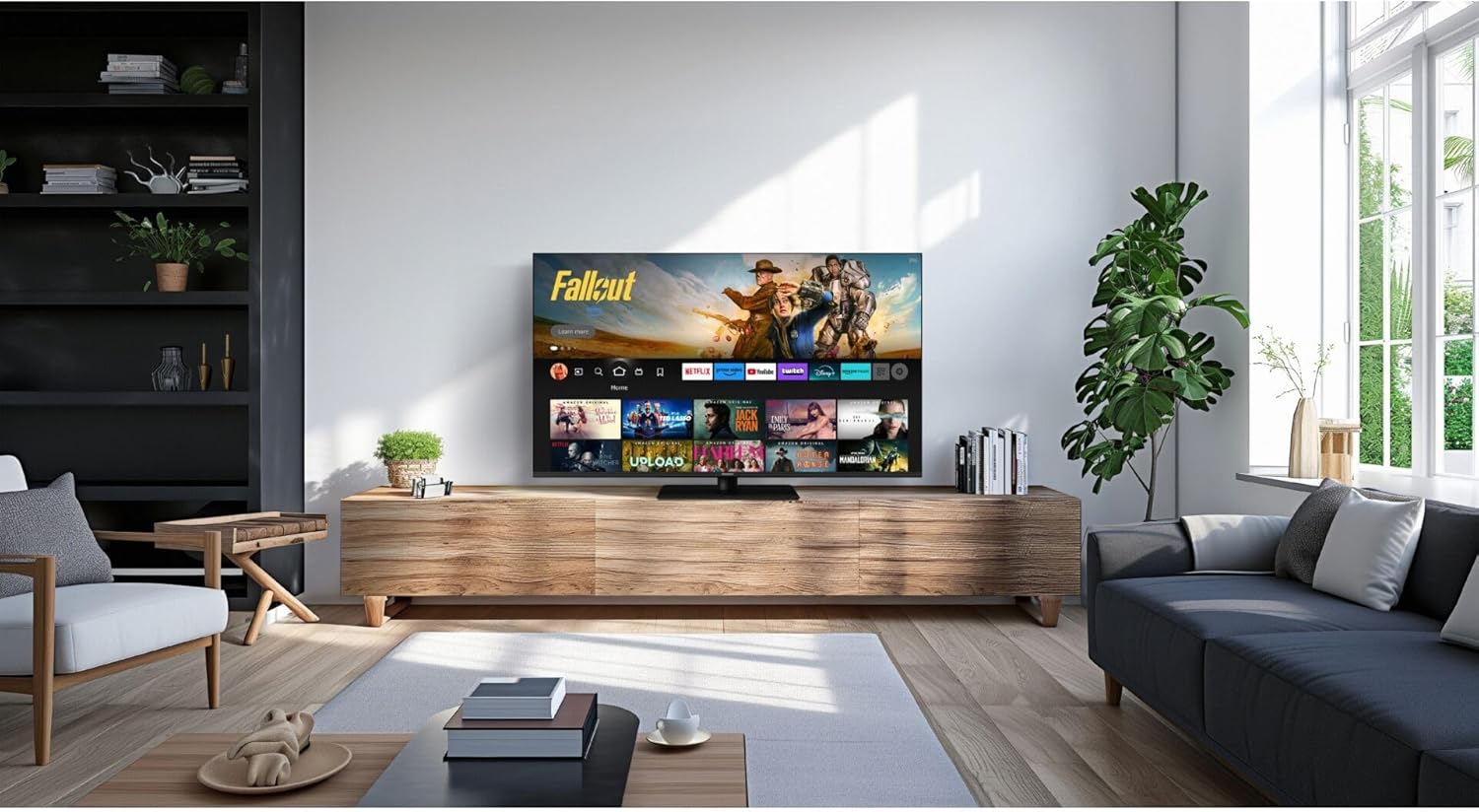
Panasonic W80 Series 4K LED Smart TV displayed in a modern living room setting, mounted on a wooden media console.
Bağlantılar
- Güç: Güç kablosunu televizyona ve ardından duvardaki prize bağlayın.
- HDMI Cihazları: Harici cihazları (örneğin, Blu-ray oynatıcı, oyun konsolu) HDMI bağlantı noktalarına bağlayın. Bu televizyonda 3 adet HDMI bağlantı noktası bulunmaktadır.
- USB Cihazları: Connect USB storage devices to the 2 USB ports for media playback.
- İnternet: Connect to your home network via Wi-Fi or an Ethernet cable for access to Fire TV features and streaming services.
Initial Setup (Fire TV)
Upon first power-on, follow the on-screen instructions to set up your Fire TV. This includes selecting your language, connecting to Wi-Fi, and logging in with your Amazon account. The integrated Fire TV provides intuitive ease of use with personalized content recommendations.
İşletim
Uzaktan kumanda
The included remote control allows you to navigate the Fire TV interface, adjust volume, change channels, and access smart features. Insert the two AAA batteries as indicated in the battery compartment.
Fire TV Arayüzü
The Fire TV interface provides access to a wide range of streaming applications like Netflix, Amazon Prime Video, and Hulu. Navigate using the directional pad on your remote. Content recommendations are personalized based on your viewalışkanlıklar.
The Panasonic W80 Series TV screen displaying the Fire TV interface with various streaming app icons and content recommendations, including 'Fallout' and other Amazon Originals.
Akıllı Özellikler
Utilize voice control through the remote to search for content, launch apps, and control smart home devices. The TV is compatible with smart home systems.
Resim ve Ses Ayarları
Your TV features an HCX Processor and Hollywood-optimized image processing for realistic contrast and colors. It supports multiple HDR formats including Dolby Vision, HLG, HDR10, and HDR10+. The brilliant LED backlight ensures sharp, defined HDR images. For audio, experience immersive sound with Surround Sound Pro and Dolby Atmos.
Oyun Özellikleri
Elevate your gaming experience with Game Mode Plus and the Game Control Panel, designed for low latency and super-fast reaction times.
Bakım
Temizlik
To clean the screen, gently wipe with a soft, dry, lint-free cloth. For the TV body, use a soft, damp bez. Sert kimyasallar veya aşındırıcı temizleyiciler kullanmaktan kaçının.
Yazılım Güncellemeleri
Ensure your TV is connected to the internet to receive automatic software updates. These updates provide new features and improve performance and security.
Sorun giderme
- Güç Yok: Güç kablosunun hem televizyona hem de duvar prizine sağlam bir şekilde bağlı olup olmadığını kontrol edin.
- Görüntü/Ses Yok: Verify that the correct input source is selected and all HDMI cables are properly connected.
- Uzaktan Çalışmıyor: Pillerin doğru takıldığından ve bitmemiş olduğundan emin olun. Kumandayı doğrudan televizyona doğru tutun.
- Wi-Fi Bağlantı Sorunları: Restart your router and the TV. Check your network settings on the TV.
- Fire TV App Problems: Try restarting the app or clearing its cache in the Fire TV settings.
Özellikler
| Özellik | Şartname |
|---|---|
| Model Numarası | TV-65W80AEZ |
| Ekran Boyutu | 65 inç |
| Ekran Teknolojisi | 4K LED |
| Çözünürlük | 4K (3840x2160) |
| Yenileme Hızı | 240 Hz |
| HDR Desteği | Dolby Vision, HLG, HDR10, HDR10+ |
| Görüntü İşlemcisi | HCX İşlemci |
| Ses Çıkışı | 24 Watt |
| Ses Teknolojisi | Surround Sound Pro, Dolby Atmos |
| İşletim Sistemi | Dahili Fire TV |
| Bağlantı | Bluetooth, HDMI (3 ports), Wi-Fi, USB (2 ports) |
| Kontrol Yöntemi | Sesli, Uzaktan Kumanda |
| VESA Montaj Standardı | 400x200 mm |
| Boyutlar (Y x G x D) | 876 mm x 1446 mm x 275 mm |
| Ağırlık | 20.5 Kilogram |
Garanti ve Destek
Garanti bilgileri için lütfen ürününüzle birlikte verilen garanti kartına bakın veya resmi Panasonic web sitesini ziyaret edin. website. For technical support, troubleshooting assistance, or service inquiries, please contact Panasonic customer support through their official channels.