
1. Giriş
This manual provides detailed instructions for the installation, operation, and maintenance of your ASMAX F1 Motorcycle Bluetooth Headset. Please read this manual thoroughly before using the product to ensure proper function and safety. The ASMAX F1 headset is designed to enhance communication and audio experience for motorcycle riders, featuring advanced Bluetooth 5.3 technology, group intercom capabilities, and noise reduction.
2. Paket İçeriği
Aşağıda listelenen tüm ürünlerin paketinizde mevcut olduğundan emin olun. Eksik veya hasarlı bir ürün varsa, lütfen müşteri hizmetleriyle iletişime geçin.
- ASMAX F1 Bluetooth Headset Units (2)
- Helmet Speakers (2 sets)
- Boom Microphones (2)
- Soft Wire Microphones (2)
- Magnetic Mounting Bases (2)
- USB-C Charging Cables (2)
- 3M Adhesive Pads for Speakers and Microphones
- Kullanıcı Kılavuzu

3. Kurulum ve Kurulum
3.1 Kulaklığın Şarj Edilmesi
Before initial use, fully charge the ASMAX F1 headset. Connect the provided USB-C charging cable to the headset's charging port and a compatible USB power source. A full charge takes approximately 50 minutes.

3.2 Installing on a Helmet
The ASMAX F1 headset uses a magnetic mounting system for easy attachment and removal.
- Montaj tabanını takın: Choose a suitable flat surface on the side of your helmet. Clean the area thoroughly. Peel the backing from the 3M adhesive pad on the magnetic mounting base and firmly press it onto the helmet. Hold for 30 seconds to ensure a strong bond.
- Hoparlörleri Takın: Place the helmet speakers inside the helmet's ear pockets. Use the provided adhesive pads to secure them. Ensure the speakers are positioned directly over your ears for optimal audio quality.
- Mikrofonu Kurun: Select either the boom microphone (for open-face helmets) or the soft wire microphone (for full-face helmets). Attach the microphone to the inside of the helmet, positioning it close to your mouth. Secure the wire along the helmet's interior using the provided clips or adhesive.
- Bileşenleri Bağlayın: Plug the speaker and microphone cables into the corresponding ports on the magnetic mounting base.
- Kulaklık Ünitesini Takın: Align the ASMAX F1 headset unit with the magnetic mounting base on your helmet. The magnets will securely snap the unit into place.

4. Kullanım Talimatları
4.1 Güç Açma/Kapatma
- Güç Açık: Press and hold the Power button for approximately 3 seconds until the indicator light illuminates and you hear an audible prompt.
- Kapat: Press and hold the Power button for approximately 3 seconds until the indicator light turns off and you hear an audible prompt.
4.2 Bluetooth Eşleştirme (Telefon)
To pair your ASMAX F1 headset with your mobile phone:
- Kulaklığın kapalı olduğundan emin olun.
- Eşleştirme modunun aktif olduğunu gösteren kırmızı ve mavi gösterge ışığı dönüşümlü olarak yanıp sönene kadar Güç düğmesini yaklaşık 5-7 saniye basılı tutun.
- Cep telefonunuzda Bluetooth'u etkinleştirin ve kullanılabilir cihazları arayın.
- Select 'ASMAX F1' from the list of devices.
- Once paired, the indicator light will flash blue slowly, and you will hear a confirmation tone.
4.3 Universal Pairing (Other Bluetooth Headsets)
The ASMAX F1 supports universal pairing with other brands of Bluetooth motorcycle headsets.

4.4 Grup İnterkom
The ASMAX F1 supports both Free Mode and Group Mode for intercom communication with up to 10 riders.
- Serbest mod: Allows for spontaneous one-on-one communication with nearby riders.
- Grup Modu: Establishes a mesh network for continuous communication among a predefined group of riders.
Refer to the quick start guide for specific button sequences to initiate and manage intercom modes.

4.5 Voice Commands and Button Controls
The ASMAX F1 headset can be controlled via voice commands or physical buttons.
- Sesli Komutlar: Activate the voice assistant by saying "Hi Max" followed by commands such as "Group Mesh," "Group Mode," "Free Mode," "End Intercom," "Music On," "Phone Pairing," "Answer The Phone," "Next Track," or "Volume Up."
- Düğme Kontrolleri: Specific buttons on the headset allow for manual control of functions like power, volume, music playback, and intercom activation. Consult the quick start guide for a detailed button map.

4.6 Ses Çoklu Görevi
The headset supports audio multitasking, allowing you to listen to music, receive navigation instructions, and participate in group intercom simultaneously.

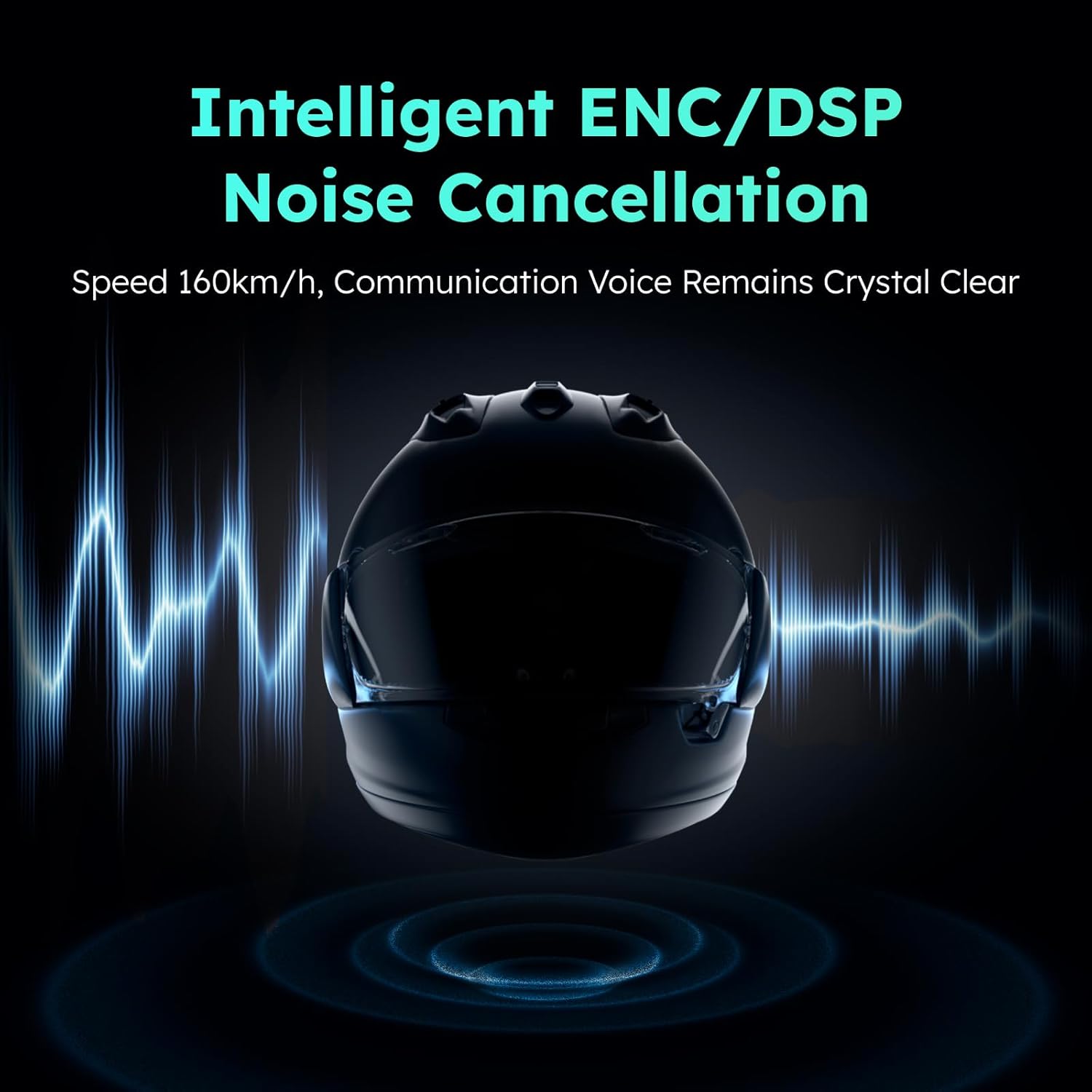
4.7 Noise Reduction (ENC/DSP)
The ASMAX F1 incorporates intelligent ENC (Environmental Noise Cancellation) and DSP (Digital Signal Processing) technologies to reduce background noise, ensuring clear communication even at speeds up to 160 km/h.
5. Bakım
To ensure the longevity and optimal performance of your ASMAX F1 headset, follow these maintenance guidelines:
- Temizlik: Wipe the headset unit and speakers with a soft, dry cloth. Do not use harsh chemicals or abrasive cleaners.
- Depolamak: Kulaklığı kullanılmadığı zamanlarda serin, kuru ve doğrudan güneş ışığından ve aşırı sıcaklıklardan uzak bir yerde saklayın.
- Şarj: Avoid overcharging. Disconnect the charger once the battery is full.
- Suya Dayanıklılık: The headset is not water resistant. Avoid exposure to rain or heavy moisture.
6. Sorun Giderme
If you encounter issues with your ASMAX F1 headset, refer to the following common problems and solutions:
- Güç Yok: Ensure the headset is fully charged. Connect to a power source and check the charging indicator.
- Bluetooth Eşleştirilemiyor: Ensure the headset is in pairing mode (flashing red and blue). Turn off and on your phone's Bluetooth and try again. Make sure no other devices are actively connected to the headset.
- Ses yok/Düşük ses seviyesi: Check speaker connections. Ensure volume is turned up on both the headset and your connected device. Reposition speakers for better ear alignment.
- İnterkom Sorunları: Ensure all headsets are within range and in the correct intercom mode (Free or Group). Re-establish the intercom connection if necessary. Obstacles like vehicles or buildings can affect range.
- Sesli Komutlar Yanıt Vermiyor: Speak clearly and directly into the microphone. Ensure the microphone is properly positioned. Check for excessive background noise.
If the problem persists, perform a factory reset (refer to the quick start guide for instructions) or contact customer support.
7. Özellikler
Key technical specifications for the ASMAX F1 Motorcycle Bluetooth Headset:
| Özellik | Şartname |
|---|---|
| Model Adı | F1 Motorcycle Bluetooth Headset |
| Marka | ASMAK |
| Bluetooth Sürümü | 5.3 |
| Bağlantı Teknolojisi | Bluetooth |
| Kablosuz İletişim Teknolojisi | Bluetooth |
| Kontrol Türü | Ses Kontrolü, Dokunmatik |
| Şarj Süresi | 50 minutes (Fast Charging) |
| Gürültü Kontrolü | ENC/DSP Noise Reduction |
| Intercom Range (Unit-to-unit) | Up to 3 km / 1.8 mi |
| Intercom Range (Overall, 1st to last rider) | Up to 8 km / 5 mi |
| Uyumlu Cihazlar | Motorcycles, Powersports Helmets |
| Su Direnç Seviyesi | Suya dayanıklı değil |
| Özel Özellik | Fast Charging, Microphone Included |
8. Garanti ve Destek
ASMAX products are covered by a limited warranty. For specific warranty terms and conditions, please refer to the warranty card included with your product or visit the official ASMAX website. For technical support, troubleshooting assistance, or to inquire about replacement parts, please contact ASMAX customer service through the contact information provided on our websiteniz veya satın alma platformunuz.