
amazon basics AB-IBT-82ANC
Amazon Basics Pro Series Wireless Noise Cancelling ANC Over Ear Headphone
Model: AB-IBT-82ANC
giriiş
This manual provides detailed instructions for the setup, operation, maintenance, and troubleshooting of your Amazon Basics Pro Series Wireless Noise Cancelling ANC Over Ear Headphones. Please read this manual thoroughly before using the product to ensure proper function and longevity.

Image: The Amazon Basics Pro Series Wireless Noise Cancelling ANC Over Ear Headphone in black, showcasinŞık tasarımıyla dikkat çekiyor.
Paket İçeriği
Paketin içinde tüm öğelerin mevcut olduğundan emin olun:
- Amazon Basics Pro Series Wireless Noise Cancelling ANC Over Ear Headphone
- USB Type-C Şarj Kablosu
- 3.5 mm AUX Kablosu
- Kullanım Kılavuzu (bu belge)
Kurmak
1. İlk Şarj
Before first use, fully charge the headphones. Connect the supplied USB Type-C charging cable to the headphone's charging port and the other end to a USB power source (e.g., computer USB port or wall adapter). The LED indicator will show charging status and turn off or change color when fully charged.
A full charge provides up to 74 hours of playback at 50% volume with ANC off, or 34 hours with ANC on.
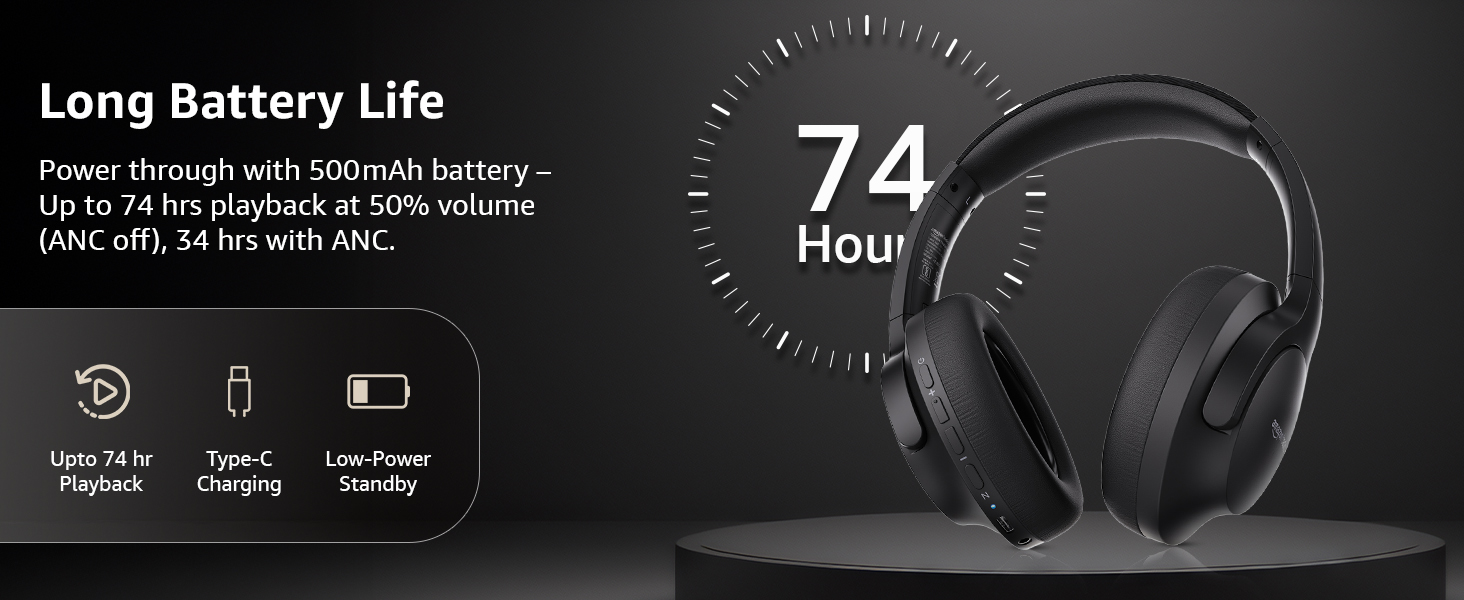
Image: An illustration highlighting the long battery life of the headphones, indicating up to 74 hours of playback.
2. Bluetooth Eşleştirme
- Kulaklığın şarjlı ve kapalı olduğundan emin olun.
- Eşleştirme modunu gösteren LED göstergesi mavi ve kırmızı renkte yanıp sönene kadar güç düğmesini basılı tutun.
- Cihazınızda (akıllı telefon, tablet, dizüstü bilgisayar) Bluetooth'u etkinleştirin ve kullanılabilir cihazları arayın.
- Select "AB-IBT-82ANC" from the list of found devices.
- Bağlantı kurulduktan sonra LED göstergesi sabit mavi yanacak veya yavaşça yanıp sönecektir.
The headphones support dual pairing, allowing connection to two devices simultaneously for seamless switching.

Image: The headphones shown connected to both a smartphone and a laptop, illustrating the multi-pairing capability.
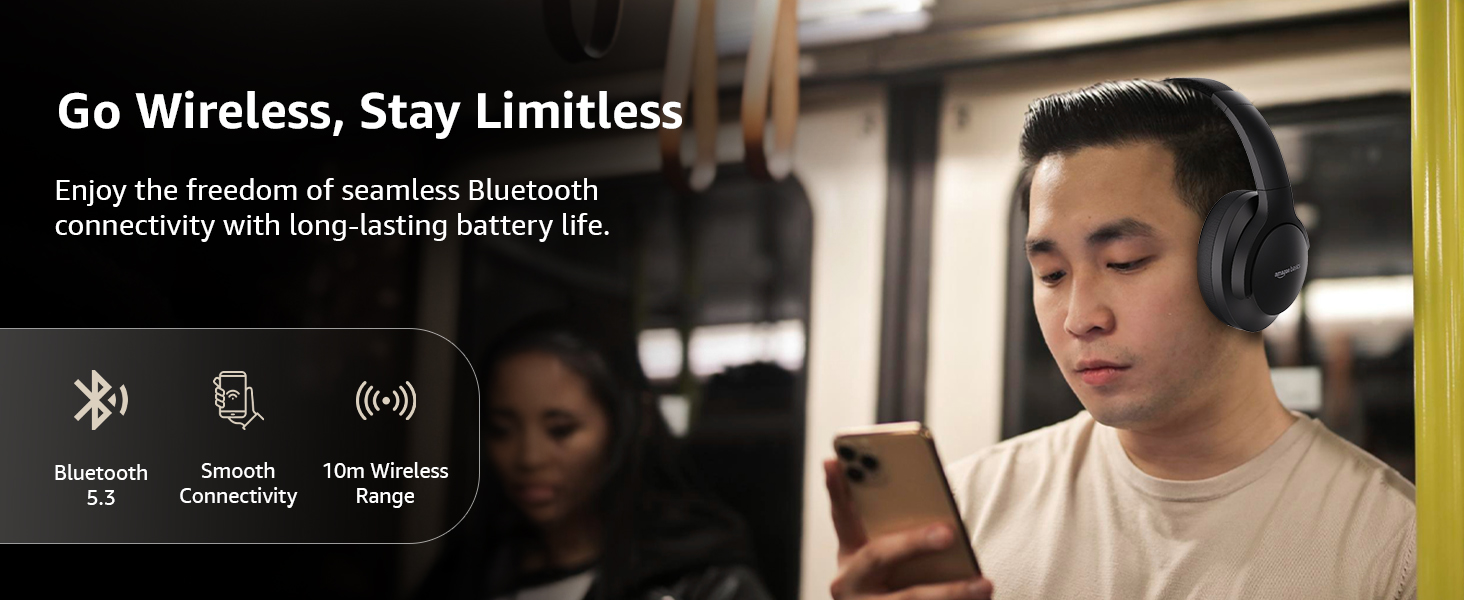
Image: A visual representation of the wireless capabilities, including Bluetooth 5.3 and a 10-meter wireless range.
3. Kablolu Bağlantı (AUX Modu)
For a wired connection, plug the 3.5mm AUX cable into the headphone's AUX port and the other end into your audio device's 3.5mm jack. This mode does not require battery power.
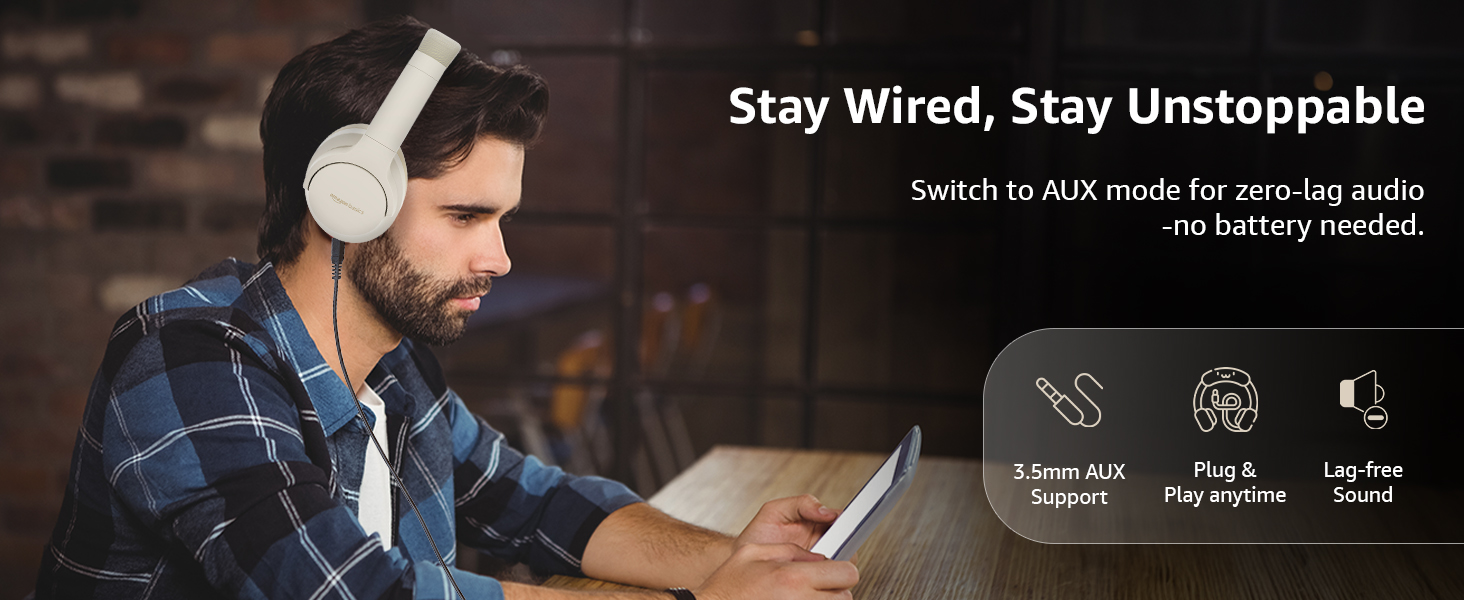
Image: A user demonstrating the wired AUX connection, emphasizing lag-free audio without needing battery power.
Kullanım Talimatları
1. Güç Açma/Kapatma
- Güç Açık: Güç düğmesini yaklaşık 3 saniye basılı tutun.
- Kapat: Güç düğmesini yaklaşık 5 saniye basılı tutun.
2. Accessible Controls
Kulaklıkların üzerinde sezgisel kontrol düğmeleri bulunmaktadır:
- Sesi Aç/Sonraki Parça: Kısa basışla sesi açabilir, uzun basışla bir sonraki parçaya geçebilirsin.
- Sesi Kısma/Önceki Parça: Kısa basışta ses kısılır, uzun basışta önceki parçaya geçilir.
- Oynat/Duraklat/Aramayı Cevapla: Çok fonksiyonlu düğmeye bir kez basın.
- Çağrı Sonu: Görüşme sırasında çok fonksiyonlu düğmeye bir kez basın.
- Çağrıyı Reddet: Gelen arama sırasında çok fonksiyonlu düğmeye uzun süre basın.
- Sesli Asistanı (Siri/Google Asistan) Etkinleştirin: Çok fonksiyonlu düğmeye iki kez basın.
- ANC Açık/Kapalı: Dedicated ANC button to toggle Active Noise Cancellation.
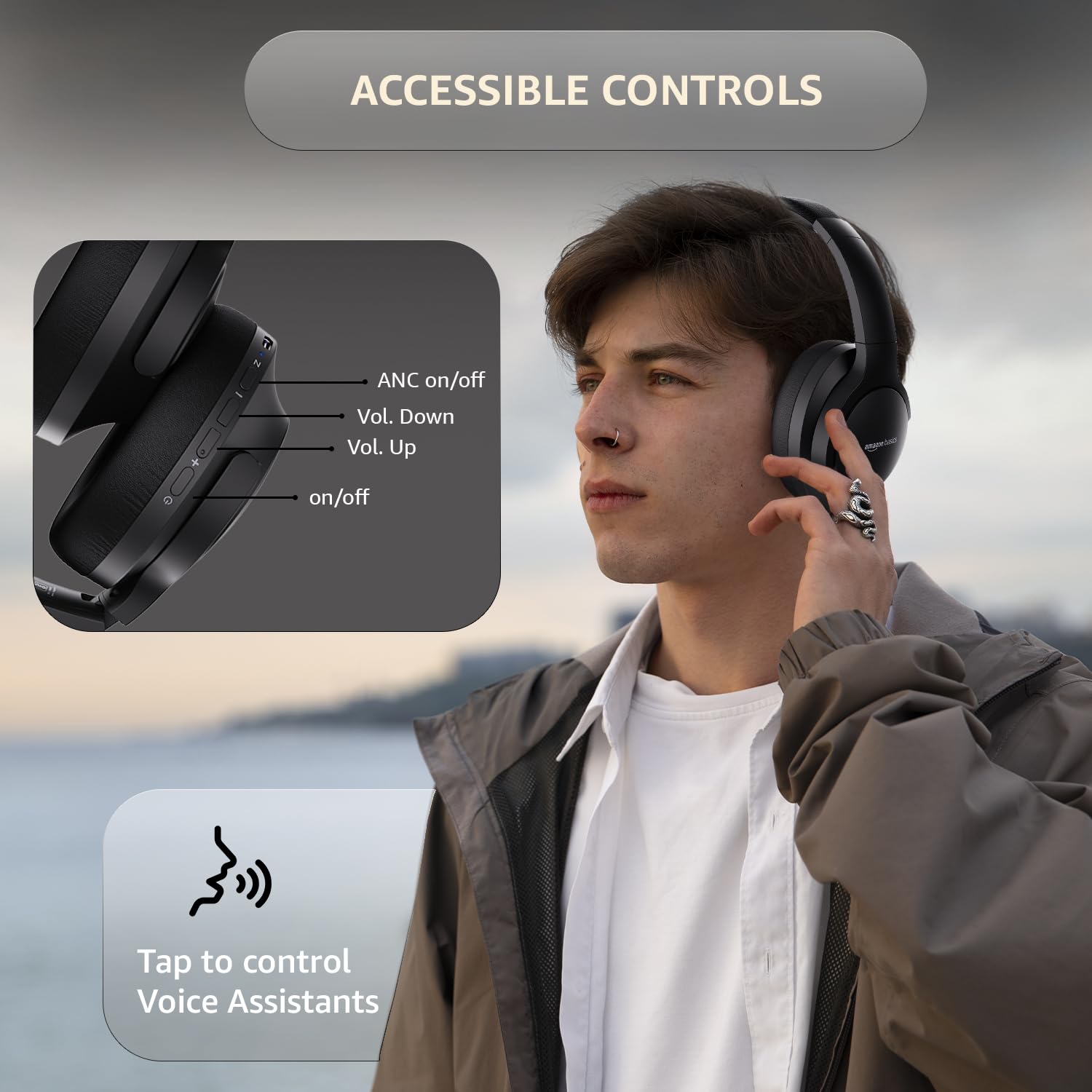
Image: A detailed diagram illustrating the location and function of the accessible controls on the headphone earcup.
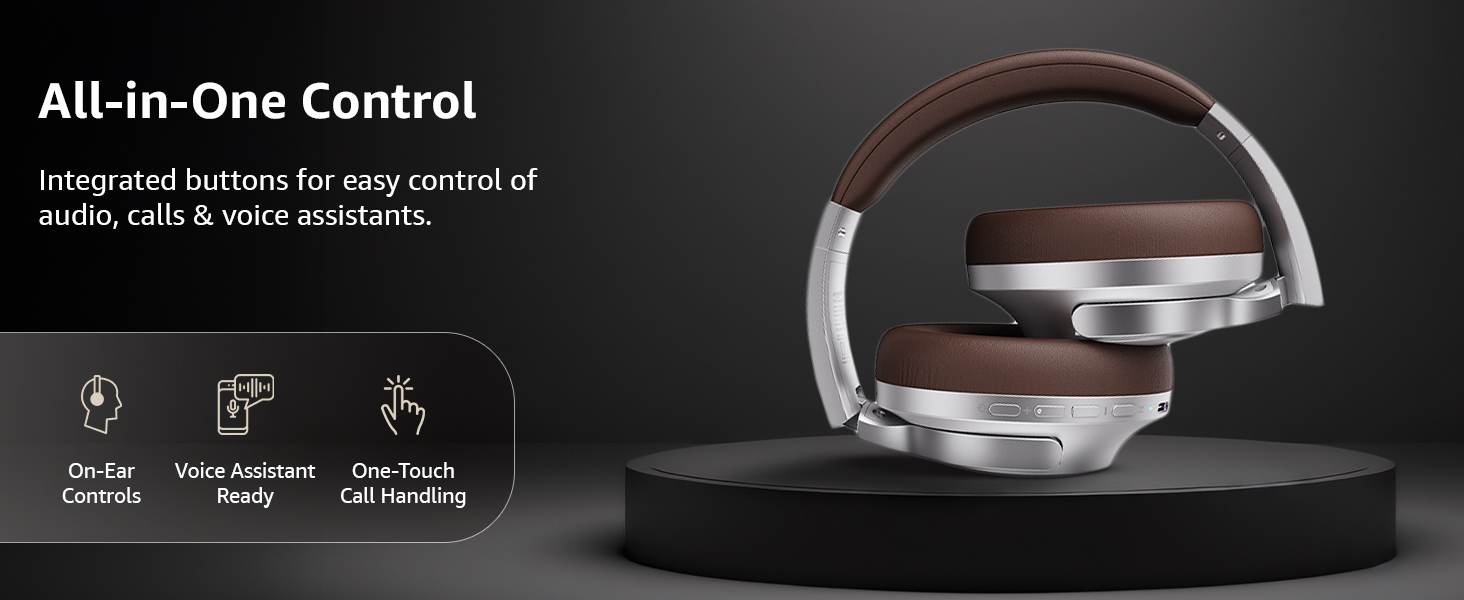
Resim: Bir overview of the integrated controls, highlighting ease of use for audio, calls, and voice assistants.
3. Aktif Gürültü Engelleme (ANC)
The Active Noise Cancellation feature reduces ambient noise, providing a more immersive listening experience. Press the dedicated ANC button to activate or deactivate this feature. Note that ANC functionality may slightly reduce overall battery life.

Image: A person wearing the headphones in a public setting, illustrating the effectiveness of Active Noise Cancellation in reducing distractions.
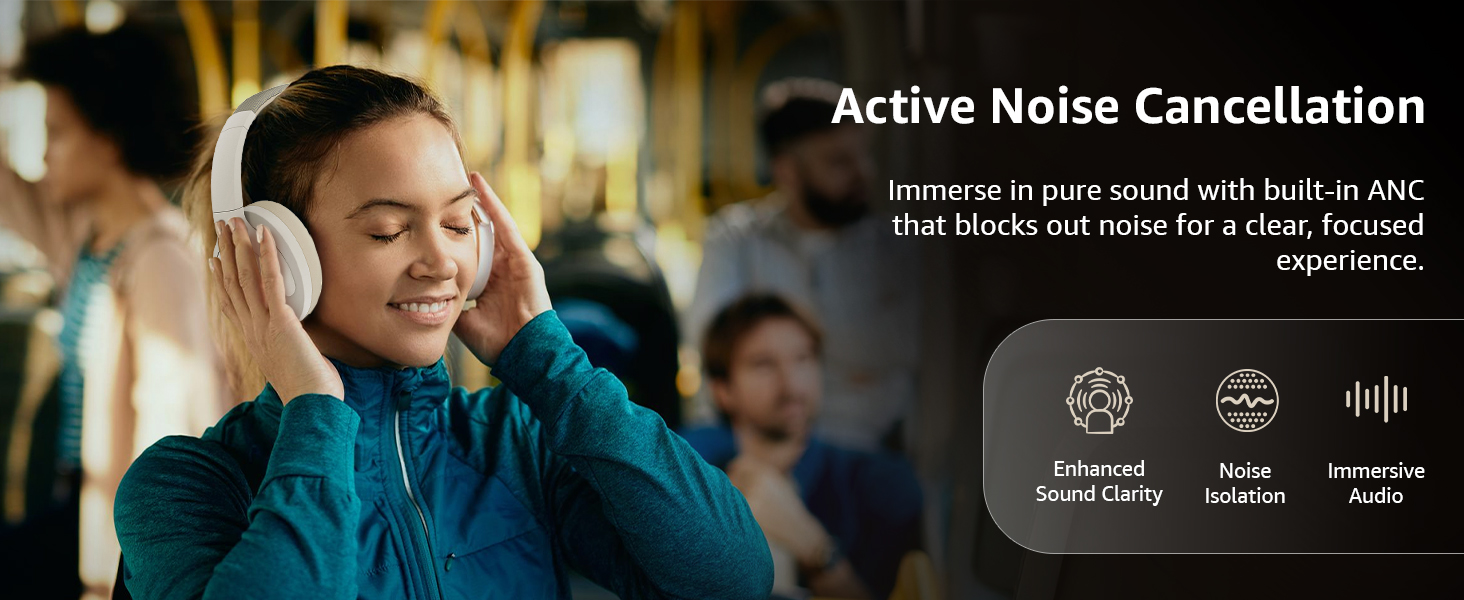
Image: A graphic emphasizing the benefits of Active Noise Cancellation, including enhanced sound clarity and immersive audio.
4. Ses Kalitesi ve Sürücüler
The headphones are equipped with 40mm drivers, designed to deliver rich bass, clear mids, and precise highs for a balanced audio experience.
Resim: Patlamış bir view diagram illustrating the 40mm drivers, which are responsible for the headphone's sound output.
Bakım
1. Temizlik
- Kulaklığınızı yumuşak, kuru ve tiftiksiz bir bezle silin.
- Kulaklıkların üzerine doğrudan aşındırıcı temizleyiciler, çözücüler veya sprey temizleyiciler kullanmayın.
- Clean the ear cushions gently with a damp Gerekirse bir bezle silin ve kullanmadan önce tamamen kurumasını bekleyin.
2. Depolama
When not in use, store the headphones in a cool, dry place, away from direct sunlight and extreme temperatures. The headphones feature a sleek and foldable design for convenient storage and portability.
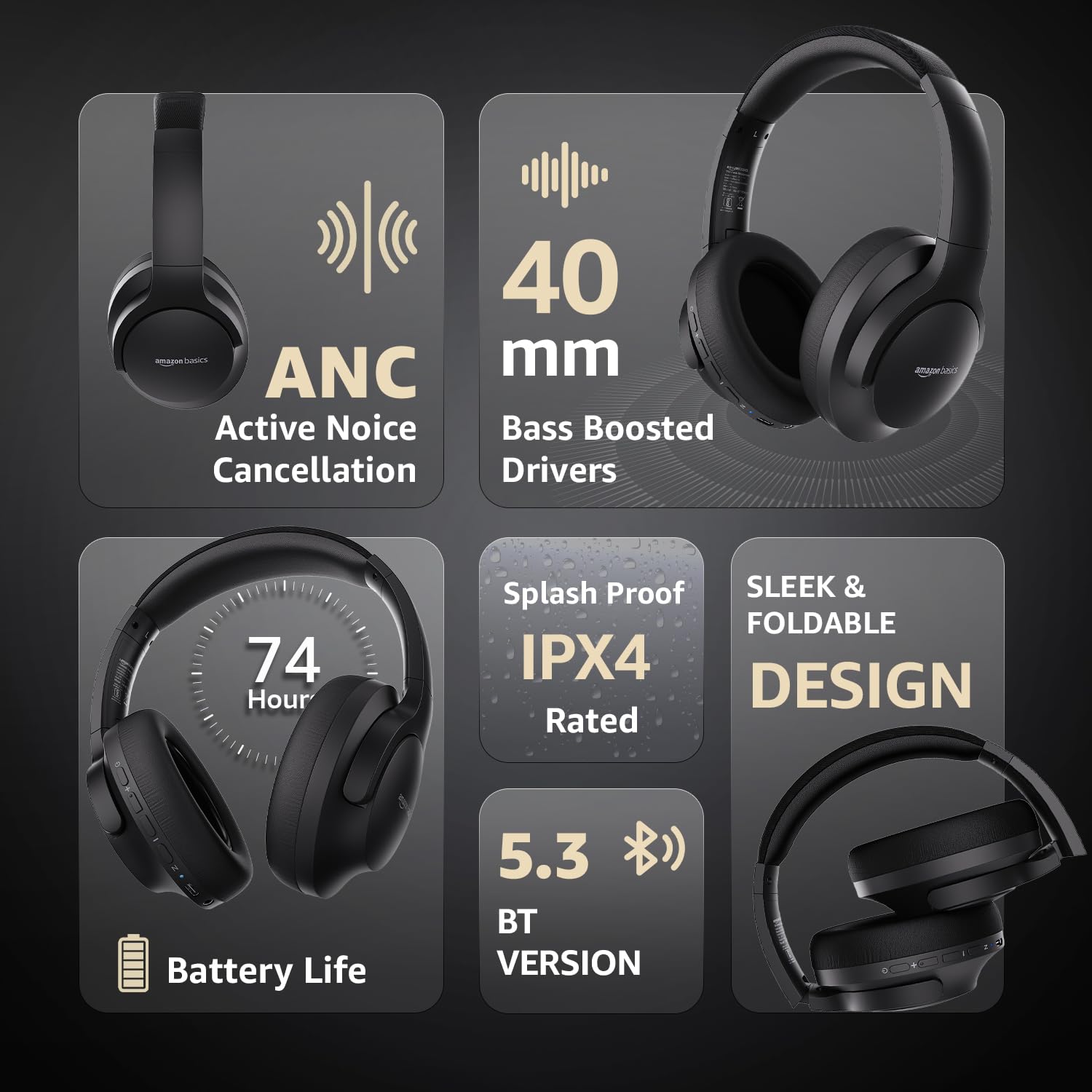
Image: An infographic highlighting key features, including the sleek and foldable design of the headphones for easy storage.
3. Pil Bakımı
- Pilin sık sık tamamen boşaltılmasından kaçının.
- Kulaklıkların pil ömrünü korumak için, uzun süre kullanılmasa bile düzenli olarak şarj edin.
- Pili yüksek sıcaklıklara maruz bırakmayın.
Sorun giderme
| Sorun | Olası Neden | Çözüm |
|---|---|---|
| Kulaklık açılmıyor. | Pil zayıf. | Charge the headphones fully using the supplied USB Type-C cable. |
| Bluetooth üzerinden eşleştirme yapılamıyor. | Kulaklık eşleştirme modunda değil; cihazın Bluetooth'u kapalı; cihazdan çok uzakta. | Ensure headphones are in pairing mode (flashing blue/red). Turn Bluetooth on your device. Move headphones closer to the device (within 10m). |
| Ses yok. | Ses çok düşük; ses kaynağı yanlış; kulaklık bağlı değil. | Increase volume on headphones and device. Verify correct audio output on device. Re-pair Bluetooth or check AUX cable connection. |
| ANC etkili bir şekilde çalışmıyor. | Aktif gürültü engelleme (ANC) etkinleştirilmemiş; ortam gürültüsü çok yüksek. | Aktif gürültü engelleme (ANC) özelliğini etkinleştirmek için ANC düğmesine basın. ANC, düşük frekanslı, sürekli gürültüye karşı en etkilidir. |
Özellikler
| Özellik | Detay |
|---|---|
| Model Numarası | AB-IBT-82ANC |
| Bağlantı Teknolojisi | Kablosuz (Bluetooth 5.3), Kablolu (3.5 mm AUX) |
| Sürücü Boyutu | 40 mm |
| Pil Kapasitesi | 500 mAh Lityum Polimer |
| Pil Ömrü (ANC Kapalı) | 74 saate kadar (% 50 ses seviyesinde) |
| Pil Ömrü (ANC Açık) | Up to 34 hours (at 100% volume), 62 hours (at 50% volume) |
| Şarj Portu | USB Tip-C |
| kablosuz Menzil | 10 metreye kadar |
| Suya Dayanıklılık Derecesi | IPX4 (Sıçrama Korumalı) |
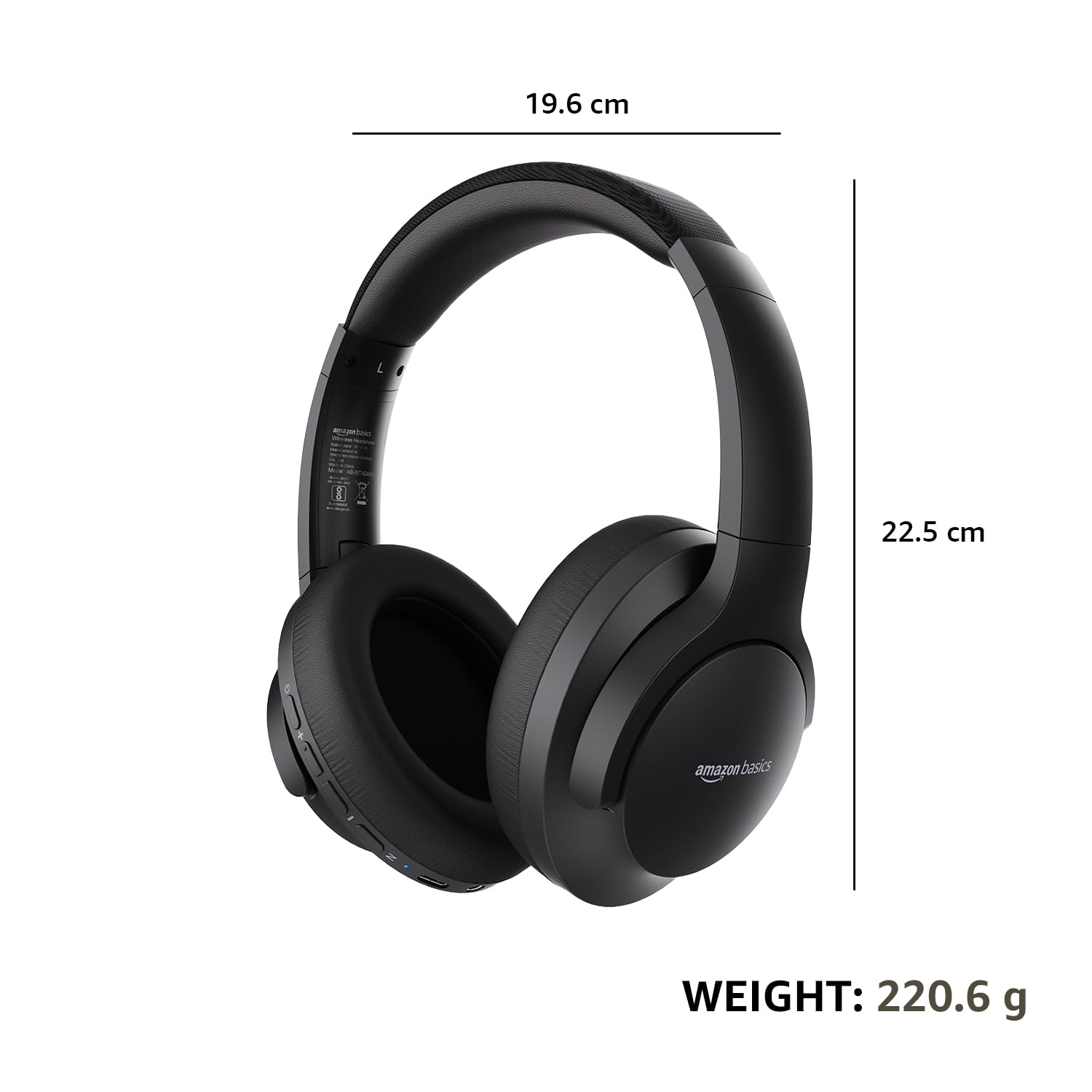
| Boyutlar (Kulaklık) | 19.61x22.5x8.72 cm |
| Ağırlık (Kulaklık) | 220.6 gr |
| Malzeme | Plastik, Poliüretan (PU) |
| Uyumlu Cihazlar | Cep Telefonları, Oyun Konsolu, Dizüstü Bilgisayarlar, Tabletler |

Image: A visual representation of the headphone's dimensions and weight for reference.
Konfor ve Tasarım
The headphones are designed for extended wear with an over-ear fit, soft ear cushions, and an adjustable headband, ensuring comfort during long listening sessions.

Image: A person wearing the headphones, demonstrating the comfortable over-ear fit.
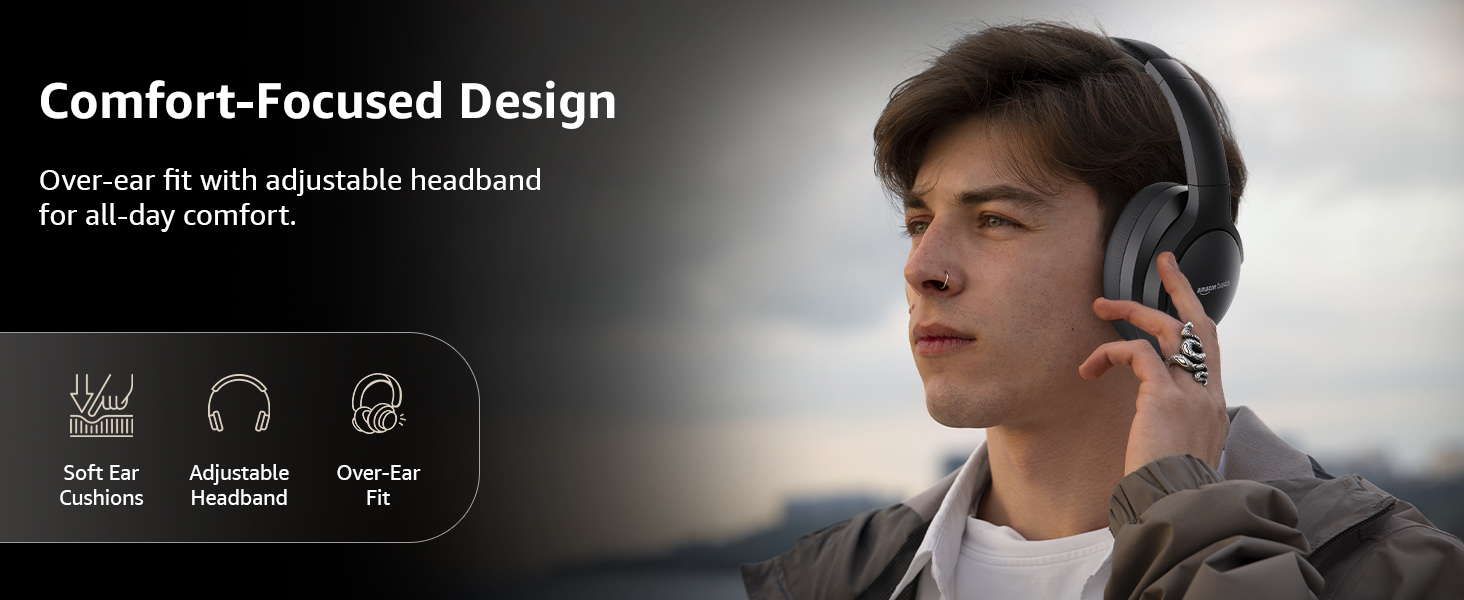
Image: A graphic detailing the comfort-focused design elements, including soft ear cushions and an adjustable headband.
Garanti ve Destek
Warranty information for your Amazon Basics Pro Series Wireless Noise Cancelling ANC Over Ear Headphones is typically provided with the product packaging or can be found on the Amazon Basics official website. For technical support or warranty claims, please refer to the contact information provided with your purchase or visit the Amazon Basics support page.
Lütfen garantiyle ilgili sorularınız için satın alma belgenizi saklayın.