
1. Giriş
This manual provides detailed instructions for the YOTON Portable DVD Player Model YD075. Please read this manual thoroughly before using the device to ensure proper operation and to maximize its lifespan. This portable DVD player features a 7.5-inch swivel HD screen, a built-in rechargeable battery, and supports various disc and media formats.

Image 1.1: The YOTON Portable DVD Player YD075 in white, with its screen open displaying a cartoon character.
2. Güvenlik Bilgileri
- Cihazı yağmura veya neme maruz bırakmayın.
- Doğrudan güneş ışığından ve yüksek sıcaklıklardan kaçının.
- Do not disassemble the device; refer all servicing to qualified personnel.
- Keep out of reach of small children to prevent accidental damage or ingestion of small parts.
- Use only the provided AC power adapter and car charger.
- Havalandırma açıklıklarını kapatmayın.
3. Paket İçeriği
Aşağıda listelenen tüm öğelerin paketinizde bulunduğunu doğrulayın:
- 1 x YOTON Portable DVD Player YD075 (White)
- 1 x Uzaktan Kumanda (pil dahil değildir)
- 1 x AC Güç Adaptörü
- 1 x 1.8m Car Charger
- 1 x 3'ü 1 arada AV Kablosu
- 1 x Kullanım Kılavuzu (bu belge)

Image 3.1: All included accessories for the YOTON Portable DVD Player YD075.
4. Ürün Bittiview
The YOTON Portable DVD Player YD075 features a compact design with a swivel screen for versatile viewing. Key components include the main unit with integrated speakers, a 7.5-inch LCD display, control buttons, disc tray, and various input/output ports.
4.1. Ekran Özellikleri
The 7.5-inch screen offers 270° rotation and 180° flipping capabilities, allowing for multiple viewing angles and easy sharing. The screen resolution is 800x480 pixels.

Image 4.1: Illustration of the flexible screen rotation and flip functionality.
4.2. Kontrol Paneli ve Bağlantı Noktaları
The device includes an intuitive control panel for playback, volume, and menu navigation. Side ports provide connectivity for USB drives, SD cards, headphones, AV output, and power input.
5. Kurulum Kılavuzu
5.1. Pilin Şarj Edilmesi
Before first use, fully charge the built-in lithium-ion battery. Connect the provided AC power adapter to the DC IN port on the player and plug it into a wall outlet. The charging indicator will illuminate. A full charge provides approximately 4-6 hours of playback.
For in-car use, connect the provided car charger to the DC IN port and your vehicle's cigarette lighter socket.
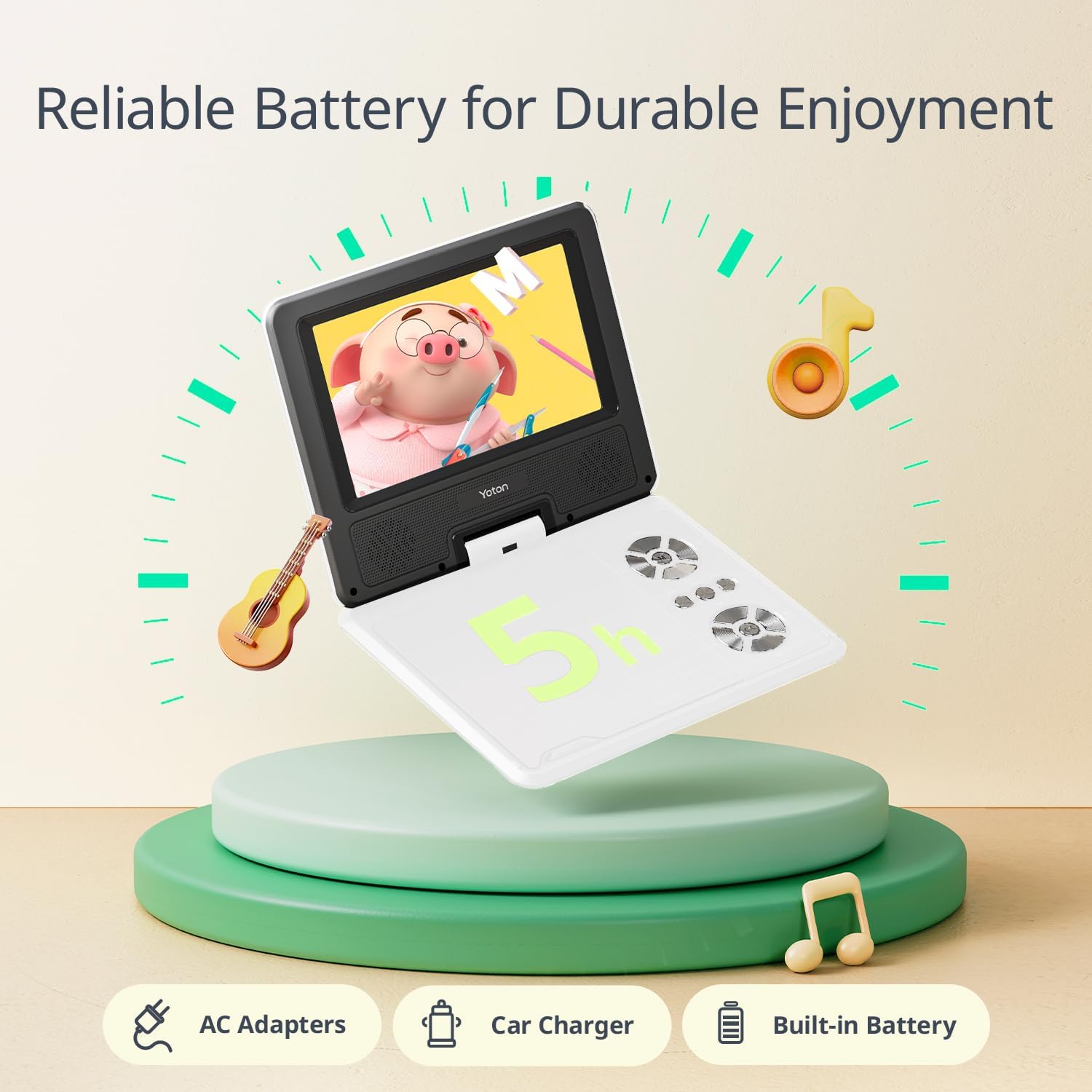
Image 5.1: The portable DVD player highlighting its battery life and charging accessories.
5.2. DVD Diskini Takma
- Gently open the disc cover by pressing the EJECT button or sliding the latch.
- Place the DVD disc onto the spindle with the label side facing up. Ensure the disc is securely seated.
- Close the disc cover firmly until it clicks into place.
- The player will automatically begin reading the disc.
5.3. Connecting to a TV or Projector
İle view content on a larger screen, use the included 3-in-1 AV cable. Connect one end to the AV OUT port on the DVD player and the other end to the corresponding AV IN ports (Yellow for Video, White for Left Audio, Red for Right Audio) on your television or projector. Select the correct input source on your TV/projector.
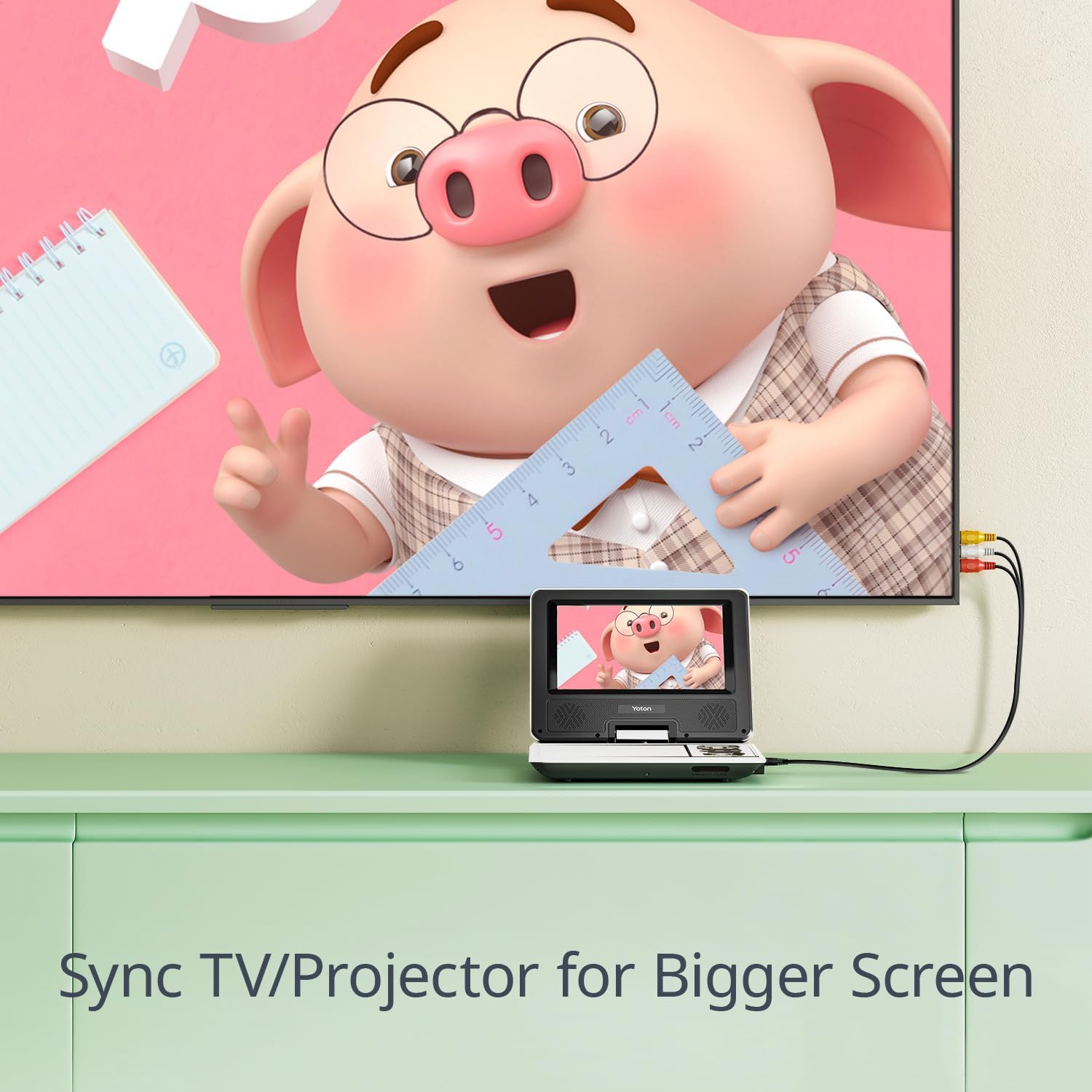
Image 5.2: Connecting the portable DVD player to a TV for synchronized screen display.
5.4. Using USB Drive or SD Card
Insert a USB drive into the USB port or an SD card into the SD card slot. The player supports various media files (JPEG, WMA, MPG, MP3, DIVX, VOB, AVI) with resolutions up to 720*480 for video and 2650*1440 for images. Select the USB or SD source from the player's menu to access your files.
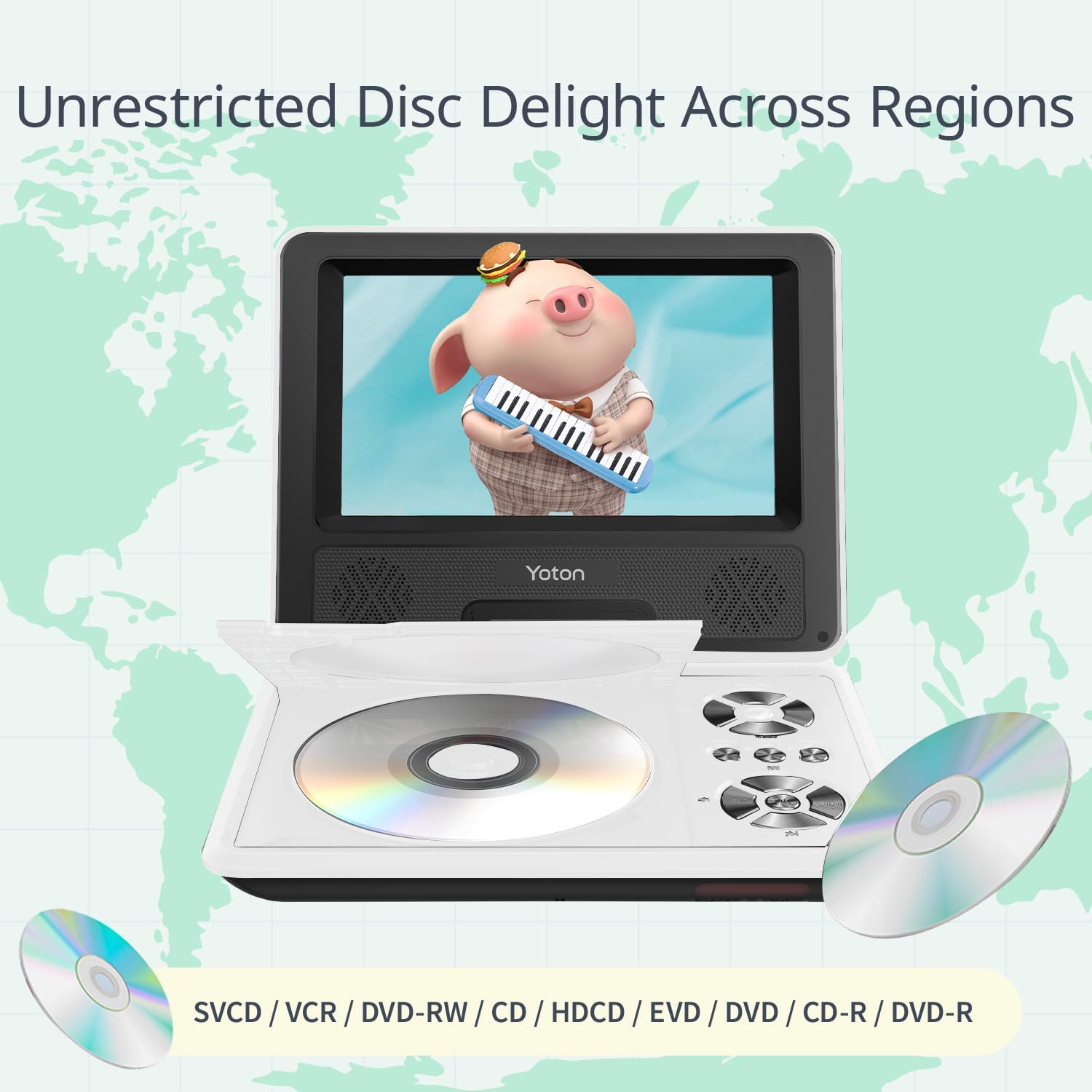
Image 5.3: The player's wide compatibility with different media types.
6. Kullanım Talimatları
6.1. Güç Açma/Kapatma
Slide the POWER switch to the ON position to turn on the player. To turn off, slide the switch to the OFF position.
6.2. Temel Oynatma Kontrolleri
Use the control buttons on the player or the remote control for the following functions:
- OYNAT/DURDUR: Oynatmayı başlatmak veya duraklatmak için basın.
- DURMAK: Oynatmayı durdurmak için basın.
- ÖNCEKİ/SONRAKİ: Press to skip to the previous or next chapter/track.
- FF/REW: Hızlı ileri veya geri sarmak için basılı tutun.
- SES+/SES-: Ses seviyesini ayarlayın.
6.3. Break-Point Memory Function
The player features a break-point memory function. If the device is turned off during playback, it will automatically resume from the last viewing position when powered on again.

Image 6.1: The player's intelligent memory function for seamless resume.
6.4. How to Play a DVD (Video Demonstration)
Watch this video for a visual guide on how to insert a DVD and operate basic playback functions on your YOTON Portable DVD Player YD075.
Video 6.1: A demonstration of inserting a DVD and using playback controls on the YOTON Portable DVD Player YD075.
7. Bakım
7.1. Cihazın Temizlenmesi
Wipe the exterior of the player with a soft, dry cloth. Do not use liquid cleaners or abrasive materials. For the screen, use a soft, lint-free cloth specifically designed for electronics displays.
7.2. Disk Bakımı
- Parmak izi kalmaması için diskleri kenarlarından tutun.
- Diskleri kullanılmadıkları zaman kılıflarında saklayın.
- Kirli diskleri yumuşak, tüy bırakmayan bir bezle, merkezden dışa doğru silerek temizleyin.
- Do not use scratched or damaged discs, as they may harm the player's lens.
7.3. Pil Bakımı
To prolong battery life, avoid fully discharging the battery frequently. If storing the player for an extended period, charge the battery to about 50% and recharge every few months.
8. Sorun Giderme
| Sorun | Olası Neden | Çözüm |
|---|---|---|
| Güç yok | Battery discharged; Power adapter not connected properly. | Pili şarj edin; güç adaptörünün güvenli bir şekilde bağlı olduğundan emin olun. |
| Disk oynatılmıyor / "Disk yok" hatası | Disk yanlış takılmış; Disk kirli veya hasarlı; Desteklenmeyen disk formatı. | Reinsert disc correctly; Clean or replace disc; Ensure disc is a supported format (DVD, SVCD, VCD, CD, CD-R/RW, DVD±R/±RW). Note: Does not support 1080P, 4K, or Blu-ray discs. |
| Ses yok | Volume too low; Mute function activated; Headphone connected. | Increase volume; Deactivate mute; Disconnect headphones if using speakers. |
| Televizyonda resim yok | AV cable not connected properly; Incorrect TV input selected. | Check AV cable connections; Select the correct AV input on your TV. |
| USB/SD kart tanınmıyor | Card/drive inserted incorrectly; Unsupported file Biçim; Bozuk medya. | USB/SD kartı yeniden takın; Emin olun. files are supported (JPEG, WMA, MPG, MP3, DIVX, VOB, AVI); Try another USB/SD card. |
9. Özellikler
| Özellik | Detay |
|---|---|
| Model Numarası | YD075 |
| Ekran Boyutu | 7.5 inç (çapraz) |
| Görüntü Türü | LCD |
| Ekran Çözünürlüğü | 800x480 |
| Disk Uyumluluğu | DVD, SVCD, VCD, CD, CD-R/RW, DVD±R/±RW (Does not support Blu-Ray, 1080P, 4K) |
| Media Compatibility (USB/SD) | AVI, VOB, MP3, WMA, OGG, ACC, JPG (Video: 720*480 max, Image: 2650*1440 max) |
| Pil Ömrü | Approx. 4-6 hours (on full charge) |
| Ürün Boyutları | 8.15 x 6.3 x 1.65 inç |
| Ürün Ağırlığı | 1.5 pound |
| Üretici | YOTON |
10. Garanti ve Destek
10.1. Garanti Bilgileri
All YOTON products are covered by a 1-year warranty from the date of purchase. This warranty covers manufacturing defects and malfunctions under normal use.
10.2. Müşteri Desteği
For any questions, concerns, or technical assistance, please contact YOTON customer support. Our professional team is available to provide support within 24 hours.
- E-posta: support.vp@yoton.co
- Webalan: www.yoton.co
- Satış Sonrası Hizmet: YOTON customers enjoy after-sales service, including free new parts for any broken or missing components. Please contact our after-sales team directly.