
1. Giriş
This manual provides detailed instructions for the installation, setup, operation, and maintenance of your ASD 2 Pack 2x4 Smart RGBW LED Flat Panel Lights. Please read this manual thoroughly before installation and retain it for future reference.
The ASD Smart RGBW LED Flat Panel Light offers versatile lighting solutions with selectable color temperatures (3500K, 4000K, 5000K), full RGB color control, and smart app integration for convenient management via Wi-Fi, Alexa, and Google Assistant.
2. Güvenlik Bilgileri
- Elektriksel Güvenlik: Installation must be performed by a qualified electrician in accordance with national and local electrical codes. Ensure power is disconnected at the circuit breaker before installation or maintenance.
- Cilttage: This fixture operates on 120-277V. Verify your supply voltage, fikstürün gereksinimlerini karşılıyor.
- Sadece İç Mekanda Kullanım: This product is designed for indoor use in dry and damp locations. Do not expose to water or excessive moisture.
- İşleme: Handle the LED panel with care to avoid damage to the light source or housing.
- Sıcaklık: Do not cover the fixture with insulating material. Ensure adequate ventilation around the fixture.
3. Paket İçeriği
Paketiniz aşağıdaki öğeleri içermelidir:
- 2 x ASD 2x4 Smart RGBW LED Flat Panel Lights
- 1 x Kullanım Kılavuzu
- Necessary mounting hardware for recessed installation
Note: Additional accessories for surface mount or suspended installation (e.g., ASD Surface Mounting Frame, suspension kits) are sold separately.
4. Özellikler
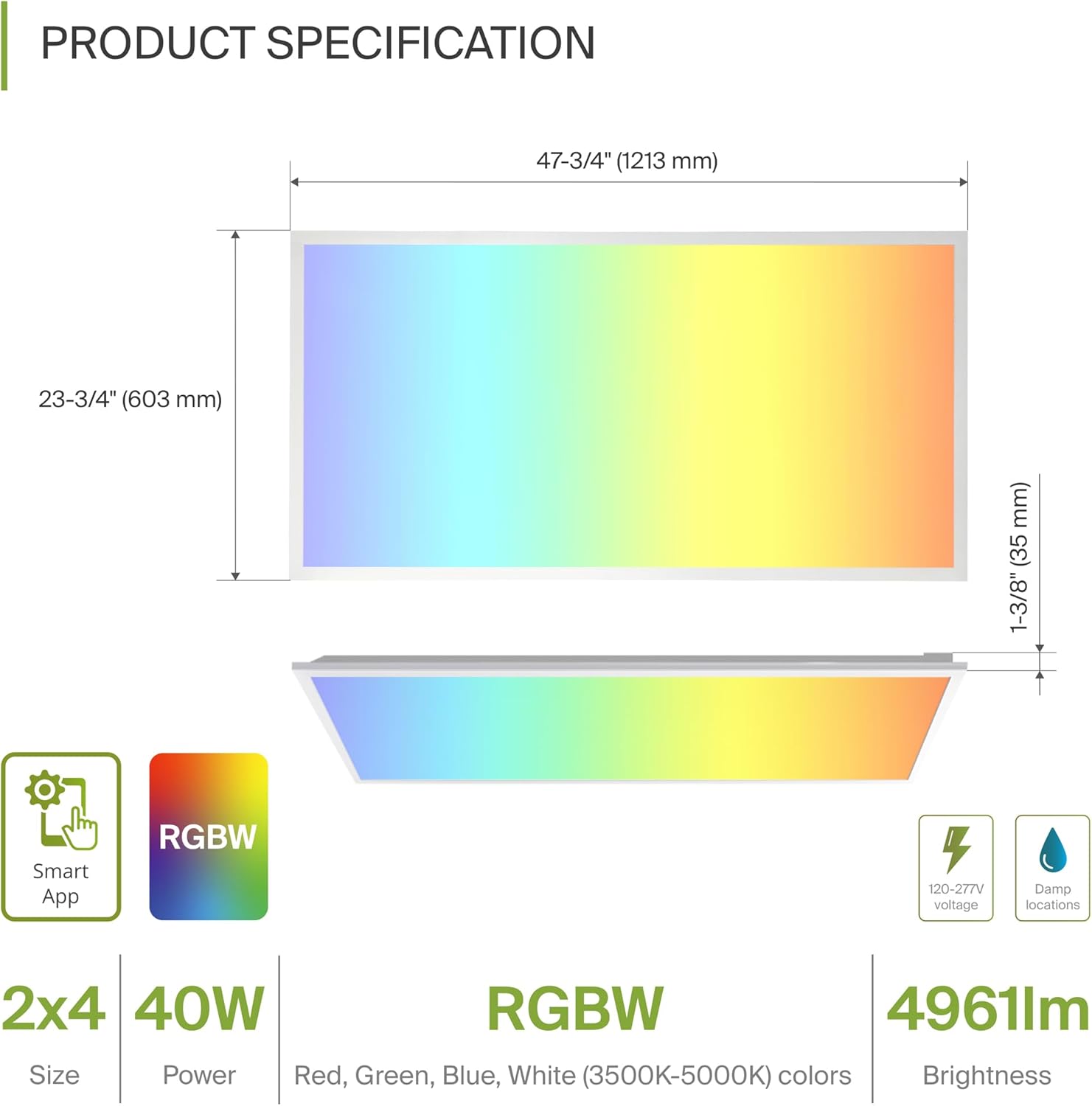
| Özellik | Şartname |
|---|---|
| Model Numarası | A-BLP-24D40SM-RGB |
| Boyutlar (U x G x Y) | 47.74" x 23.74" x 1.37" (1213 mm x 603 mm x 35 mm) |
| Netage | 40 Watt |
| Parlaklık | 4961 Lümen |
| Renk Sıcaklığı | 3500K, 4000K, 5000K Selectable (White Light) |
| Renk Seçenekleri | RGBW (16.7 million colors) |
| Cilttage | 120-277 Volt |
| Kontrol Yöntemi | ASD Smart App (Wi-Fi), Alexa, Google Assistant |
| Malzeme | Aluminum, Iron, Polycarbonate |
| Ömür | 54,000 Saat |
| Sertifikalar | UL, DLC Premium |
5. Kurulum
The ASD Smart RGBW LED Flat Panel Light supports three primary mounting options: recessed, surface, and suspended. Ensure all electrical connections are made safely and securely.
5.1 Mounting Options Overview
- Gömme Montaj: For installation into standard T-bar grid ceilings.
- Yüzey Montajı: Requires an ASD Surface Mounting Frame (ASIN: B07GGMMJCV), sold separately.
- Askılı Montaj: Requires a suspension kit (e.g., ASD-CHS4), sold separately.
5.2 Gömme Montaj Adımları
Follow these steps for recessed installation in a T-bar grid ceiling:
- Açılışı Hazırlayın: Ensure the ceiling grid opening is appropriate for a 2x4 panel.
- Lift Mounting Clips: Lift all mounting clips along the edges of the panel. Turn the mounting clip head outwards.
- Kablolamayı Bağlayın: Connect the electrical wires (Neutral, Live, Ground) from your building's power supply into the junction box on the back of the panel. Ensure wire colors match (N, L, G) and use appropriate wire nuts for secure connections.
- Pozisyon Paneli: Carefully place the panel into the ceiling grid opening.
- Güvenli Klipsler: Adjust the panel into place, ensuring the mounting clips are securely fastened to the ceiling's T-bar grid.
6. Setup: Smart App Control
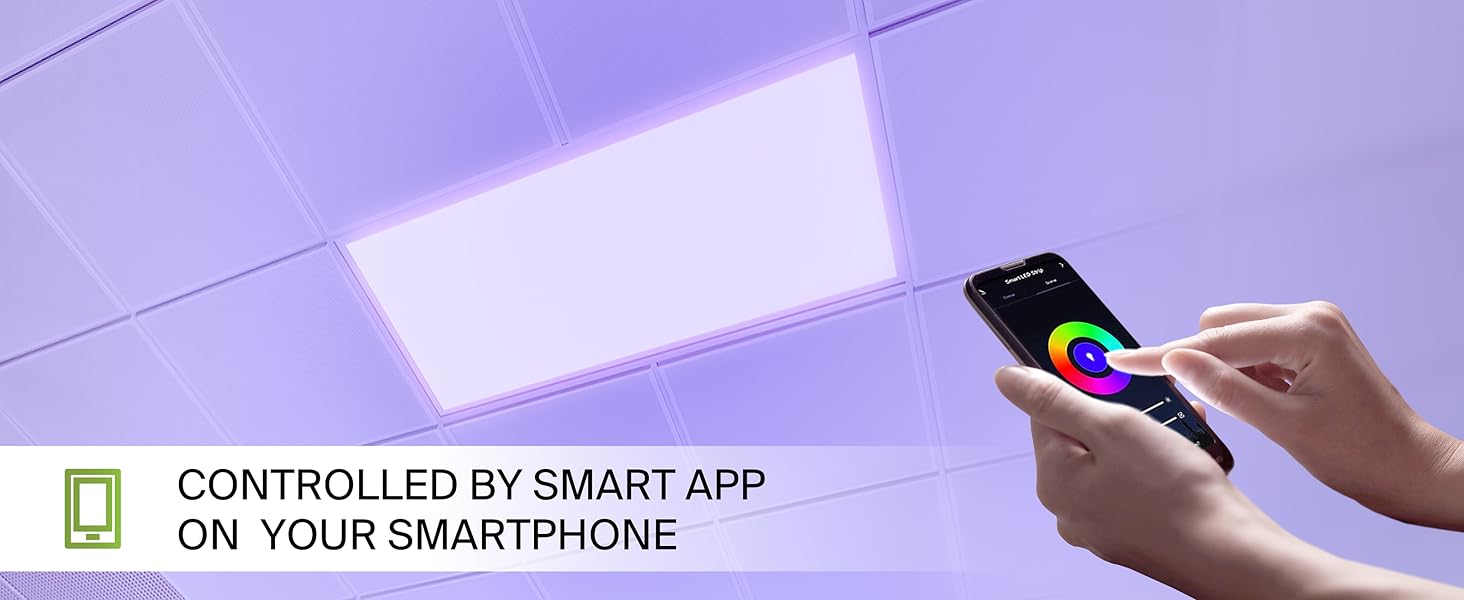
The ASD Smart RGBW LED Flat Panel Light is controlled via the ASD Smart App, compatible with Wi-Fi, Alexa, and Google Assistant.
6.1 Download the ASD Smart App
Scan the QR codes below or visit your app store to download the ASD Smart App:
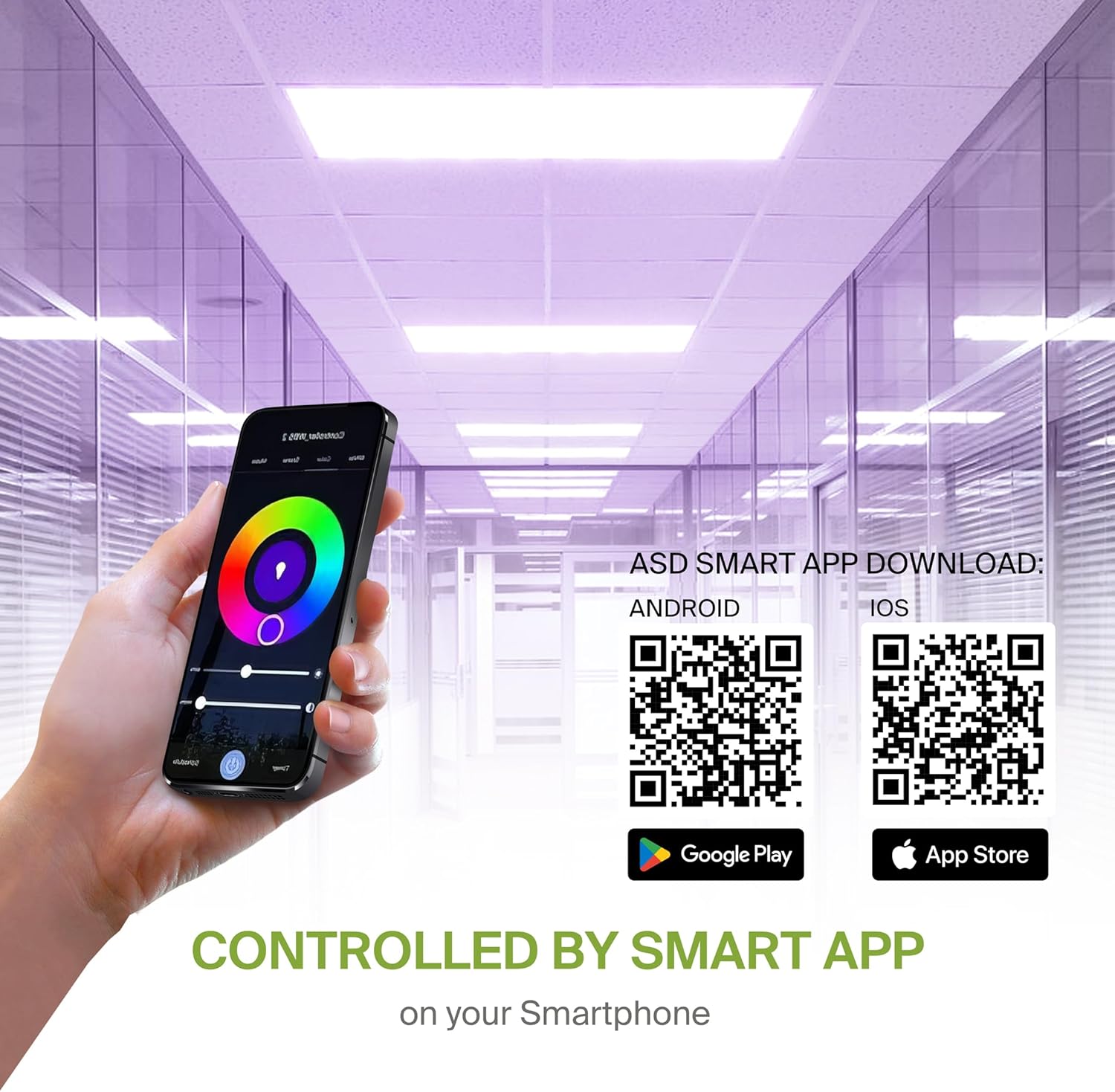
- Android: Google Play Mağazası
- iOS: Apple Uygulama Mağazası
6.2 Wi-Fi Connection and Pairing
After downloading the app, follow the in-app instructions to create an account and connect your LED panel to your Wi-Fi network. A stable 2.4GHz Wi-Fi connection is required for smart functionality.
6.3 Sesli Asistan Entegrasyonu
The fixture is compatible with Alexa and Google Assistant. Refer to the ASD Smart App's integration guide to link your lighting system with your preferred voice assistant for voice control.
7. Kullanım Talimatları
Utilize the ASD Smart App to access the full range of features for your LED panel.
7.1 Color Changing and CCT Tuning
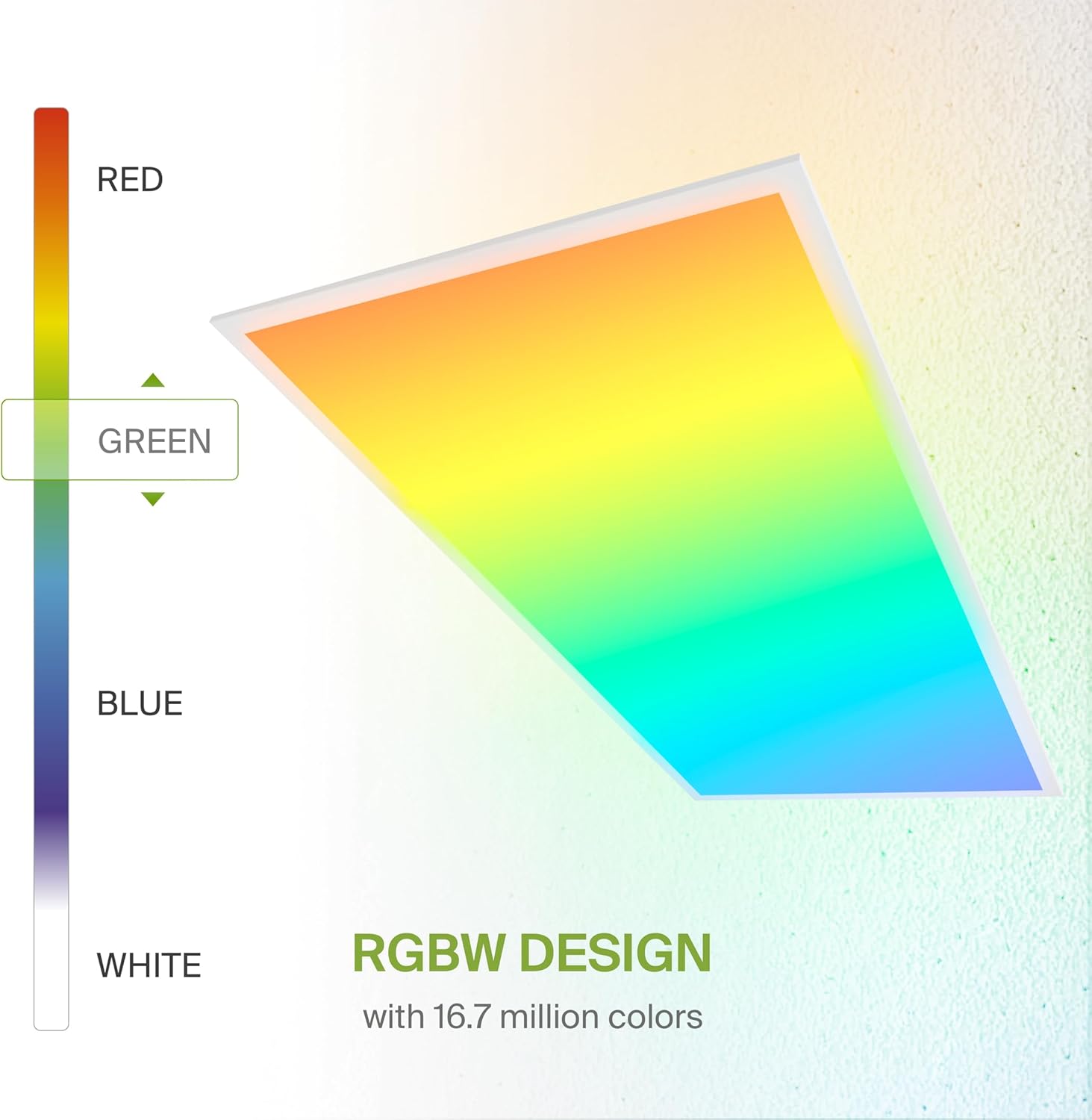
- RGB Renkler: Select from 16.7 million colors to create custom ambiances.
- White Light (CCT): Adjust the white light color temperature between 3500K (Warm White), 4000K (Cool White), and 5000K (Daylight).
7.2 Karartma
Smoothly dim the light output from 0-100% using the app or voice commands to achieve desired brightness levels.
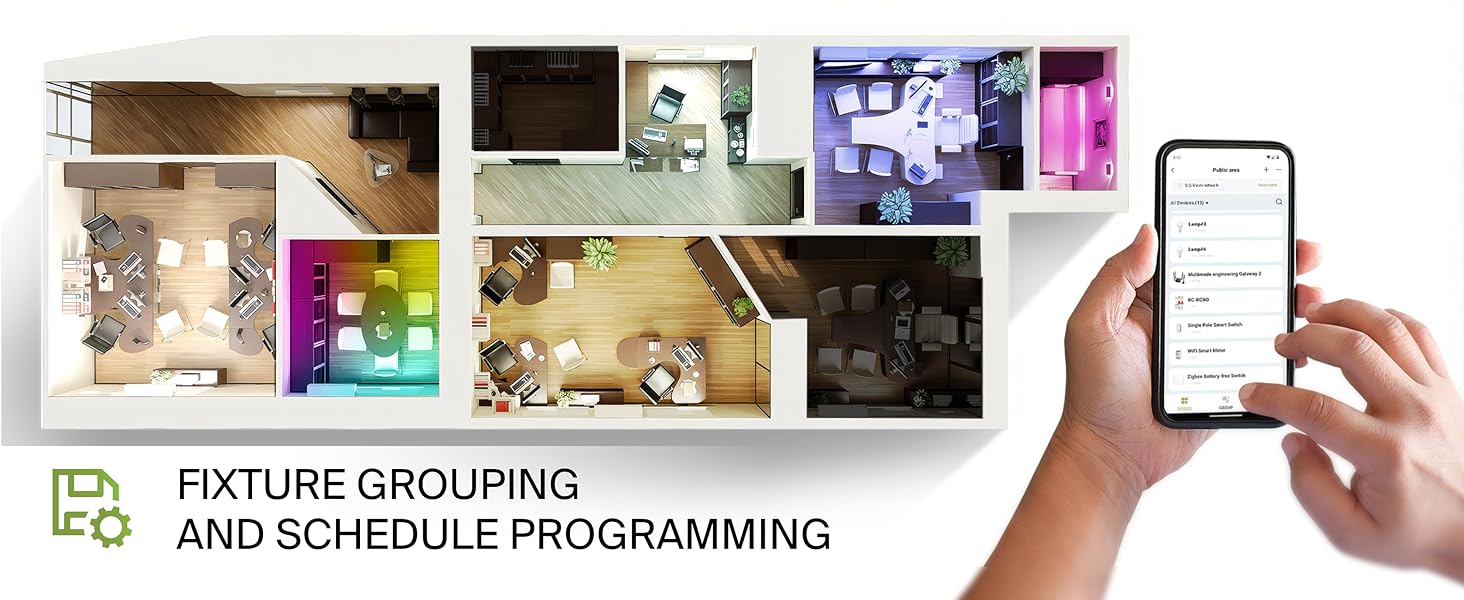
7.3 Fixture Grouping and Scheduling
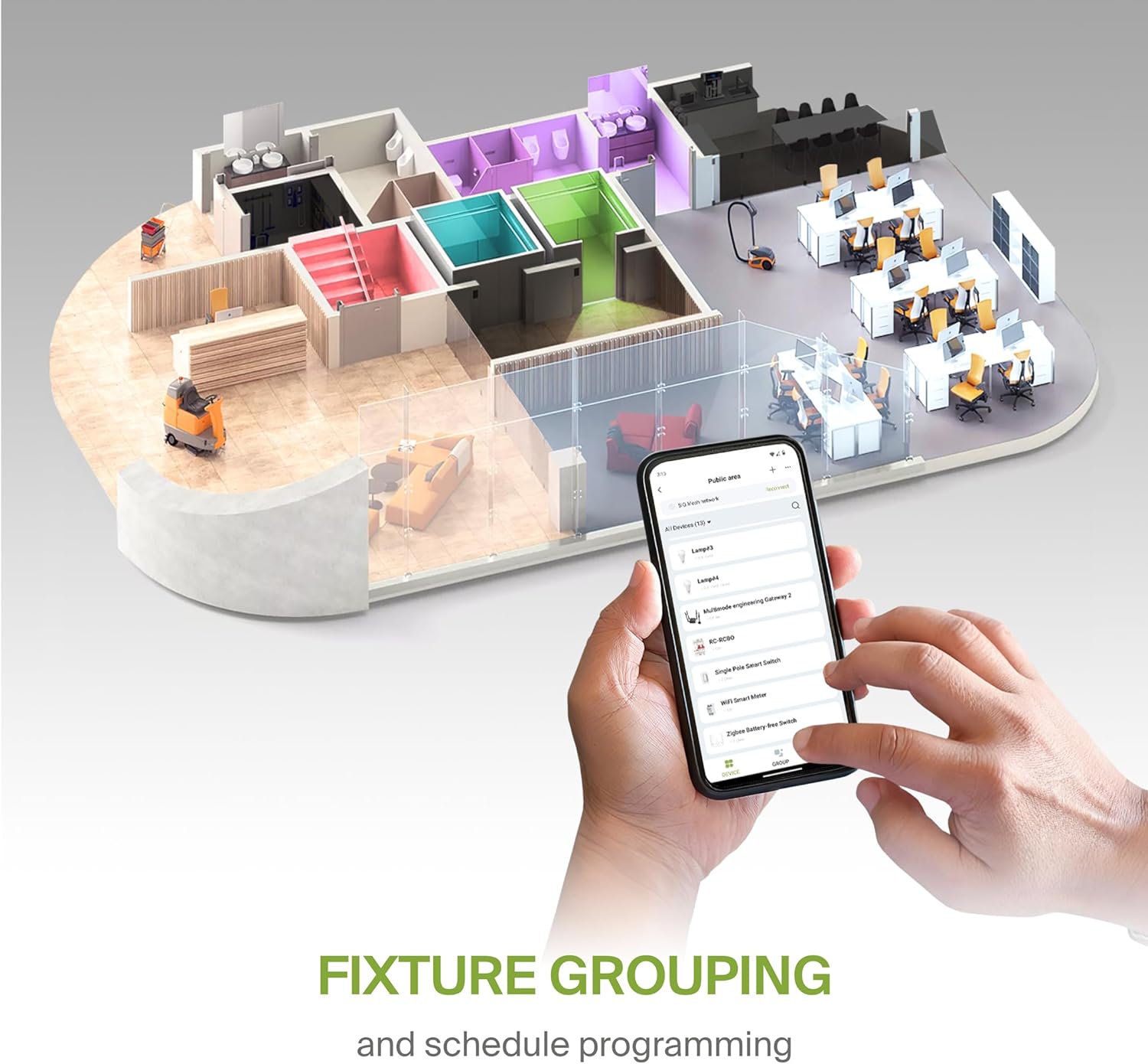
- Gruplama: Combine multiple ASD Smart LED panels to control them simultaneously.
- Planlama: Set automated on/off times, color changes, and dimming levels based on your daily routine or specific events.
8. Bakım
To ensure optimal performance and longevity of your LED panel, follow these simple maintenance guidelines:
- Temizlik: Temizlemeden önce elektriği kesin. Yumuşak, kuru veya hafif nemli bir bez kullanın.amp cloth to wipe the surface of the panel. Avoid abrasive cleaners or solvents that could damage the finish or lens.
- Denetleme: Periodically inspect the wiring and mounting for any signs of wear or damage. Address any issues promptly.
9. Sorun Giderme
If you encounter issues with your ASD Smart RGBW LED Flat Panel Light, refer to the following common troubleshooting steps:
- Işık Açılmıyor:
- Elektrik akımının cihaza ulaştığından emin olmak için devre kesiciyi kontrol edin.
- Tüm kablo bağlantılarının sağlam ve doğru olduğundan emin olun.
- Ensure the light switch (if applicable) is in the ON position.
- Uygulama Bağlantı Sorunları:
- Ensure your Wi-Fi network is active and stable (2.4GHz band).
- Restart your Wi-Fi router and the LED panel (by cycling power).
- Confirm your smartphone is connected to the same Wi-Fi network as the light.
- Try re-pairing the device through the ASD Smart App.
- Inconsistent Color/Brightness:
- Uygulamanın en son sürüme güncellendiğinden emin olun.
- Check for any interference with the Wi-Fi signal.
- If controlling multiple lights, verify they are correctly grouped in the app.
For further assistance, please contact ASD customer support.
10. Garanti ve Destek
ASD sağlar 5 yıllık sınırlı garanti Bu ürün için, normal kullanım koşullarında malzeme ve işçilik kusurlarını kapsayan bir garanti geçerlidir. Garanti talepleriniz için lütfen satın alma belgenizi saklayın.
For technical support, warranty inquiries, or additional information, please visit the official ASD websitesine bakın veya müşteri hizmetleri departmanıyla iletişime geçin.