
1. Giriş
Thank you for choosing the IOOIOO A80 Portable Printer. This compact, inkless thermal printer is designed for convenience and efficiency, allowing you to print documents, photos, and more from various devices, including smartphones, tablets, and computers. Its portable design makes it ideal for home, office, or travel use.


2. Kutuda Neler Var?
Lütfen paket içeriğini kontrol ederek tüm öğelerin mevcut olduğundan emin olun:
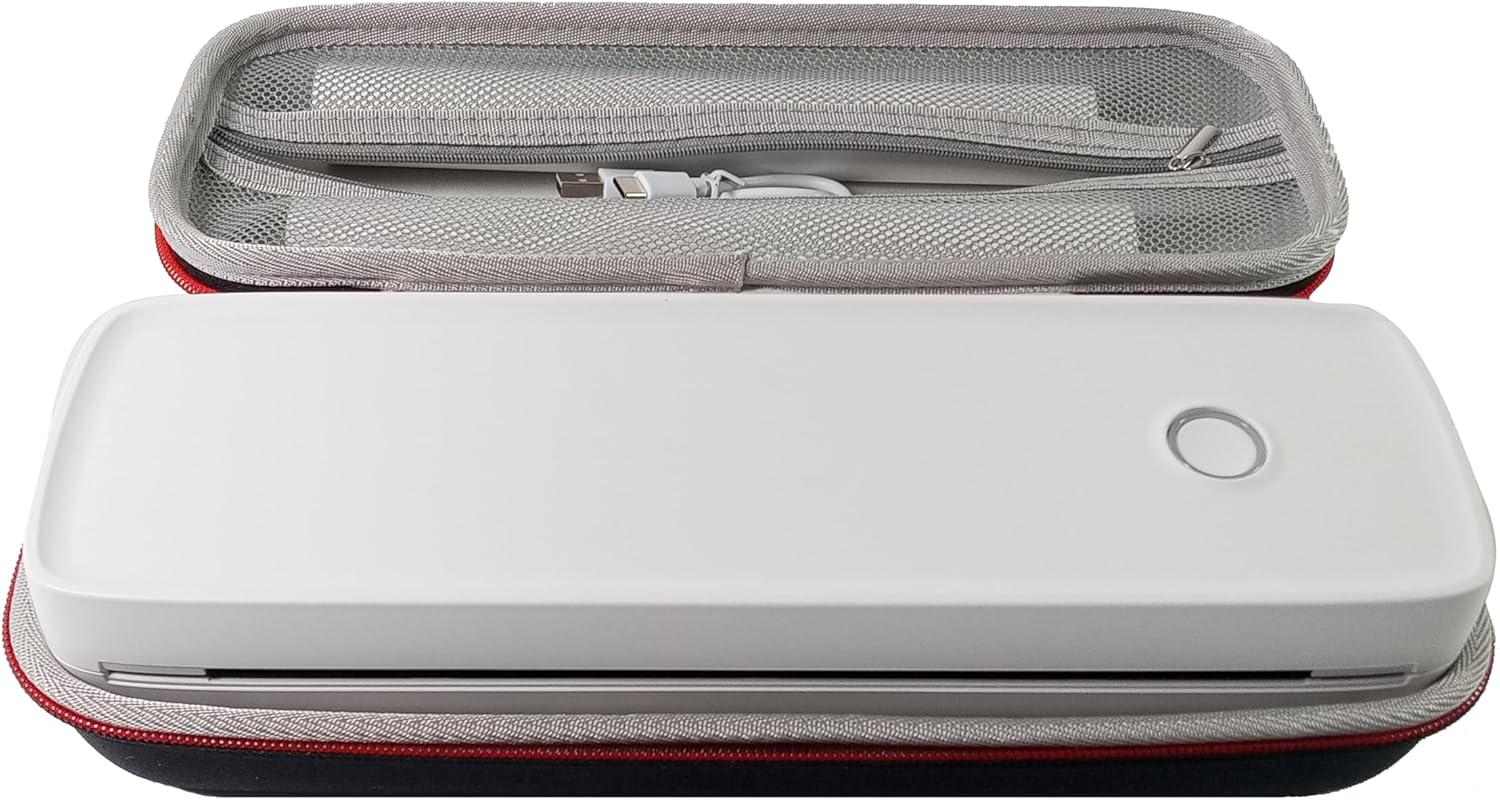
- IOOIOO A80 Taşınabilir Yazıcı
- Taşıma Çantası
- 3 Rolls of A4 or Letter Thermal Paper
- 3 Pages of Continuous Folded Thermal Paper
- USB kablosu
- QR Code for Manual Download (Digital Manual)

3. Kurulum
3.1 İlk Şarj
Before first use, fully charge the printer using the provided USB cable. The LED indicator will show charging status.
3.2 Software/Driver Installation
To use the printer with your devices, appropriate software or drivers are required:
- For Mobile Phones (iPhone/Android): Download the "SharpFox" application from your device's app store.
- For Desktop PCs (Windows/Mac/Linux/Raspberry Pi): Download the necessary drivers from the official IOOIOO website. A QR code is provided in the box for quick access to the manual and driver download links.
3.3 Termal Kağıdın Yüklenmesi
The IOOIOO A80 uses inkless thermal paper. To load paper:
- Kağıt bölmesi kapağını açın.
- Insert the thermal paper roll or folded stack, ensuring the printable side is facing the print head.
- Kapağı güvenli bir şekilde kapatın.

4. Kullanım Talimatları
4.1 Açma/Kapatma
- Açmak İçin: LED göstergesi yanana kadar güç düğmesini basılı tutun.
- Kapatmak İçin: LED göstergesi kapanana kadar güç düğmesini basılı tutun.
4.2 Bağlantı
The IOOIOO A80 offers both Bluetooth wireless and USB wired connectivity options.
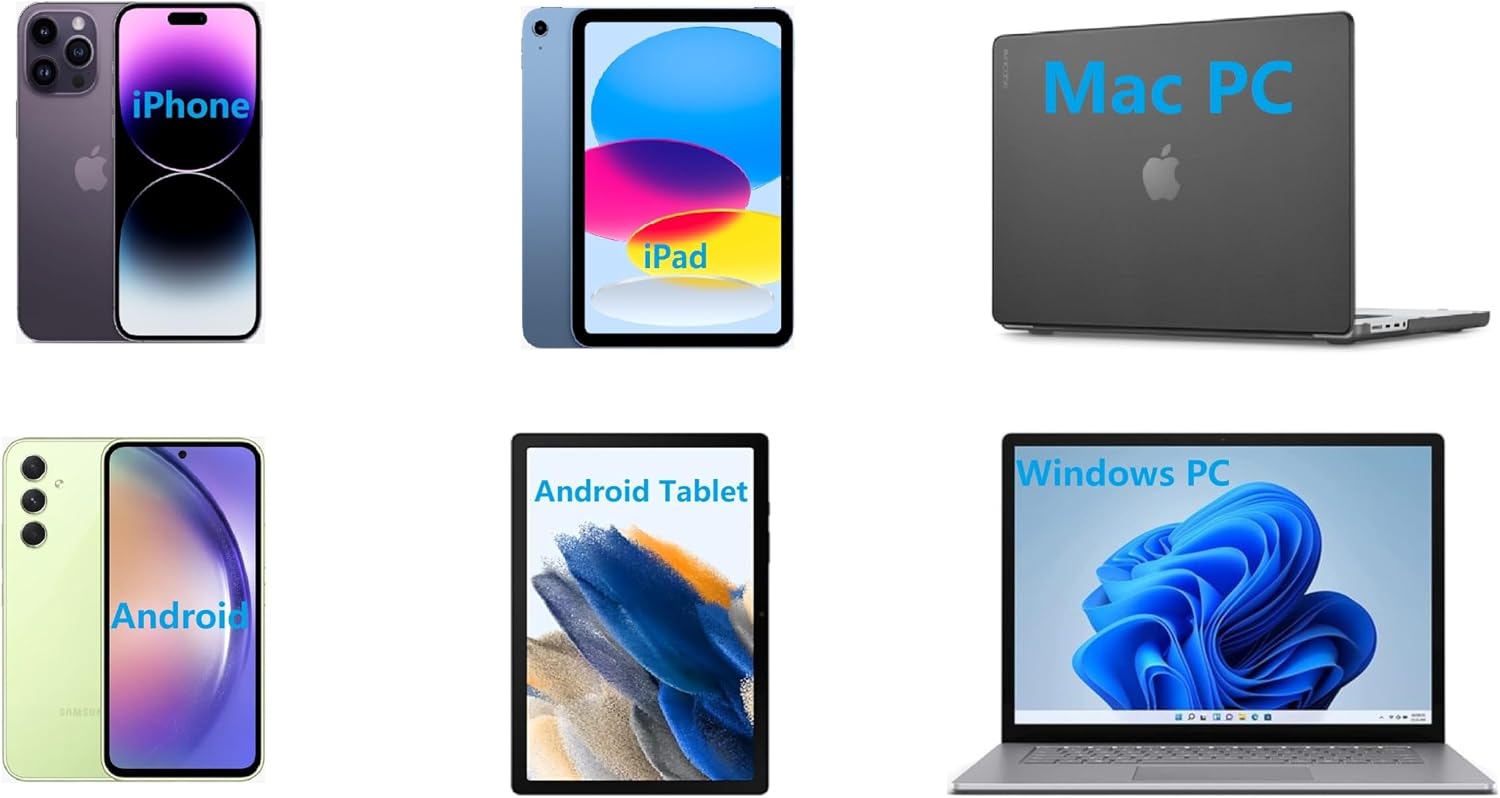
4.2.1 Bluetooth Connection (for Phones and Windows PC)
- Ensure the printer is powered on and the LED is green.
- On your phone, open the "SharpFox" app. On your Windows PC, ensure Bluetooth is enabled.
- Within the app or PC Bluetooth settings, search for and select the "IOOIOO A80" printer to pair.
- Eşleştirme işlemini tamamlamak için ekrandaki talimatları izleyin.
4.2.2 USB Connection (for Windows PC, Mac PC, Linux, Raspberry Pi)
- Ensure the printer is powered on and the LED is green. If the LED is not green, the printer will not print via USB.
- Sağlanan USB kablosunu kullanarak yazıcıyı bilgisayarınıza bağlayın.
- Install the appropriate drivers as described in Section 3.2.
- Once drivers are installed, the printer should be recognized by your computer.
4.3 Baskı
After connecting your printer, you can initiate printing from your chosen application (e.g., SharpFox app, word processor, PDF view(e)
- Select the print option within your application.
- Choose "IOOIOO A80" from the list of available printers.
- Adjust print settings (e.g., paper size: US letter/legal/A4/A5, 2", 3", 4" sticky/non-sticky, flat folded/rolled thermal paper, tattoo stencil transfer paper) as needed.
- Click "Print" to begin printing.
Note on Tattoo Stencil Printing: This printer is suitable for normal tattoo lines only. It is not recommended for sharp lines, large blocks, gradients, or color patterns.
5. Bakım
Proper maintenance ensures the longevity and optimal performance of your IOOIOO A80 printer.
5.1 Baskı Kafasının Temizlenmesi
Regularly clean the print head to maintain print quality.
- Turn off the printer and disconnect it from power.
- Kağıt bölmesini açın.
- Gently wipe the print head with a lint-free cloth lightly dampİzopropil alkol ile yıkandı.
- Yazıcı kafasının tamamen kurumasını bekleyin, ardından kapağı kapatın ve yazıcıyı çalıştırın.
5.2 Kağıt Depolama
Store thermal paper in a cool, dry place away from direct sunlight and heat to preserve its quality and ensure prints last for the expected duration (2 to 15 years depending on paper type).
6. Sorun Giderme
If you encounter issues with your IOOIOO A80 printer, please refer to the official Troubleshooting Guide for detailed solutions.
Sorun Giderme Kılavuzunu İndir (PDF)
Sık karşılaşılan sorunlar ve hızlı kontroller:
- Yazıcı açılmıyor: Pilin şarjlı olduğundan emin olun.
- Yazdırma çıktısı yok: Check paper loading, ensure the LED is green (for USB connection), and verify connectivity (Bluetooth/USB).
- Baskı kalitesi düşük: Clean the print head, ensure you are using compatible thermal paper.
- Bağlantı sorunları: Restart both the printer and the device you are trying to connect from. Re-pair Bluetooth or re-plug the USB cable.
7. Özellikler
| Özellik | Detay |
|---|---|
| Marka | IOOIOO |
| Model Adı | A80 |
| Ürün Boyutları | 3.6"D x 11.4"G x 2.4"Y |
| Ürün Ağırlığı | 1.8 pound |
| Baskı Teknolojisi | Termal |
| Maksimum Siyah Beyaz Baskı Çözünürlüğü | 200 dpi |
| Maksimum Baskı Hızı (Siyah Beyaz) | 4 ppm (approx. 10mm/s) |
| Maksimum Medya Boyutu | A4 (supports US Letter/Legal/A4/A5) |
| Bağlantı Teknolojisi | Bluetooth for Phone, USB for PC |
| Mürekkep Rengi | Black (Monochrome) |
| Baskı Kafası Ömrü | Approx. 170,000 letter pages |
| Pil | 1 Lityum İyon pil (dahil) |
8. Garanti ve Destek
For any questions, technical assistance, or warranty inquiries, please contact IOOIOO customer service.
- ABD Telefon Desteği: Available for direct assistance.
- WhatsApp Desteği: Available for convenient messaging support.
Please refer to your product packaging or the official IOOIOO webEn güncel iletişim bilgileri için sitemizi ziyaret edin.