
1. Ürün Bittiview
The DOOGEE T30E is an 11-inch Android 14 tablet designed for a seamless user experience, combining powerful performance with versatile features. It is equipped with an octa-core processor, ample memory, and a large battery, making it suitable for gaming, entertainment, and productivity.
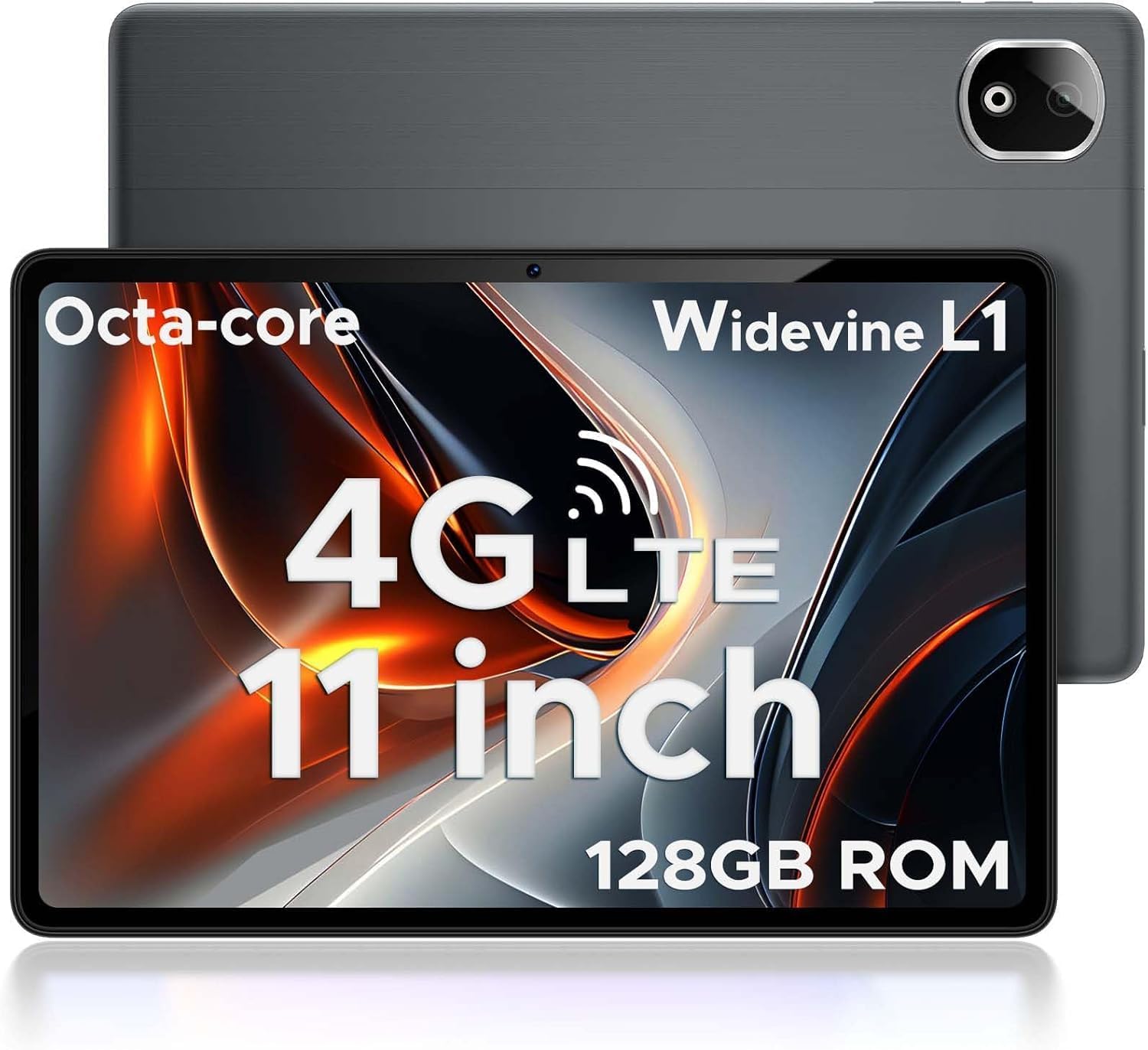
Figure 1.1: DOOGEE T30E Tablet, showcasinŞık tasarımı ve kamera modülüyle dikkat çekiyor.
2. Kutuda Neler Var?
Upon opening the DOOGEE T30E package, you will find the following items:
- DOOGEE T30E Tablet (128GB Storage)
- USB-C Şarj Kablosu
- Güç Adaptörü
- Kullanıcı Kılavuzu
- SIM İtici Aracı
Video 2.1: Unboxing the DOOGEE T30E Tablet and its contents.
3. İlk Kurulum
3.1 Tableti Şarj Etme
Before first use, fully charge your DOOGEE T30E tablet. Connect the provided USB-C cable to the tablet's charging port and the power adapter, then plug the adapter into a wall outlet. The battery indicator on the screen will show charging progress.
3.2 Açma/Kapatma
- To power on: Press and hold the Power button located on the side of the tablet until the DOOGEE logo appears.
- Kapatmak için: Güç düğmesini basılı tutun, ardından ekranda beliren seçeneklerden "Kapat"ı seçin.
3.3 SIM Kart ve MicroSD Kart Kurulumu
The DOOGEE T30E supports dual SIM cards and MicroSD card expansion up to 1TB. Use the provided SIM ejector tool to open the SIM tray.
- Tabletin yan tarafındaki SIM tepsisini bulun.
- SIM çıkarma aracını tepsinin yanındaki küçük deliğe yerleştirin ve tepsi dışarı çıkana kadar yavaşça itin.
- Nano-SIM kartlarınızı ve/veya MicroSD kartlarınızı tepsideki belirlenmiş yuvalara yerleştirin. Doğru yönde olduklarından emin olun.
- Tepsiyi yerine oturana kadar dikkatlice tabletin içine doğru itin.

Figure 3.1: Location of the SIM card tray and dual speakers on the DOOGEE T30E.
Video 3.2: Demonstration of SIM card installation and 4G network capabilities.
4. Kullanım Talimatları
4.1 Navigating the Android 14 Interface
The DOOGEE T30E runs on Android 14, offering an intuitive and secure user experience. Use touch gestures to navigate:
- Musluk: Bir öğe seçin veya bir uygulama açın.
- Tokatlamak: Ekranlar, menüler veya içerikler arasında gezinin.
- Tutam: Görüntüleri yakınlaştırın veya uzaklaştırın ve web sayfalar.
- Uzun basma: Bağlamsal menülere erişin veya simgeleri taşıyın.

Figure 4.1: The Android 14 operating system interface on the DOOGEE T30E.
4.2 Connectivity (Wi-Fi, 4G LTE, Bluetooth)
Connect to the internet and other devices:
- Wifi: Go to Settings > Network & internet > Wi-Fi to connect to available networks. Supports high-speed AC dual-band 2.4Ghz/5Ghz Wi-Fi.
- 4G LTE: With a valid SIM card, the tablet supports TD-LTE and FDD-LTE 4G for mobile data and VoLTE calls.
- Bluetooth 5.0: Enable Bluetooth in Settings > Connected devices > Connection preferences > Bluetooth to pair with headphones, speakers, or other Bluetooth-enabled devices.
4.3 Kamera Kullanımı
The tablet features a 13MP rear camera and an 8MP front camera for capturing photos and videos.
- Open the "Camera" app from the home screen or app drawer.
- Fotoğraf çekmek için deklanşöre dokunun.
- Gerektiğinde fotoğraf ve video modları arasında geçiş yapın.
- Use the front/rear camera toggle for selfies or main shots.

Figure 4.2: Details on the 13MP rear camera and 5MP front camera capabilities.
4.4 Widevine L1 Desteği
The DOOGEE T30E supports Widevine L1, enabling high-definition streaming from popular platforms like Amazon Prime Video, YouTube, Disney+, and Hulu. This ensures a premium visual experience for your entertainment.
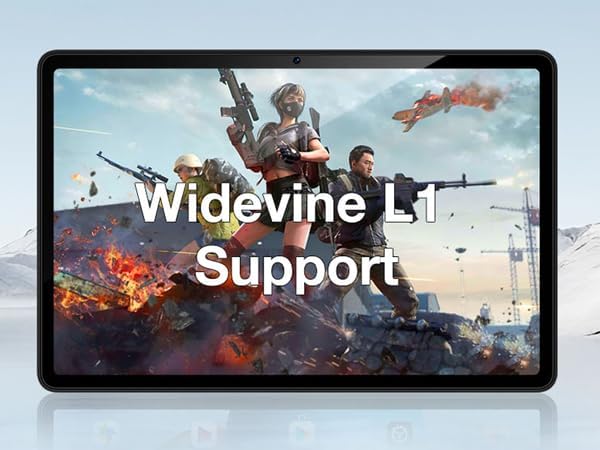
Figure 4.3: The tablet's display highlighting Widevine L1 support for high-definition streaming.
5. Temel Özellikler
5.1 Ekran ve Performans
The tablet features an 11-inch HD display with a 1280x800 pixel resolution and an 83.2% screen-to-body ratio, providing an immersive viewing experience. Powered by a Spreadtrum T606 octa-core processor, it delivers superior performance for smooth multitasking and responsive gaming.

Figure 5.1: Visual comparison highlighting the 11-inch IPS large screen of the DOOGEE T30E.
Video 5.2: Bittiview of the 11-inch screen and 8000mAh battery capacity.
5.2 Bellek ve Depolama
The T30E comes with 9GB RAM (4GB physical + 5GB virtual RAM expansion) and 128GB of internal storage. Storage can be expanded up to 1TB using a MicroSD card, providing ample space for apps, games, and media.

Figure 5.3: Illustration of the tablet's memory and storage capabilities.
Video 5.4: Demonstrating the 9GB RAM and 128GB ROM features of the DOOGEE Android tablet.
5.3 Pil Ömrü
Equipped with an 8000mAh long-lasting battery, the DOOGEE T30E provides extended usage times for movies, music, and gaming, reducing battery anxiety.

Figure 5.5: Diagram illustrating the 8000mAh battery and its estimated usage times.
5.4 Ses Kalitesi
The tablet is equipped with high-quality stereo speakers, delivering a 3D surround sound experience for enhanced audio enjoyment.
Video 5.6: Highlighting the high-quality stereo speakers of the 11-inch tablet.
6. Bakım
6.1 Tabletinizi Temizleme
Tabletin görünümünü ve işlevselliğini korumak için:
- Ekranı ve gövdeyi silmek için yumuşak, tiftiksiz bir bez kullanın.
- İnatçı lekeler için hafifçeampBezi su veya ekran temizleyici ile silin.
- Sert kimyasallar, aşındırıcı malzemeler ve aşırı nem kullanmaktan kaçının.
6.2 Yazılım Güncellemeleri
En iyi performansı, güvenliği ve yeni özelliklere erişimi sağlamak için düzenli olarak yazılım güncellemelerini kontrol edin ve yükleyin. Ayarlar > Sistem > Sistem güncellemesi bölümüne gidin.
6.3 Pil Bakımı
Pil ömrünü uzatmak için:
- Aşırı sıcaklıklardan kaçının.
- Akünün sık sık tamamen bitmesine izin vermeyin.
- Pil tamamen dolduğunda şarj aletini prizden çıkarın.
7. Sorun Giderme
| Sorun | Olası Çözüm |
|---|---|
| Tablet açılmıyor. | Pilin şarjlı olduğundan emin olun. Yeniden başlatmayı zorlamak için Güç düğmesini en az 10-15 saniye basılı tutun. |
| Wi-Fi bağlantı sorunları. | Tabletinizi ve Wi-Fi yönlendiricinizi yeniden başlatın. Wi-Fi ayarlarından ağı unutun ve yeniden bağlanın. |
| Uygulamalar çöküyor veya donuyor. | Uygulamanın önbelleğini temizleyin (Ayarlar > Uygulamalar > [Uygulama Adı] > Depolama ve önbellek > Önbelleği temizle). Sorun devam ederse, uygulamayı kaldırıp yeniden yükleyin. |
| Yavaş performans. | Close unused apps, clear cache, and ensure sufficient storage space. Consider a factory reset as a last resort (backup data first). |
| SIM kart algılanmadı. | Ensure the SIM card is correctly inserted and activated. Restart the tablet. |
8. Özellikler
- Modeli: T30E
- İşletim Sistemi: Android 14
- Görüntülemek: 11 Inches, 1280 x 800 pixels (HD)
- İşlemci: Spreadtrum T606 Octa-Core Processor (Unisoc)
- VERİ DEPOSU: 9 GB (4 GB + 5 GB RAM genişletme)
- Dahili Depolama: 128 GB
- Genişletilebilir Depolama: MicroSD kart ile 1 TB'a kadar
- Arka Kamera: 13 MP
- Ön Kamera: 8 MP
- Pil: 8000mAh Lithium Ion (Average Battery Life: 2 days)
- Bağlantı: 4G LTE (Dual SIM), 5G WiFi (802.11ac), Bluetooth 5.0
- Boyutlar (UxGxY): 10 x 7 x 0.4 inç
- Ürün Ağırlığı: 2.01 pound
- Ek Özellikler: Widevine L1 Support, GPS, Face ID
9. Garanti ve Destek
The DOOGEE T30E comes with a 2 yıllık garanti. Additionally, DOOGEE provides ömür boyu teknik destek ve tam 24/7 çevrimiçi destek. If you encounter any problems or have questions regarding your tablet, please contact DOOGEE customer service for assistance. They aim to respond within 24 hours.
Daha fazla yardım için lütfen resmi DOOGEE sitesini ziyaret edin. websiteye gidin veya ürün ambalajınızda bulunan iletişim bilgilerine başvurun.