
1. Giriş
Thank you for choosing the aosu 4MP Indoor Security Camera. This manual provides essential information for the safe and efficient use of your device. This camera offers 2.5K QHD resolution, 360° pan and 155° tilt for comprehensive coverage, dual-band Wi-Fi support (5GHz/2.4GHz), two-way audio with one-touch call functionality, and smart motion tracking. It is ideal for home security, baby monitoring, and pet surveillance.

Resim: Üzeriview of aosu 4MP Indoor Camera features.
2. Paket İçeriği
- aosu 4MP Indoor Security Camera
- USB Güç Kablosu
- Güç Adaptörü
- Mounting Accessories (Screws, Wall Mount Plate)
- Hızlı Başlangıç Kılavuzu
3. Kurulum Kılavuzu
3.1 Uygulama Kurulumu
- İndir aosu Uygulamayı akıllı telefonunuzun uygulama mağazasından indirin (Android için Google Play Store veya iOS için Apple App Store).
- Bir hesap oluşturun veya zaten bir hesabınız varsa giriş yapın.
3.2 Kamera Bağlantısı
- Connect the camera to a power source using the provided USB cable and power adapter. The camera will power on and indicate readiness for setup.
- Open the aosu app and follow the on-screen instructions to add your new device.
- Wi-Fi ağınızın güvenli olduğundan emin olun 5 GHz veya 2.4 GHz compatible for a hassle-free connection. The camera supports both frequencies.
- Scan the QR code displayed in the app with your camera lens when prompted.
- Bağlantı kurulduktan sonra kameranıza isim verebilir ve özelliklerini kullanmaya başlayabilirsiniz.

Image: The camera supports both 2.4GHz and 5GHz Wi-Fi for flexible connectivity.
Video: Bir yetkiliview of the aosu indoor security camera, demonstrating its features and ease of use.
4. Kullanım Talimatları
4.1 Canlı View and Control (360° Pan/Tilt)
Access the live feed from your camera through the aosu app. Use the on-screen controls to pan (360° horizontal rotation) and tilt (155° vertical tilt) the camera lens, allowing you to view any corner of your room. You can also zoom in for more detail.

Image: The camera offers a 360° horizontal view and 155° vertical tilt for full room coverage.
4.2 Tek Dokunuşla Arama
The camera features a physical button that, when pressed, initiates a call to your connected smartphone. This is ideal for children or elderly family members to quickly get in touch with you.
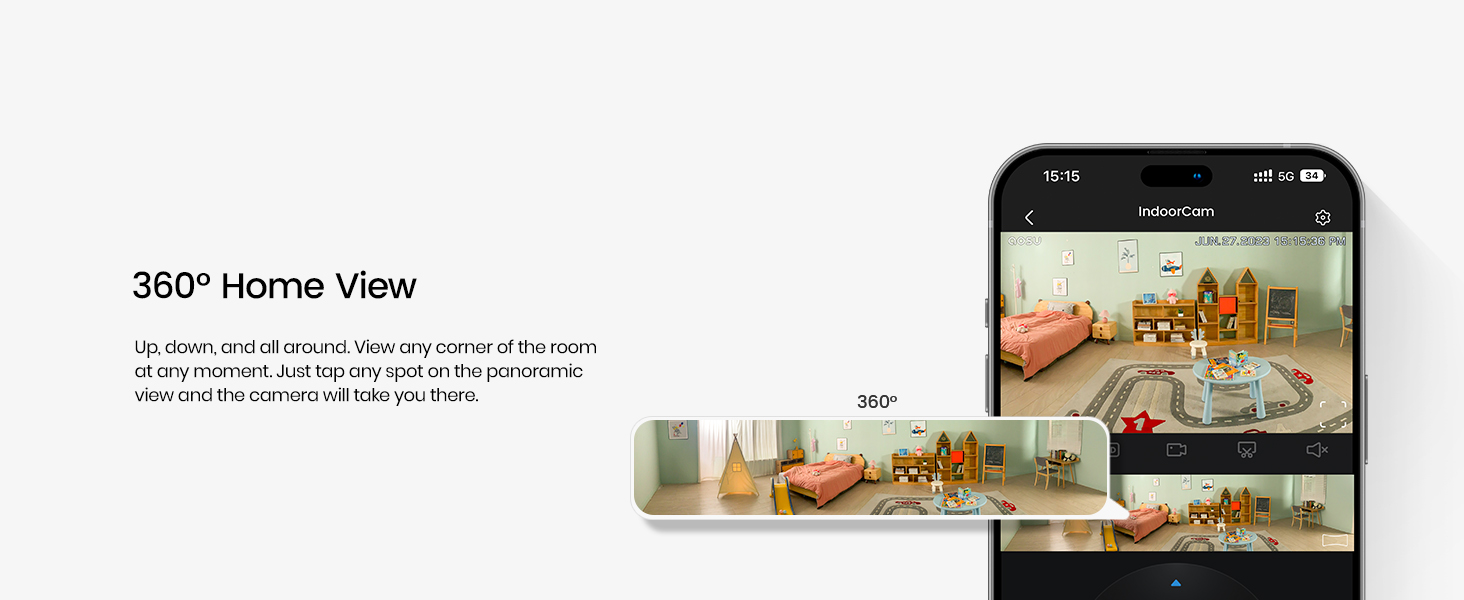
Image: The one-touch call feature allows instant communication from the camera to your phone.
4.3 İki Yönlü Ses
Utilize the built-in microphone and speaker for two-way communication. Speak through your smartphone app to the camera, and hear responses from the camera's location.

Image: Engage in real-time two-way communication through the camera and your smartphone.
4.4 Smart Motion Tracking
Enable smart tracking in the app to have the camera automatically follow detected motion, such as people or pets, ensuring no important activity is missed.
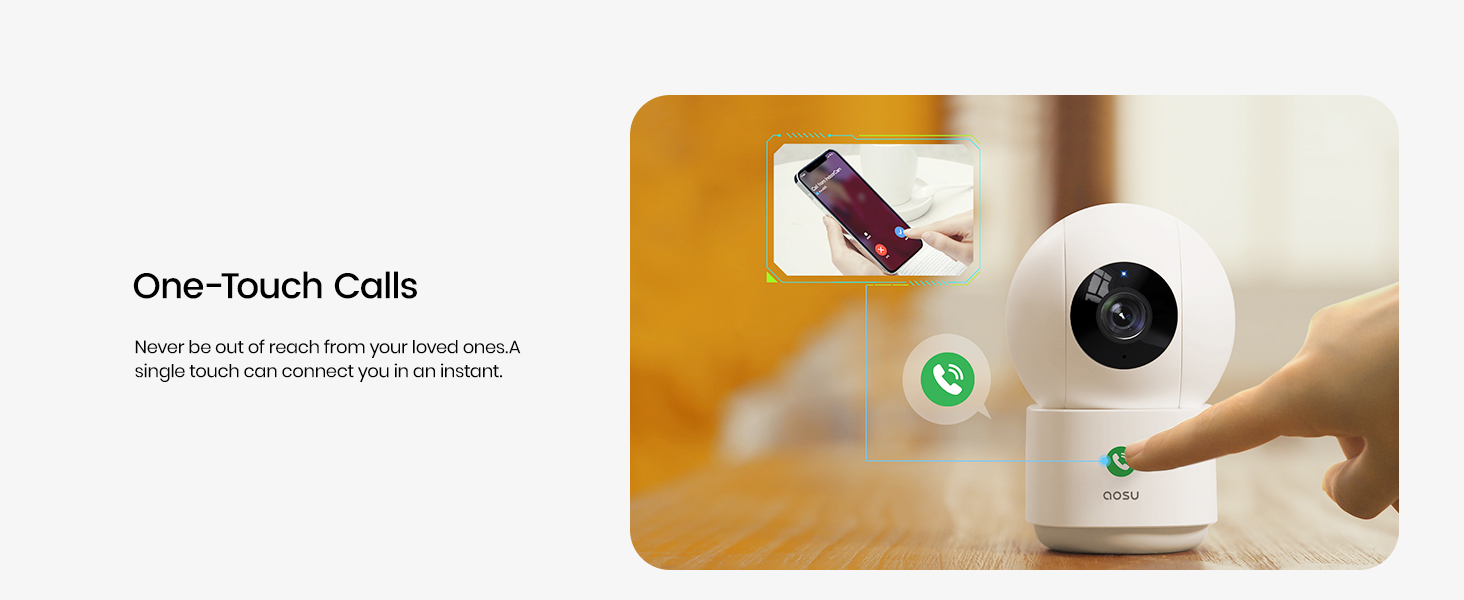
Image: The camera's smart motion tracking feature follows movement within its field of view.
4.5 Gece Görüşü
The camera is equipped with clear night vision capabilities, allowing for monitoring in low-light or dark conditions.
4.6 Gizlilik Modu
Activate Privacy Mode via the aosu app. In this mode, the camera lens will rotate downwards, physically hiding itself to ensure your privacy when monitoring is not required.
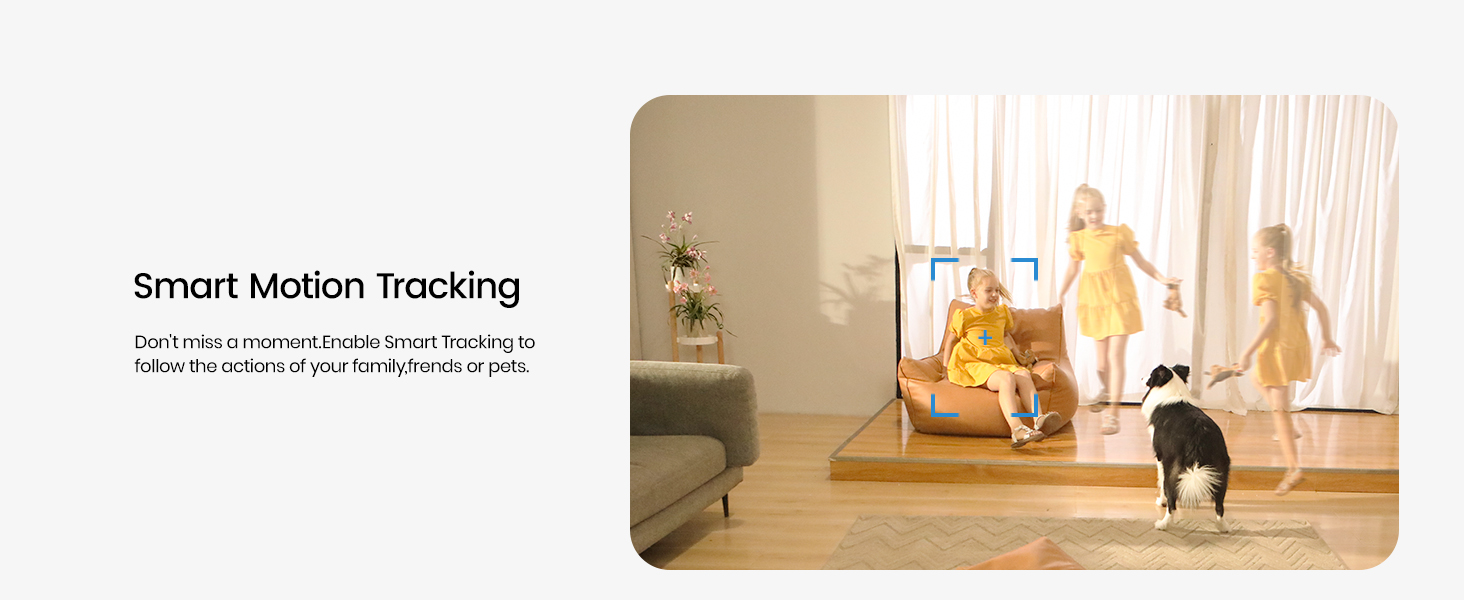
Image: Privacy Mode allows the camera to physically hide its lens when not in use.
4.7 Depolama Seçenekleri
The camera supports both local storage via a MicroSD card (not included) and cloud storage options (subscription may be required). This allows for flexible recording and playback of events.

Image: Choose between local MicroSD card storage or cloud storage for your recordings.
4.8 Akıllı Ev Entegrasyonu
The aosu camera is compatible with Amazon Alexa and Google Assistant. Integrate it into your smart home ecosystem to view live feeds on compatible smart displays or receive voice-activated commands.

Image: Seamlessly integrate your camera with Amazon Alexa and Google Assistant.
5. Bakım
- Temizlik: Kamera lensini ve gövdesini yumuşak ve kuru bir bezle nazikçe silin. Sert kimyasallar veya aşındırıcı malzemeler kullanmaktan kaçının.
- Donanım Yazılımı Güncellemeleri: Regularly check the aosu app for available firmware updates to ensure optimal performance and security.
- Atama: Kameranın sabit bir yere, doğrudan güneş ışığından, ısı kaynaklarından ve nemden uzak bir konumda yerleştirildiğinden emin olun.
6. Sorun Giderme
- Bağlantı Sorunları: If the camera loses connection, ensure your Wi-Fi router is functioning correctly and the camera is within range. Try restarting both the camera and your router.
- Uygulama Yanıt Vermiyor: Close and reopen the aosu app. If the issue persists, reinstall the app.
- Kötü Video Kalitesi: Check your internet connection speed. Ensure the camera lens is clean and free from obstructions. Adjust video quality settings in the app if necessary.
- Hareket Algılama Çalışmıyor: Verify that motion detection is enabled in the app settings and that the detection zone is correctly configured.
7. Özellikler
| Özellik | Detay |
|---|---|
| Marka | aosu |
| Model Adı | C2P2BH11 |
| Bağlantı Teknolojisi | Kablosuz (Wi-Fi, Bluetooth) |
| Özel Özellikler | 2-Way Audio, Local Recording, Motion Sensor, Night Vision, One-Touch Call |
| İç/Dış Mekan Kullanımı | Kapalı |
| Uyumlu Cihazlar | Smartphone (Amazon Alexa, Google Assistant) |
| Etkili Hareketsiz Çözünürlük | 4 MP |
| Video Yakalama Çözünürlüğü | 1920p (2.5K QHD) |
| Kare Hızı | Saniyede 25 kare |
| ViewAçı | 360 Derece (Pan), 155 Derece (Eğme) |
| Optik Yakınlaştırma | 6x |
| Güç Kaynağı | Kablolu Elektrik |
| Ürün Boyutları | 3 x 3 x 5 inç |
| Ürün Ağırlığı | 0.74 Kilogram |
8. Garanti ve Destek
For warranty information, please refer to the documentation included with your product or visit the official aosu website. For technical support or further assistance, please contact aosu customer service.
Üretici: AOSU
İade politikasi: 30-day refund/replacement policy may apply (check retailer for details).
AOSU Official Store: Mağazayı ziyaret edin