
1. Giriş
This manual provides comprehensive instructions for the safe and efficient use of your NEC VKT16XZG5 laptop. Please read this manual thoroughly before using the product and retain it for future reference. This laptop is equipped with Windows 11, an Intel Core i5-8th Generation processor, and solid-state drive (SSD) storage, designed for general computing tasks.
2. Güvenlik Bilgileri
Observe the following safety precautions to prevent damage to the laptop or injury to yourself.
- Dizüstü bilgisayarınızı aşırı sıcaklıklara, doğrudan güneş ışığına veya yüksek neme maruz bırakmayın.
- Dizüstü bilgisayarınızın üzerine ağır nesneler koymaktan kaçının.
- Elektrik çarpmasını veya hasarı önlemek için sıvıları dizüstü bilgisayardan uzak tutun.
- Use only the provided AC adapter or a compatible replacement.
- Dizüstü bilgisayarınızı kendiniz sökmeye veya onarmaya çalışmayın. Yetkili servis personeline başvurun.
- Aşırı ısınmayı önlemek için yeterli havalandırma sağlayın. Hava girişlerini kapatmayın.
3. Paket İçeriği
Paketin içinde tüm öğelerin mevcut olduğundan emin olun:
- NEC VKT16XZG5 Laptop
- AC Adaptörü
- Security Zero License Card
- 64GB USB Recovery Storage
- Digital Recovery Manual (pre-saved on the laptop)

Image: 64GB USB Recovery Storage device. This USB drive contains essential recovery files for your laptop.

Image: ZERO Security software box. A license card for this security software is included.
4. Ürün Bittiview
Familiarize yourself with the components of your NEC VKT16XZG5 laptop.
4.1 Üst View (Klavye ve Dokunmatik Yüzey)

Resim: Üst view of the NEC VKT16XZG5 laptop. This image highlights the Japanese keyboard layout and the integrated touchpad for navigation.
- Klavye: Standard Japanese layout for text input.
- Dokunmatik yüzey: İmleç kontrolü ve hareketle giriş için.
- Güç Düğmesi: Located above the keyboard, typically on the right side.
4.2 Exterior Design and Durability
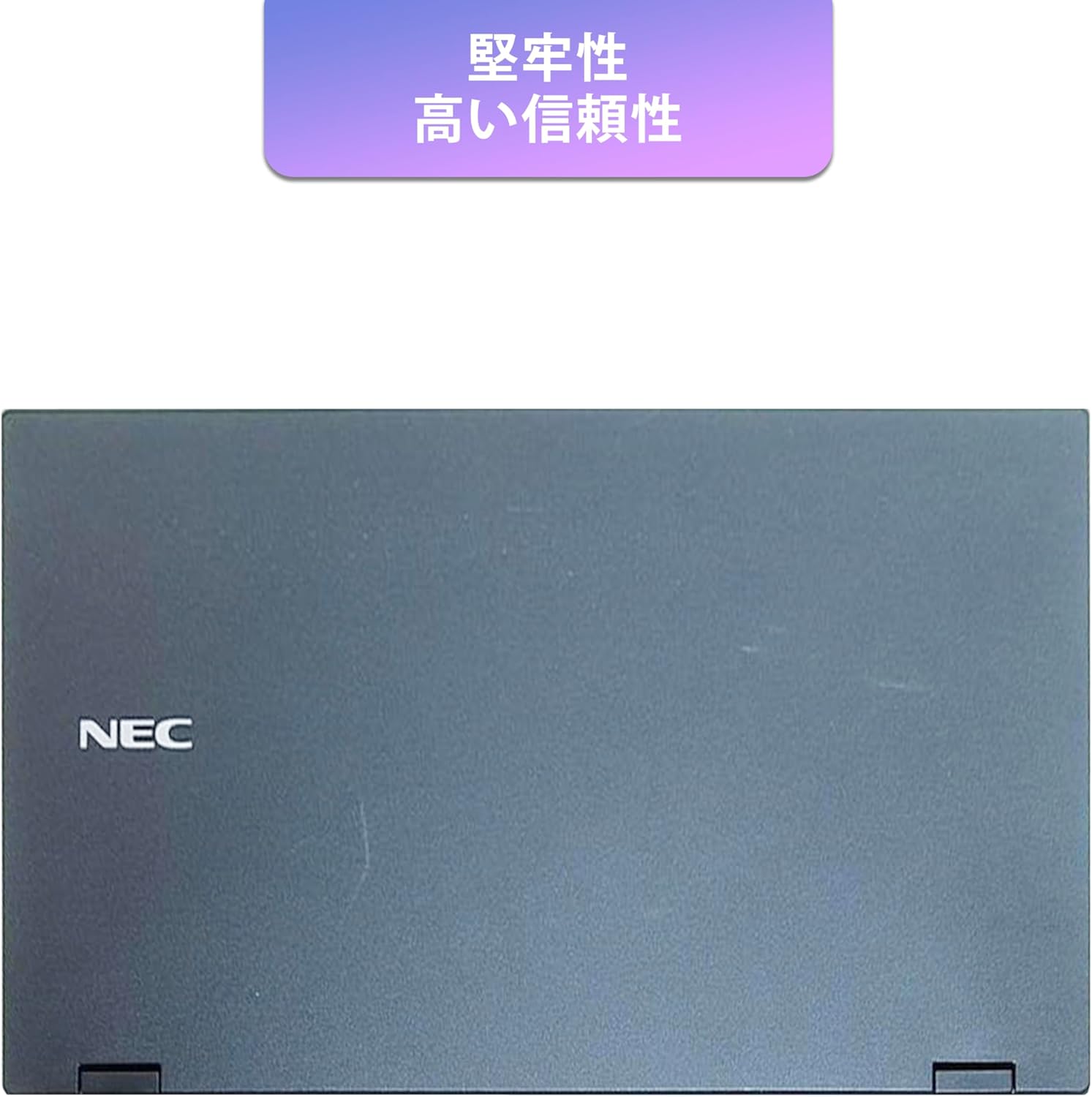
Image: Closed NEC VKT16XZG5 laptop, top casing. The design emphasizes durability and high reliability.
The laptop features a robust casing designed for durability and reliable performance.
4.3 Integrated Camera and Battery Life

Resim: Yan view of the open NEC VKT16XZG5 laptop. This view indicates the presence of an integrated camera and highlights the laptop's long battery life capability.
- Entegre Kamera: Located at the top center of the display for video conferencing and other applications.
- Pil: Designed for extended usage on a single charge.
4.4 Performans Özellikleri

Resim: Yan view of the open NEC VKT16XZG5 laptop. This image emphasizes the Intel Core i5-8th Generation processor and the high-speed SSD for enhanced performance.
- İŞLEMCİ: Intel Core i5-8th Generation processor for efficient multitasking.
- SSD: High-speed Solid State Drive for faster boot times and application loading.
5. Kurulum
Follow these steps for initial setup of your laptop:
- Paketi aç: Dizüstü bilgisayarınızı ve tüm aksesuarlarını dikkatlice ambalajından çıkarın.
- Gücü bağlayın: AC adaptörünü dizüstü bilgisayarın güç girişine ve ardından duvardaki prize takın.
- İlk Güç Açma: Open the laptop lid and press the power button. The laptop will begin the Windows 11 setup process.
- Windows Kurulumu: Follow the on-screen prompts to configure Windows 11, including language, region, network connection, and user account creation.
- WPS Office Activation: Your laptop comes with WPS Office pre-installed. Use the provided license card to activate the software upon first use.
- Security Software Installation: Install the included ZERO Security software using the license card for protection against malware.

Image: Laptop screen displaying information about the WPS Office 2 license card. This indicates that WPS Office is ready for use immediately after activation.
6. Kullanım Talimatları
This section covers basic operation of your NEC VKT16XZG5 laptop.
6.1 Güç Açma/Kapatma
- Güç Açık: Güç düğmesine basın.
- Kapat: Windows'ta Başlat düğmesine tıklayın, ardından Güç > Kapat'ı seçin.
- Tekrar başlat: Başlat düğmesine tıklayın, ardından Güç > Yeniden Başlat'ı seçin.
- Uyumak: Kapağı kapatın veya Başlat düğmesine tıklayın, ardından Güç > Uyku modunu seçin.
6.2 Klavye ve Dokunmatik Yüzeyin Kullanımı
- Klavye: Type text and use function keys (Fn) for special commands (e.g., volume, brightness).
- Dokunmatik yüzey: Move your finger across the surface to control the cursor. Tap to click, use two fingers to scroll.
6.3 Wi-Fi'ye Bağlanma
- Görev çubuğundaki Wi-Fi simgesine tıklayın.
- İstediğiniz ağı listeden seçin.
- İstendiğinde ağ güvenlik anahtarını (şifresini) girin.
- "Bağlan"a tıklayın.
6.4 Using the DVD-ROM Drive
- Sürücü üzerindeki çıkarma düğmesine basarak tepsiyi açın.
- Place a DVD or CD onto the tray, ensuring it is seated correctly.
- Gently push the tray back into the laptop.
- The disc content should appear in File Kaşif.
7. Bakım
Proper maintenance ensures the longevity and performance of your laptop.
- Temizlik: Ekranı ve dış yüzeyi temizlemek için yumuşak, tüy bırakmayan bir bez kullanın. İnatçı lekeler için,ampBezi su veya ekran temizleyici ile hafifçe silin. Sert kimyasallardan kaçının.
- Pil Bakım: To maximize battery life, avoid fully discharging the battery frequently. Store the laptop in a cool, dry place if not used for extended periods.
- Yazılım Güncellemeleri: Sistem kararlılığını ve güvenliğini sağlamak için Windows güncellemelerini ve sürücü güncellemelerini düzenli olarak kontrol edin ve yükleyin.
- Recovery Function: Your laptop includes a recovery area and a 64GB USB recovery storage. In case of system issues, refer to the digital recovery manual saved on your laptop for instructions on how to restore the system.

Image: Laptop screen displaying information about the recovery area, large capacity USB storage for recovery, and the performance benefits of the high-speed SSD.
8. Sorun Giderme
Bu bölümde karşılaşabileceğiniz yaygın sorunlar ele alınmaktadır.
| Sorun | Olası Çözüm |
|---|---|
| Dizüstü bilgisayar açılmıyor. | Ensure the AC adapter is securely connected to both the laptop and a working power outlet. Check if the power outlet is functional. Try charging the battery for a while before attempting to power on again. |
| Wi-Fi bağlantısı yok. | Check if Wi-Fi is enabled in Windows settings. Ensure your router is working correctly. Try restarting the laptop and the router. Verify the Wi-Fi password. |
| Dizüstü bilgisayar yavaş çalışıyor. | Close unnecessary applications. Check for background processes consuming high resources (Task Manager). Ensure Windows and drivers are up to date. Run a virus scan using the ZERO Security software. |
| Klavye veya dokunmatik yüzey yanıt vermiyor. | Dizüstü bilgisayarı yeniden başlatın. Herhangi bir fiziksel engel olup olmadığını kontrol edin. Sürücülerin güncel olduğundan emin olun. |
9. Özellikler
Detailed technical specifications for the NEC VKT16XZG5 laptop.
| Özellik | Şartname |
|---|---|
| Marka | YÖK |
| Model Adı | VKT16XZG5 |
| Ekran Boyutu | 15.6 inç |
| Görüntü Türü | NEDEN OLMUŞ |
| Maksimum Ekran Çözünürlüğü | 1366x768 piksel |
| Sabit Disk Kapasitesi | 256 GB (SSD) |
| CPU Modeli | Intel Core i5-8th Generation |
| CPU Hızı | 1.6 GHz (Max 3.9 GHz) |
| İşlemci Sayısı | 4 |
| Kurulu RAM Bellek Boyutu | 8 GB / 16 GB |
| RAM Bellek Teknolojisi | DDR4 |
| İşletim Sistemi | Windows 11 |
| Grafik Eş İşlemcisi | Intel UHD Grafik 620 |
| Optical Storage Device | DVD-ROM |
| Kablosuz Tip | Bluetooth, Wireless LAN |
| İletişim Arayüzü | USB |
| Ürün Boyutları (LxWxY) | 37.6x25.4x2.5 cm |
| Klavye Açıklaması | JP (Japanese) |
| Dahil Bileşenler | AC Adapter, Security Zero License Card, 64GB USB Recovery Storage |
| Pil Türü | Lityum İyon |
| Pil Watt Saat | 45 Watt Saat |
| Yayın Yılı/Model Yılı | 2019 |
10. Garanti ve Destek
Your NEC VKT16XZG5 laptop comes with a warranty to ensure your peace of mind.
- Garanti Süresi: 6 months of free repair service from the date of purchase.
- Değiştirme Politikası: If a repair is not possible, the product will be replaced with an equivalent item.
- For technical support or warranty claims, please refer to the contact information provided at the point of purchase or on the official NEC support webalan.