
giriiş
Thank you for choosing the Vention TGESB USB-C Docking Station. This manual provides essential information for the proper setup, operation, and maintenance of your device. Please read it thoroughly before use to ensure optimal performance and longevity.
Ürün Bittiview
The Vention TGESB is a versatile 5-in-1 USB-C docking station designed to expand the connectivity of your USB-C enabled devices. It features multiple ports for data transfer, video output, and power delivery.

Figure 1: Vention TGESB USB-C Docking Station with port labels.
Temel Özellikler:
- USB-C Power Delivery (PD) 100W: Supports fast charging for compatible laptops and devices.
- USB 3.0 Bağlantı Noktaları (x3): Provides high-speed data transfer up to 5Gbps.
- HDMI Bağlantı Noktası: Supports video output up to 4K resolution at 30Hz.
- Dayanıklı Alüminyum Kabuk: Ensures heat dissipation and product longevity.
- Kompakt Tasarım: Hareket halindeyken taşıması ve kullanması kolaydır.
Paket İçeriği
- Vention TGESB USB-C Docking Station (x1)
- Kullanıcı Kılavuzu (x1)
Kurulum Talimatları
- Ana Bilgisayara Bağlan: Plug the USB-C connector of the Vention TGESB docking station into an available USB-C port on your laptop, tablet, or smartphone. Ensure your device's USB-C port supports video output (DisplayPort Alternate Mode) and power delivery for full functionality.
- Çevre Birimlerini Bağlayın:
- USB Cihazları: Connect USB flash drives, external hard drives, keyboards, mice, or other USB peripherals to the USB 3.0 ports.
- HDMI Ekran: Connect an HDMI cable from the docking station's HDMI port to your monitor or TV.
- Güç Adaptörü (İsteğe bağlı): If your host device requires charging, connect your original USB-C power adapter to the PD (Power Delivery) port on the docking station. This will pass power through to your host device.
- Sürücü Kurulumu: The Vention TGESB is typically plug-and-play and does not require additional drivers for most operating systems (Windows, macOS, Linux, Android). If you encounter issues, ensure your operating system is up to date.
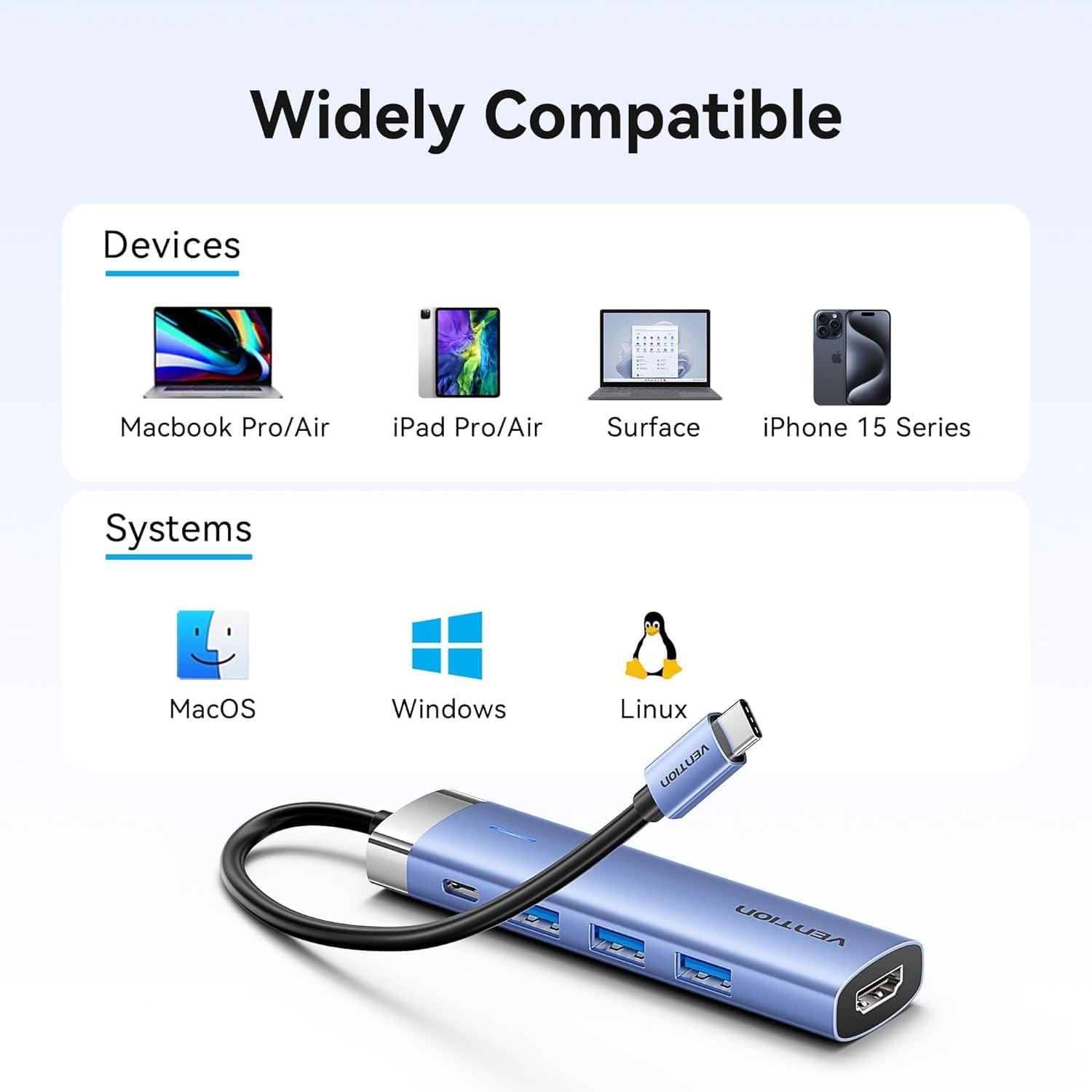
Figure 2: Device and operating system compatibility.
Kullanım Talimatları
Using USB 3.0 Ports:
Connect your USB devices to any of the three USB 3.0 ports. These ports support data transfer speeds up to 5Gbps, allowing for quick file transfers. For optimal performance, ensure your connected USB devices also support USB 3.0.
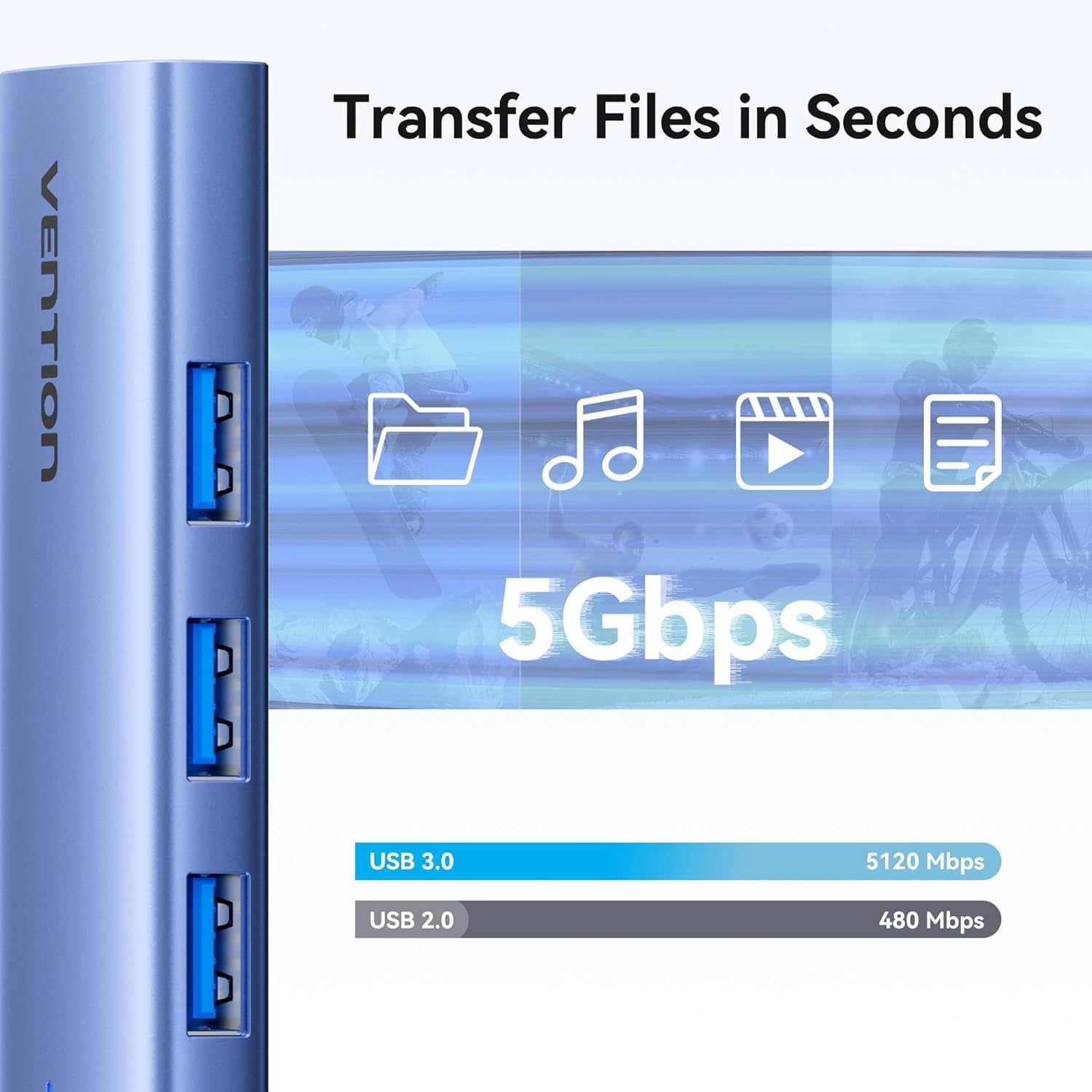
Figure 3: High-speed data transfer via USB 3.0 ports.
Using HDMI Output:
The HDMI port supports resolutions up to 4K at 30Hz. After connecting your monitor, your operating system should automatically detect the external display. You can configure display settings (mirror mode, extend mode) through your device's display settings.

Figure 4: Multiple display modes (Mirror and Extend).
Using Power Delivery (PD) Port:
Connect your laptop's original USB-C power adapter to the PD port on the docking station. This port supports up to 100W power delivery, allowing you to charge your host device while using the docking station's other features.

Figure 5: Power Delivery 100W fast charging.
Bakım
- Temizlik: Use a soft, dry cloth to clean the surface of the docking station. Avoid using liquid cleaners or solvents.
- Depolamak: Cihazı serin, kuru ve doğrudan güneş ışığından ve aşırı sıcaklıklardan uzak bir yerde saklayın.
- İşleme: Avoid dropping or subjecting the device to strong impacts. Do not attempt to disassemble the docking station.
Sorun giderme
| Sorun | Olası Neden | Çözüm |
|---|---|---|
| HDMI üzerinden görüntü çıkışı yok. |
|
|
| USB aygıtları tanınmıyor. |
|
|
| Host device is not charging. |
|
|
Özellikler
| Özellik | Detay |
|---|---|
| Örnek | TGESB |
| Marka | MÜCADELE |
| Giriş | USB-C |
| Çıkış Portları |
|
| Boyutlar (U x G x Y) | 6.5 x 3.54 x 0.79 inç (16.5 x 9 x 2 cm) |
| Ağırlık | 2.46 ons (0.07 kg) |
| Kabuk Malzemesi | Alüminyum Alaşımı |
| Uyumluluk | Devices with full-featured USB-C port (supporting DisplayPort Alt Mode and Power Delivery). Compatible with Windows, macOS, Linux, Android. |
Garanti ve Destek
Vention products come with a standard manufacturer's warranty. For detailed warranty information, technical support, or customer service, please visit the official Vention webLütfen web sitesini ziyaret edin veya yerel distribütörünüzle iletişime geçin. Garanti talepleri için satın alma belgenizi saklayın.
Official Vention Webalan: Vention Store on Amazon (Link provided for reference, actual official website may vary)