
Toputure TP8
Toputure TP8 Electric Treadmill User Manual
Brand: Toputure | Model: TP8
giriiş
Thank you for choosing the Toputure TP8 Electric Treadmill. This manual provides essential information for the safe and efficient use, setup, operation, and maintenance of your new fitness equipment. Please read this manual thoroughly before first use and keep it for future reference.
Önemli Güvenlik Bilgileri
- Herhangi bir yeni egzersiz programına başlamadan önce mutlaka bir sağlık uzmanına danışın.
- Koşu bandının düz, sağlam bir yüzeye yerleştirildiğinden ve etrafında yeterli boşluk olduğundan emin olun.
- Çalışma sırasında çocukları ve evcil hayvanları koşu bandından uzak tutun.
- Koşu bandı hasarlı veya arızalıysa çalıştırmayın.
- Always use the safety key/lanyard during operation. The treadmill will not start without it.
- Uygun spor ayakkabı giyin.
Paket İçeriği
Paketinizi açtığınızda lütfen aşağıdaki tüm öğelerin paketinizde bulunduğundan emin olun:
- Toputure TP8 Electric Treadmill
- Alet Takımı (küçük ayarlamalar için)
- Güç kablosu
- Uzaktan kumanda
- Yağlama Yağı
- Kullanıcı Kılavuzu

Şekil 1: Included accessories with the Toputure TP8 Electric Treadmill.
Kurmak
The Toputure TP8 Electric Treadmill features a no-installation design, making it ready for use almost immediately after unboxing.
Açılma ve Konumlandırma
- Koşu bandını ambalajından dikkatlice çıkarın.
- Place the treadmill on a flat, level surface. Ensure there is at least 0.6 meters (2 feet) of clear space on all sides and 2 meters (6.5 feet) behind the treadmill for safety.
- If using the handlebar, lift it into the upright position and secure it using the provided locking pins or screws.
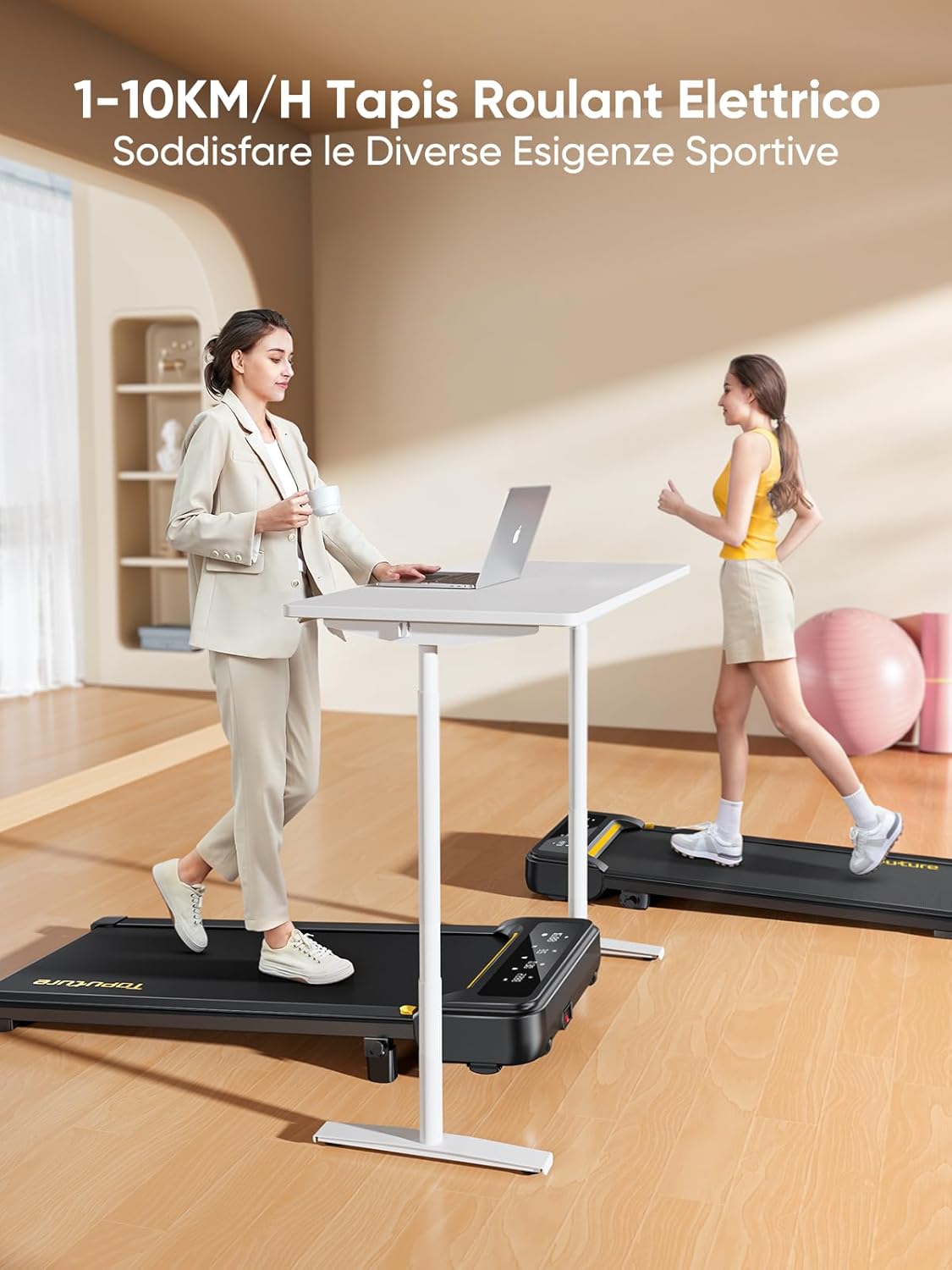
Şekil 2: Treadmill ready for use in a home environment.
Eğim Ayarı
The treadmill offers a 10% incline feature, adjustable in 2 steps to simulate varied terrain and increase calorie burn. To adjust the incline:
- Locate the incline adjustment mechanism at the rear of the treadmill.
- Pull out the bolt and rotate the incline block to the desired position.
- Insert the bolt securely into the corresponding hole to lock the incline in place.

Şekil 3: Manual incline adjustment mechanism.
Güç Bağlantısı
Connect the power cable to the treadmill and then to a suitable power outlet. Ensure the power switch is in the 'OFF' position before plugging in.
Kullanım Talimatları
Koşu Bandını Başlatma
- Ensure the safety key is properly inserted into its designated slot on the console. The treadmill will not operate without it.
- Koşu bandının üzerine çıkın.
- Press the 'Start' button on the console or remote control. The treadmill will begin at a low speed.
Adjusting Speed and Mode
The speed range is 1-10 km/h, suitable for walking, jogging, and running. You can adjust the speed using the console buttons or the remote control.
- Konsol: Hızı artırmak veya azaltmak için '+' ve '-' düğmelerini kullanın.
- Uzaktan kumanda: The remote allows for easy speed adjustments and stopping the machine. It features magnets on the back for convenient attachment to the treadmill, preventing loss.
- Duraklatma Fonksiyonu: The remote control includes a pause button. Pressing this button will temporarily stop the belt while preserving your workout data.

Şekil 4: Multifunction LED display and remote control storage.
Multifunction LED Display
The integrated LED display clearly shows real-time workout data, including time, distance, speed, and calories burned, providing a clear overview of your exercise progress.

Şekil 5: Clear display of workout metrics.
Akıllı Uygulama Bağlantısı
This walking pad can connect to multiple exercise apps, offering various training courses and allowing you to interact with other users online. Refer to the app's instructions for pairing and usage.

Şekil 6: Treadmill connected to a smart fitness app.
Stopping the Treadmill
To stop the treadmill, press the 'Stop' button on the console or remote control. For emergency stops, pull the safety key from its slot.
Bakım
Regular maintenance ensures the longevity and optimal performance of your Toputure TP8 Electric Treadmill.
Temizlik
- Koşu bandını temizlemeden önce daima fişini çekin.
- Konsolu ve dış yüzeyleri yumuşak bir bezle silin.amp Bez. Aşındırıcı temizleyicilerden veya çözücülerden kaçının.
- Toz ve kir birikmesini önlemek için koşu bandının altını düzenli aralıklarla elektrik süpürgesiyle temizleyin.
Yağlama
The unique lubrication hole design makes maintenance more convenient. Apply the provided lubrication oil to the running belt as instructed in the detailed manual or when the treadmill indicates it's needed. Proper lubrication reduces friction and extends belt life.
Kemer Ayarı
If the running belt becomes misaligned or too loose/tight, refer to the detailed manual for instructions on how to adjust it using the included tool kit. Incorrect adjustment can damage the treadmill.
Sorun giderme
This section addresses common issues you might encounter with your treadmill. For problems not listed here, please contact customer support.
| Sorun | Olası Neden | Çözüm |
|---|---|---|
| Koşu bandı başlamıyor | Safety key not inserted; Power cable not connected; Power switch off. | Insert safety key; Check power connections; Turn power switch ON. |
| Belt slips or hesitates | Kayış çok gevşek; Yetersiz yağlama. | Adjust belt tension (refer to manual); Apply lubrication oil. |
| Çalışma sırasında olağandışı gürültü | Gevşek parçalar; Kayış hizalama sorunu; Motor sorunu. | Check and tighten all bolts; Adjust belt alignment; Contact customer support. |
Özellikler
| Özellik | Detay |
|---|---|
| Marka | Toputure |
| Model Numarası | TP8 |
| Ürün Sınıfı | Elektrikli Koşu Bandı |
| Renk | Siyah |
| Malzeme | Alaşımlı Çelik |
| Ürün Boyutları (U x G x Y) | 130 cm (G x 60 cm D x 14 cm Y) (yaklaşık 51.2 x 23.6 x 5.5 inç) |
| Ürün Ağırlığı | 34.5 Kilogram (yaklaşık 76 lbs) |
| Maksimum Hız | Saatte 10 kilometre |
| Minimum Hız | 1 Kilometer per hour |
| Maksimum Eğim Yüzdesitage | 9% (manual adjustment) |
| Motor Gücü | 2.5 Beygir Gücü |
| Önerilen Maksimum Ağırlık | 130 kg (yaklaşık 300 lbs) |
| Güverte Uzunluğu | 100 Santimetre (yaklaşık 39.4 inç) |
| Koşu Güverte Genişliği | 40 Santimetre (yaklaşık 15.7 inç) |
| Görüntü Türü | NEDEN OLMUŞ |
| Bağlantı Teknolojisi | Power Cable (App connectivity via Bluetooth) |
| Program Sayısı | 12 |
| Özel Özellikler | Pre-installed workouts, Wheels for portability, Compact design, Manual incline, Portable |
| Önerilen Kullanımlar | Walking, jogging, running, home workouts, office workouts |
| Hedef Kitle | Yetişkin |
| Montaj Gerekli | HAYIR |
Garanti ve Destek
Ürün Garantisi
The Toputure TP8 Electric Treadmill comes with a 2 Yıllık Garanti Satın alma tarihinden itibaren geçerlidir. Bu garanti, üretim hatalarını ve normal kullanımdaki arızaları kapsar. Garanti talepleriniz için lütfen satın alma belgenizi saklayın.
Müşteri Desteği
For any questions, technical assistance, or warranty claims, please contact Toputure customer support through the retailer's platform or the official Toputure website. Our support team is available to assist you with any issues you may encounter.
Ek Kaynaklar
Ürün Bittiview Video
Video 1: Bir fazlaview of the WalkingPad foldable electric treadmill, demonstrating its compact design, ease of use, and various features. This video highlights how the treadmill can be easily stored and used in different home or office settings.
Ask a question about this manual
Ask about setup, troubleshooting, compatibility, parts, safety, or missing instructions. Manuals+ will review the question and use this page’s manual context to help answer it.