
giriiş
This manual provides essential information for the safe and effective use of your Lovskoo Mini Projector. Please read it thoroughly before operating the device and retain it for future reference. The projector is designed for home cinema and educational purposes, offering a portable solution for displaying content on a large screen.
Kutuda Neler Var?
Paketi açtığınızda lütfen aşağıdaki tüm öğelerin dahil olduğunu doğrulayın:
- 1x Portable Projector
- 1x Güç Adaptörü
- 1x AV kablosu
- 1x Uzaktan Kumanda
- 1x Bracket (Mini Tripod)
- 1x Manual Book

Figure 1: Lovskoo Mini Projector and included accessories.
Ürün Bittiview
The Lovskoo Mini Projector is a compact and portable device designed for versatile media projection. Key features include:
- Bright & Vibrant Display: Offers 600 lumens brightness and an 800:1 contrast ratio.
- Kompakt ve Taşınabilir: Measures approximately 5.2 x 3.4 x 2.3 inches and weighs 1.33 pounds.
- Uzun Lamp Hayat: Features a light source lamp bead with up to 30,000 hours of life.
- Entegre Ses: Includes a built-in speaker; external speakers can also be connected.
- Çoklu Bağlantı Seçenekleri: Supports HDMI, USB, AV cord, and 3.5mm audio connections.

Şekil 2: Yukarıdan aşağıya view of the Lovskoo Mini Projector.

Figure 3: The compact size of the projector, held in a hand.

Figure 4: Projector dimensions for reference.

Figure 5: Projector with mini tripod for multi-angle adjustment.
Video 1: This video demonstrates the compact size and portability of the Lovskoo Mini Projector, showing it projecting various content in different home environments.
Kurmak
- Atama: Position the projector on a stable, flat surface. Ensure there is adequate ventilation around the device. For optimal viewing, place the projector perpendicular to the projection surface.
- Güç Bağlantısı: Connect the power adapter to the projector's DC IN port and then plug it into a power outlet.
- Giriş Kaynağı Bağlantısı:
- HDMI: Connect an HDMI cable from your source device (e.g., laptop, game console) to the projector's HDMI port.
- USB BAĞLANTI: Insert a USB drive into the USB port for direct media playback.
- AV: Use the provided AV cable to connect to devices with AV output.
- Ses çıkışı: For external speakers, connect a 3.5mm audio cable to the projector's audio output jack.
- Güç Açık: Cihazı açmak için projektördeki veya uzaktan kumandadaki güç düğmesine basın.
- Odak Ayarı: Görüntü net ve keskin olana kadar objektifin yanındaki odak halkasını çevirin.
- Keystone Düzeltmesi: If the image appears trapezoidal, use the keystone correction feature (if available, typically a manual slider or digital adjustment in settings) to square the image.
Kullanım Talimatları
- Giriş Kaynağının Seçilmesi: Use the 'Source' button on the remote or projector to cycle through available input options (HDMI, USB, AV).
- Navigasyon: Use the arrow keys on the remote or projector to navigate menus and select options. The 'OK' button confirms selections.
- Ses Kontrolü: Ses seviyesini uzaktan kumanda üzerindeki özel ses düğmelerini kullanarak ayarlayın.
- Menü Ayarları: Access the projector's settings menu to adjust picture mode, aspect ratio, sound settings, and other preferences.
- Kapat: Press the power button once to initiate shutdown. Confirm shutdown if prompted.
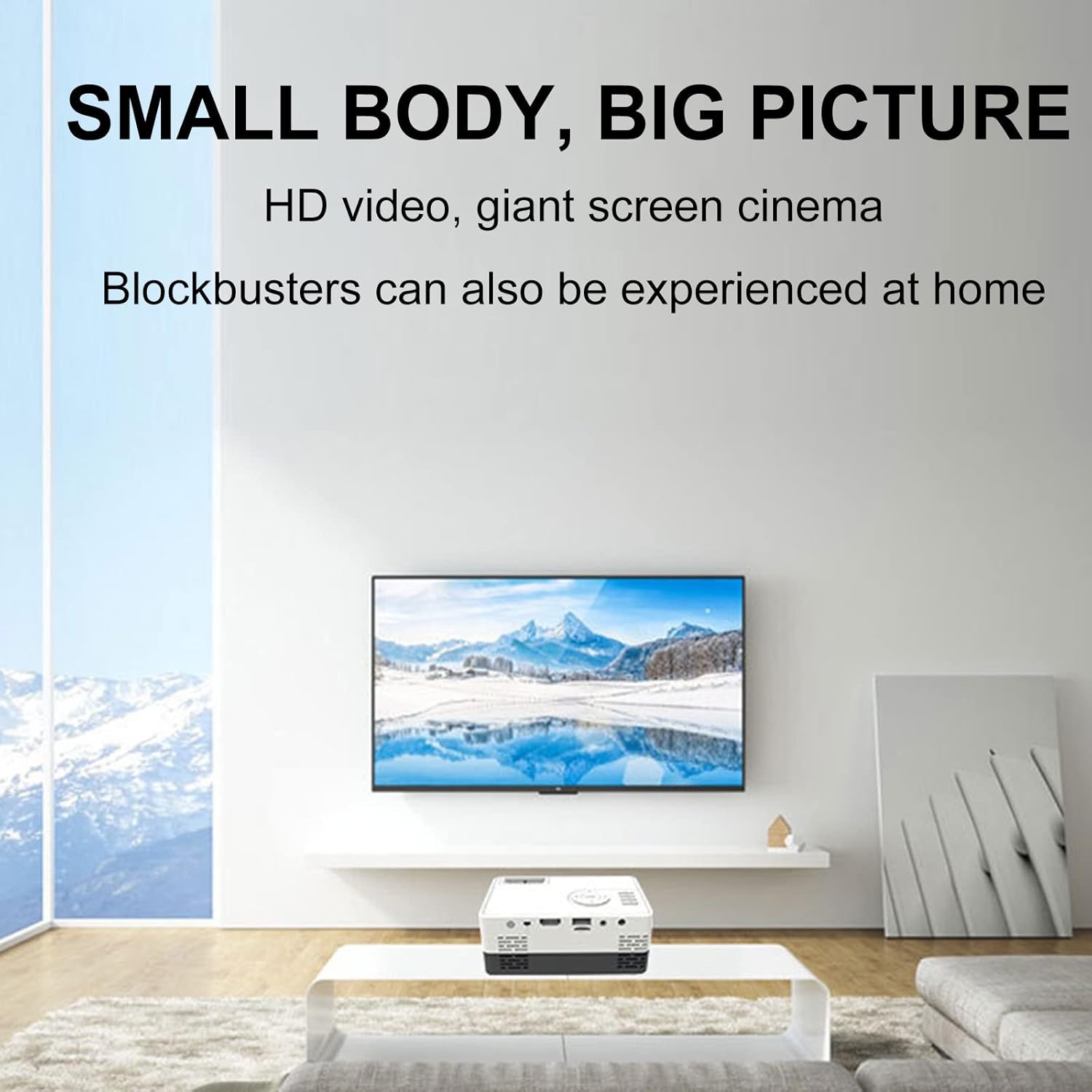
Şekil 6: Ör.ample of the projector displaying a large image in a home environment.
Bakım
- Lens Temizliği: Projeksiyon merceğini nazikçe silmek için optik lensler için özel olarak tasarlanmış, yumuşak ve tüy bırakmayan bir bez kullanın. Aşındırıcı malzemelerden veya sert kimyasallardan kaçının.
- Havalandırma: Ensure the projector's ventilation ports are clear of dust and obstructions to prevent overheating. Periodically clean vents with compressed air.
- Depolamak: Kullanılmadığı zamanlarda projektörü serin, kuru bir yerde, doğrudan güneş ışığından ve aşırı sıcaklıklardan uzakta saklayın.

Figure 7: Illustration of the projector's internal cooling system.
Sorun giderme
| Sorun | Olası Neden | Çözüm |
|---|---|---|
| Görüntü yansıtılmıyor. | Power not connected; incorrect input source; lens cap on. | Güç bağlantısını kontrol edin; doğru giriş kaynağını seçin; objektif kapağını çıkarın. |
| Görüntü bulanık | Out of focus; incorrect projection distance. | Adjust the focus ring; ensure projector is within optimal projection distance (0.8-2M). |
| Ses yok | Volume too low; external speakers not connected properly; audio source issue. | Increase volume; check external speaker connection; verify audio output from source device. |
| Görüntü yamuk şeklindedir. | Projeksiyon cihazı ekrana dik açıda değil. | Adjust keystone correction or reposition the projector. |
Özellikler
- Marka: Lovskoo
- Model Numarası: mini projector hdmi
- Ürün Ağırlığı: 1.33 pound
- Ürün Ölçüleri: 5.2 x 3.4 x 2.3 inç
- Ekran Çözünürlüğü: 1920x1080 (Tam HD)
- Parlaklık: 600 lümen
- Kontrast Oranı: 800:1
- Projeksiyon Mesafesi: 0.8-2 meters (optimal performance)
- Lamp Hayat: 30,000 saat
- Bağlantı Teknolojisi: HDMI, USB, AV
- Özel Özellikler: Built-in Speaker, HDMI Interface
- Önerilen Kullanımlar: Education, Home Cinema
Garanti ve Destek
For warranty information and customer support, please refer to the documentation included with your purchase or contact the retailer. Specific warranty terms may vary.