
CUORY CUO-HDTV32
CUORY Smart TV 32-inch User Manual
Model: CUO-HDTV32
giriiş
Thank you for choosing the CUORY Smart TV 32-inch. This manual provides essential information for setting up, operating, and maintaining your new television. The CUORY Smart TV offers a DLED HD display for crisp and vibrant images with a resolution of 1366x768 pixels, integrated Android 12 for a wide range of applications, ATSC + SMART functionality for digital channels and online content, and Bluetooth connectivity for wireless audio. Its frameless design adds elegance to any space, complemented by versatile USB and HDMI ports.
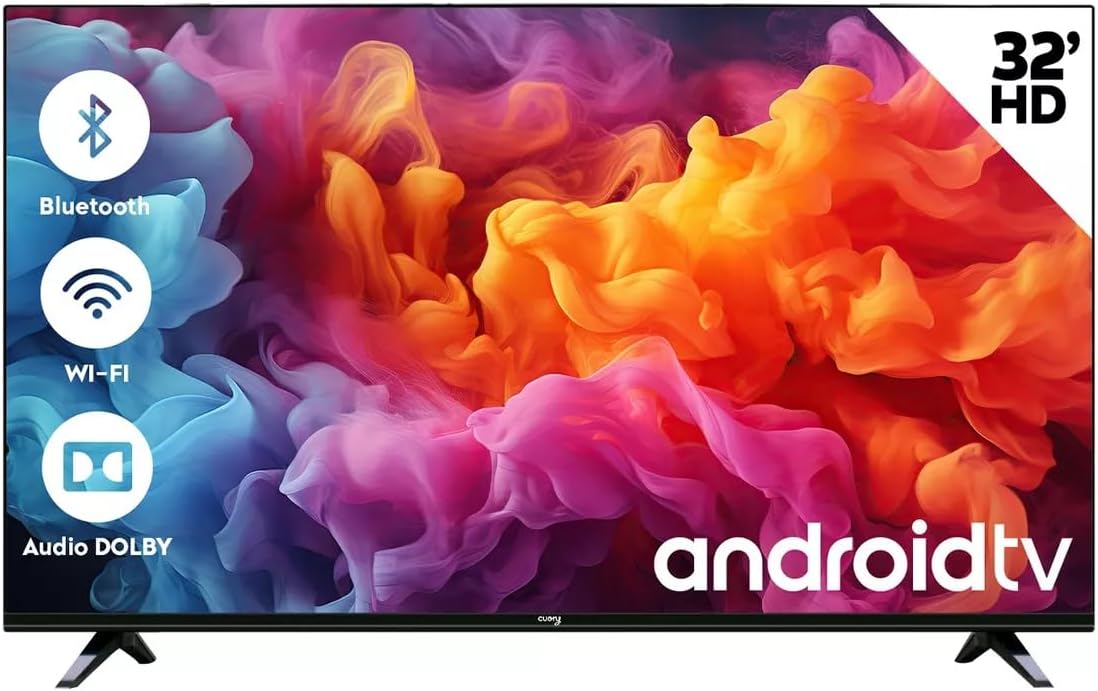
Resim: Ön view of the CUORY 32-inch Smart TV, highlighting its key features like Bluetooth, Wi-Fi, and Dolby Audio support, along with the Android TV logo.
Kurmak
Kutudan Çıkarma ve İlk İnceleme
Tüm bileşenleri ambalajından dikkatlice çıkarın. Aşağıdaki öğelerin mevcut olduğundan emin olun:
- 1x CUORY 32-inch LED TV
- Uzaktan kumanda
- Güç kablosu
- TV Stands (2 pieces) and screws
- Kullanım Kılavuzu (bu belge)
Inspect the TV and accessories for any signs of damage. If any items are missing or damaged, contact customer support immediately.
TV Sehpalarının Takılması
To set up your TV on a table or flat surface, attach the included stands.
- Ekran hasarını önlemek için televizyonu yumuşak ve temiz bir yüzeye yüzü aşağı bakacak şekilde yerleştirin.
- Her bir standı televizyonun alt kısmındaki ilgili yuvalara hizalayın.
- Verilen vidaları kullanarak standları sabitleyin.

Image: Detail showing how the TV stand connects to the television unit.
Alternatively, the TV can be wall-mounted using a compatible VESA mount (not included). Refer to the wall mount's instructions for installation.

Resim: Arka view of the CUORY 32-inch Smart TV, showing the mounting points and central panel.
Çevre Birimlerini Bağlama
Your CUORY Smart TV offers various ports for connecting external devices.
- HDMI Bağlantı Noktaları: Connect Blu-ray players, gaming consoles, cable boxes, etc. The TV has multiple HDMI inputs.
- USB Bağlantı Noktaları: Medya oynatmak için USB sürücüleri veya harici klavye/fareleri bağlayın.
- Optik Ses Çıkışı: Soundbarlara veya ev sinema sistemlerine bağlanmak için.
- RJ-45 (Ethernet) Bağlantı Noktası: Kablolu internet bağlantısı için.
- RF Girişi: For connecting an antenna for digital terrestrial television (ATSC).
- RCA Bağlantı Noktaları: Kompozit video ve stereo ses kullanan eski cihazlar için.

Resim: Ayrıntılı view of the CUORY Smart TV's connectivity panel, showing various ports for audio, video, and network connections.

Image: Visual representation of the CUORY Smart TV's connectivity options, including RCA, Bluetooth, USB, and HDMI ports.
Güç Açık
After connecting all desired devices, plug the power cable into the TV and then into a wall outlet. Press the power button on the remote control or on the TV itself to turn it on.
Operating Your CUORY Smart TV
İlk Kurulum Sihirbazı
Televizyon ilk açıldığında, sizi bir ilk kurulum sihirbazı aracılığıyla yönlendirecektir. Bu şunları içerir:
- Dil seçimi
- Ağ bağlantısı (Wi-Fi veya Ethernet)
- Google account sign-in (optional, for full Android TV features)
- Channel scanning (for ATSC digital channels)
- Saat dilimi ve tarih ayarları
Smart TV Features (Android 12)
Your CUORY Smart TV runs on Android 12, providing access to a vast array of applications and streaming services through the Google Play Store.
- Uygulama Erişimi: Navigate the home screen to find pre-installed apps like Netflix, YouTube, Prime Video, and Spotify. Download more from the Google Play Store.
- Ses Kontrolü: Use the built-in voice assistant (if available on your remote) to search for content, control playback, and get information.
- Döküm: Cast content from your smartphone or tablet directly to the TV using built-in casting features.

Image: The CUORY Smart TV screen showing the Android TV home interface with popular streaming applications like Netflix and YouTube.
Uzaktan Kumanda Kullanımı
The included remote control allows full navigation and control of your TV. It features dedicated buttons for popular streaming services for quick access.

Image: The CUORY 32-inch Smart TV alongside its remote control, with a list of features including Android 12, HD resolution, ATSC+Smart, sound effects, and direct access remote buttons.

Resim: Yakın çekim view of the CUORY Smart TV remote control, highlighting the dedicated buttons for popular streaming services like Netflix, Prime Video, and YouTube.
Audio Features (Dolby Atmos)
Experience enhanced audio with Dolby Atmos support, providing immersive sound for your movies, shows, and games. You can adjust sound effects (Standard, Music, Movies, Sports) through the TV's audio settings.
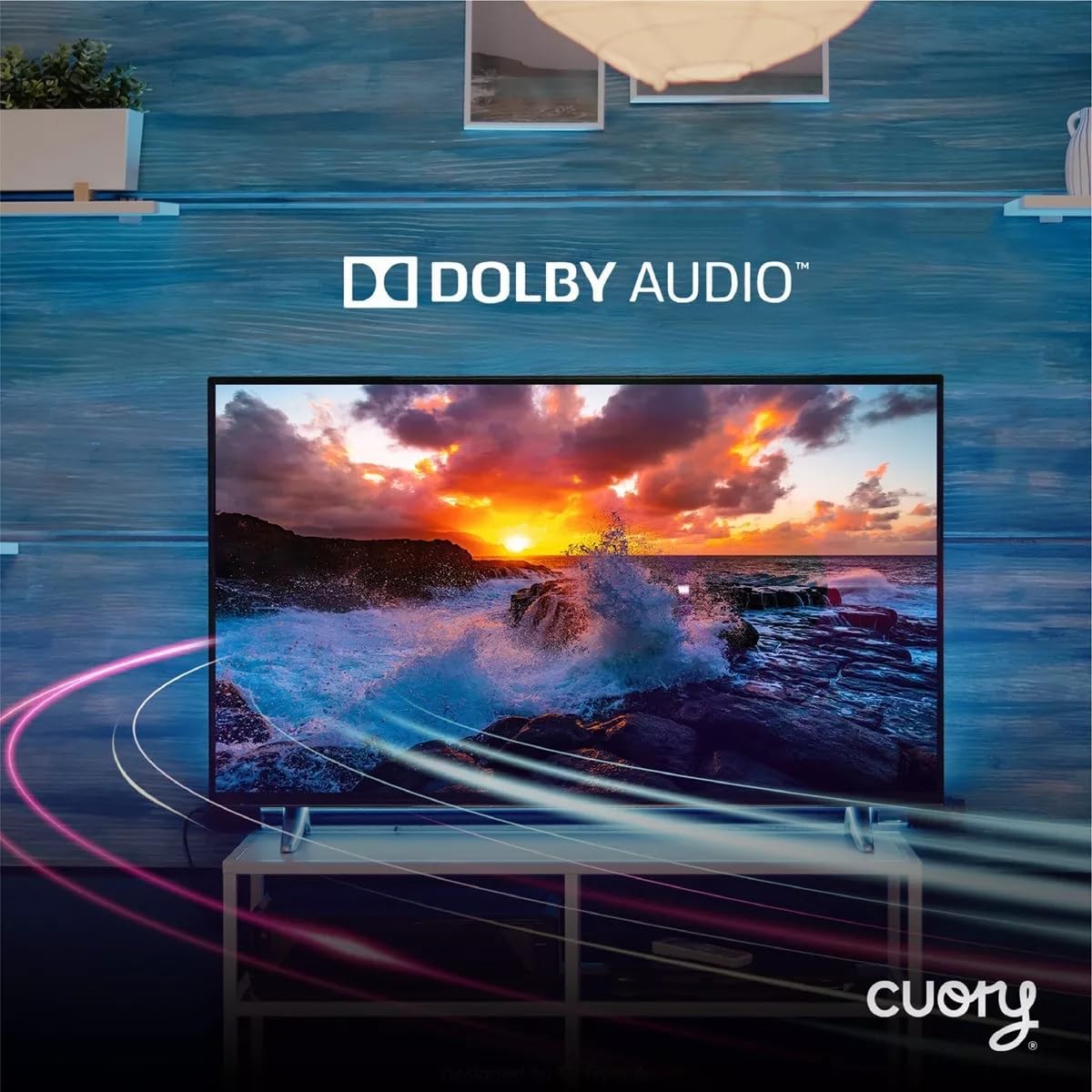
Image: The CUORY Smart TV showcasing a dynamic visual, accompanied by the Dolby Audio logo, indicating its advanced sound capabilities.

Image: The CUORY Smart TV displaying a serene sunset scene over water, with the prominent Dolby logo, emphasizing its audio quality.
Bağlantı
- Wifi: İnternet erişimi için evinizin kablosuz ağına bağlanın.
- Bluetooth: Pair wireless headphones, soundbars, or other Bluetooth-enabled audio devices.
- HDMI: Switch between connected HDMI devices using the input/source button on your remote.
- USB BAĞLANTI: Medyaya erişim files (photos, videos, music) from a connected USB storage device.
Bakım
Proper maintenance ensures the longevity and optimal performance of your CUORY Smart TV.
- Ekranın Temizlenmesi: Use a soft, lint-free cloth specifically designed for electronics. Do not use harsh chemicals or abrasive cleaners. Lightly dampGerekirse bezi suyla nemlendirin ve nazikçe silin.
- Vücudun Temizlenmesi: Wipe the TV's frame and back panel with a soft, dry cloth.
- Havalandırma: Ensure the TV's ventilation openings are not blocked to prevent overheating. Maintain adequate space around the TV.
- Kullanılmadığında Gücü Kapatma: For extended periods of inactivity, it is recommended to unplug the TV from the power outlet.
Sorun giderme
If you encounter issues with your CUORY Smart TV, refer to the following common solutions.
| Sorun | Olası Neden / Çözüm |
|---|---|
| Güç Yok / TV açılmıyor |
|
| Resim Yok / Siyah Ekran |
|
| Ses Yok |
|
| Smart TV is Slow / Apps Freeze |
|
| HDMI Port Not Functioning |
|
| Missing Remote Control or Base |
|
Özellikler
Detailed technical specifications for the CUORY Smart TV 32-inch (Model: CUO-HDTV32).
| Özellik | Detay |
|---|---|
| Marka | CUORY |
| Model Adı | CUO-HDTV32 |
| Model Yılı | 2024 |
| Ekran Boyutu | 32 İnç (82 cm görünür çapraz) |
| Ekran Teknolojisi | DLED HD |
| Çözünürlük | 1366x768 pixels (Supports 1080p input) |
| Yenileme Hızı | 60 Hz |
| İşletim Sistemi | Android 12 |
| Tuner Teknolojisi | ATSC |
| Donanım Arayüzü | HDMI, USB |
| Özel Özellikler | Built-in Speaker, Parental Control, HDMI, USB |
| Uzaktan Kontrol Teknolojisi | Bluetooth |
| Ses Çıkışı Modu | Stereo, Digital, Surround (Dolby Atmos support) |
| En Boy Oranı | 16:9 |
| Montaj Tipi | Masa Standı |
| Ürün Boyutları (UxGxY) | 76x9x46 cm |
| Ürün Ağırlığı | 5 kilo |

Resim: Yan profile of the CUORY 32-inch Smart TV, showcasinince tasarımı sayesinde.
Garanti ve Destek
Your CUORY Smart TV comes with a manufacturer's warranty. For specific warranty terms and conditions, please refer to the warranty card included in your product packaging or visit the official CUORY webalan.
For technical support, troubleshooting assistance, or inquiries about replacement parts, please contact CUORY customer service.
- CUORY Official Store: Visit CUORY Store on Amazon
- Koruma Planları: Extended warranty options may be available through your retailer.
Ask a question about this manual
Ask about setup, troubleshooting, compatibility, parts, safety, or missing instructions. Manuals+ will review the question and use this page’s manual context to help answer it.