
giriiş
Thank you for choosing the Everest SMW-973 2.4GHz Shadow Pattern Wireless Mouse. This manual provides detailed instructions for setting up, operating, and maintaining your new wireless mouse. Please read this manual carefully before use to ensure optimal performance and longevity of your device.

Image: The Everest SMW-973 wireless mouse in white and blue, shown from an angled perspective, highlighting its ergonomic design and scroll wheel.
Paket İçeriği
- Everest SMW-973 Wireless Mouse
- USB 2.4GHz Alıcı
- Kullanım Kılavuzu (bu belge)
- Not: Piller dahil değildir ve ayrıca satın alınması gerekir.
Kurulum Talimatları
- Pili Takın:
Locate the battery compartment on the underside of the mouse. Open the cover, insert one AA battery (not included) ensuring correct polarity (+/-), and close the cover securely.
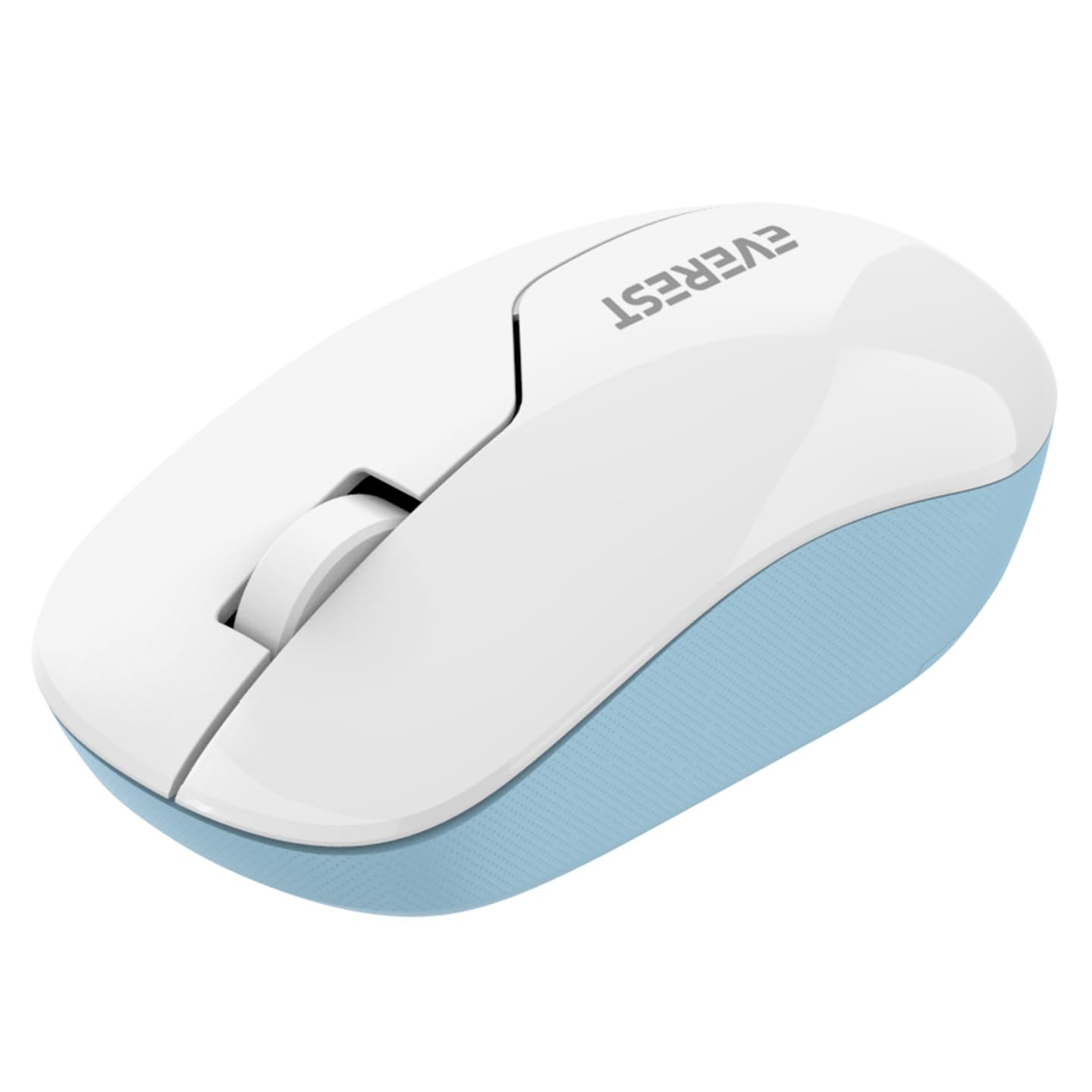
Image: The underside of the Everest SMW-973 mouse, revealing the battery compartment and the storage slot for the USB receiver.
- USB Alıcısını Bağlayın:
Remove the USB 2.4GHz receiver from its storage slot on the bottom of the mouse. Plug the receiver into an available USB port on your computer.
- Güç Açık:
Turn on the mouse using the power switch, usually located near the optical sensor on the bottom of the mouse. The mouse should automatically connect to your computer.
- Sürücü Kurulumu:
İşletim sisteminiz gerekli sürücüleri otomatik olarak algılayıp yüklemelidir. Genellikle manuel sürücü kurulumuna gerek yoktur.
Kullanım Talimatları
The Everest SMW-973 mouse features standard controls for intuitive navigation.

Resim: Üst view of the Everest SMW-973 wireless mouse, clearly showing the left-click button, right-click button, and the scroll wheel.
- Sol Tuş: Öğeleri seçmek, bağlantıları açmak vb. için birincil tıklama işlevi.
- Sağ Buton: Secondary click function for context menus and additional options.
- Kaydırma tekerleği: Belgeler arasında yukarı veya aşağı kaydırın ve web pages. Can also be pressed for middle-click functionality in some applications.
- 2.4GHz Kablosuz Bağlantı: The mouse operates on a 2.4GHz frequency, providing a stable and responsive connection up to 10 meters (33 feet) from the receiver.
Bakım
- Temizlik: Fareyi temizlemek için yumuşak ve kuru bir bez kullanın. İnatçı kirler için hafifçe silin.ampBezi suyla yıkayın. Sert kimyasallardan veya aşındırıcı temizleyicilerden kaçının.
- Pil Değişimi: When the mouse performance degrades or stops responding, replace the AA battery. Follow the battery installation steps in the "Setup Instructions" section.
- Depolamak: When not in use for extended periods, turn off the mouse to conserve battery life. Store the USB receiver in its dedicated slot on the mouse to prevent loss.
Sorun giderme
| Sorun | Çözüm |
|---|---|
| Fare yanıt vermiyor |
|
| Düz imleç hareketi |
|
| Bağlantı sık sık düşüyor |
|
Özellikler
| Özellik | Detay |
|---|---|
| Marka | Everest |
| Örnek | SMW-973 |
| Bağlantı Teknolojisi | 2.4 GHz Kablosuz (USB Alıcı) |
| Hareket Algılama | Optik |
| Özel Özellik | Kablosuz |
| Renk | Beyaz/Mavi |
| Ürün Boyutları | 25.39x15.71x3.95 cm |
| Ürün Ağırlığı | 70 gr |
| Piller Gerekli | Evet (1 adet AA pil dahil değildir) |
Güvenlik Bilgileri
- Fareyi aşırı sıcaklıklara veya neme maruz bırakmayın.
- Fareyi düşürmekten veya sert darbelere maruz bırakmaktan kaçının.
- Keep the mouse and its components out of reach of small children.
- Pilleri yerel düzenlemelere göre atın.
Garanti ve Destek
For warranty information and technical support, please refer to the documentation provided with your purchase or visit the official Everest webSite. Satın alma belgenizi garanti talepleriniz için saklayın.