
giriiş
This manual provides instructions for the Akasa AK-CR-12 2-in-1 USB 3.2 Dual Card Reader. This device offers expanded connectivity for common memory cards, including SD, SDHC, SDXC, microSD, microSDHC, and microSDXC, in a compact aluminum housing. It is designed for compatibility with various devices featuring either USB Type-C or USB Type-A connectors.
Ürün Özellikleri
- Çift Port Tasarımı: Features both USB Type-A and Type-C connectors for versatile device compatibility.
- Yüksek Hızlı Veri Aktarımı: Supports USB 3.2 Gen 1, providing data transfer rates up to 5Gbps.
- Çift Kart Yuvaları: Simultaneously reads and writes SD and microSD cards.
- Geniş İşletim Sistemi Uyumluluğu: Works with macOS, Windows, Linux, and Android systems.
- Dayanıklı Yapı: Premium aluminum housing enhances heat dissipation and protection.
- Tak ve Çalıştır: Çoğu işletim sistemi için sürücü gerekmez.
- Sıcak Değiştirilebilir: Allows for connection and disconnection without restarting the device.
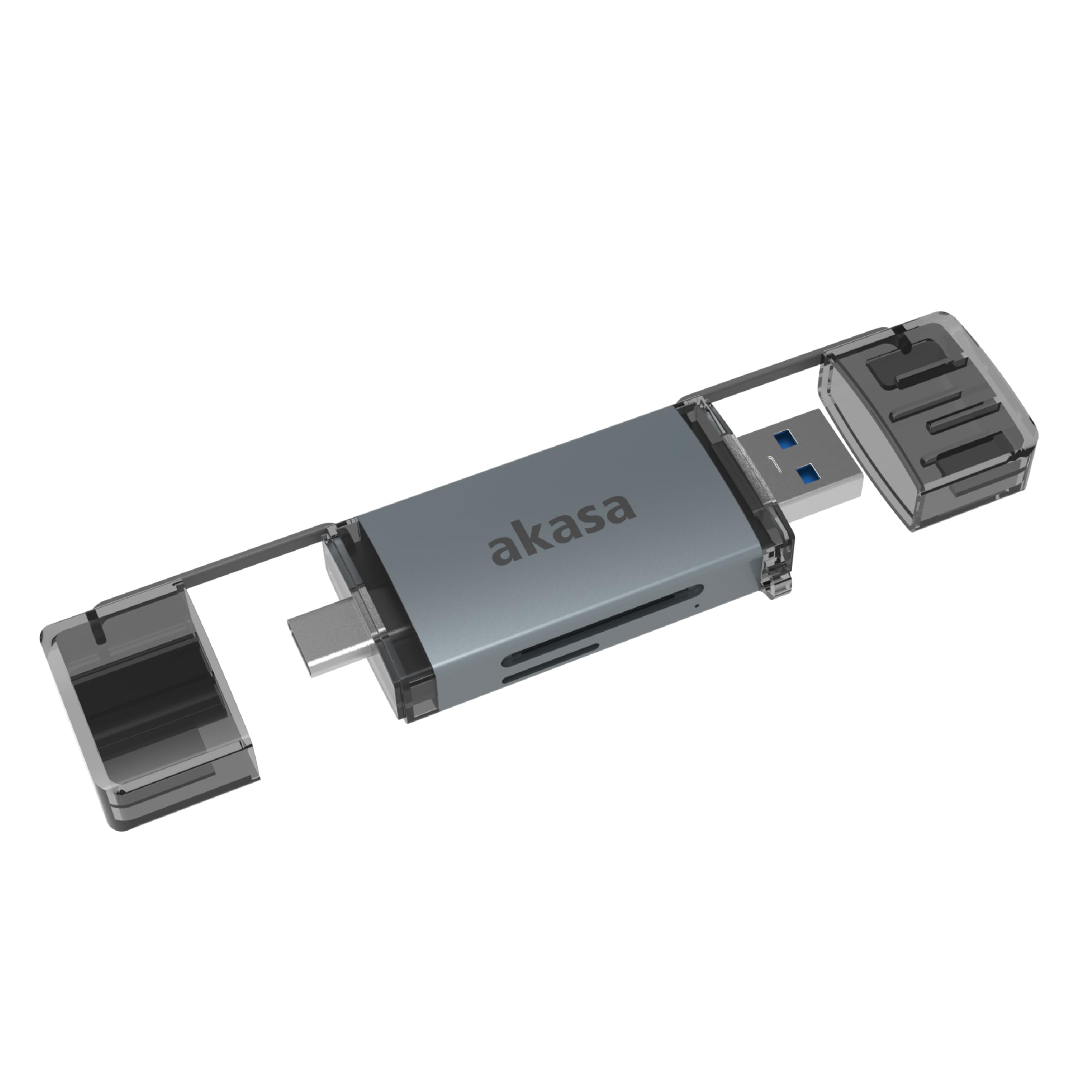
Image: The Akasa AK-CR-12 connected to a laptop, highlighting its USB 3.2 Gen 1 high-speed data transmission capability of up to 5Gbps, compared to USB 2.0's 480Mbps.

Resim: Yakın çekim view of the Akasa AK-CR-12, emphasizing its aluminum housing designed for enhanced heat dissipation and protection, and its ease of plugging into various devices.
Kurulum ve İşletim
- Hafıza Kartını Takın: Gently insert your SD or microSD card into the corresponding slot on the Akasa AK-CR-12. Ensure the card is inserted correctly with the contacts facing down.
- Cihaza Bağlan:
- For devices with a USB Type-C port (e.g., modern laptops, smartphones, tablets), connect the USB Type-C end of the card reader.
- For devices with a USB Type-A port (e.g., older laptops, desktop PCs), connect the USB Type-A end of the card reader.
- Verilere Erişim: Once connected, your operating system should automatically detect the card reader and the inserted memory card. The memory card will appear as a removable drive. You can then access, transfer, and manage fileTıpkı diğer depolama aygıtlarında olduğu gibi.
- Güvenli Şekilde Çıkarın: Before disconnecting the card reader, always safely eject the removable drive through your operating system's interface to prevent data corruption.
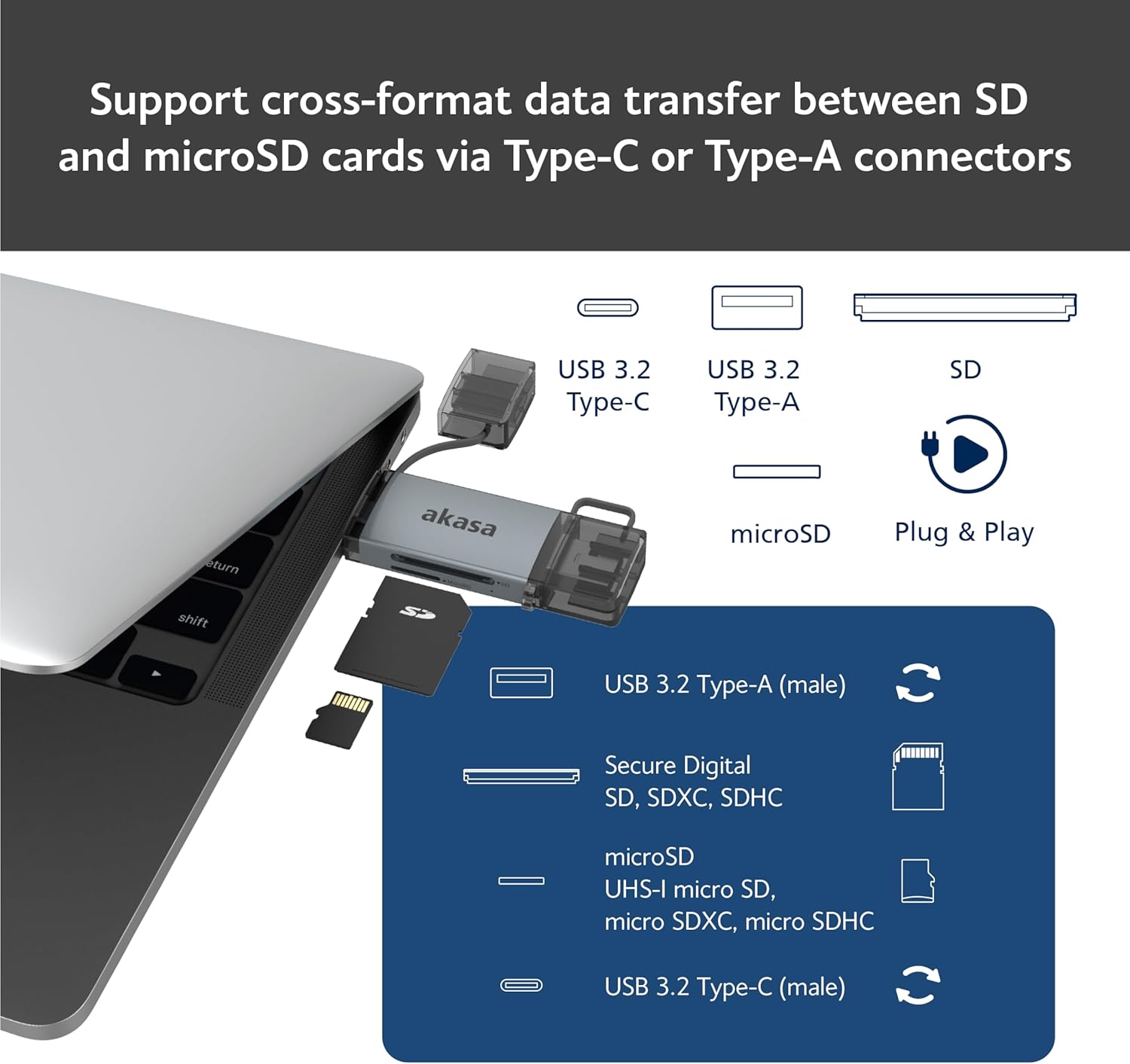
Image: An illustration demonstrating how to support cross-format data transfer between SD and microSD cards using the Type-C or Type-A connectors of the Akasa AK-CR-12, showing the different connector types and card slots.
Uyumluluk
The Akasa AK-CR-12 is designed for broad compatibility with various operating systems and devices:
- İşletim Sistemleri:
- macOS 10.6.2 veya üzeri
- Windows XP/7/8/10/11
- Linux Fedora FC8 or higher
- Android Sistemi
- Uyumlu Cihazlar: Personal Computers, Laptops, Smartphones, Tablets.
- Memory Card Types: Secure Digital (SD, SDHC, SDXC, UHS-I), microSD (microSD, microSDHC, microSDXC).
Note for Smartphone/Tablet Devices:
If an adapter is needed for smartphone/tablet devices, the device must have USB OTG (On-The-Go) functionality to utilize the card reader feature.
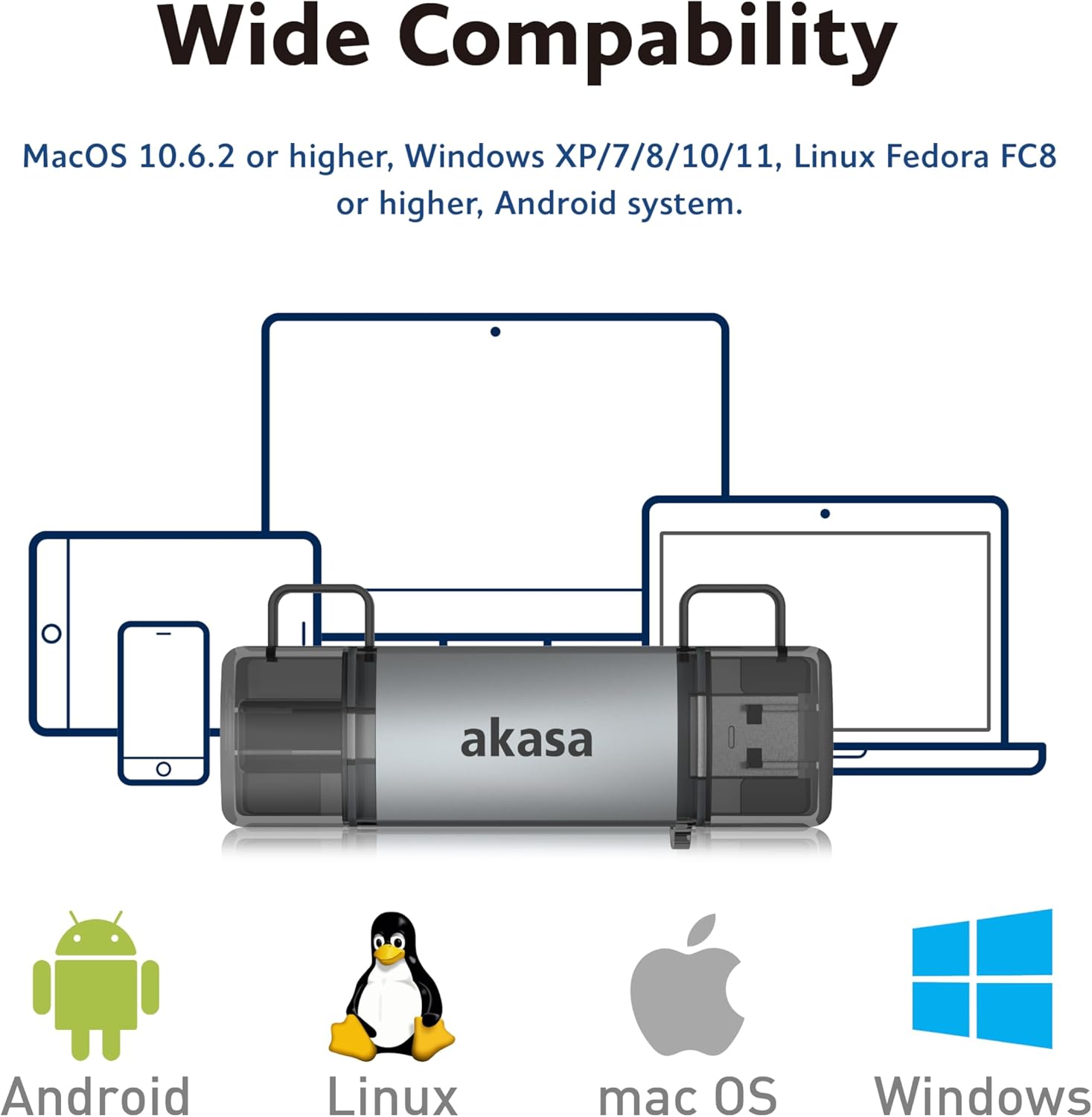
Image: The Akasa AK-CR-12 positioned centrally with logos for Android, Linux, macOS, and Windows operating systems, illustrating its wide compatibility across different platforms.
Özellikler
| Özellik | Detay |
|---|---|
| Başvuru | External USB 3.2 Gen 1 Card Reader |
| Boyutlar | 84.5x25.35x11.4 mm |
| Yukarı Akış Bağlantı Noktaları | USB 3.2 Type-C (male) & USB 3.2 Type-A (male) |
| Memory Card Types | Secure Digital (UHS-I micro SD, micro SDXC, micro SDHC), microSD (micro SD, micro SDXC, micro SDHC) |
| Maksimum Veri Aktarım Hızı | 5Gb/s (USB 3.2 Gen 1 / USB 3.0), 480Mb/s (USB 2.0) |
| İşletim Sistemi Uyumluluğu | macOS 10.6.2 or higher, Windows XP/7/8/10/11, Linux Fedora FC8 or higher, Android System |
| Tak ve Çalıştır | Desteklenen |
| Çalışır Durumda Değiştirilebilir | Desteklenen |
| Ürün Kodu | AK-CR-12 |
| Ürün Ağırlığı | 20 Gram |

Image: A detailed diagram illustrating the physical dimensions of the Akasa AK-CR-12, including its length (84.5mm), width (25.35mm), and thickness (11.4mm).
Sorun giderme
- Cihaz Algılanamadı:
- Ensure the card reader is firmly connected to your device's USB port.
- Try a different USB port on your computer or device.
- Hafıza kartının kart okuyucuya doğru şekilde takıldığından emin olun.
- Test the card reader on another compatible device to rule out a port issue.
- Yavaş Veri Aktarımı:
- Ensure you are connected to a USB 3.0/3.2 port for optimal speeds. Connecting to a USB 2.0 port will result in lower transfer rates (up to 480Mb/s).
- Check the speed class of your memory card; slower cards will limit transfer speeds.
- Çok sayıda küçük parçayı transfer etmekten kaçının fileAynı anda yapın, çünkü bu genel hızı azaltabilir.
- Erişilemiyor Files:
- Ensure the memory card is not write-protected (check for a physical lock switch on SD cards).
- Verify the memory card is formatted correctly for your operating system.
- Try accessing the card directly if your device has a built-in card reader to confirm the card itself is functional.
- Smartphone/Tablet Compatibility:
- Confirm your smartphone or tablet supports USB OTG (On-The-Go) functionality. This is essential for the device to recognize external USB storage.
- Bazı cihazlarda OTG özelliğinin ayarlardan etkinleştirilmesi gerekebilir.
Bakım
- Temizlik: Use a soft, dry cloth to clean the exterior of the card reader. Avoid liquid cleaners or solvents.
- Depolamak: Kart okuyucunuzu serin, kuru ve doğrudan güneş ışığından ve aşırı sıcaklıklardan uzak bir yerde saklayın.
- Koruma: Keep the protective caps on the USB connectors when not in use to prevent dust and damage.
- İşleme: Cihazı düşürmekten veya güçlü darbelere maruz bırakmaktan kaçının.
Garanti ve Destek
Garanti bilgileri ve teknik destek için lütfen resmi Akasa web sitesine başvurun. webWeb sitesini ziyaret edin veya yerel satıcınızla iletişime geçin. Satın alma belgesi olarak satın alma fişinizi saklayın.
Akasa Official Webalan: www.akasa.com.tw