
1. Giriş
This manual provides detailed instructions for the installation, operation, and maintenance of your Hikvision 2-Wire Video Intercom Kit, Model 38084. This system is designed for single-family homes, offering enhanced security and convenience through its 7-inch touchscreen monitor, FullHD outdoor camera, and seamless integration with the Hik-Connect mobile application. Please read this manual thoroughly before installation and use to ensure proper functioning and safety.
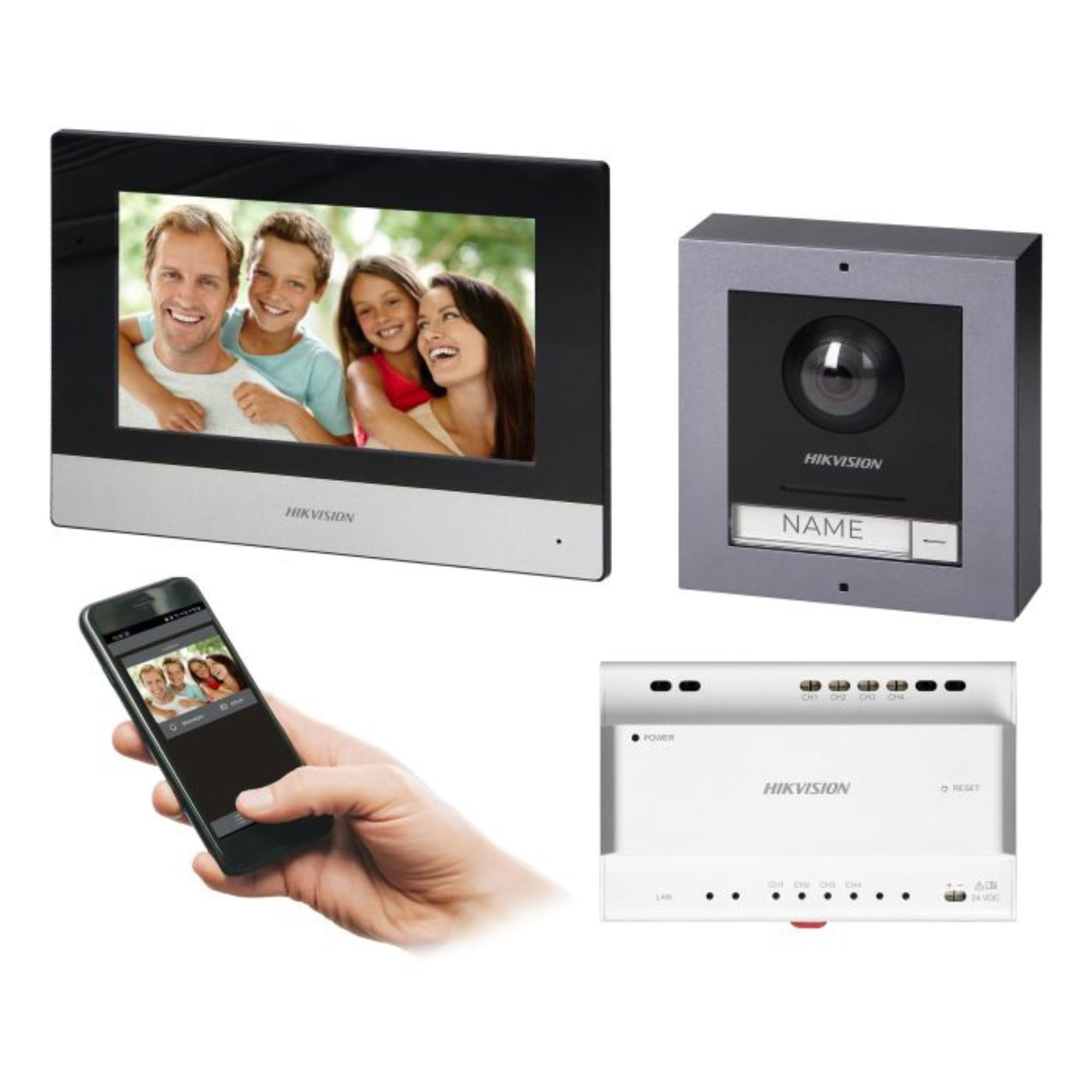
Figure 1: Hikvision 7-inch Video Intercom Monitor (Front View)
The image displays the front view of the Hikvision 7-inch video intercom monitor, featuring a large screen and the Hikvision logo at the bottom.
2. Güvenlik Bilgileri
Yangın, elektrik çarpması ve kişisel yaralanma riskini azaltmak için her zaman temel güvenlik önlemlerine uyun.
- Elektriksel Güvenlik: Installation must be performed by qualified personnel in accordance with all local electrical codes. Disconnect power before installation or servicing.
- Su ve Nem: Do not expose the indoor monitor to rain or moisture. The outdoor panel is IP65 rated for weather resistance but should not be submerged.
- Sıcaklık: Cihazı belirtilen sıcaklık aralığında çalıştırın.
- Temizlik: Temizlik için yumuşak ve kuru bir bez kullanın. Sıvı veya aerosol temizleyiciler kullanmayın.
- Parazit yapmak: Avoid installing near sources of strong electromagnetic interference.
3. Paket İçeriği
Paketin tüm bileşenlerinin mevcut olduğunu doğrulayın:
- 7-inch Indoor Monitor (with WiFi)
- FullHD Outdoor Panel (with Camera and Night Vision)
- 4-Channel Distributor
- Montaj aksesuarları (vidalar, dübeller)
- Kullanım Kılavuzu (bu belge)
- 16 GB MicroSD Card (pre-installed or included for video storage)

Figure 2: Hikvision Outdoor Panel and Mounting Accessories
This image shows the Hikvision outdoor panel alongside its rain shield and a flush-mount box, illustrating the various mounting options available.
4. Kurulum ve Kurulum
The Hikvision video intercom system utilizes a 2-wire installation method, simplifying wiring. Both the indoor monitor and outdoor panel are designed for surface mounting.
4.1 Outdoor Panel Installation
- Konum seç: Select a suitable location near the entrance, ensuring the camera has a clear view of visitors. The panel is IP65 rated for outdoor use.
- Montaj: Use the provided mounting bracket to mark drill holes on the wall. Drill holes, insert wall plugs, and secure the bracket.
- Kablolama: Connect the 2-wire cable from the distributor to the outdoor panel terminals. Ensure correct polarity.
- Güvenli Panel: Attach the outdoor panel to the mounting bracket.

Figure 3: Hikvision Outdoor Panel (Front View)
This image shows the front of the Hikvision outdoor panel, featuring the FullHD camera, speaker grille, call button, and nameplate area.
4.2 İç Mekan Monitör Kurulumu
- Konum seç: Select an indoor location where the monitor is easily accessible and visible.
- Montaj: Use the provided mounting plate to mark and drill holes. Secure the mounting plate to the wall.
- Kablolama: Connect the 2-wire cable from the distributor to the indoor monitor terminals.
- Güç Bağlantısı: Connect the monitor to a power source (mains electricity).
- Güvenli İzleme: Attach the indoor monitor to the mounting plate.

Figure 4: Hikvision Indoor Monitor (Back View) and Mounting Plate
The image displays the rear of the Hikvision indoor monitor, showing its connection ports and the separate mounting plate used for installation.
4.3 System Wiring Diagram (General)
The 2-wire system connects the outdoor panel, indoor monitor, and the 4-channel distributor. The distributor manages power and data communication between the devices.
- Connect the outdoor panel to the distributor using a 2-wire cable.
- Connect the indoor monitor to the distributor using a 2-wire cable.
- Ensure the distributor is powered.
- For electric lock control, additional power may be required for the lock itself, connected via the outdoor panel.
4.4 Wi-Fi Bağlantısı
After physical installation, power on the monitor. Navigate to the network settings on the 7-inch touchscreen to connect to your 2.4 GHz Wi-Fi network (802.11 b/g/n standard). This enables smartphone communication via the Hik-Connect app.
5. Kullanım Talimatları
5.1 Indoor Monitor Functions
- Dokunmatik Ekran: Navigate menus and control functions using the 7-inch touch screen.
- İnterkom Fonksiyonu: Communicate with visitors at the outdoor panel or other indoor monitors (if expanded).
- Hafıza Fonksiyonu: The monitor supports a memory function, likely for capturing images or short video clips of visitors.
- SD Kart Okuyucu: A 16GB MicroSD card is included for storing recorded video streams.
- Ringtone Management: Choose from 3 available ringtones. Adjust volume or mute the ringtone as needed.
- Kapı Kontrolü: Use the monitor to remotely open an electric lock connected to the system.
- CCTV Camera Integration: The system can be expanded to integrate up to 16 CCTV cameras.
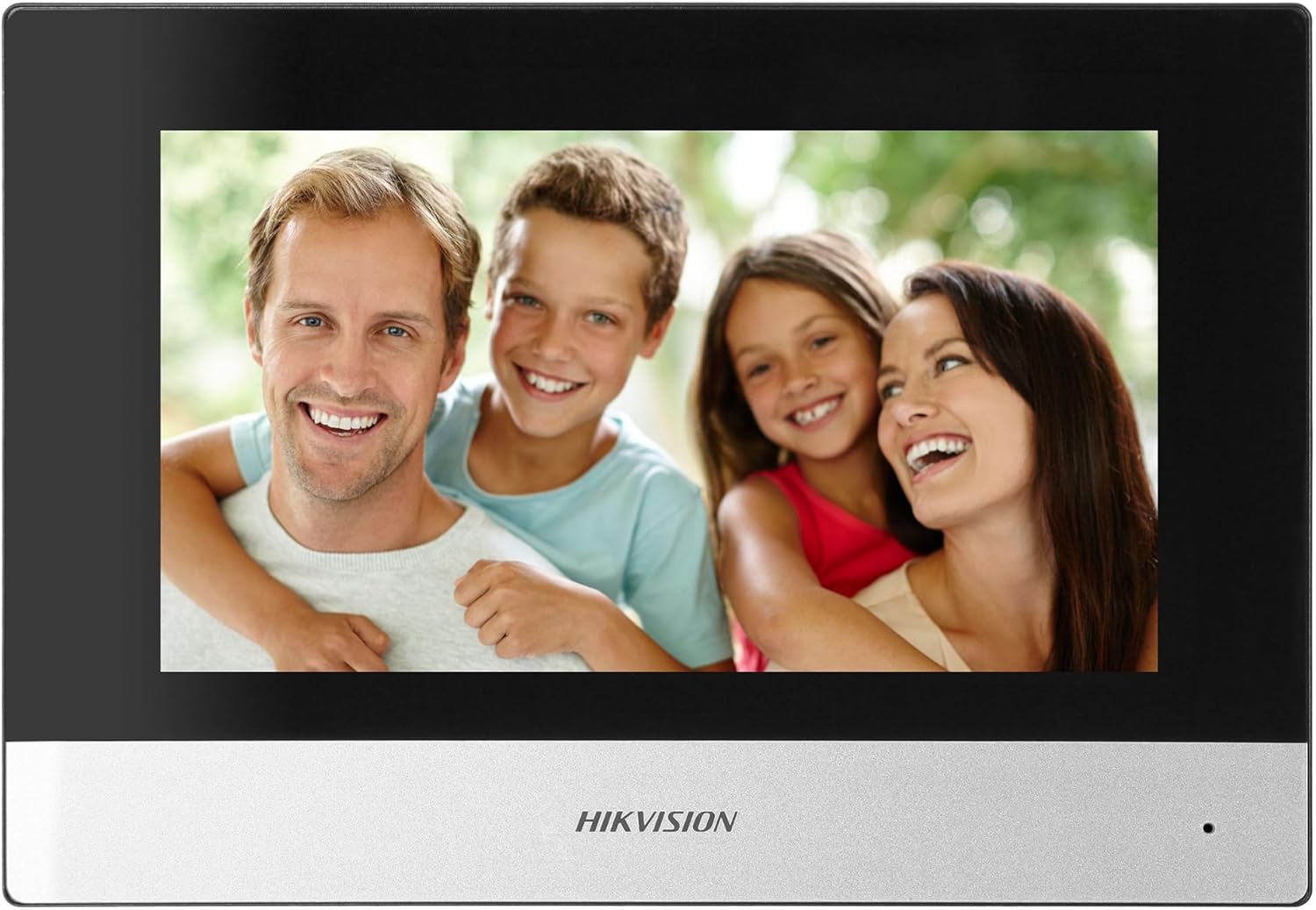
Figure 5: Hikvision Indoor Monitor (Front View)
This image shows the Hikvision 7-inch indoor monitor from the front, highlighting its sleek design and large display area.
5.2 Outdoor Panel Operation
- Arama tuşu: Visitors press the single call button to initiate a call to the indoor monitor.
- FullHD Camera: Provides a 2MP (1920x1080p) video feed with a wide viewing angle (96°/180°).
- Gece Görüşü: Integrated IR illumination ensures clear visibility even in low-light conditions.
- İsim Plakası: A space is provided for a nameplate or label.

Figure 6: Hikvision Outdoor Panel (Angled View)
Açısal bir view of the Hikvision outdoor panel, showcasing its robust construction and integrated camera and call button.
5.3 Hik-Connect Mobile Application
Download the Hik-Connect app from your smartphone's app store. Once installed and configured with your system, you can:
- Receive calls from the outdoor panel on your smartphone.
- View live video from the outdoor camera.
- Remotely open the door.
- Access recorded video footage.
6. Bakım
Düzenli bakım, interkom sisteminizin uzun ömürlü olmasını ve optimum performans göstermesini sağlar.
- Temizlik: Wipe the monitor screen and outdoor panel with a soft, damp bez. Aşındırıcı temizleyicilerden kaçının.
- Donanım Yazılımı Güncellemeleri: Periodically check for firmware updates via the Hik-Connect app or Hikvision's official webSisteminizin en yeni özelliklere ve güvenlik yamalarına sahip olduğundan emin olmak için bu siteyi kullanın.
- Kablo Denetimi: Periodically inspect all wiring for any signs of wear or damage.
- Outdoor Panel Lens: Keep the camera lens on the outdoor panel clean for clear video quality.
7. Sorun Giderme
Sorunlarla karşılaşırsanız aşağıdaki genel sorun giderme adımlarına bakın:
- Güç Yok: Check all power connections and ensure the distributor is receiving power.
- Video/Ses Yok: Verify the 2-wire connections between the outdoor panel, monitor, and distributor. Ensure correct polarity.
- WiFi Bağlantı Sorunları: Ensure your router is operating on 2.4 GHz. Re-enter WiFi credentials on the monitor. Check signal strength.
- Kapı kilidi açılmıyor: Confirm the electric lock has its own power supply if required. Check wiring from the outdoor panel to the lock.
- Zayıf Gece Görüşü: Ensure the outdoor camera lens is clean and free from obstructions.
8. Özellikler
| Tip | Tek ailelik |
| Video Fonksiyonu | Evet |
| Güç Kaynağı | Şebeke elektriği |
| Şanzıman Tipi | Kablolu (2 telli) |
| Smartphone Communication | Yes (via Hik-Connect app) |
| Wi-Fi Frekansı | 2.4 GHz |
| Wi-Fi standart | 802.11 b/g/n |
| Kurulum Yöntemi | 2-wire, Surface Mount |
| Maks. Monitörler | 3'a kadar genişletilebilir |
| Max. Outdoor Panels | 1'a kadar genişletilebilir |
| Max. CCTV Cameras | 16'a kadar genişletilebilir |
| Elektrikli Kilit Kontrolü | Yes (requires additional power for lock) |
| Gündüz / Gece İşlevi | Evet |
| Montaj Yöntemi | Yüzey Montajı |
| Hands-free System | Evet |
| Ekran köşegeni | 7 inç |
| Çözünürlük | 1024x600 |
| Dokunmatik Ekran | Evet |
| Video Sistemi | PAL, Renk |
| Hafıza Fonksiyonu | Evet |
| SD Kart Okuyucu | Yes (16GB card included) |
| İnterkom İşlevi | Evet |
| Zil sesleri | 3 |
| Malzeme | Plastik |
| Renk | Siyah |
| Boyutlar (G x Y x D) | 140 mm x 200 mm x 15 mm |
| Çağrı Düğmeleri | 1 |
| Montaj Yöntemi | Yüzey Montajı |
| Kamera Çözünürlüğü | 2MP, 1920x1080 (FullHD) |
| Kamera ViewAçı | 96°/180° |
| Gece Aydınlatması | IR (Kızılötesi) |
| PTZ İşlevi | HAYIR |
| Proximity Kart Okuyucu | HAYIR |
| Nameplate Space | Evet |
| Vandalizme karşı dayanıklı | HAYIR |
| Koruma Derecesi | IP65 |
| Malzeme | Çelik |
| Renk | Gümüş |
| Boyutlar (G x Y x D) | 98 mm x 99.8 mm x 43.9 mm |
| Ürün Boyutları | 20x15x10 cm |
| Ürün Ağırlığı | 1 kilo |
| Model Numarası | 38084 |
9. Garanti ve Destek
Garanti bilgileri ve teknik destek için lütfen resmi Hikvision web sitesine başvurun. webSatın alma fişinizi saklayın veya yerel distribütörünüzle iletişime geçin. Garanti talepleriniz için satın alma fişinizi saklayın.
- Çevrimiçi destek: Ziyaret etmek www.hikvision.com for product documentation, FAQs, and support resources.
- Müşteri Hizmetleri: Contact your retailer or authorized Hikvision service center for assistance.